00191025-01.pdf - 第501页
10 SI PLACE G SIPLACE 80S/F/G User’s Manual 10.5 Error Menus Edition 07/97 from Software Version S R.010.xx 10 - 34
SIPLACE 80S/F/G User’s Manual 10 SIPLACE G
Edition 07/97 from Software Version SR.010.xx 10.5 Error Menus
10 - 33
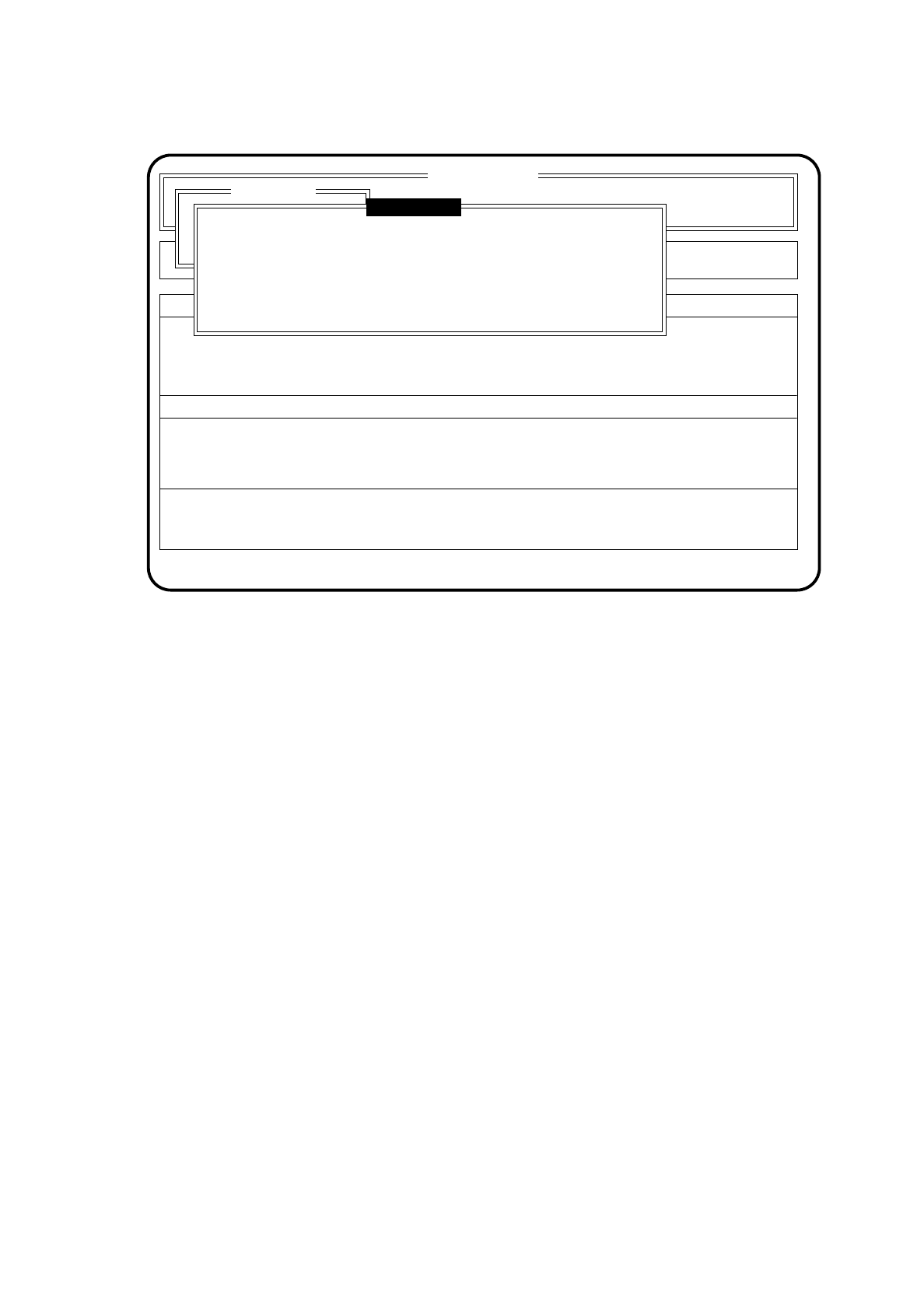
Fig. 10.5.6
●
Use the space bar to select Cycle mode on (X) or Cycle mode off ( ) and confirm your selection with the
Return key.
●
For each step of the glueing procedure you must now press the start key. The Abort menu will remain
displayed on the screen.
●
Use the cursor keys to move the cursor bar onto the menu item "Continue glueing".
After this, press the
Return key
.
The machine will continue with the glueing procedure in the Cycle mode once the start key has been
pressed.
SI 80G V 10.x
Display errors
Confirm errors
Machine options
Error
State
Action
:
:
:
Abort menu
Continue placement
Esc: abort Ret: input Blank: select
( ) Cycle mode
Cycle mode

10 SIPLACE G SIPLACE 80S/F/G User’s Manual
10.5 Error Menus Edition 07/97 from Software Version SR.010.xx
10 - 34
SIPLACE 80S/F/G User’s Manual 10 SIPLACE G
Edition 07/97 from Software Version SR.010.xx 10.6 Display Functions
10 - 35
10.6 Display Functions
10.6.1 Display Errors
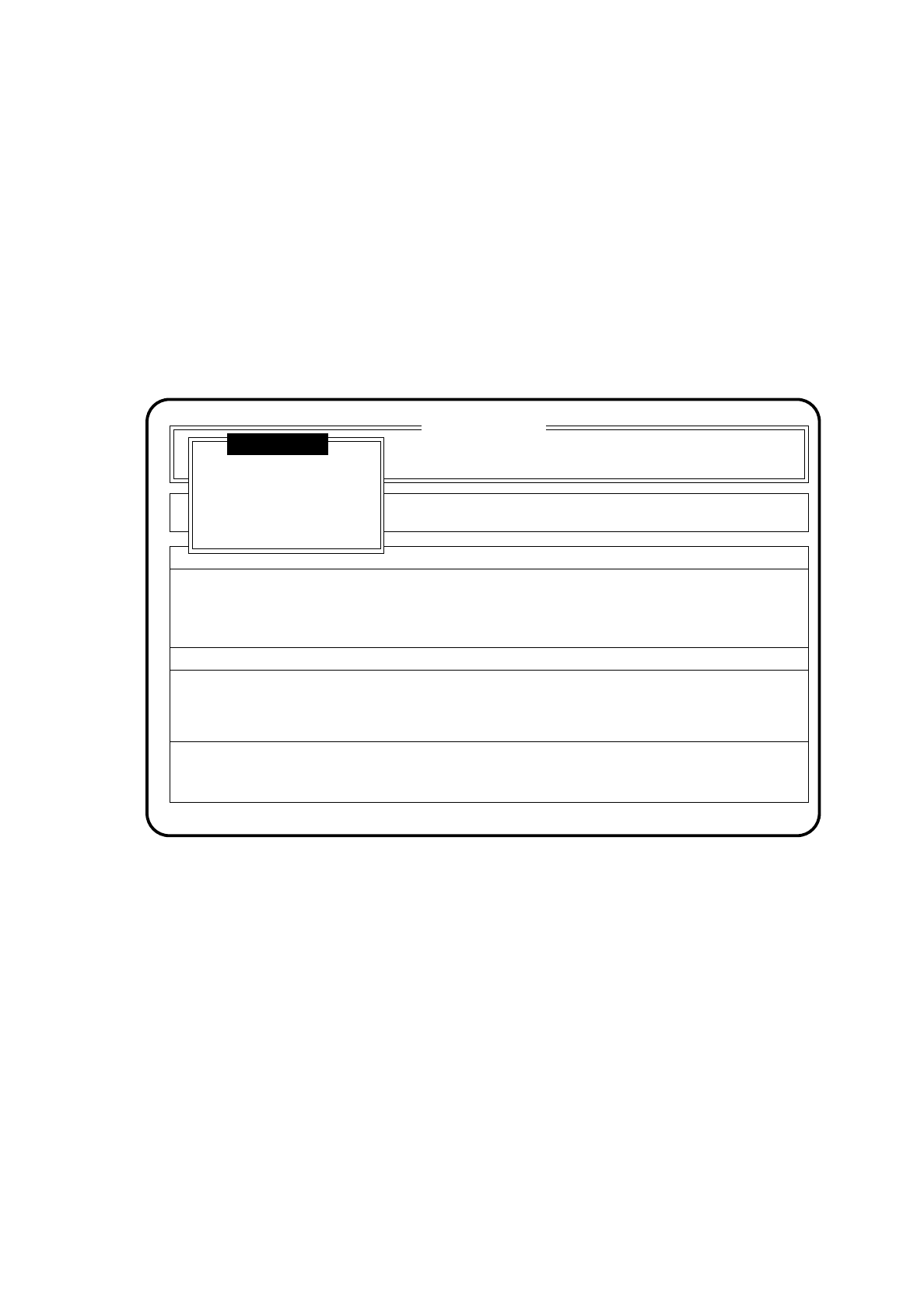
In the menu "Display errors" various classes of errors can be called up and displayed. The menu "Machine
errors" can be accessed under the "Display errors" menu as well as under various error menus.
In the main menu use the cursor keys to select the menu item "Display errors". Then press the
Return key
. On
the screen the menu "Display errors" is displayed.
Fig. 10.6.1
10.6.1.1 Machine errors display
Under the menu "Display errors" use the cursor keys to select the menu item "Machine errors" or under the
active error menu the menu item "machine errors". Then press the
Return key
. On the screen the menu
"Machine errors " will be displayed.
SI 80G V 10.x
Cluster:
Display errors
Confirm errors
Machine options
Error
State
Action
:
:
:
Rüstung :
Machine errors
Display errors
Transport errors
General errors