00191025-01.pdf - 第507页
10 SIPL ACE G SIPLACE 80S /F/G User’s Manual 10.6 Display Functions Edition 07/97 from S oftware Version SR.010.xx 10 - 40

SIPLACE 80S/F/G User’s Manual 10 SIPLACE G
Edition 07/97 from Software Version SR.010.xx 10.6 Display Functions
10 - 39
10.6.2 Confirm errors
In the menu "Confirm errors" errors which are displayed on the screen can be deleted.
In the main menu use the cursor keys to select the menu item "Confirm errors". Then press the
Return key
.
Displayed errors will be deleted from the screen.
These deleted errors will however remain in the corresponding menu "Display errors" (see Section 10.6.1).

10 SIPLACE G SIPLACE 80S/F/G User’s Manual
10.6 Display Functions Edition 07/97 from Software Version SR.010.xx
10 - 40
SIPLACE 80S/F/G User’s Manual 10 SIPLACE G
Edition 07/97 from Software Version SR.010.xx 10.7 Single Functions
10 - 41
10.7 Single Functions
10.7.1 Flow Chart G
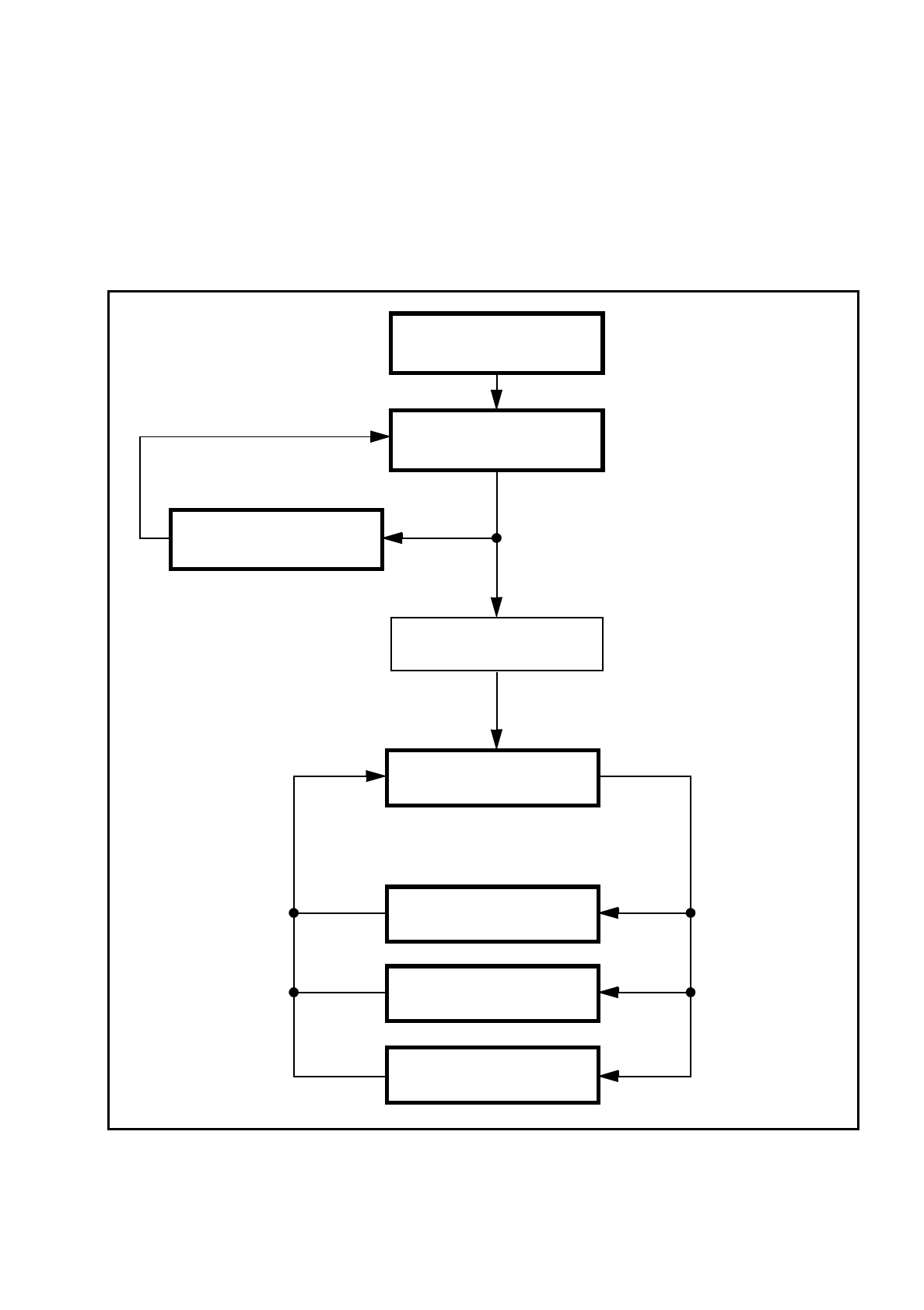
Fig. 10.7.1 Flow chart - single functions
Menu single functions
SIPLACE main menu
Entire head ref. run
Transport functions 80
Portal functions G
Glueing unit 1/2/3
Cleaning pad functions
Gantry