00191025-01.pdf - 第559页
15 Software Installation SIPLACE 80S/F/G User’s M anual 15.1 Station Computer Software Version from 8.x E dition 12/96 from Software Version SR.009.xx 15 - 4 Fig. 15.1.2 NOTE On the r ight side of the screen the machine …

SIPLACE 80S/F/G User’s Manual 15 Software Installation
Edition 12/96 from Software Version SR.009.xx 15.1 Station Computer Software Version from 8.x
15 - 3
15.1 Station Computer Software Version from 8.x
15.1.1 General
The SIPLACE software is installed using an installation program which carries out the entire installation proce-
dure automatically. In addition, various functions (Save and Reset the machine data, Language and IEC bus
address) can be executed independently of installation.
The installation program for the SIPLACE 80S consists of 3 diskettes (#1/ #2/ #3).
The installation program for the SIPLACE 80F consists of 3 diskettes (#1/ #2/ #3).
The installation program for the SIPLACE G consists of 2 diskettes (#1/ #2).
15.1.2 Installation Sequence
●
Insert diskette #1 into drive A of the station computer.
●
Boot the computer.
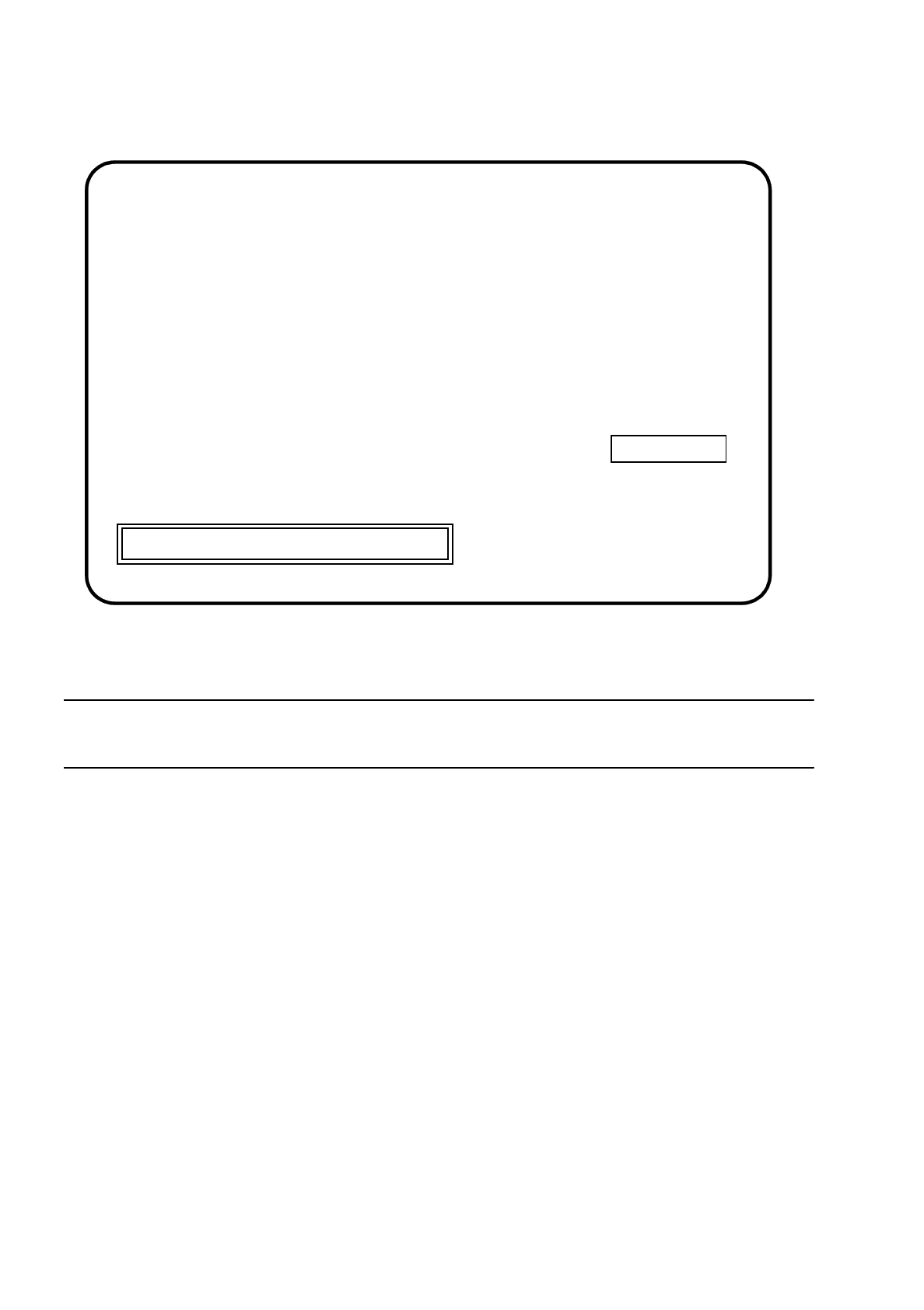
The following screen will appear:
Fig. 15.1.1
●
If you wish to abort installation, press the Esc key.
●
Press any key to continue with the installation.
The following screen will appear:
INSTALL sublicense:
The installation program used to install "SIPLACE software",
Install is licensed software provided by Knowledge Dynamics Corp. P. O.
Box .....................
Press [Esc] to quit, any other key to continue
15 Software Installation SIPLACE 80S/F/G User’s Manual
15.1 Station Computer Software Version from 8.x Edition 12/96 from Software Version SR.009.xx
15 - 4
Fig. 15.1.2
NOTE
On the right side of the screen the machine type and the software version will be displayed.
●
Press the ESC key to abort installation.
●
Press any key to continue with installation.
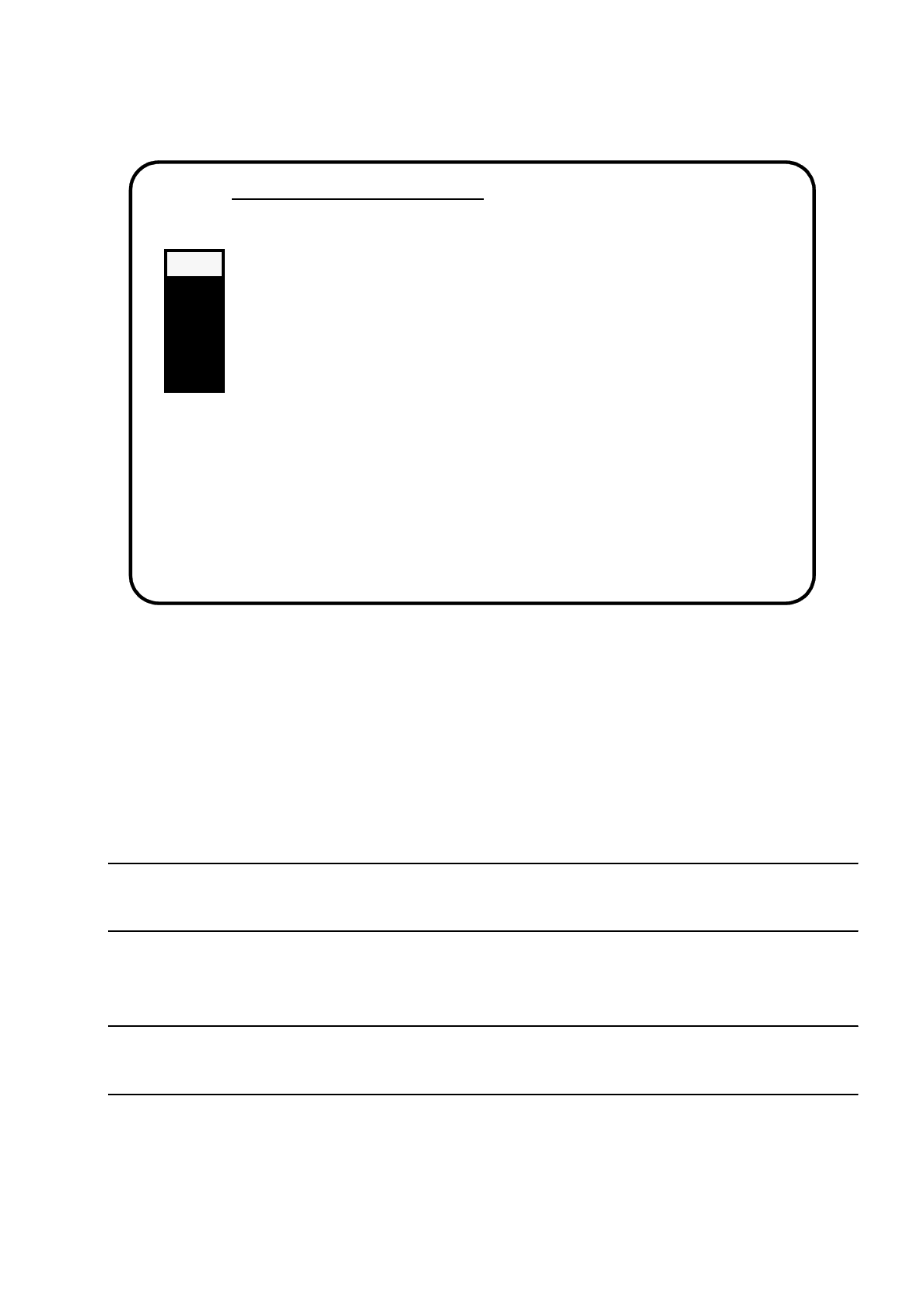
The main menu will be displayed on the screen:
Press [Esc] to quit, any other key to continue
SIPLACE
SIEMENS AG
***
INSTALLATION
SI80X007.xxx
SIPLACE 80S/F/G User’s Manual 15 Software Installation
Edition 12/96 from Software Version SR.009.xx 15.1 Station Computer Software Version from 8.x
15 - 5
Fig. 15.1.3
15.1.2.1 Install Revision of SIPLACE Software
In this submenu the entire installation of the software will be performed. All steps necessary to install the soft-
ware will be carried out automatically.
All other menu functions can be carried out individually, independently from the installation.
NOTE
Machine data are saved and backed up automatically. It is not necessary to do this from the main menu.
●
Use the cursor keys to select the submenu "Install Revision of SIPLACE Software".
NOTE
If you select a submenu, it is blinking in grey.
●
Confirm selection by pressing the Return key.
The installation will be started and the following display will be shown on the screen.
Main Menue of SIPLACE Installation
>>> -----------------------------Install Revision of SIPLACE Software
>>> -----------------------------Set Language Configuration of SIPLACE System
>>> -----------------------------Set Address of IEC Bus of SIPLACE System
>>> -----------------------------Save Machine Data (
⇒
Partition "D:")
>>> -----------------------------Install Saved Machine Data(
⇐
Partition "D:")
>>> -----------------------------Terminate SIPLACE Installation Programm
Use the [Up Arrow] [Down Arrow] [Pg Up] [Pg Dn] keys to move the highlight bar to select the
button you prefer.
Press [Enter] to activate your selection