00191025-01.pdf - 第561页
15 Software Installation SIPLACE 80S/F/G User’s Manual 15.1 Station Computer Software Version from 8.x Edition 12/96 from S oftware Version SR.009.xx 15 - 6 Fig. 15.1.4 ● Use the curso r keys to select whethe r to contin…
SIPLACE 80S/F/G User’s Manual 15 Software Installation
Edition 12/96 from Software Version SR.009.xx 15.1 Station Computer Software Version from 8.x
15 - 5
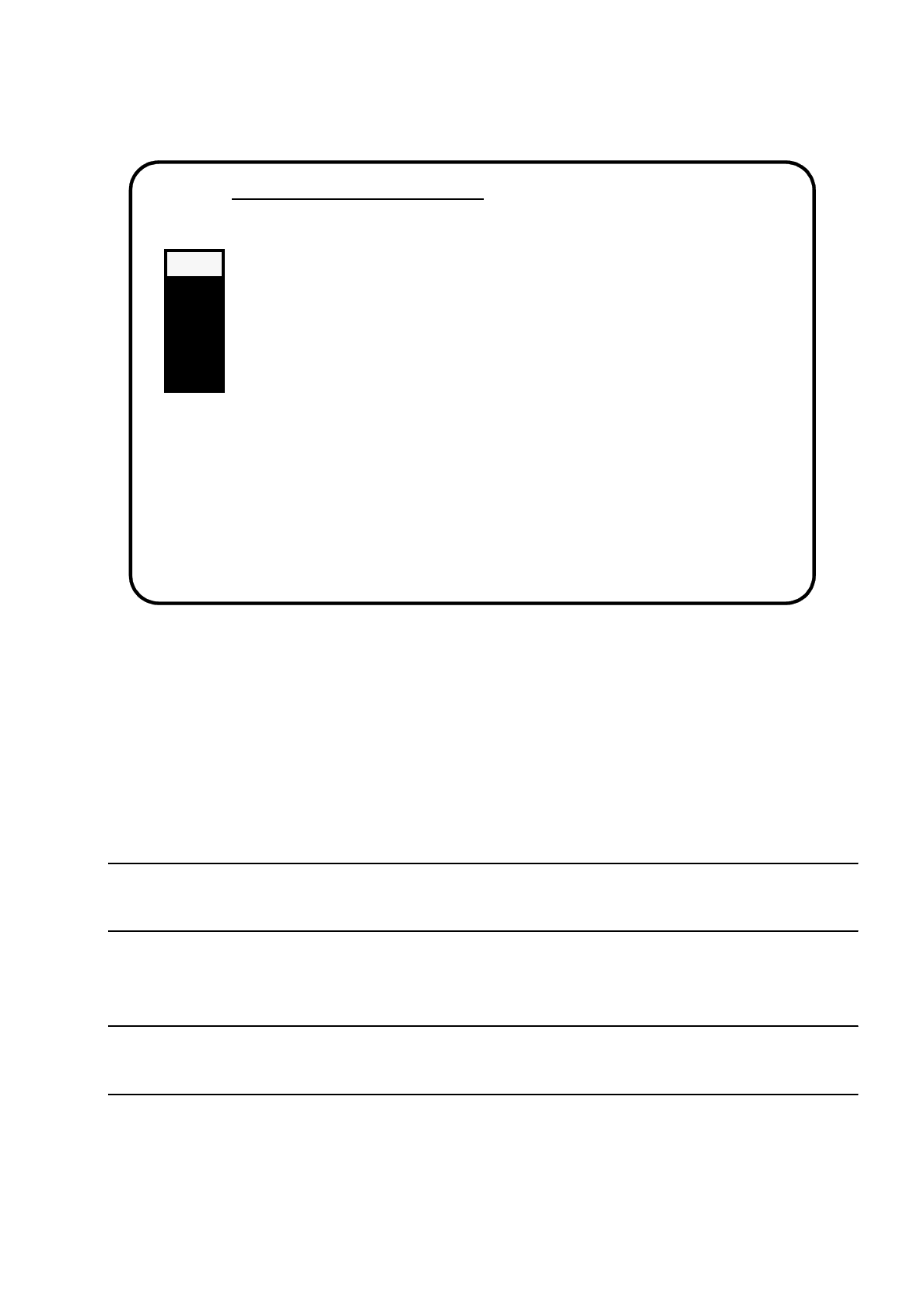
Fig. 15.1.3
15.1.2.1 Install Revision of SIPLACE Software
In this submenu the entire installation of the software will be performed. All steps necessary to install the soft-
ware will be carried out automatically.
All other menu functions can be carried out individually, independently from the installation.
NOTE
Machine data are saved and backed up automatically. It is not necessary to do this from the main menu.
●
Use the cursor keys to select the submenu "Install Revision of SIPLACE Software".
NOTE
If you select a submenu, it is blinking in grey.
●
Confirm selection by pressing the Return key.
The installation will be started and the following display will be shown on the screen.
Main Menue of SIPLACE Installation
>>> -----------------------------Install Revision of SIPLACE Software
>>> -----------------------------Set Language Configuration of SIPLACE System
>>> -----------------------------Set Address of IEC Bus of SIPLACE System
>>> -----------------------------Save Machine Data (
⇒
Partition "D:")
>>> -----------------------------Install Saved Machine Data(
⇐
Partition "D:")
>>> -----------------------------Terminate SIPLACE Installation Programm
Use the [Up Arrow] [Down Arrow] [Pg Up] [Pg Dn] keys to move the highlight bar to select the
button you prefer.
Press [Enter] to activate your selection
15 Software Installation SIPLACE 80S/F/G User’s Manual
15.1 Station Computer Software Version from 8.x Edition 12/96 from Software Version SR.009.xx
15 - 6
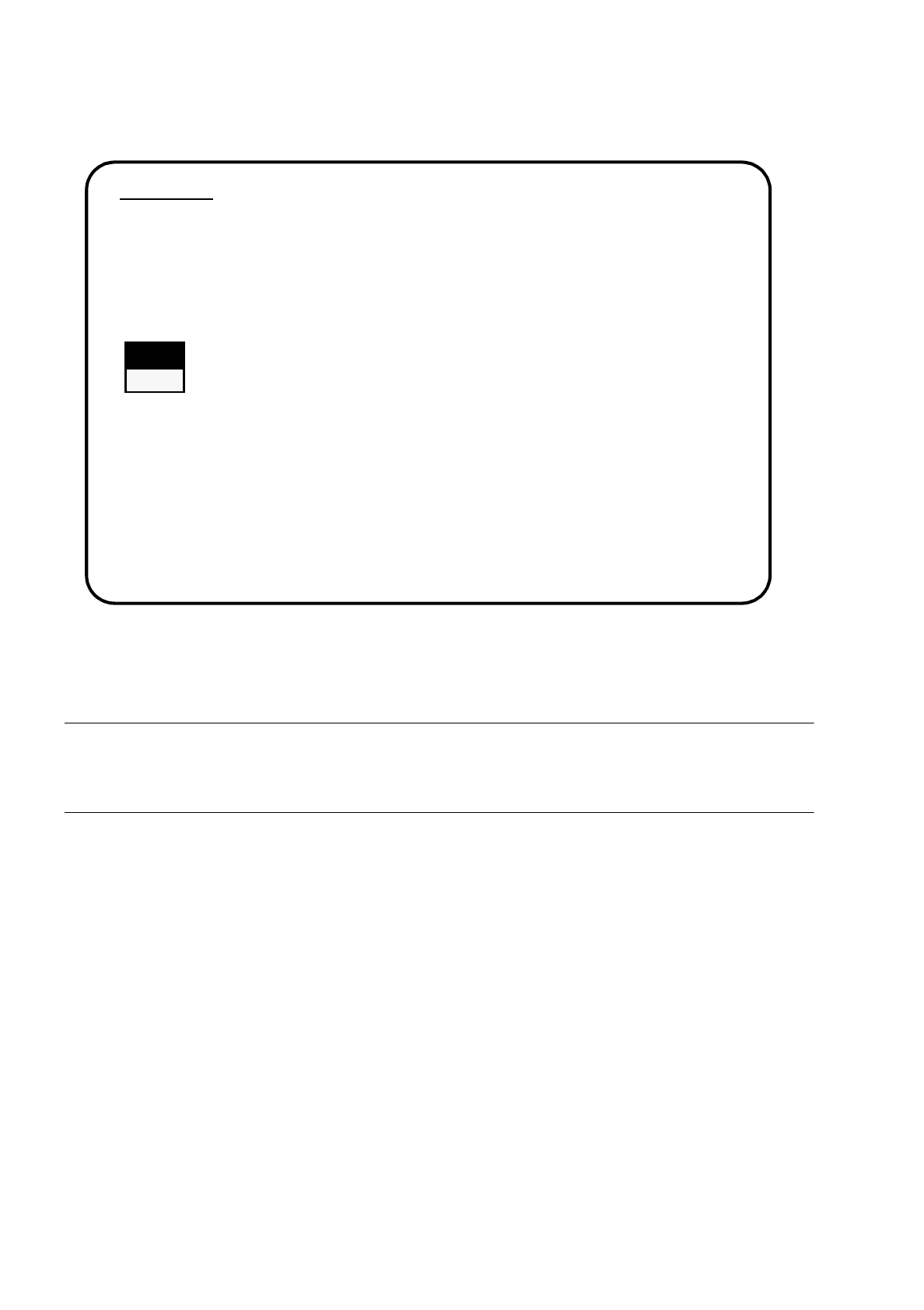
Fig. 15.1.4
●
Use the cursor keys to select whether to continue with installation or to abort.
WARNING
∆
!
∆
!
All user data will be deleted. Save your user data on diskettes, if necessary.
●
Confirm pressing the Return key.
The installation procedure will be continued and the following display appears on the screen.
1. WARNING
SIPACE installation will only save files keeping machine data. All other files of user’s
interest have to be saved on floppy disc by user manually. Otherwise these files will be
deleted.
Continue SIPLACE Installation Job?
>>> -----------------------------Install Revision of SIPLACE Software
>>> ----- No
>>> ----- Yes
Use the [Up Arrow] [Down Arrow] [Pg Up] [Pg Dn] keys to move the highlight bar to select the
button you prefer.
Press [Enter] to activate your selection
SIPLACE 80S/F/G User’s Manual 15 Software Installation
Edition 12/96 from Software Version SR.009.xx 15.1 Station Computer Software Version from 8.x
15 - 7
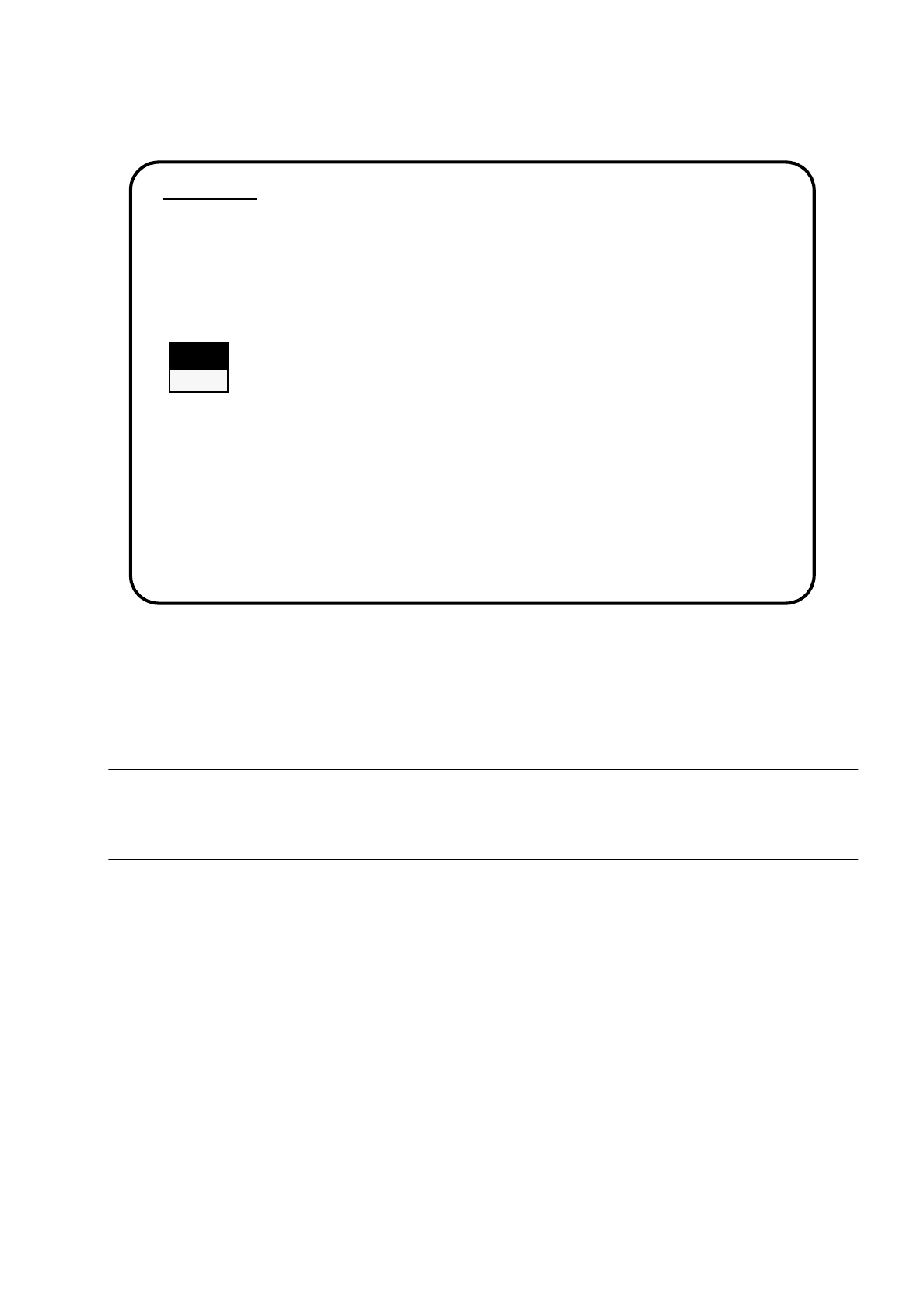
Fig. 15.1.5
●
Use the cursor keys to select whether to continue with installation or to abort.
●
Confirm your choice by pressing the Return key.
WARNING
∆
!
∆
!
Partition C: will be formatted. All data will now be deleted.
●
Reinstallation will be continued.
●
You will be asked to insert each of the remaining disks in turn into the drive (see illustration below).
2. WARNING
Partition "C:" of your hard disc will be formatted:
⇒
all files will be deleted.
Continue SIPLACE Installation Job?
>>> -----------------------------Install Revision of SIPLACE Software
>>> ----- No
>>> ----- Yes
Use the [Up Arrow] [Down Arrow] [Pg Up] [Pg Dn] keys to move the highlight bar to select the
button you prefer.
Press [Enter] to activate your selection