00191025-01.pdf - 第564页
SIPLACE 80S/F/G User’s Manual 15 Software Installation Edition 12/96 from S oftware Version SR.009.xx 15.1 Station Computer Software Version from 8.x 15 - 9 ● Take th e last inst allation dis k out of the d rive. ● Switc…
15 Software Installation SIPLACE 80S/F/G User’s Manual
15.1 Station Computer Software Version from 8.x Edition 12/96 from Software Version SR.009.xx
15 - 8
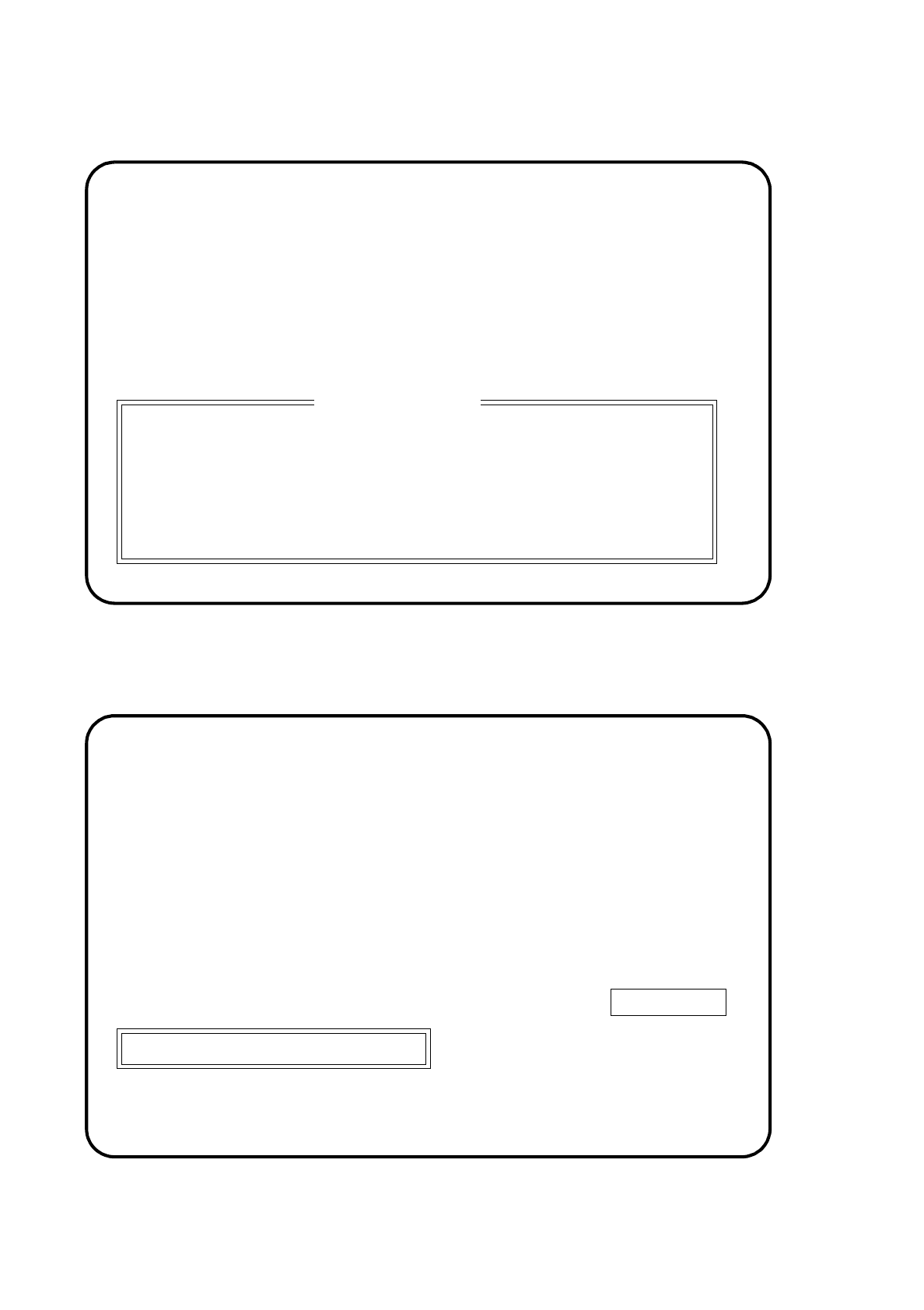
Fig. 15.1.6
●
Once the final disk has been used in the installation, the following display will appear on the screen:
Fig. 15.1.7
PRESS ANY KEY
Please insert the disk labeled
"Disk #2"
for SIPLACE Version SI80X.007.xxx:
into drive A and close the drive door.
Installation terminated
Please remove installation disc and switch off SIPLACE machine
SIPLACE
SIEMENS AG
***
INSTALLATION
SI80X007.xxx
SIPLACE 80S/F/G User’s Manual 15 Software Installation
Edition 12/96 from Software Version SR.009.xx 15.1 Station Computer Software Version from 8.x
15 - 9
●
Take the last installation disk out of the drive.
●
Switch off the machine at the main switch and reboot the system.
NOTE
If a software version was already installed, this specified language and the IEC bus address set will be speci-
fied and set.
15.1.2.2 Setting the Language Configuration of SIPLACE System
In this submenu you can change the language setting.
●
Use the cursor keys to select the submenu "Set language configuration of SIPLACE system".
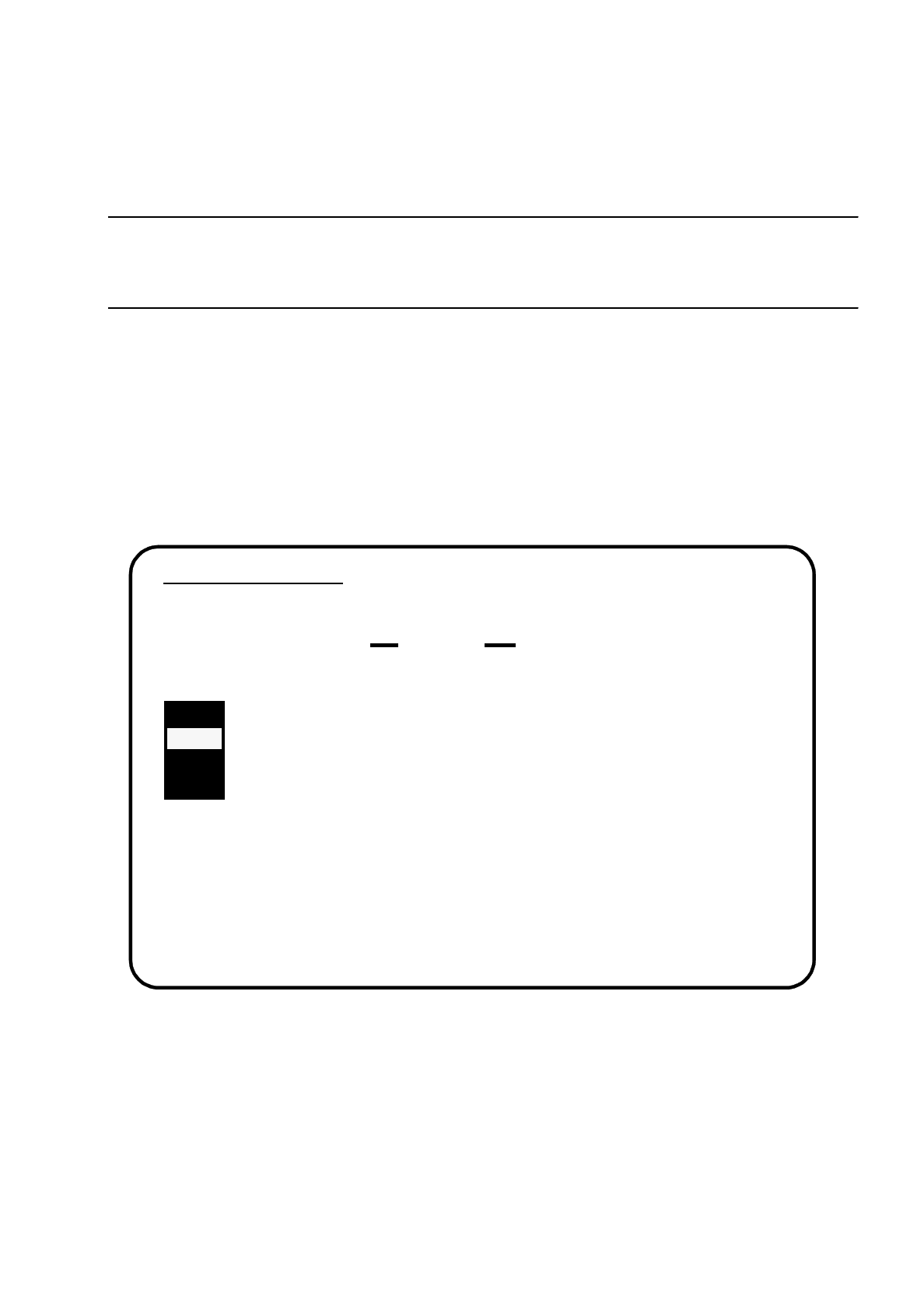
The following display will appear on the screen.
Fig. 15.1.8
●
Select the language you want and confirm your choice with the
Return
key.
Language Configuration
Selected Language is .....
GERMAN
Please select language of SIPLACE system:
>>> ----- GERMAN
>>> ----- ENGLISH
>>> ----- FRENCH
>>> ----- ITALIAN
Use the [Up Arrow] [Down Arrow] [Pg Up] [Pg Dn] keys to move the highlight bar to select the
button you prefer.
Press [Enter] to activate your selection
15 Software Installation SIPLACE 80S/F/G User’s Manual
15.1 Station Computer Software Version from 8.x Edition 12/96 from Software Version SR.009.xx
15 - 10
15.1.2.3 Setting the Address of the SIPLACE System IEC Bus
In this submenu you can change the IEC bus address.
●
Use the cursor keys to select the submenu "Set address of IEC bus of SIPLACE system".
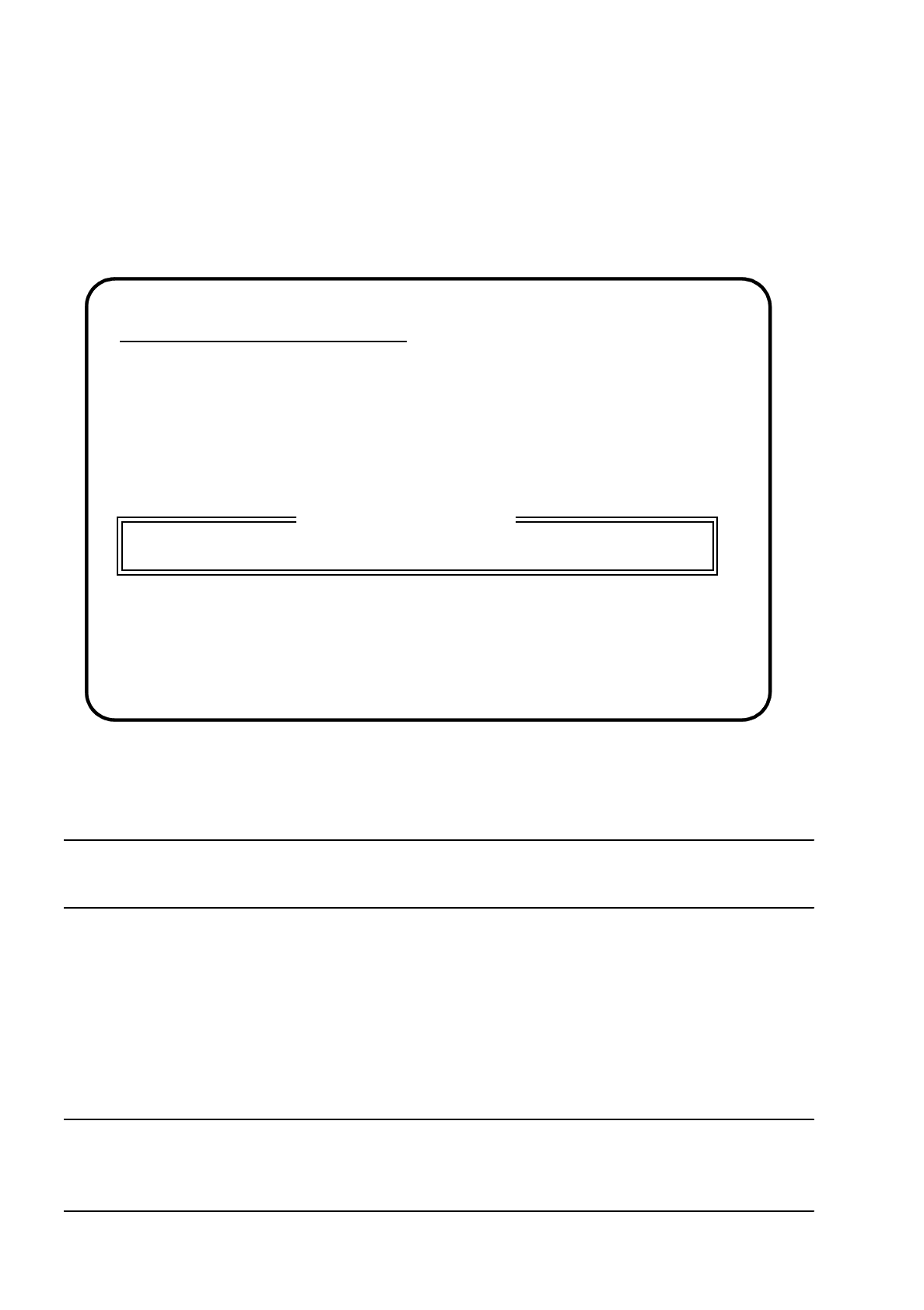
The following display will appear on the screen.
Fig. 15.1.9
NOTE
You can input a new IEC bus address between 1 and 30.
●
Input the new IEC address and confirm your choice with the
Return
key.
15.1.2.4 Saving Machine Data ( ->
Partition "D:")
For test purposes (SITEST, for example) you can back up the machine data independently of the software
installation.
NOTE
This function is solely for servicing or testing purposes and should therefore only be used by a trained and
experienced service engineer.
Please Type Address of IEC Bus
Actual Address of IEC Bus > X <
(Valid Address Number for IEC Bus for
≤
IEC Bus Address
≤
30
)
Press [Esc] to clear input line
New Address of IEC bus
18