TR7500_Series_Software_v29_En - 第253页
Test Research Inc. TR7500 Series User Guide – Software v.2.9.0 231 Figure 386 : Set Two Polarit y Pair Windows 9.2.8 Align The [Align] wind ow uses the projection in X-Y direction (Method3) to reloca te an IC or Rnet (Cn…
Test Research Inc.
230 TR7500 Series User Guide –Software v.2.9.0
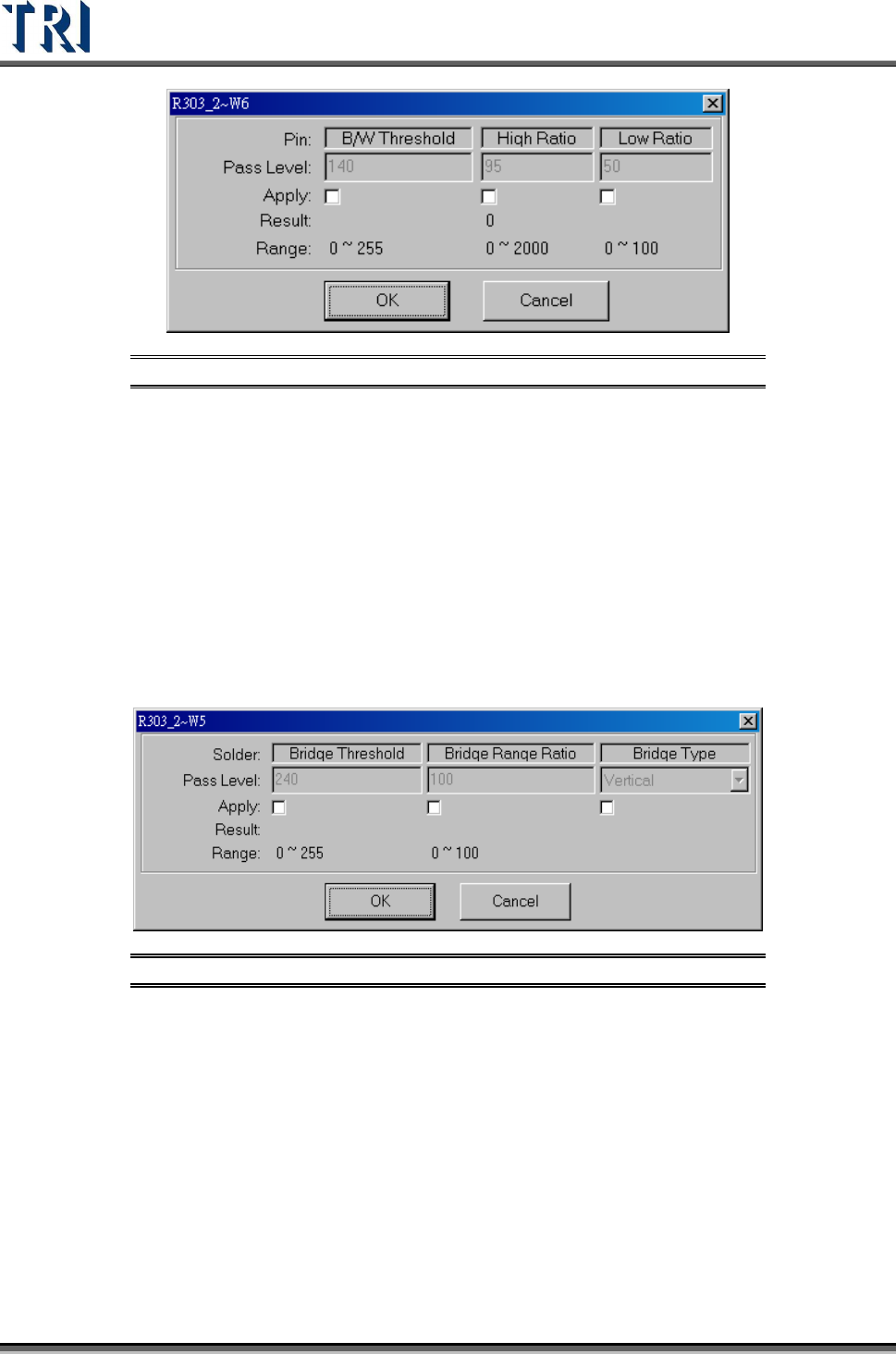
Figure 384: Pin Pass Level Settings
[B/W Threshold] – The threshold to judge the black and white.
[High Ratio] – Set the tolerance ratio that the box cannot exceed.
[Low Ratio] – Set the tolerance ratio that the box cannot be lower than.
9.2.6 Solder
Checks for bridging of IC leads. The [Solder] window is set with angle camera as default.
When the user trains the [Solder] window, the threshold will be automatically set according to
the surrounding area. Solder will be checked outward from the window. If the threshold is
exceeded by 7/10 pixels, it will show failure in standard/high resolution.The [Pass Level
Settings] are shown in the following figure.
Figure 385: Solder Pass Level Settings
[Bridge Threshold] – The threshold to judge the black and white.
[Bridge Range Ratio] – Set the percentage of pixels to inspect
[Bridge Type] – Set the direction to inspect.
9.2.7 Polarity Pair
Move a pair of windows to different positions with a wide variation of gray level. System will
show polarity fail if the gray level of two windows is reversed.
Test Research Inc.
TR7500 Series User Guide –Software v.2.9.0 231
Figure 386: Set Two Polarity Pair Windows
9.2.8 Align
The [Align] window uses the projection in X-Y direction (Method3) to relocate an IC or Rnet
(Cnet) when the PCB is warped. Align only relocates one component.
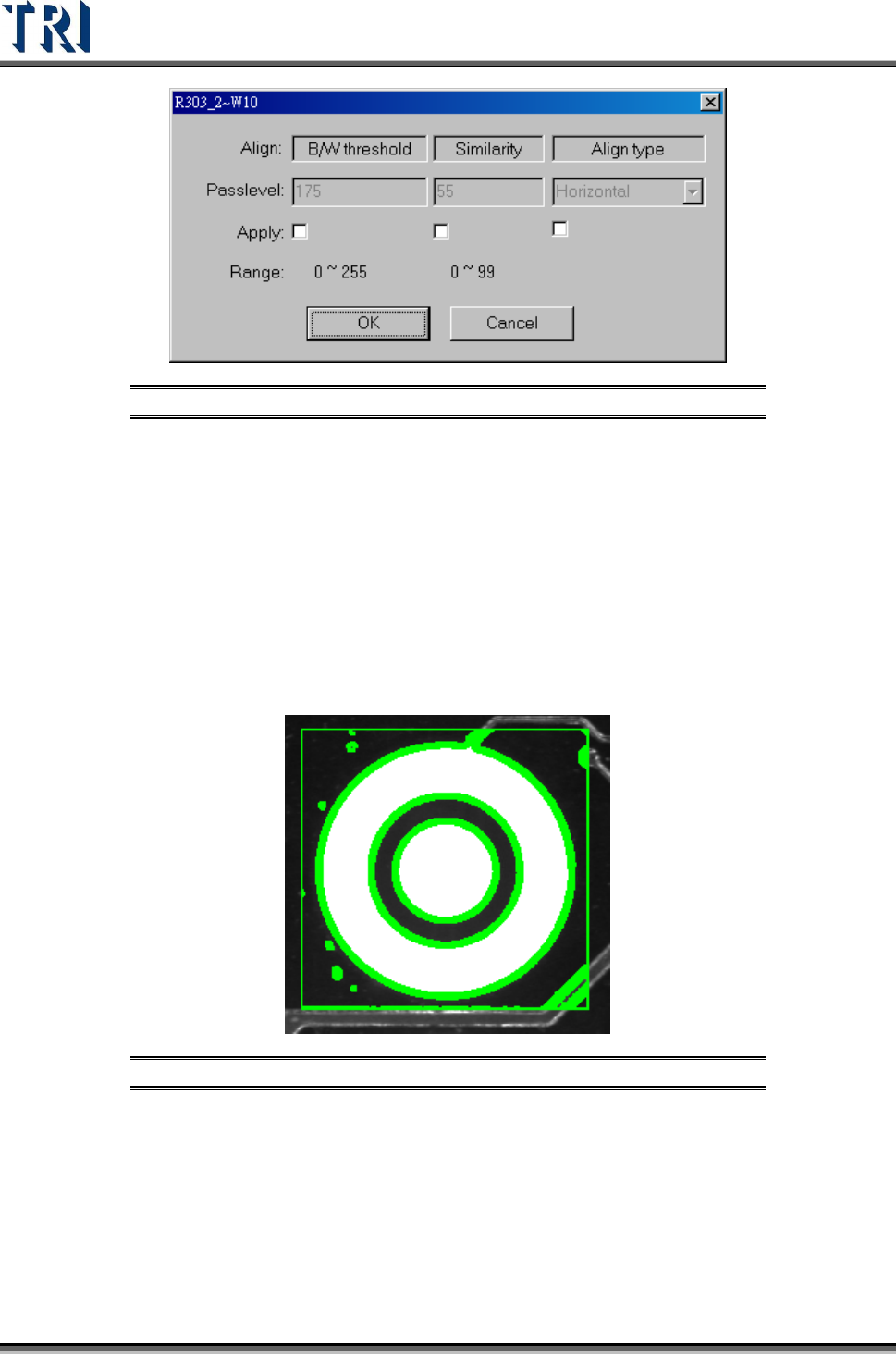
Figure 387: Align Window
The [Pass Level Settings] are shown in the following figure.
Test Research Inc.
232 TR7500 Series User Guide –Software v.2.9.0
Figure 388: Align Pass Level Settings
9.2.9 Warp
The assumption is that the warp in one FOV is the same. Each component has a relationship
with the warp model. During inspection, [Warp] will calculate the shift distance in the X-Y
direction. Each component will have the shift added, then start to test for pass/fail.Select
Method 1 or Method 2 to do pattern matching. AN FOV to be inspected with an angle camera
must use [Warp]. [Warp] can only be added in [Train] dialog.
9.2.10 ROI
[ROI] is an inspection box to inspect the scrape of surface.
Figure 389: ROI Inspection Box
The [ROI Parameters] are shown in the following figure.