TR7500_Series_Software_v29_En - 第82页
Test Research Inc. 60 TR7500 Series User Guide – Software v.2.9.0 [Path] – Set repai r data saving path for repair stati on. Default settin g is [\\RepairPC\C\AOI_Repa ir_Data]. [Change Type to Part Number ] – Choose…
Test Research Inc.
TR7500 Series User Guide –Software v.2.9.0 59
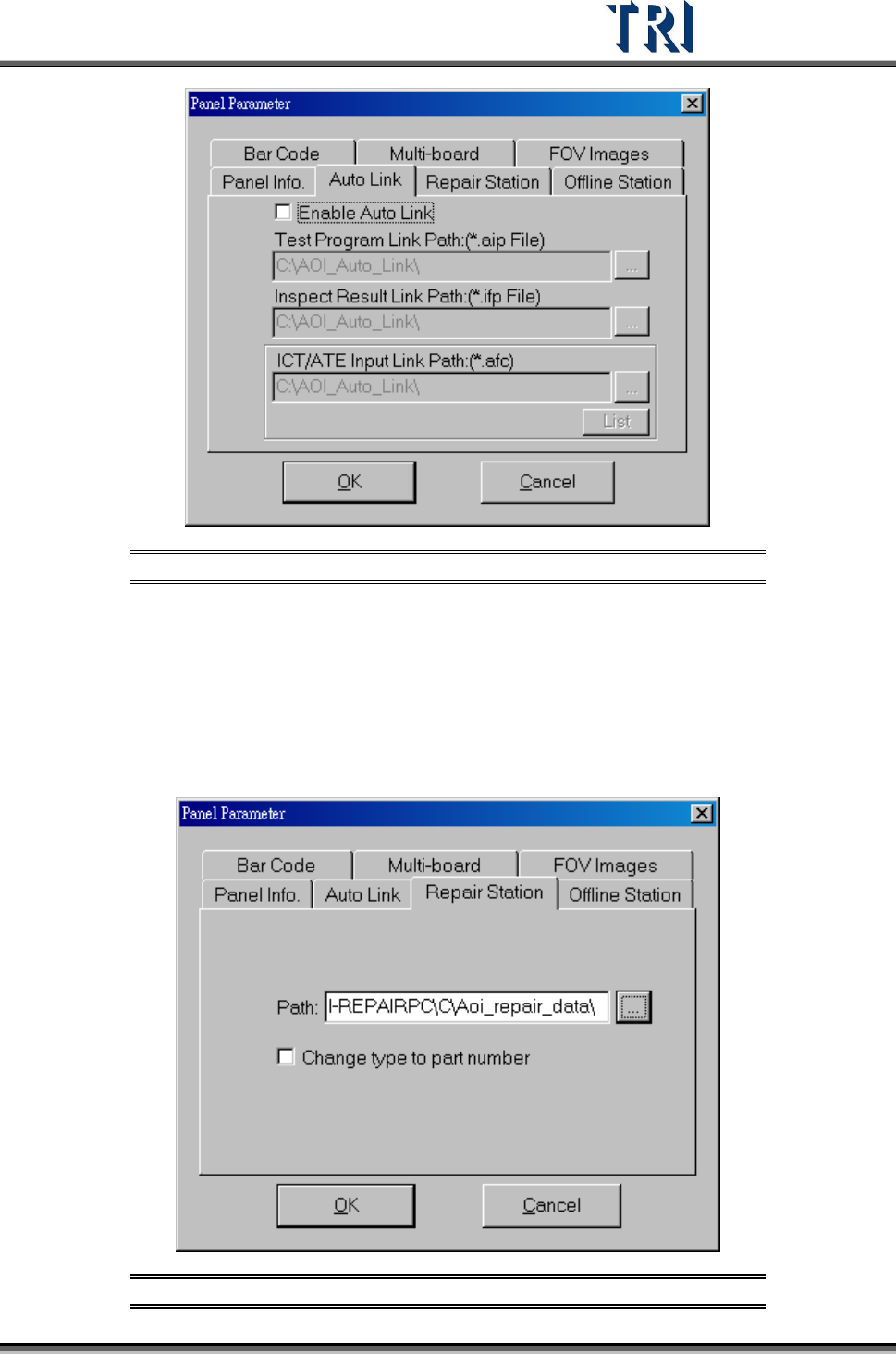
Figure 105: Panel Parameter – AutoLink Tab
[Enable Auto Link] – Enable link with ICT/ATE machine.
[Test Program Link Path] – Pass *.aip test program data to ICT/ATE machine.
[Inspection Result Link Path] – Pass *.ifp inspection result data to ICT/ATE machine.
[ICT/ATE Input Link Path] – Pass *.afc inspection result data to ICT/ATE machine.
3.3.9 Repair Station Tab
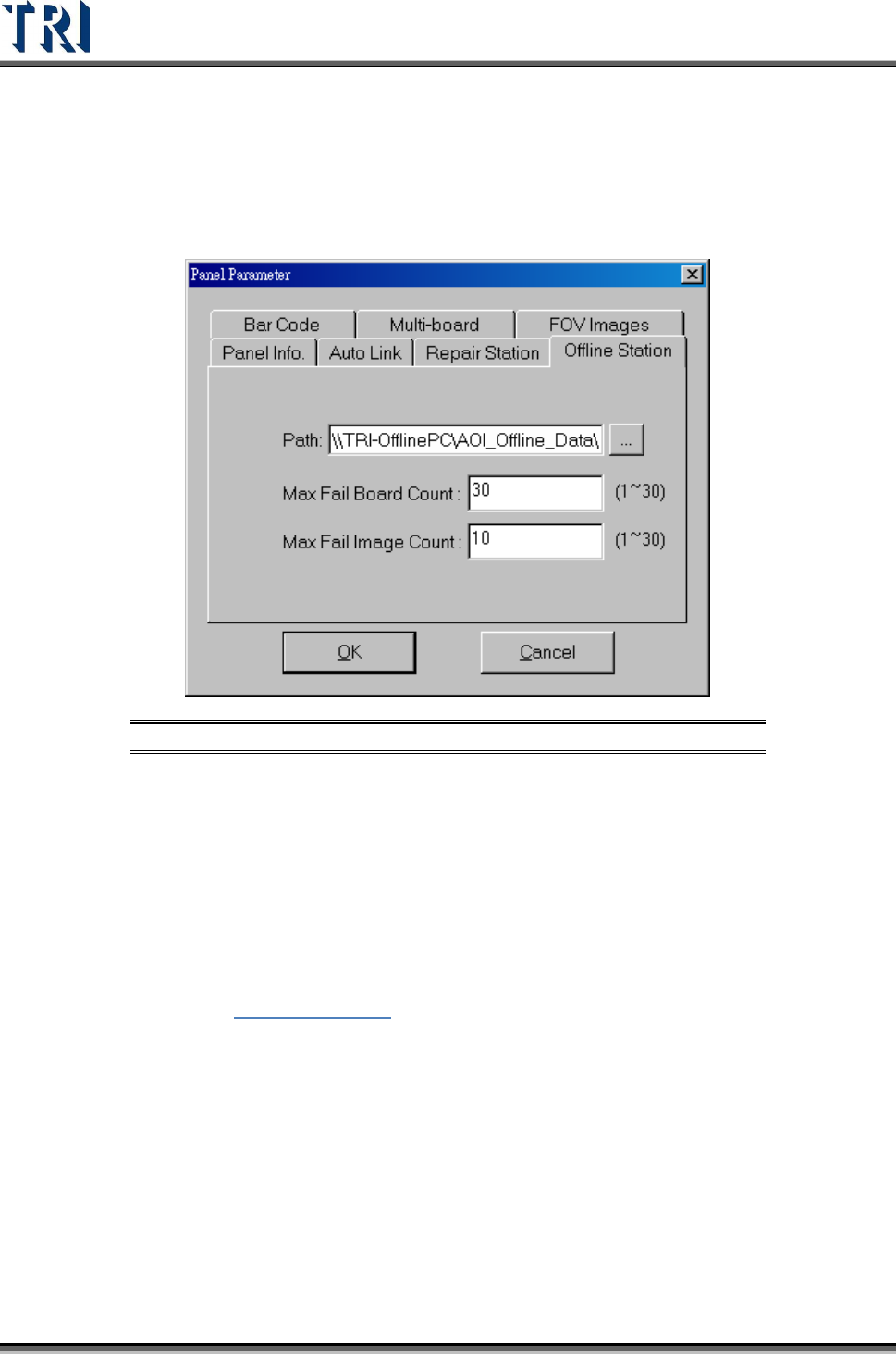
Figure 106: Panel Parameter – Repair Station Tab
Test Research Inc.
60 TR7500 Series User Guide –Software v.2.9.0
[Path] – Set repair data saving path for repair station. Default setting is
[\\RepairPC\C\AOI_Repair_Data].
[Change Type to Part Number] – Choose this option to send [Type] data to repair
station in the [Hidden Type] field.
3.3.10 Offline Editor
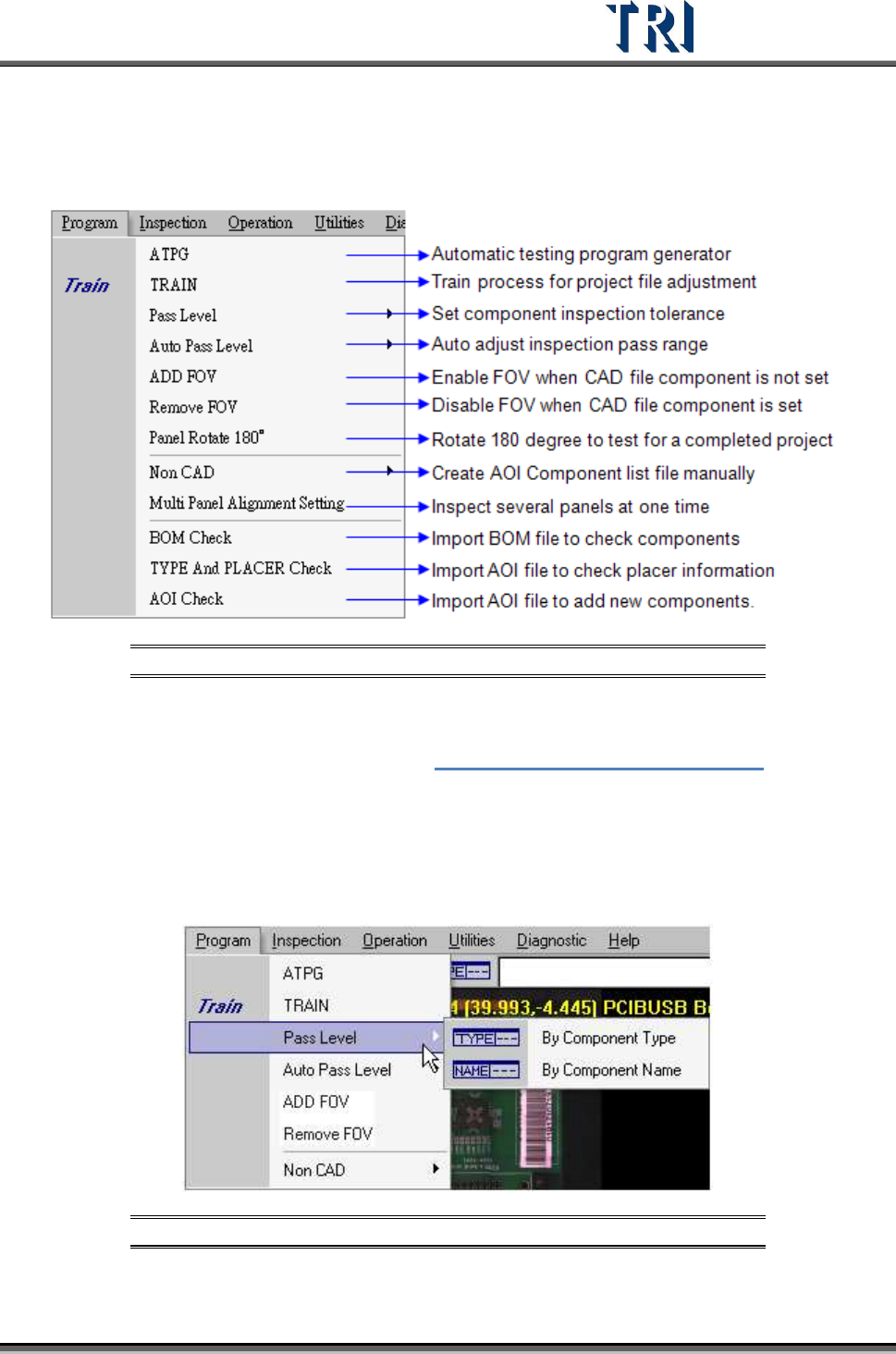
Figure 107: Panel Parameter – Offline Editor Tab
[Path] – Set offline data save path for offline editor. Default is
[\\OfflinePC\C\AOI_Offline_Data].
[Max Fail Board Count] – This is the maximum inspecting number that the Offline
Editor can save. This means that the Offline Editor saves the latest 30 data only
when 30 is set in this field.
[Max Fail Image Count] – This is the maximum number of failed images that AOI
will transfer to Offline Editor. It means that AOI only transfers the previous 10 failed
images to Offline for every inspection when ‘10’ is set in this field.
See Chapter
15 Offline Editor for more information about Offline Editor.
3.3.11 Software Barcode
This is an optional function. After [Software Barcode] is enabled, the barcode can be read by
the system camera.
3.3.12 Assign Serial Code
The function is usually used where there is no barcode on the PCB. Assign the serial number
for the PCB. The serial number can show in the results dialog or translate to Repair Station.
Input the initial number first then press [OK] to start this function.
Test Research Inc.
TR7500 Series User Guide –Software v.2.9.0 61
[Send to Repair] – When this item is selected, the serial number is sent to Repair
Station and located on [BarcodeSN] field.
3.4 Program Tab
Figure 108: Program Tab
3.4.1 ATPG
Press to enter the [ATPG] flow. See Chapter 4 AOI ATPG Function Instruction.
3.4.2 TRAIN
Press to enter the [Train] dialog.
3.4.3 Pass Level
Figure 109: Program – Pass Level