00193325-01.pdf - 第110页
9 Software installation SIPLACE Software Guide SR.503.x x 9.2 Installing the 503.xx station software Issue 12/01 EN 110 9.2.5 Selecting a touch screen In the foll owing s creen, you will be asked to ente r the type of to…
SIPLACE Software Guide SR.503.xx 9 Software installation
Issue 12/01 EN 9.2 Installing the 503.xx station software
109
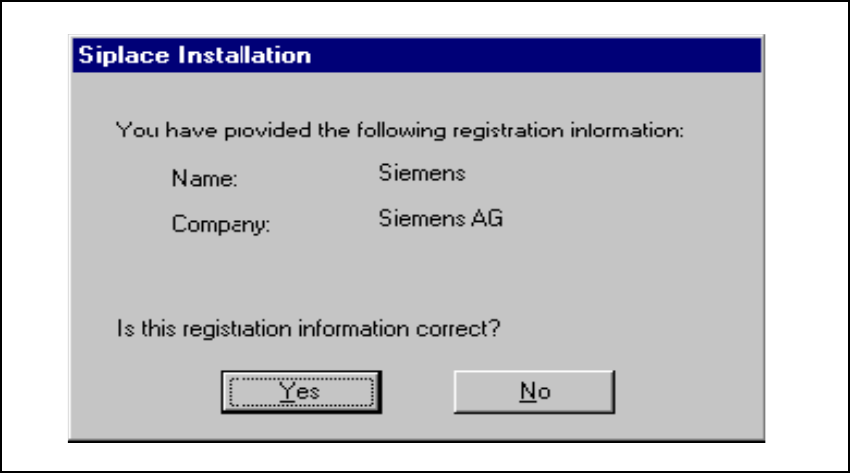
9.2.4 Confirmation of registration
This screen allows you to double-check your entries. Depending whether you choose Yes or No
the entries may be corrected or the actual query procedure triggered. 9
9
Fig. 9.2 - 4 Confirmation of registration details
9 Software installation SIPLACE Software Guide SR.503.xx
9.2 Installing the 503.xx station software Issue 12/01 EN
110
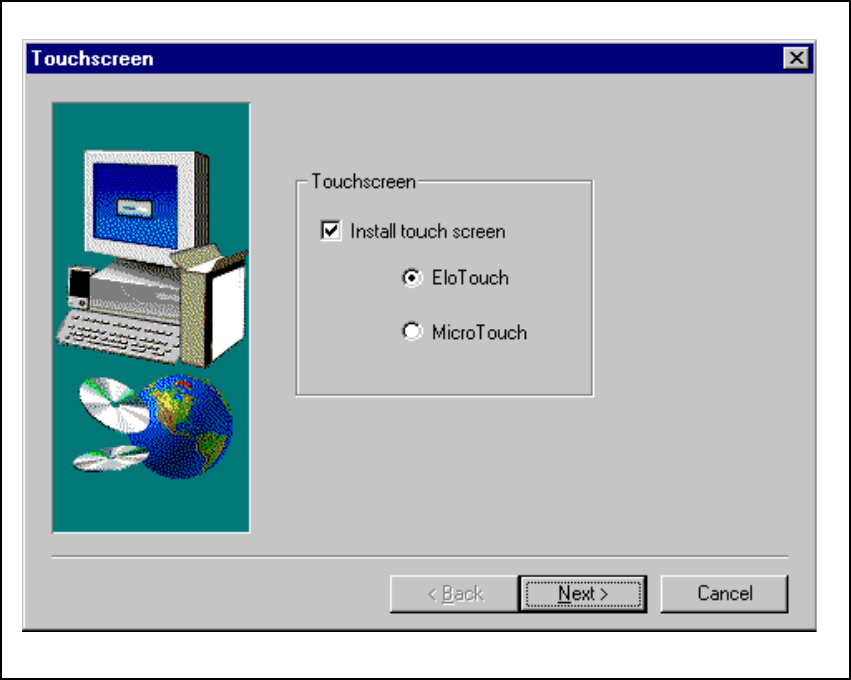
9.2.5 Selecting a touch screen
In the following screen, you will be asked to enter the type of touch screen. Based on the entry
you make here the appropriate touch screen drivers will be installed on your computer. If the cur-
rent installation is an update you will not be required to make any specifications here. 9
9
Fig. 9.2 - 5 Selecting a touch screen
SIPLACE Software Guide SR.503.xx 9 Software installation
Issue 12/01 EN 9.2 Installing the 503.xx station software
111
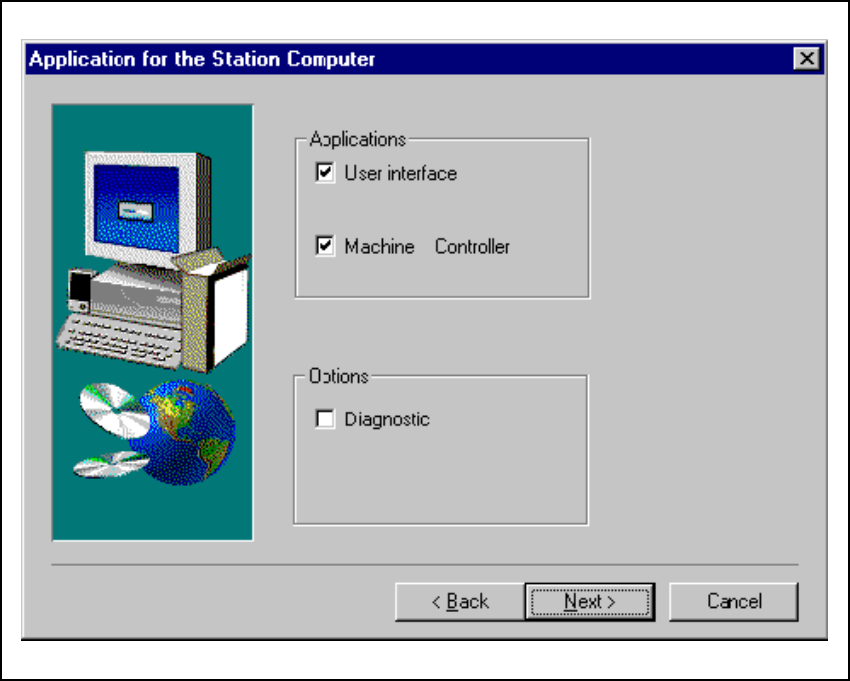
9.2.6 Applications for the placement machine
In the following screen, you must check the program packages you wish to install. 9
Fig. 9.2 - 6 „Application selection“ dialog
Click the Next button. Select the machine type in the following dialog box. 9
SIPLACE HS-50 9
SIPLACE S-25 HM 9
9