00193325-01.pdf - 第117页
SIPLACE S oftware Guide SR.503.xx 9 Software installation Issue 12/01 E N 9.2 Installing the 503.xx station software 117 9.2.13 Log file entries If you wis h to read the log fi le this e ntry must b e activa ted. Onc e t…
9 Software installation SIPLACE Software Guide SR.503.xx
9.2 Installing the 503.xx station software Issue 12/01 EN
116
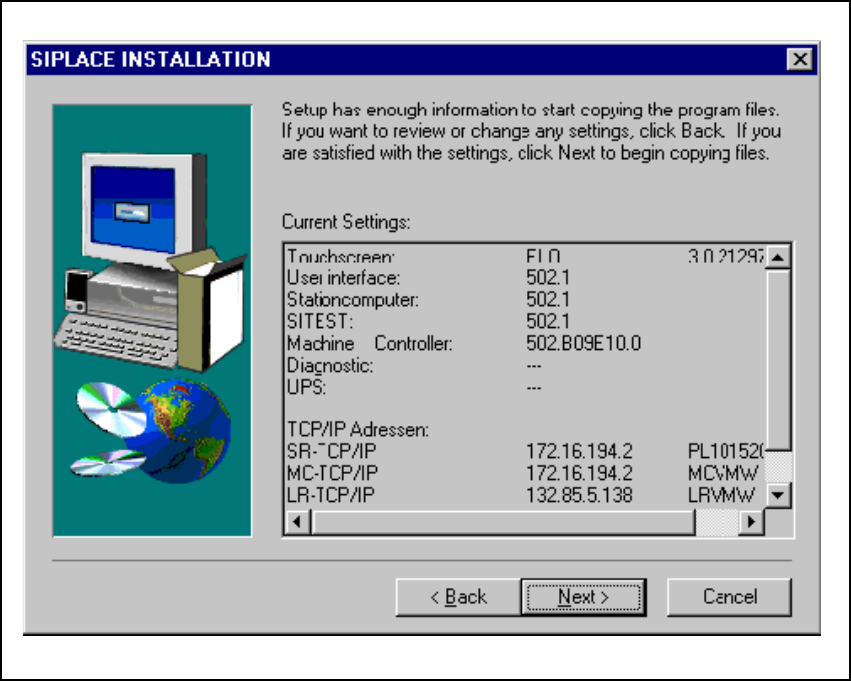
9.2.11 Checking inputs
You will then be shown a list of all the entries you have made, so that these may be checked.
Check the entries to make sure that they are correct. Select Next and the installation program will
copy all the required files from the CD to your computer. 9
Fig. 9.2 - 11 Checking inputs
9.2.12 Service pack
During installation, a check is carried out to see whether Service Pack 6a for NT 4.0 is already on
your computer. If not, you will be asked to put the Service Pack 6a CD in to the CD drive. It is very
important that you specify the appropriate language-specific data path (for example, Drive:\en-
glish\i386). Then Service Pack 6a is copied to the station computer and then installed. 9
SIPLACE Software Guide SR.503.xx 9 Software installation
Issue 12/01 EN 9.2 Installing the 503.xx station software
117
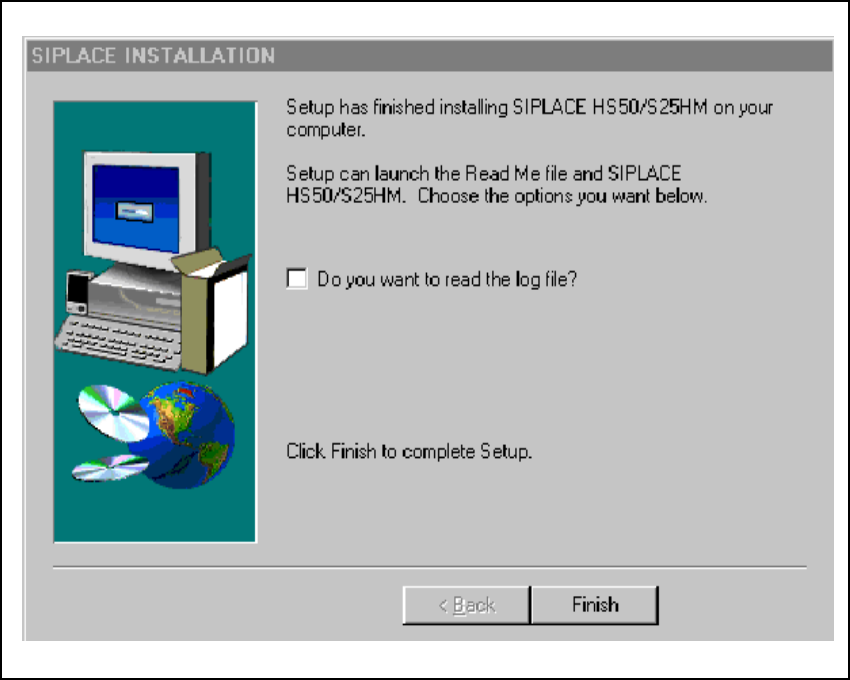
9.2.13 Log file entries
If you wish to read the log file this entry must be activated. Once this is confirmed using Finish,
the Notepad editor is loaded with the appropriate file.
Fig. 9.2 - 12 Log file entries
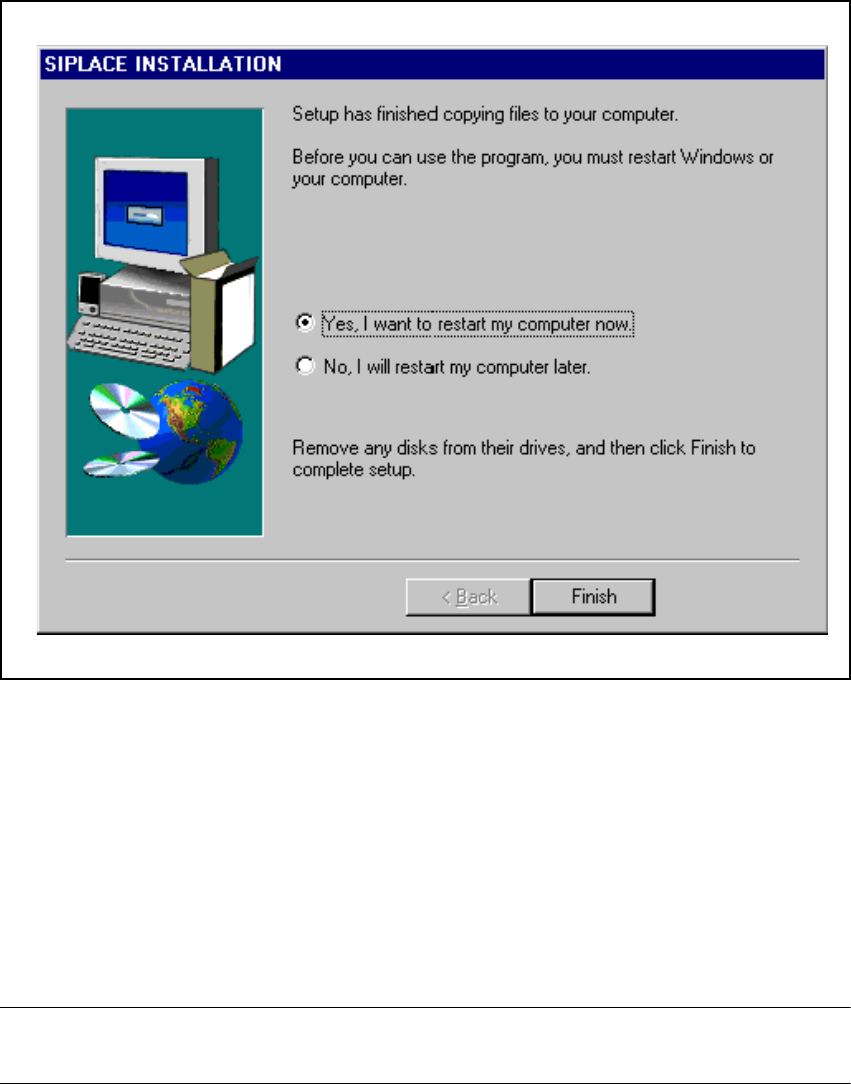
9.2.14 Final screen
To complete the installation run, click the Finish button. This triggers a reboot of the machine, and
the newly installed packages are then fully available for use. 9
9 Software installation SIPLACE Software Guide SR.503.xx
9.3 Installing the software for the "Remote Service" option Issue 12/01 EN
118
9
Fig. 9.2 - 13 Final screen of the CD installation routine
9.3 Installing the software for the "Remote Service"
option
The procedure used to install the „ReachOut“ software that is used to implement the „Remote Ser-
vice“ option is described in the software version description for the appropriate version. 9
NOTE
The software version description is included in the software package for the "ReachOut" software.9