00193325-01.pdf - 第70页
5 Error inf ormation and T SS SIPLACE Sof tware Guide SR.503.xx 5.2 Calling error information Issue 12/01 EN 70 5.2.2 Displaying information about a selected error 5 Click o n the icon i n the toolb ar in the Main view…
SIPLACE Software Guide SR.503.xx 5 Error information and TSS
Issue 12/01 EN 5.2 Calling error information
69
5.2.1 Displaying information on the current error
Click the button in the main view.
The main Help system window is opened with information on the currently selected error (see
example in Fig. 5.2 - 4).
Click the button in the Main view.
This starts the Technical Solution System (TSS). See example in Fig. 5.2 - 3
5 Error information and TSS SIPLACE Software Guide SR.503.xx
5.2 Calling error information Issue 12/01 EN
70
5.2.2 Displaying information about a selected error
5
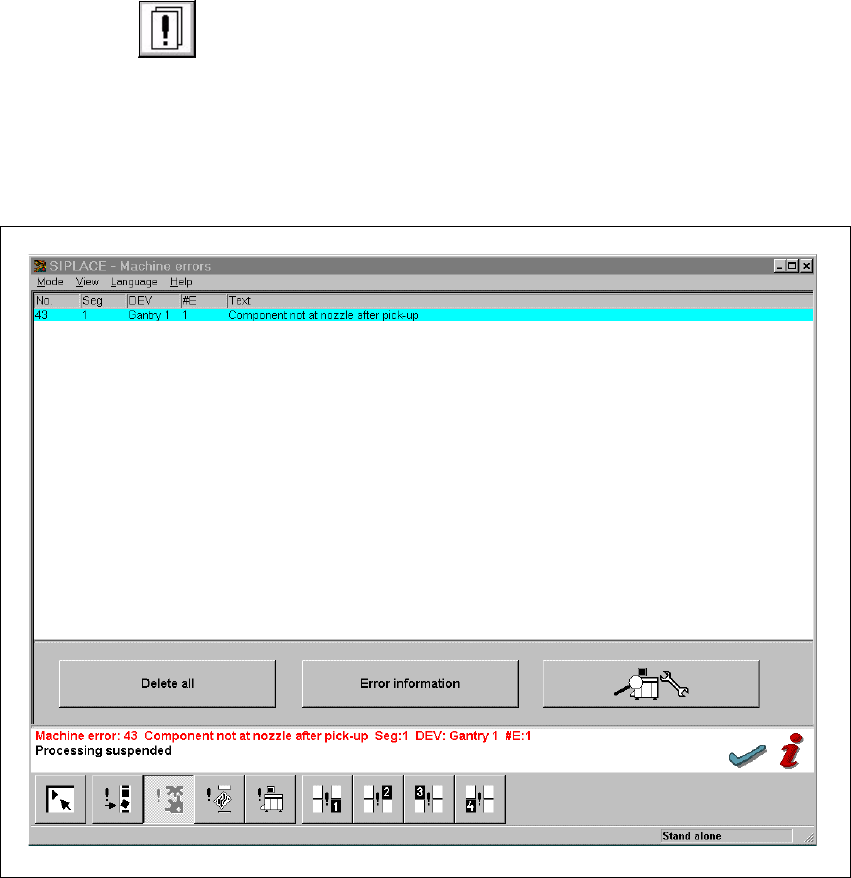
Click on the icon in the toolbar in the Main view.
The user interface switches to the error display for the last error type to be active. All errors of
the current error type that have occurred are displayed in the display area.
Use the appropriate button on the view toolbar to switch to the type of error you require.
The display area is switched to the selected error type (see the example in Fig. 5.2 - 2).
5
Fig. 5.2 - 2 Example: Error of type „Conveyor error“
In the error table, select the entry for the error about which you want to be informed. The line
selected is highlighted in light blue in the table. The „Error information“ and „TSS“ buttons are
now active.
SIPLACE Software Guide SR.503.xx 5 Error information and TSS
Issue 12/01 EN 5.2 Calling error information
71
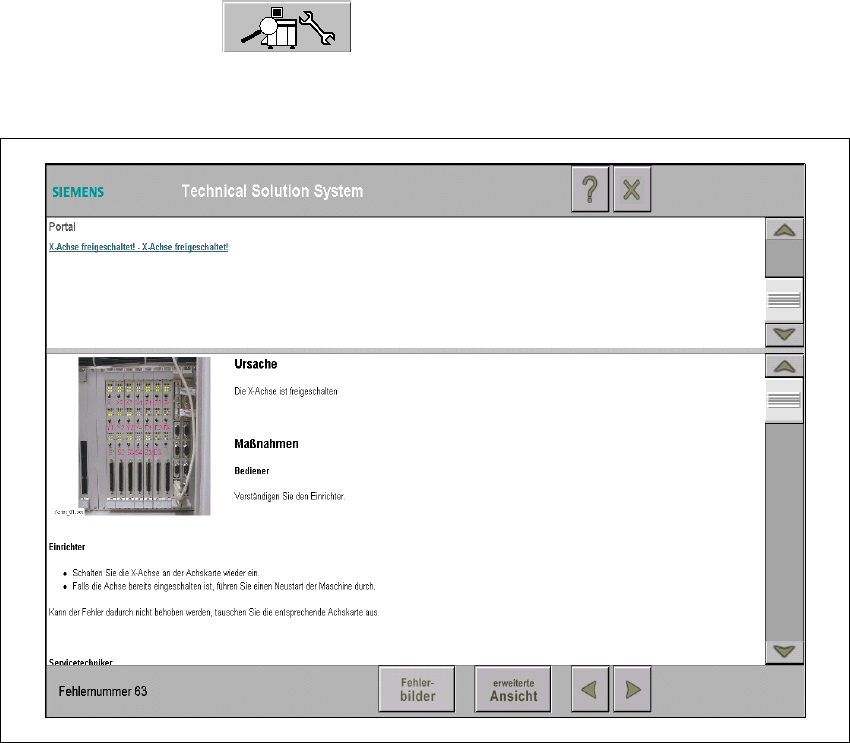
Click the TSS button .
The Technical Solution System starts.
5
Fig. 5.2 - 3 Example in german: Diagnostics system for the current error
5