Infinity DI.pdf - 第52页
Chapter Issu e 3 Jan 01 Infinity Dual Imag e Manual 2.5 INFINITY OPERATOR SET U P 5. Select Exit when complete.
2.4 Infinity Dual Image Manual Chapter Issue 3 Jan 01
INFINITY
OPERATOR
SET UP
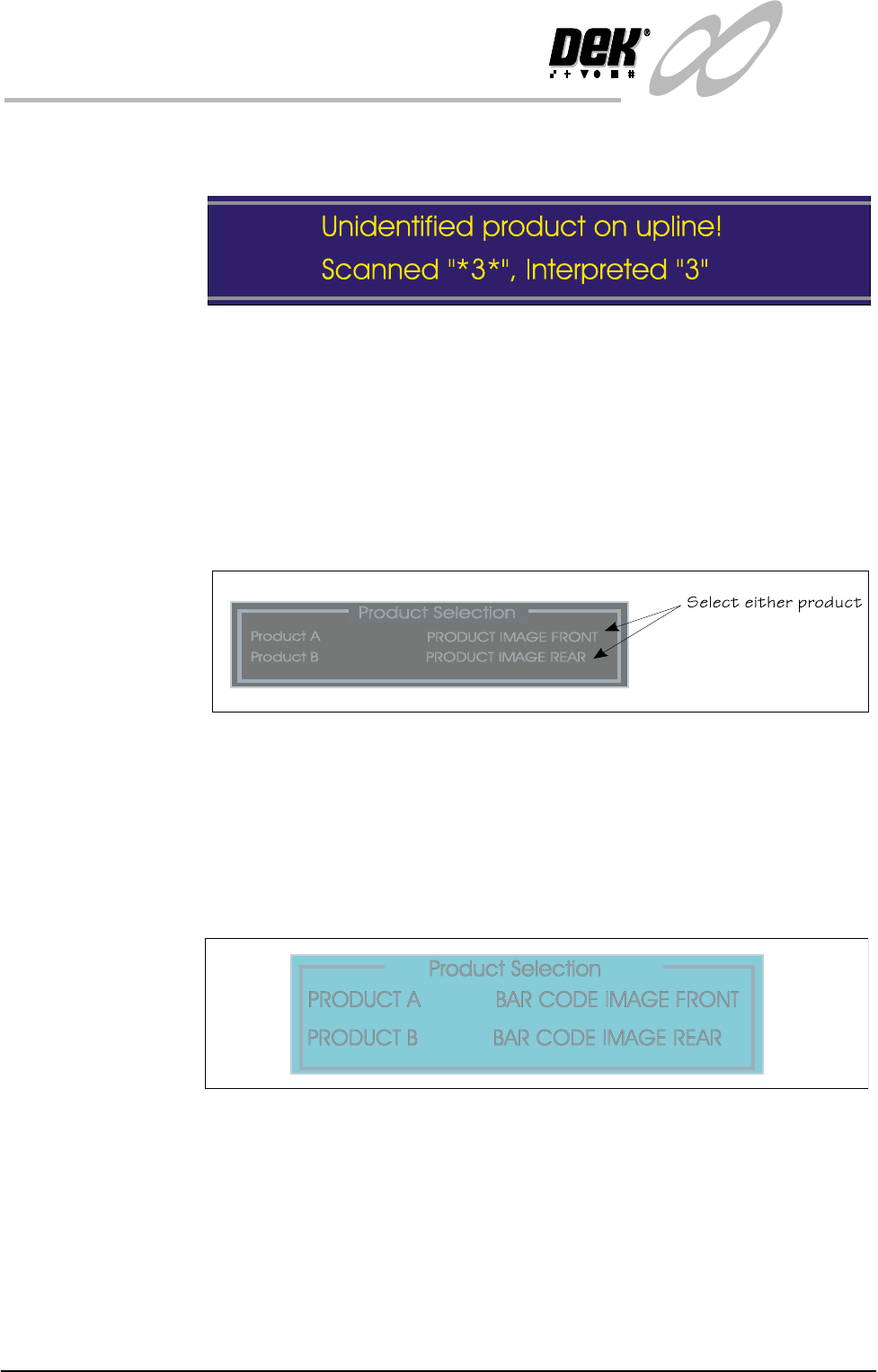
Duing a Print If during a print run the bar code is not recognised, the print run is suspended.
Softkeys F1 Continue, F7 Swap Product and F8 Abort are displayed (all others
are blank). The folowing message is displayed in the message prompt area:
Figure 2-1 Bar Code Read Error Prompt
The *3* (example) represents what the scanner has read, the interpreted "3"
represents what the software interprets the bar code as. Selecting abort termi-
nates the print run and the product is ejected to the output conveyor for removal.
If swap product is selected the machine swaps the current product for the other
product and printing continues with the new product. If continue is selected the
machine continues printing with the current product.
Where the Product Sensor is fitted, the product selection screen is displayed as:
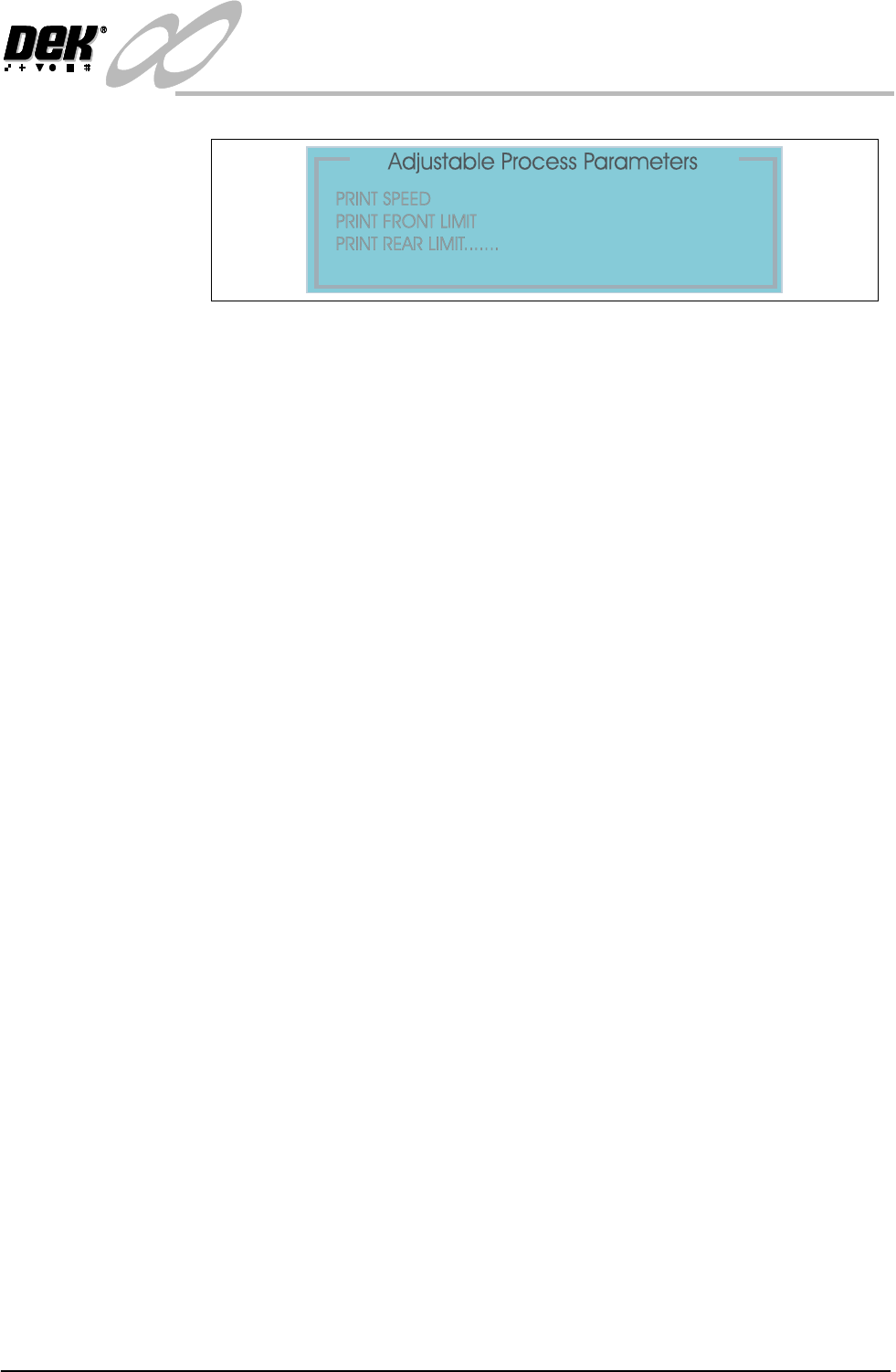
Adjust Product File Product A or Product B process parameters can be adjusted as follows:
NOTE
Product ‘A’ is assigned as the front image and Product ‘B’ the rear image as
described throughout this manual.
1. Select Adjust (F5 function key).
2. The Product Selection page is displayed.
3. Select the product to edit from the list.
4. Select the process parameter(s) to edit.
Chapter Issue 3 Jan 01 Infinity Dual Image Manual 2.5
INFINITY
OPERATOR
SET UP
5. Select Exit when complete.
2.6 Infinity Dual Image Manual Chapter Issue 3 Jan 01
INFINITY
OPERATOR
SET UP
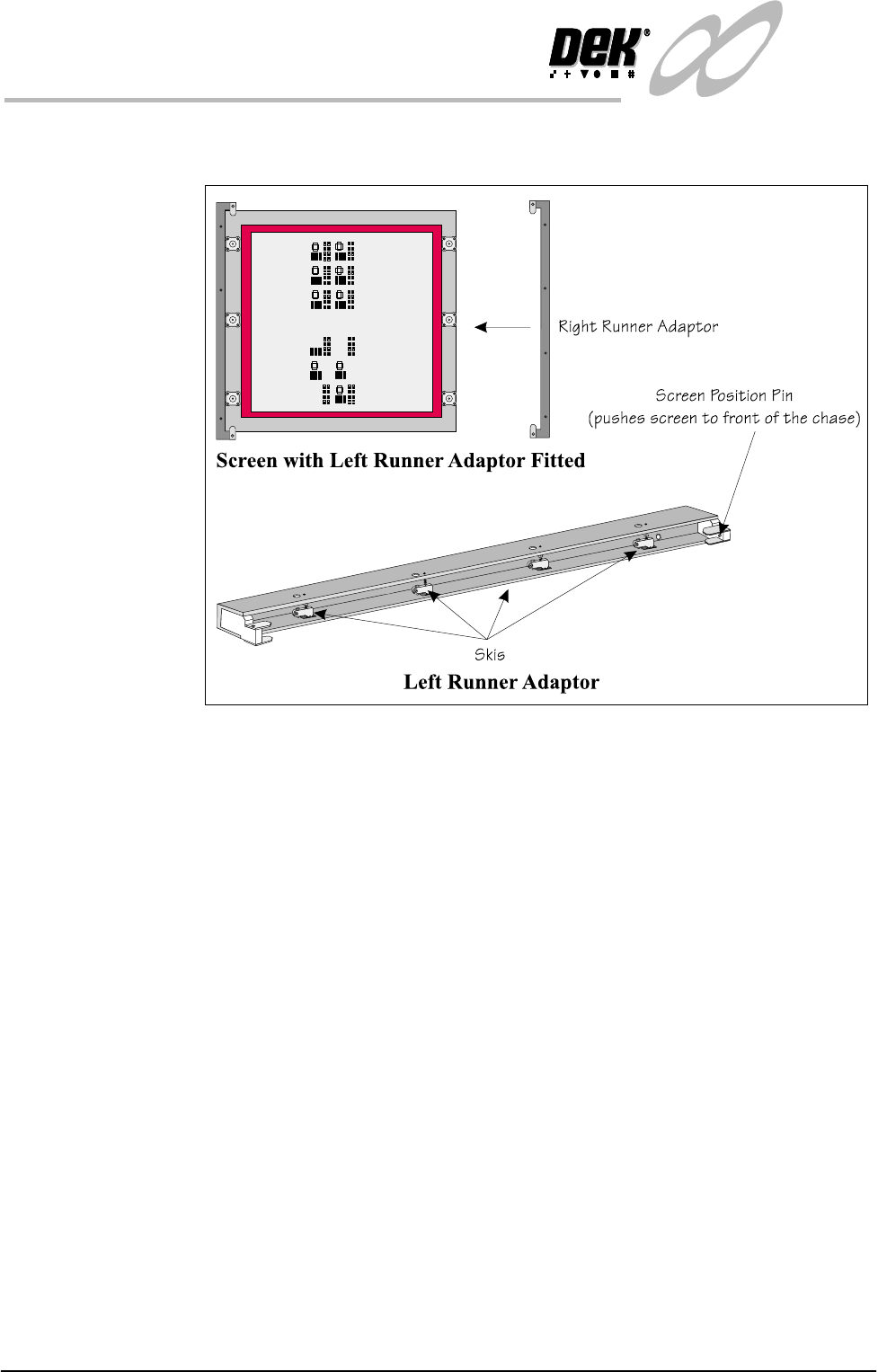
Change Screen Where required fit the runner adaptors to the left and right side of the dual image
screen (if they are not already fitted).
Figure 2-2 Fit the Runner Adaptors to the Screen
6. Select Change Screen (F5).
7. When prompted, lift the front cover and remove the screen that is fitted.
8. Load the dual image screen into the printer.
9. Close the printhead cover.
10.Press the System button.
The screen loads into the machine but does not load to either Product A or
Product B locations.