00197195-02-UG SetupCenter 5.1_en.pdf - 第105页
Working with the Setup Center Application Packaging Unit Information - Tabs Packaging Unit Editor User Guide SIPLACE Setup Center 5.1 10 5 7.1.1 Packaging Unit Information - Tabs 7.1.1.1 Tab - Quantity The qua ntity can …
Working with the Setup Center Application
Packaging Unit Editor
104 User Guide SIPLACE Setup Center 5.1
(1) This area shows the setup information (details of the setup, line, station, component track etc.). The
following functions are available:
(2) This area shows the packaging unit chain with the following information and functions.
(3) This area shows the various tabs containing details of the packaging unit selected in the packaging
unit chain. The following functions are available:
Function Description
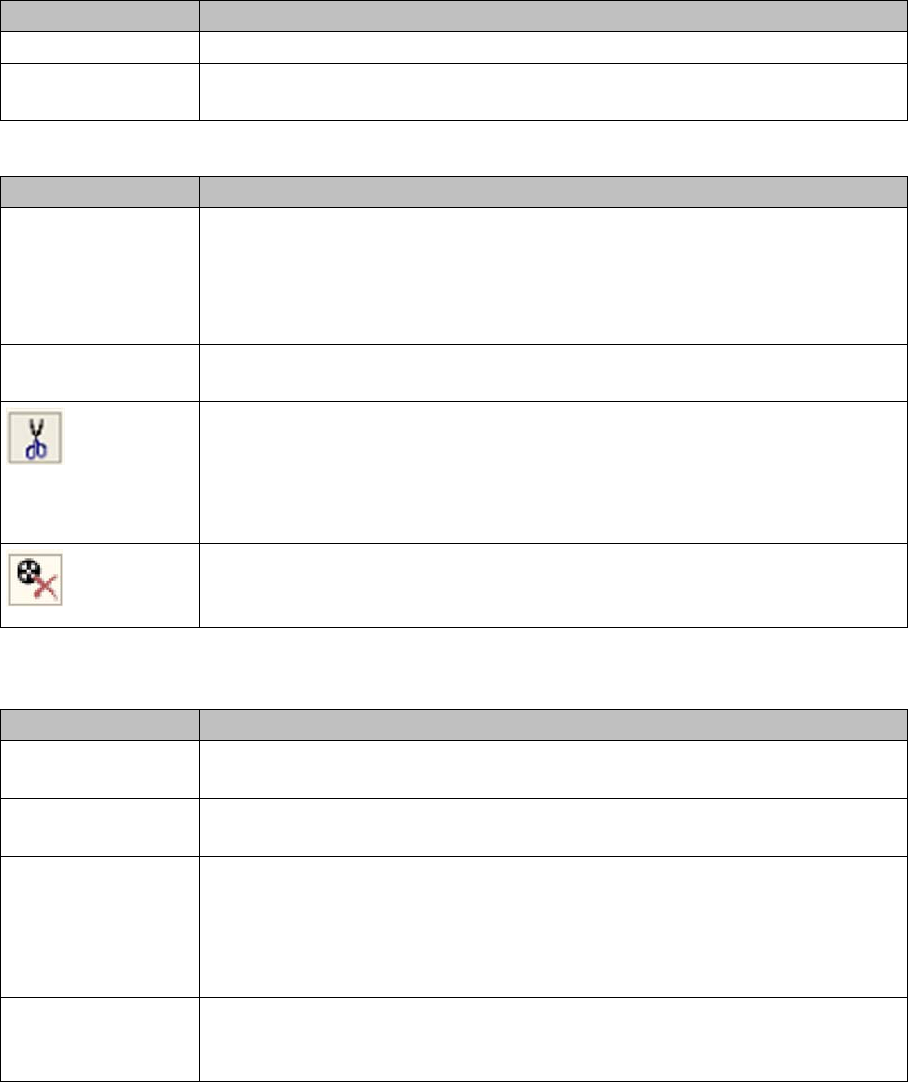
Teardown The entire packaging unit chain is torn down.
Verification history of
pickup position
This button shows the verification history for the selected pickup position. See
"7.3 Verification History" [ ➙ 112]. The setup position is used as a filter.
Parameters/Function Description
Total quantity Displays the total quantity of the selected track. You can edit the current quantity
in this field. During refill, the quantity is refilled from the packaging unit last
scanned to the packaging unit currently in use. When deleting or separating a
packaging unit, this is performed in reverse order. A packaging unit cannot be
larger than its original quantity.
Number of packaging
units
Number of packaging units
Cuts off the packaging unit. The packaging unit is separated from the packaging
unit chain. It is no longer configured at the specified location.
Only available if the option Permit packaging unit chains to be split in the pack-
aging unit editor has been enabled at Extras =>Settings => Lines => Domain-
Wide Verification Settings.
Packaging unit finished. The packaging unit is marked as finished and is sepa-
rated from the packaging unit chain. It is no longer configured at the specified
location.
Function Description
Packaging unit
unique ID
Unique packaging unit ID, or a temporary ID allocated by Setup Center, if not
working with unique packaging unit IDs.
Verification history of
packaging unit
This button shows the verification history for the selected packaging unit. See
"7.3 Verification History" [ ➙ 112].
Delete Deletes a packaging unit. The packaging unit is removed from the database.
This is only possible if the packaging unit has already been torn down.
NOTE:
Deleting a packaging unit can have the consequence that no Traceability data
can be generated.
Save Saves the changed Quantity for the packaging unit. If the packaging unit is part
of a setup which is active at the line, the new quantity will be sent to the station.
See "7.1.1.1 Tab - Quantity" [ ➙ 105].
Working with the Setup Center Application
Packaging Unit Information - Tabs Packaging Unit Editor
User Guide SIPLACE Setup Center 5.1 105
7.1.1 Packaging Unit Information - Tabs
7.1.1.1 Tab - Quantity
The quantity can be corrected in the Quantity tab.
Changing the Quantity
Steps:
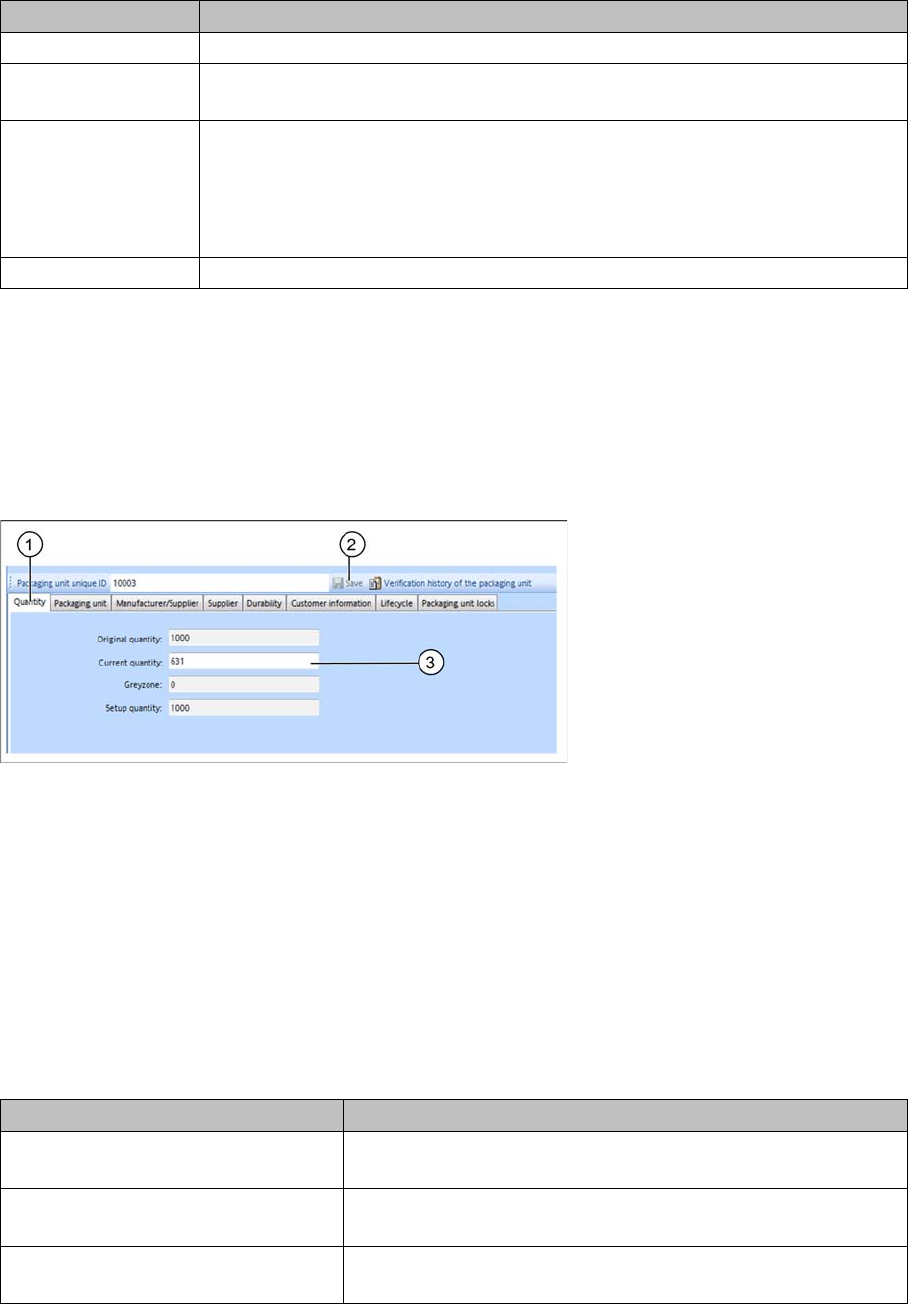
► Open the Packaging Unit Editor. The configured packaging unit chain will be shown in the dialog win-
dow.
► Select the packaging unit to be edited from the packaging unit chain.
► Select the Quantity (1) tab.
Original quantity: Original quantity of a packaging unit.
Current Quantity: Shows the current remaining quantity of a packaging unit. The quantity can be
changed here.
► Enter the new quantity (2).
► Click on Save (3) to confirm the new quantity.
If the packaging unit is part of a setup which is active at the line, the new quantity will be sent to the sta-
tion.
7.1.1.2 Tab - Packaging Unit
The following information is shown for this packaging unit.
Parameter Description
Original quantity Original quantity of a packaging unit.
Current quantity Current remaining quantity of a packaging unit. The quantity can be changed
here.
Gray zone If the system cannot detect whether a specific packaging unit is in use or wheth-
er the next packaging unit is now being used (batch change), all possible pack-
aging units will be recorded in the Traceability data. This is called a “gray zone”.
If we increase the effort for collecting information (e.g. splice detection) the gray
zone gets smaller.
Setup quantity The quantity with which the packaging unit was set up on the machine.
Parameter Description
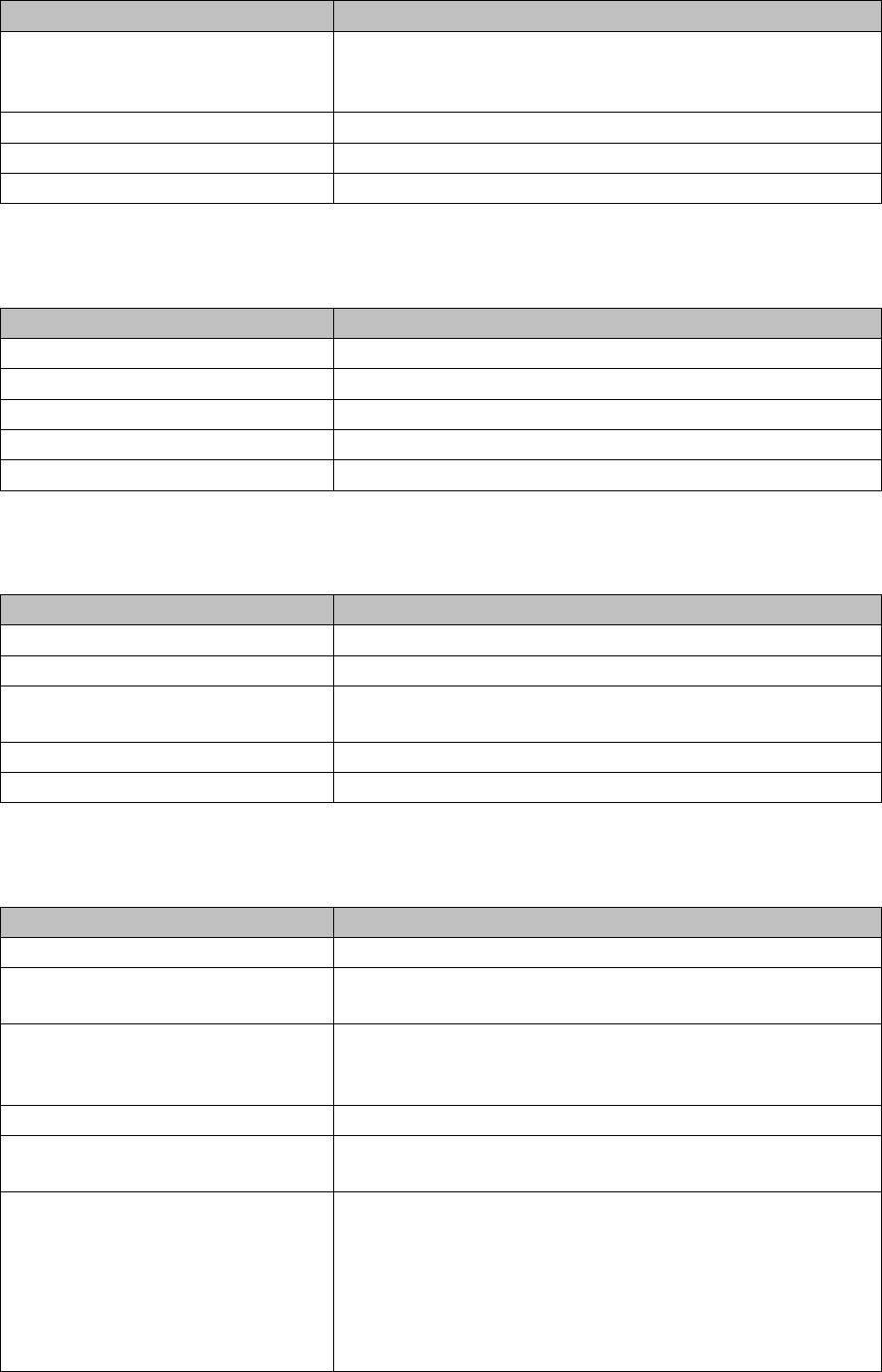
Component Name The component name from SIPLACE Pro is entered here after
completion of a successful setup verification.
Component Barcode The fully scanned barcode, used to to determine that the pack-
aging unit setup verification was successful.
Component barcode fragment The part of the scanned barcode used to to determine that the
packaging unit setup verification was successful.
Working with the Setup Center Application
Packaging Unit Editor Packaging Unit Information - Tabs
106 User Guide SIPLACE Setup Center 5.1
7.1.1.3 Tab - Manufacturer
The following information is shown about the packaging unit manufacturer.
7.1.1.4 Tab - Supplier
The following information is shown about the packaging unit supplier.
7.1.1.5 Tab - Durability
The durability data is shown for this packaging unit.
Batch 1 This information is used by the manufacturer to mark the batch
with additional information, such as quantity, production, deliv-
ery etc.
Batch 2 Information about the 2nd batch, if available.
Revision Level The revision level for the component.
Brightness Class Information about the brightness class for LED components.
Parameter Description
Parameter Description
Manufacturer The name of the manufacturer.
Manufacturer Location The address of the manufacturer.
Manufacturing Date The date on which this packaging unit was produced.
Serial number The manufacturer's serial number for this packaging unit.
Manufacturer Component Name The manufacturer's component name for this packaging unit.
Parameter Description
Supplier The name of the supplier.
Supplier Data Specific data about the supplier.
Ordering Code An additional code for ordering the packaging unit, such as the
software version for microcontrollers.
Purchase Order Number The supplier's order number for this packaging unit.
Shipping Note Number The supplier's delivery note number for this packaging unit.
Parameter Description
Expiry Date The date until which the packaging unit may be used.
Remaining time to use-by date The time which the packaging unit may still be used. After this
time, the packaging unit will be locked.
MSD Level The MSD level specifies how long moisture-sensitive compo-
nents may be used for once they have been taken out of their
protective packaging.
MSD open date The date and time when the packaging was opened.
MSD remaining time The time which the packaging unit may still be used. After this
time, the packaging unit will be locked.
RoHS Restriction of Hazardous Substances
.
“Y” means adherence to the current RoHS conditions for this
packaging unit.
"N" means non-compliance.
"0" (zero) means that RoHS is not applicable.