00197195-02-UG SetupCenter 5.1_en.pdf - 第107页
Working with the Setup Center Application Packaging Unit Information - Tabs Packaging Unit Editor User Guide SIPLACE Setup Center 5.1 10 7 7.1.1.6 Tab - Customer Information This shows the custo mer inf ormation a bout t…
Working with the Setup Center Application
Packaging Unit Editor Packaging Unit Information - Tabs
106 User Guide SIPLACE Setup Center 5.1
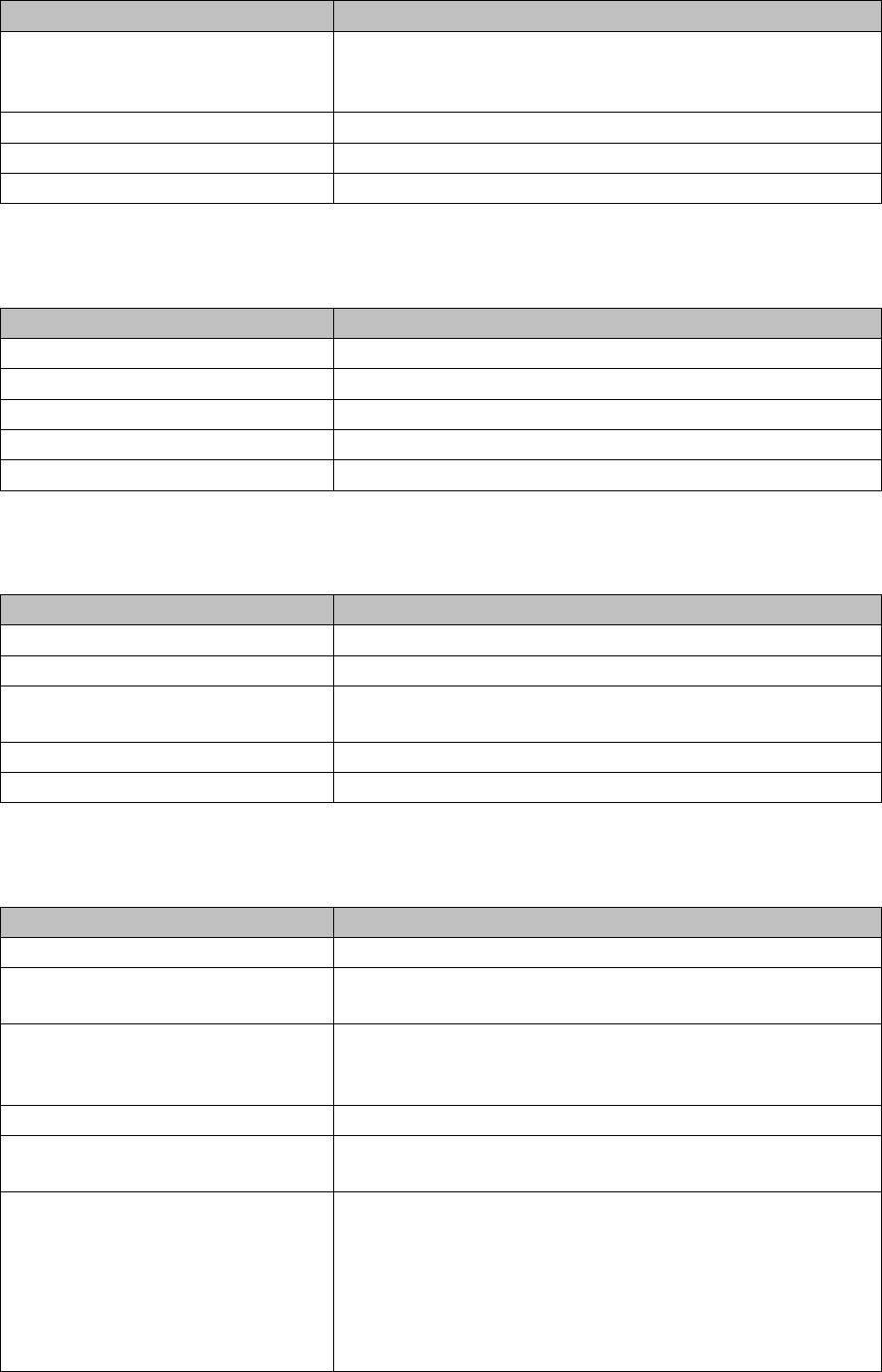
7.1.1.3 Tab - Manufacturer
The following information is shown about the packaging unit manufacturer.
7.1.1.4 Tab - Supplier
The following information is shown about the packaging unit supplier.
7.1.1.5 Tab - Durability
The durability data is shown for this packaging unit.
Batch 1 This information is used by the manufacturer to mark the batch
with additional information, such as quantity, production, deliv-
ery etc.
Batch 2 Information about the 2nd batch, if available.
Revision Level The revision level for the component.
Brightness Class Information about the brightness class for LED components.
Parameter Description
Parameter Description
Manufacturer The name of the manufacturer.
Manufacturer Location The address of the manufacturer.
Manufacturing Date The date on which this packaging unit was produced.
Serial number The manufacturer's serial number for this packaging unit.
Manufacturer Component Name The manufacturer's component name for this packaging unit.
Parameter Description
Supplier The name of the supplier.
Supplier Data Specific data about the supplier.
Ordering Code An additional code for ordering the packaging unit, such as the
software version for microcontrollers.
Purchase Order Number The supplier's order number for this packaging unit.
Shipping Note Number The supplier's delivery note number for this packaging unit.
Parameter Description
Expiry Date The date until which the packaging unit may be used.
Remaining time to use-by date The time which the packaging unit may still be used. After this
time, the packaging unit will be locked.
MSD Level The MSD level specifies how long moisture-sensitive compo-
nents may be used for once they have been taken out of their
protective packaging.
MSD open date The date and time when the packaging was opened.
MSD remaining time The time which the packaging unit may still be used. After this
time, the packaging unit will be locked.
RoHS Restriction of Hazardous Substances
.
“Y” means adherence to the current RoHS conditions for this
packaging unit.
"N" means non-compliance.
"0" (zero) means that RoHS is not applicable.
Working with the Setup Center Application
Packaging Unit Information - Tabs Packaging Unit Editor
User Guide SIPLACE Setup Center 5.1 107
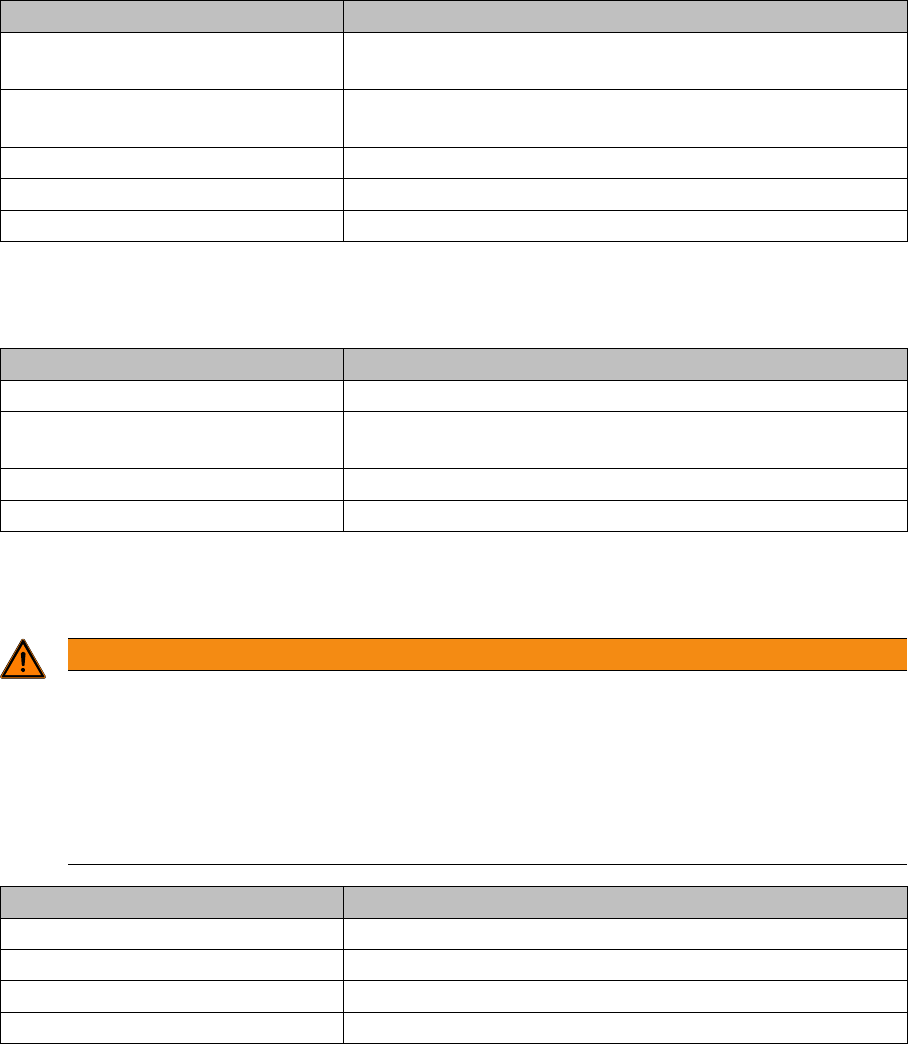
7.1.1.6 Tab - Customer Information
This shows the customer information about this packaging unit.
7.1.1.7 Tab - Lifecycle
The lifecycle data is shown for this packaging unit.
7.1.1.8 Tab - Packaging Unit Locks
Shows information about locked packaging units in the chain.
Parameter Description
Comment Is currently only set via XML import or import from a superior
system (e.g. MES).
Additional Component Information Additional component information. Use varies between facto-
ries.
Extra1 Character string for additional information
Extra2 Character string for additional information
Extra3 Character string for additional information
Parameter Description
Last modified date Shows when the packaging unit was last updated.
Verified date The date on which this packaging unit was last verified
(scanned).
Consumed date The date on which this packaging unit was used up.
Last placed date The date on which this packaging unit was last placed.
WARNING
Removing packaging unit locks
All locks that have been assigned by Setup Center have to be "removed" by correcting the error
appropriately, e.g., scanning the correct barcode, refilling the correct track, using the splice
monitor dialogs to correct a splicing error. Select the Remove Lock button to remove the pack-
aging unit lock for a selected entry. The Remove Lock function is only necessary in rare cases.
The Remove Lock function is only available if the Password Request option was activated un-
der Tools =>Settings => Security.
Parameter Description
Action Date Shows when the packaging unit was locked.
Source Shows who locked the packaging unit.
Reason Shows the reason why the packaging unit was locked.
Message Shows an additional message about the packaging unit.
Working with the Setup Center Application
Packaging Unit Editor Separating a Packaging Unit Chain
108 User Guide SIPLACE Setup Center 5.1
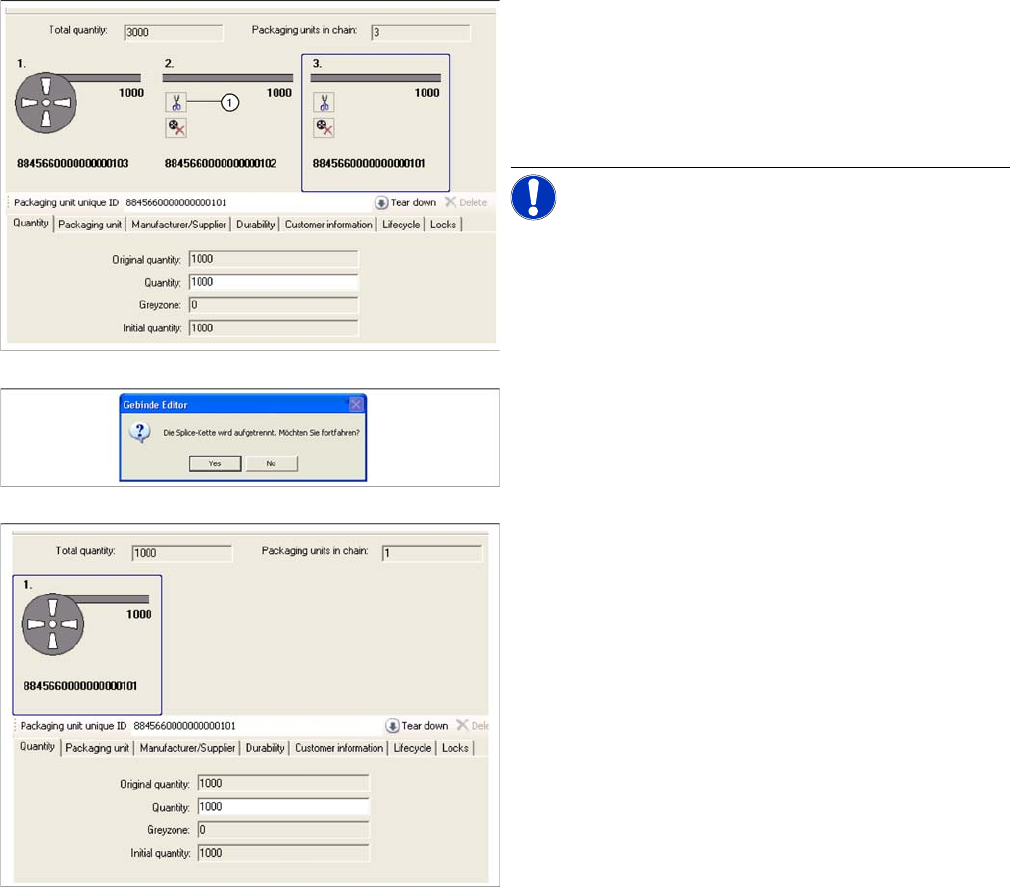
7.1.2 Separating a Packaging Unit Chain
You can separate individual packaging unit segments from one another if, for example, you want to sep-
arate the packaging unit last scanned in at the splice chain.
Step-by-step procedure:
► Open the Packaging Unit Editor.
► Separate the packaging unit with the switch (1),
shown on the right of the packaging unit to be sepa-
rated off.
NOTICE! Packaging units which are to be sep-
arated also need to be physically separated.
► Confirm the message with Yes.
► The separated packaging unit will no longer be
shown in the Packaging Unit Editor. In the case of
unique barcodes, all packaging unit information is re-
tained. Only the rest of the packaging unit chain re-
mains configured. If the packaging unit chain is in a
setup which is active at the line, the change will be
sent to the station.