00197195-02-UG SetupCenter 5.1_en.pdf - 第153页
Working with the Setup Center Application Using the Reader Setting the Machine ID User Guide SIPLACE Setup Center 5.1 15 3 Step 3 Scan the approp riate Machine ID . Step 4 Select the Station that you want to connect with…
Working with the Setup Center Application
Setting the Machine ID Prerequisites
152 User Guide SIPLACE Setup Center 5.1
7.13 Setting the Machine ID
When using SIPLACE machines with software versions which do not yet support the machine ID con-
cept, you need to set (assign) the machine ID in Setup Center. This currently affects all machine software
versions except versions 60x and 70x as well as 407.05 and 505.05 with SC station interface.
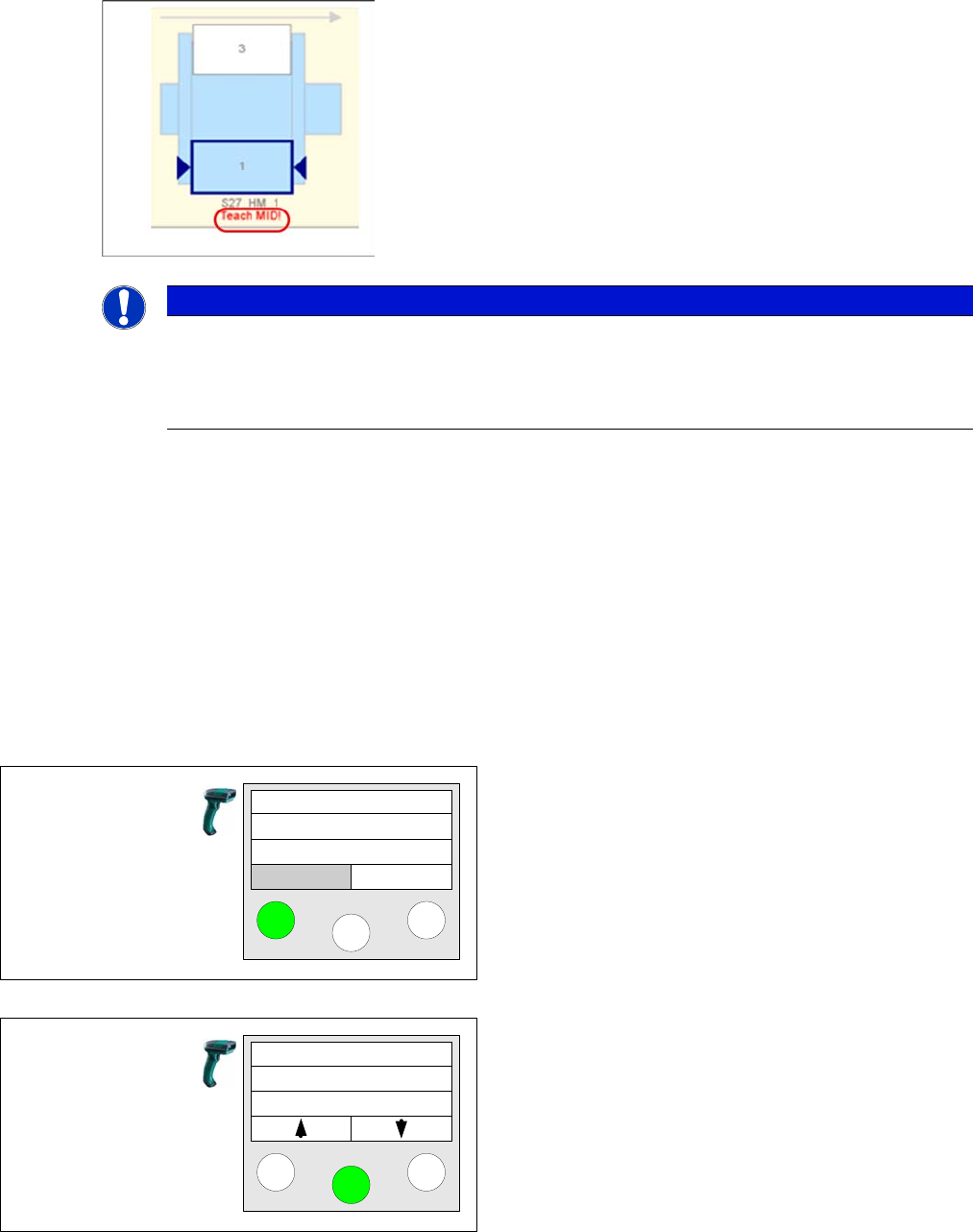
Setup Center shows that the machine ID has not yet been set.
7.13.1 Prerequisites
Printing the machine ID barcodes
You can either print the separate barcodes for "Table verification" and "Refill" or the Machine ID barcode
in X series style. All barcodes contain the actual machine ID.
See also "7.11 Barcode Label Wizard" [ ➙ 140].
7.13.2 Using the Reader
Using the Reader:
NOTICE
Teach MID Function
► The menu item "Teach MID" only appears on the barcode scanner with lines that contain a
machine of the S, F, HS or HF series. The function can be repeated, if a wrong machine ID
was assigned.
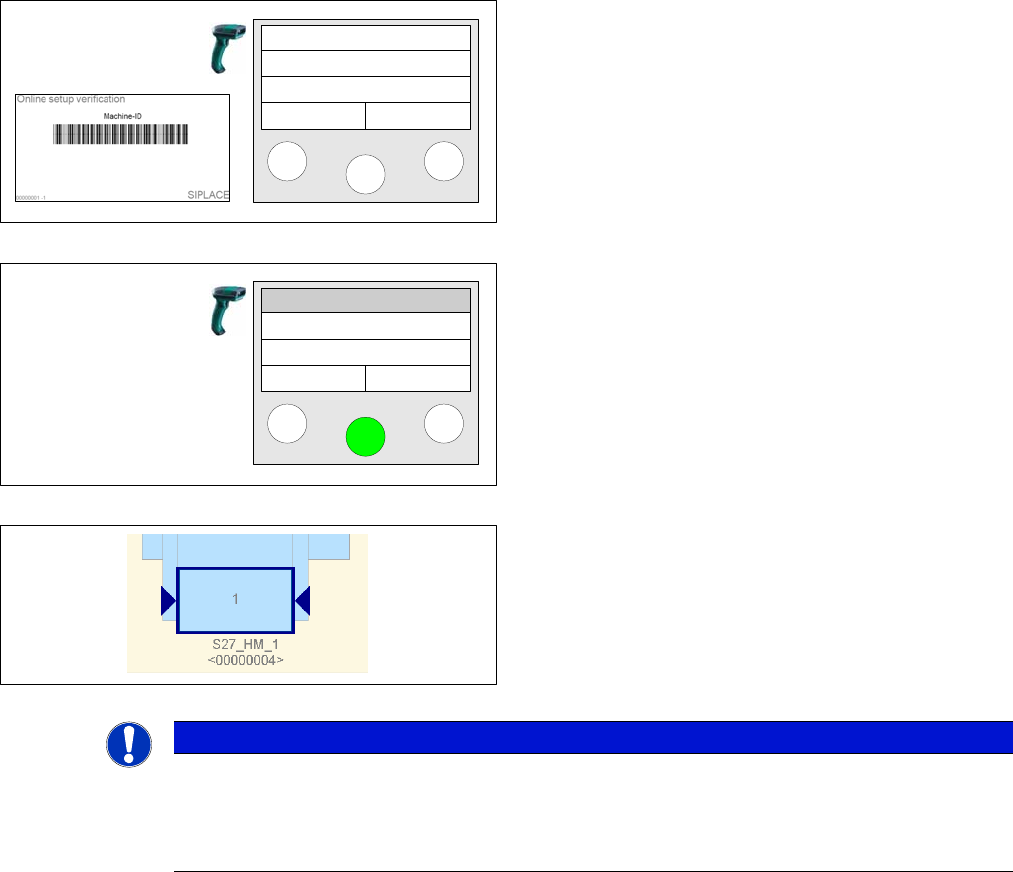
Step 1
Click the left mouse button to open the reader menu.
Step 2
Use the arrow keys to switch to the Teach MID function.
Click on Enter to confirm.
Setup Center
Menu
Teach MID
Working with the Setup Center Application
Using the Reader Setting the Machine ID
User Guide SIPLACE Setup Center 5.1 153
Step 3
Scan the appropriate Machine ID.
Step 4
Select the Station that you want to connect with the ma-
chine ID. After that, he main menu is automatically dis-
played.
Step 5
Verify in Setup Center whether machine ID is assigned
correctly.
Scan MID
Station 1
Station 2
Station 3
NOTICE
Machine ID for X Series
► For machines of the X series the physical machine ID is read out. If a machine ID has been
manually assigned to an X-machine, the X-machine will be corrected during the first online
setup verification through the physical machine ID.
Working with the Setup Center Application
Setting the Machine ID Using the Reader
154 User Guide SIPLACE Setup Center 5.1