00197195-02-UG SetupCenter 5.1_en.pdf - 第185页
Setup Verification in Practical Cases Tear Down After Foil Torn Error Working with X-Feeders User Guide SIPLACE Setup Center 5.1 18 5 8.12.5.1 Setup Center Settings for X-Feeders and Their Effects The following table sho…
Setup Verification in Practical Cases
Working with X-Feeders Setting Up and Tearing Down X-Feeders
184 User Guide SIPLACE Setup Center 5.1
From foil torn error in the station to the teardown status
A further application case arises when a feeder with a foil torn error is to be torn down. This state can
also be displayed when a feeder has been torn down outside the current station.
Step 3
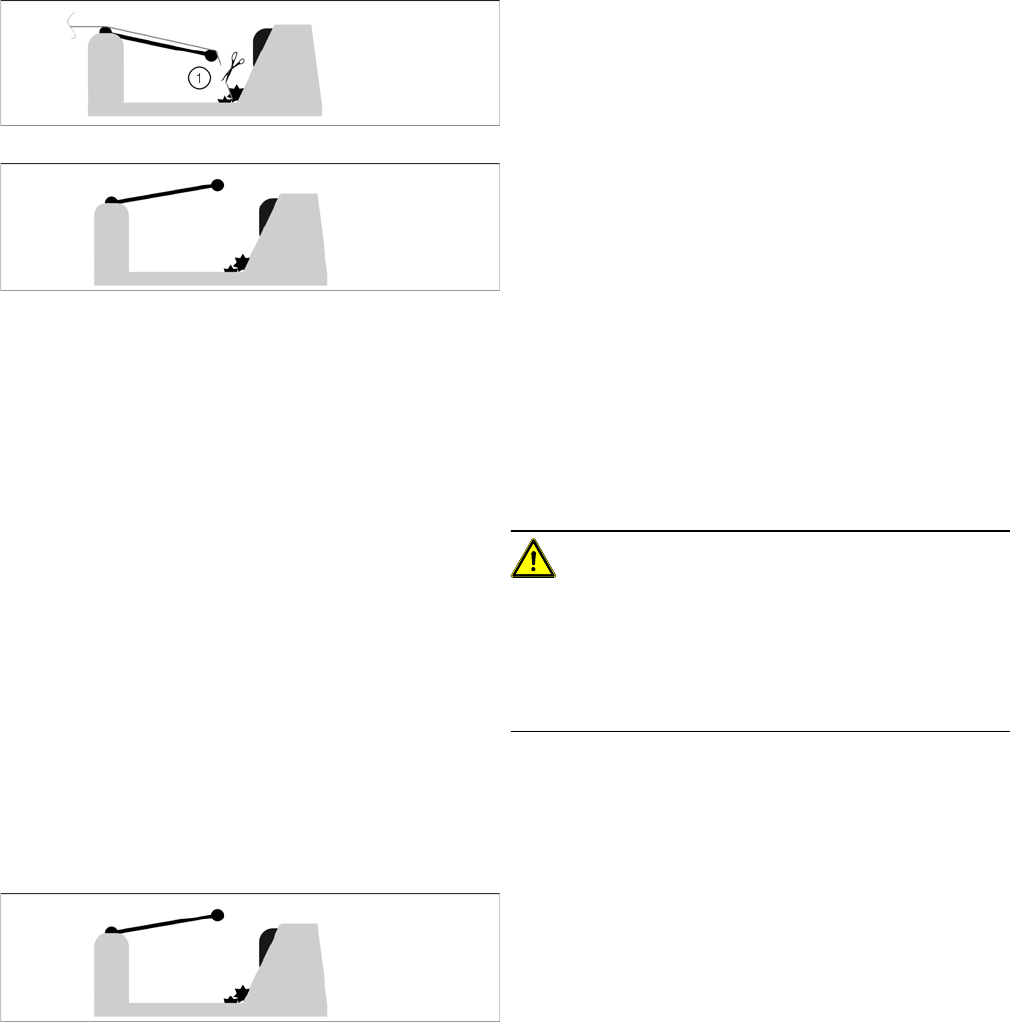
Cut the foils with a pair of scissors (1) and remove the
tape. The foil rocker will then be in the upper position.
Step 4
If the feeder is reinserted in the station and locked, the
display will show the status "foil torn".
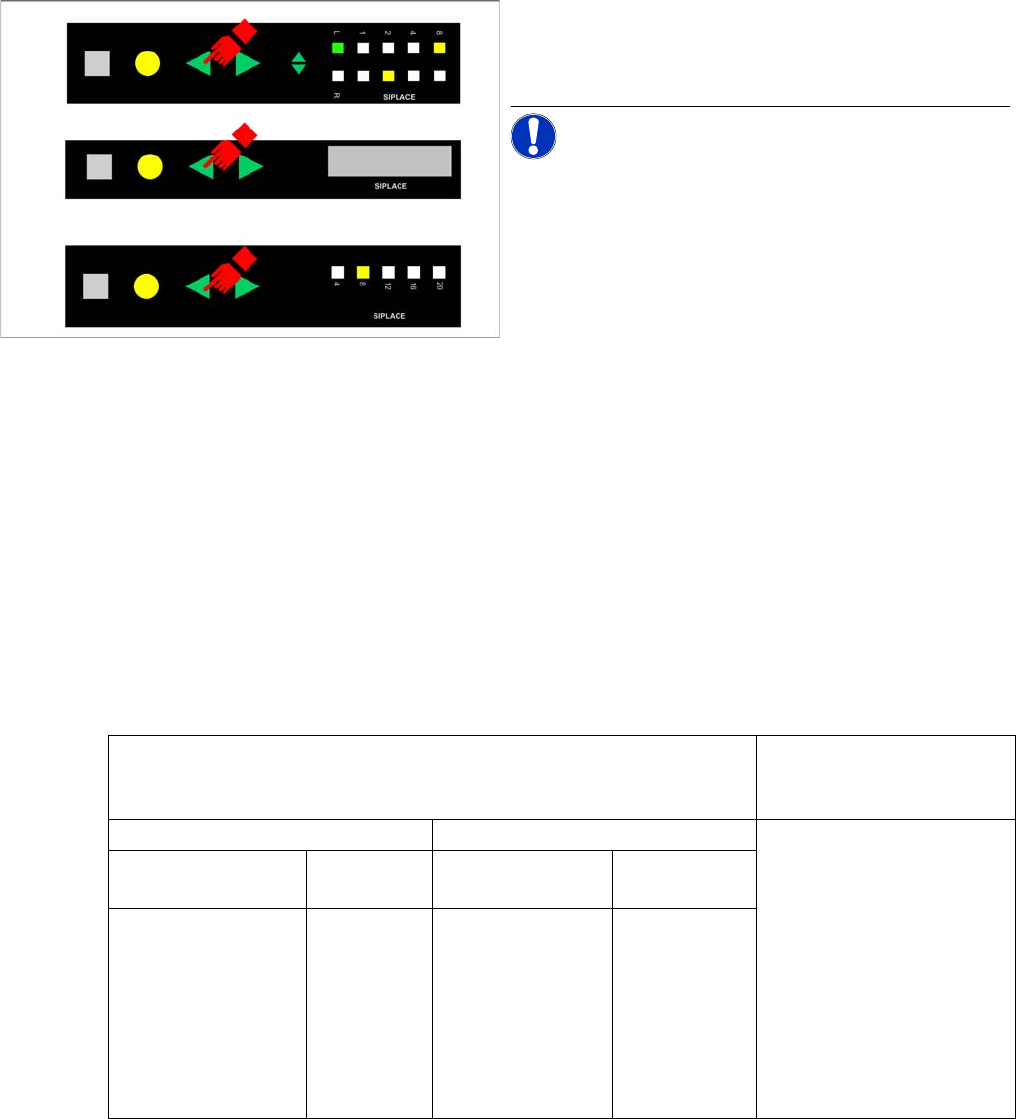
▪ Feeder with LCD display
– The feeder display will show the state Torn foil.
▪ Feeder with LCD display
– The error state Torn foil is indicated by a red sta-
tus display and slow flashing of LED 2 of the pitch
display.
– On the 12/16 mm V2 feeder, the error state "Torn
foil" is indicated by a red status display and slow
flashing of LED 12 of the pitch display.
CAUTION! The feeder is in the Foil torn state.
The station is stopped because it is unable to differentiate
between an empty feeder and a torn foil.
You need to carry out the steps described below under
"From foil torn error in the station to the teardown status"
as described below.
Step 1
The feeder is in the Foil torn state.
▪ Feeder with LCD display
– The feeder display will show the state Torn foil.
▪ Feeder with LCD display
– The error state "Torn foil" is indicated by a red
status display and slow flashing of LED 2 of the
pitch display.
– On the 12/16 mm V2 feeder, the error state "Torn
foil" is indicated by a red status display and slow
flashing of LED 12 of the pitch display.
The foil rocker is in the upper position.
Setup Verification in Practical Cases
Tear Down After Foil Torn Error Working with X-Feeders
User Guide SIPLACE Setup Center 5.1 185
8.12.5.1 Setup Center Settings for X-Feeders and Their Effects
The following table shows what is to be carried out for the X-feeder depending on the Setup Center set-
ting.
8.12.6 Tear Down After Foil Torn Error
After a foil torn error, Setup Center can tear down a packaging unit. This prevents incorrect traceability
data from being written if an X-feeder has not been torn down properly and another packaging unit has
been put on the same X-feeder instead.
A torn foil error can occur if
▪ the foil is torn,
▪ the foil container is open,
▪ the foil has been cut through, or
▪ a tangled foil has not been transported properly.
Step 2
► Press the "Back" button of the feeder for at least 2
seconds.
NOTICE! If the foil rocker is not in the upper po-
sition after 5 seconds, it is assumed the button has been
pressed accidentally.
▪ Feeder with LCD display
– The feeder display will show the state Reel re-
moved.
▪ Feeder with LCD display
– After 0.75 seconds the error state "Torn foil" is de-
leted and the track is torn down. The status dis-
play turns green if the feeder module is needed
for the current placement job and if there is no
other error.
– The pitch display LED will now switch back to its
original state.
The feeder has been torn down.
The BACKWARDS button can now be released.
Tear down packaging unit after foil torn error (X-feeder) = OFF Tear down packaging unit
after foil torn error (X-feed-
er) = ON
Activate with verification = ON Activate with verification = OFF Complete setup verification
of track necessary
If the option Tear down the
packaging unit if the verifi-
cation status of the X-feeder
is unreliable has been ena-
bled at Tools => Settings =>
Line => Domain-Wide Verifi-
cation Settings, it is also
necessary to perform a
complete setup verification.
Activate via station
computer GUI
Activate with
reader
Activate via station
computer GUI
Activate with
reader
Activation not possi-
ble
Activation
possible
(with Scan
packaging
unit)
Activation possible Activation pos-
sible
Setup Verification in Practical Cases
Working with Machine IDs or Control Barcodes Tear Down After Foil Torn Error
186 User Guide SIPLACE Setup Center 5.1
Step 1:
Enable the option Tear down packaging unit after foil torn error (X-feeder) via Extras -> Settings -> Com-
mon -> Settings for Online verification. See "3.2.1 Settings of Online Setup Verification" [ ➙ 27].
Or, the option Tear down the packaging unit if the verification status of the X-feeder is unreliable has
been enabled at Tools => Settings => Line => Domain-Wide Verification Settings. See "3.4.1 Verification
Settings for Domains" [ ➙ 33].
Step 2:
The X-feeder reports a foil torn error and the track is deactivated by the station. Setup Center sends a
teardown instruction to the station and tears the packaging unit down. The connection between packag-
ing unit and feeder is cut both at the station and in the Setup Center.
Step 3:
Verify the track again.
8.13 Working with Machine IDs or Control Barcodes
The machine ID in Setup Center gives you two different options for starting the functions setup verifica-
tion, refill, activate and shift change. You can either use the control barcodes, as in the past, or the ma-
chine ID.
Starting the Functions with Control Barcodes
Starting the functions with machine ID
NOTICE
Packaging unit information in the database
If the setting is not active, the information about the packaging unit used on this feeder will re-
main in the Setup Center database and in the component level indicator. The track cannot be
activated again with a scanner.
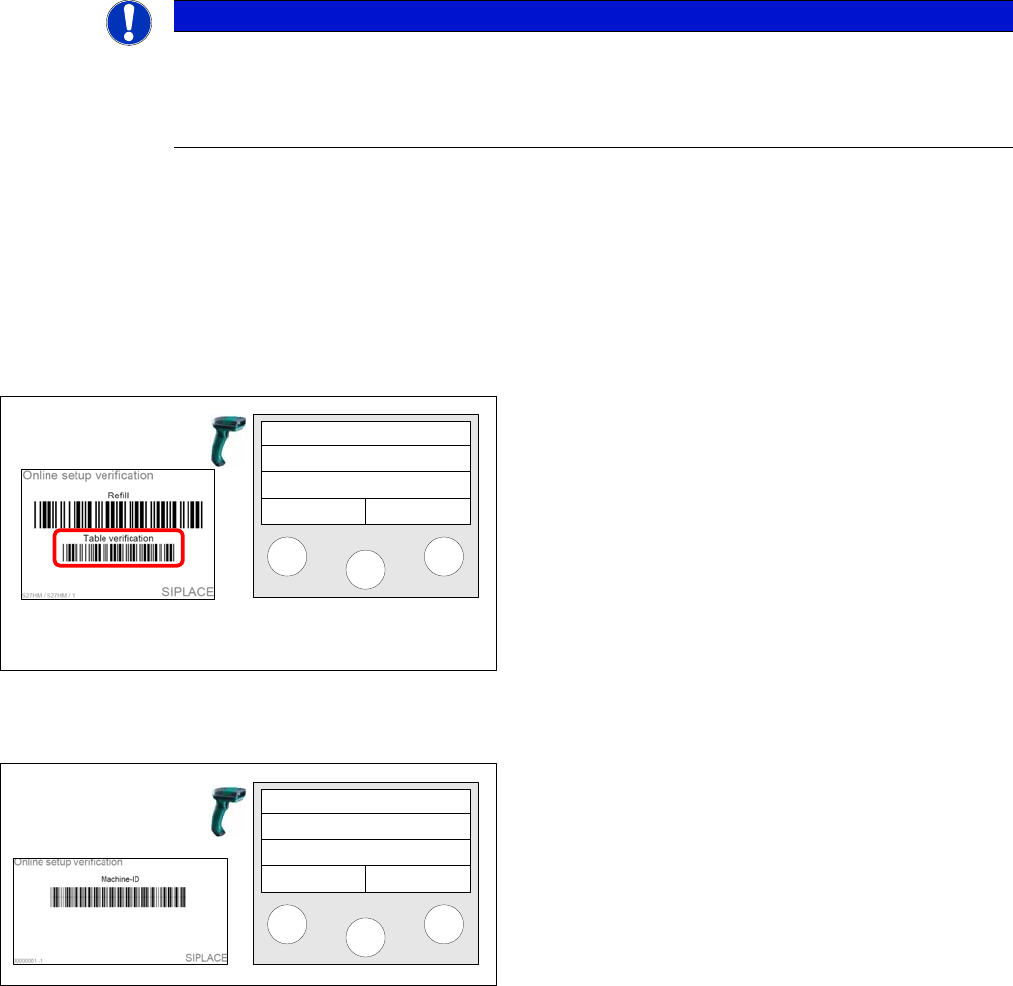
Working with the control barcodes Table
verification, Refill and Shift change is possible with Setup
Center 2.0 version and higher and thus still available.
e.g.. After Table verification has been scanned in, you
can start the verification process.
Setup Center
Menu
Step 1
Scan in the Machine ID.
Setup Center
Menu