00198766-01_IM_713.0_R19-2_EN.pdf - 第76页
Station Software Version 7 13.0 (R19-2) / Installation Manual 11/2019 Edition 76
Station Software Version 713.0 (R19-2) / Installation Manual 11/2019 Edition
75
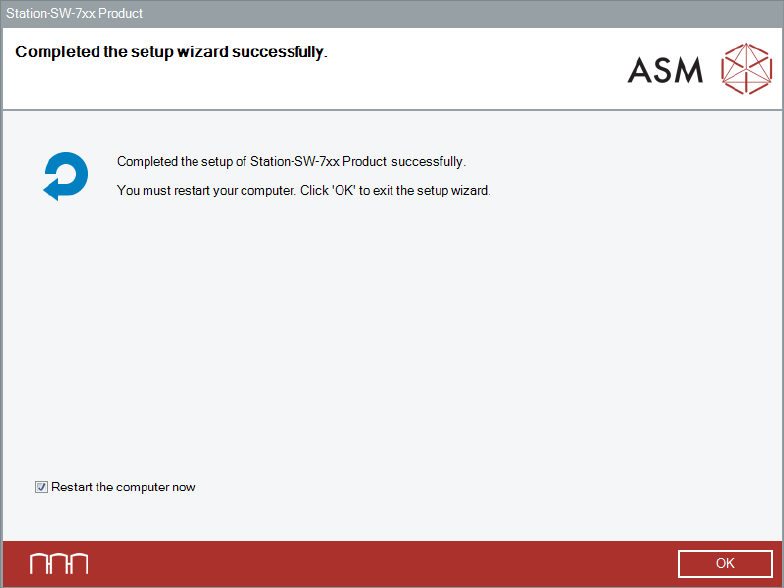
After successful removal, the following dialog is displayed.
Figure 10-3: Uninstalling completed
► Click OK to exit the wizard and restart the computer.
After restart, an automatic login under the Operator user account will be done.
► Log off from the Operator user account.
► Log in under the ASM_Admin user account again.
► Continue with the installation of the station software version you want to downgrade to.
Station Software Version 713.0 (R19-2) / Installation Manual 11/2019 Edition
76