FCM_User Reference Manual.pdf.pdf - 第153页
4022 591 96082 User Re ference Manual 02.02 FCM Multiflex 5-61 MIS 5.3.5.3 [ R eports] > [Er ror histo ry ...] T ABL E 5-29 Qui ck Refer ence fcm05 58a.tif SCREE N 5-5 1 [Erro r history ...] scr een e xample Actions ■…
MIS
User Reference Manual 4022 591 96082
5-60 FCM Multiflex 02.02
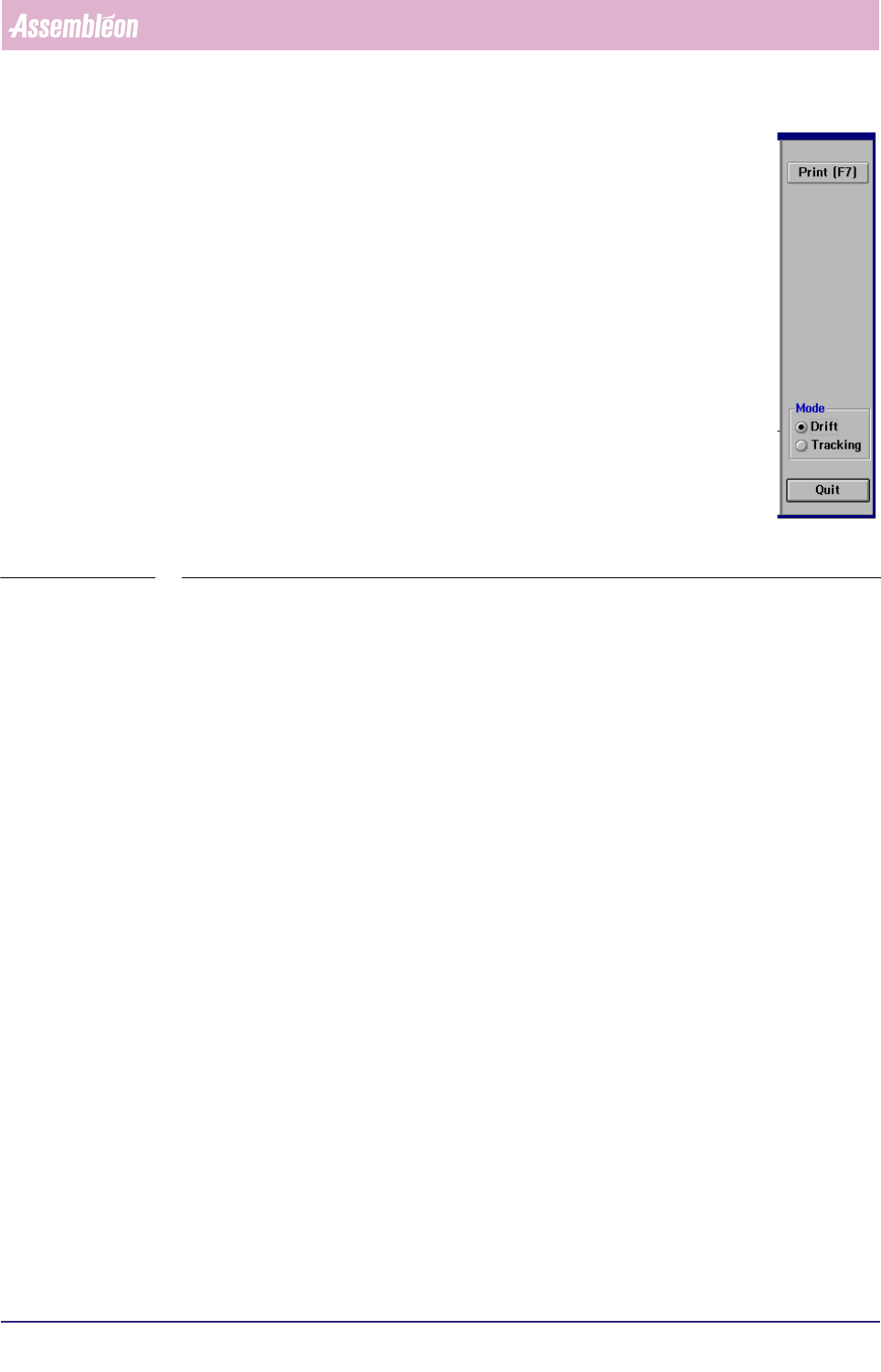
▼Controls
The controls on the right of the [Servo diagnostic...] screen have the
following functions:
■ select
[Print (F7)] or press <F7> to print the graph
■ select
[Tracking] to have the tracking warnings displayed on the
screen
■ select [Drift] to have the drift displayed on the screen
■ select
[Quit] to leave the [Servo diagnostic...] menu
■ select [Quit] to leave the [Servo diagnostic...] menu
SCREEN 5-50
4022 591 96082 User Reference Manual
02.02 FCM Multiflex 5-61
MIS
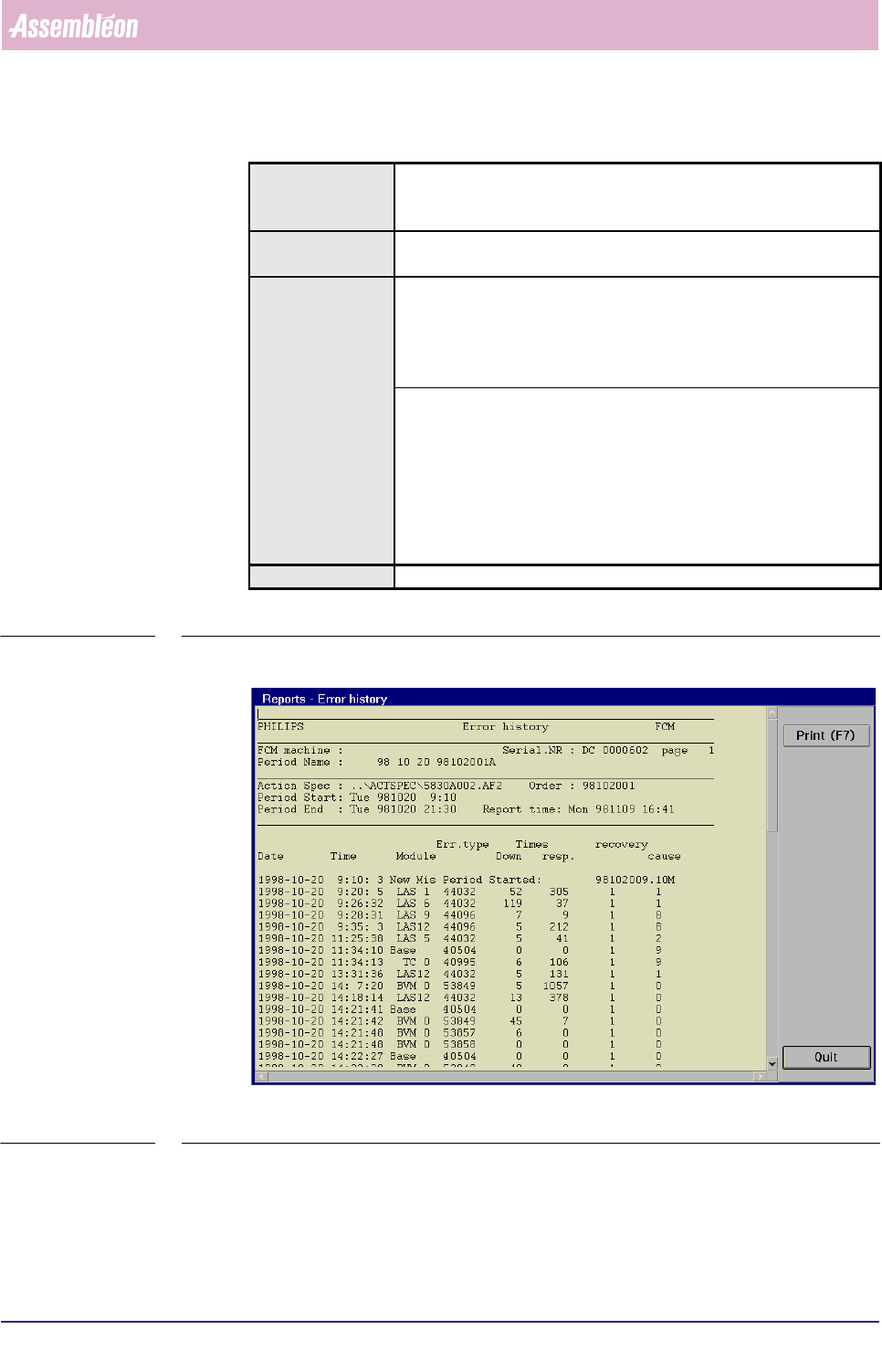
5.3.5.3 [Reports] > [Error history...]
TABLE 5-29 Quick Reference
fcm0558a.tif
SCREEN 5-51 [Error history...] screen example
Actions ■ select [Functions...] in the MIS pull-down menu
■ select [Reports]
■ select [Error history...]
Conditions ■ supervisor access level
■ order active
Information ■ FCM Multiflex machine identification and serial no.
■ MIS period name + start/stop date/time
■ action spec name
■ order name
■ report date/time
■ history of error occurrences with following information:
• data/time of occurrence
• module involved
• error type
• down time
• response time
• recovery action
• error cause
Display Options -
MIS
User Reference Manual 4022 591 96082
5-62 FCM Multiflex 02.02
✱✱Detailed Information
▼Displayed Information
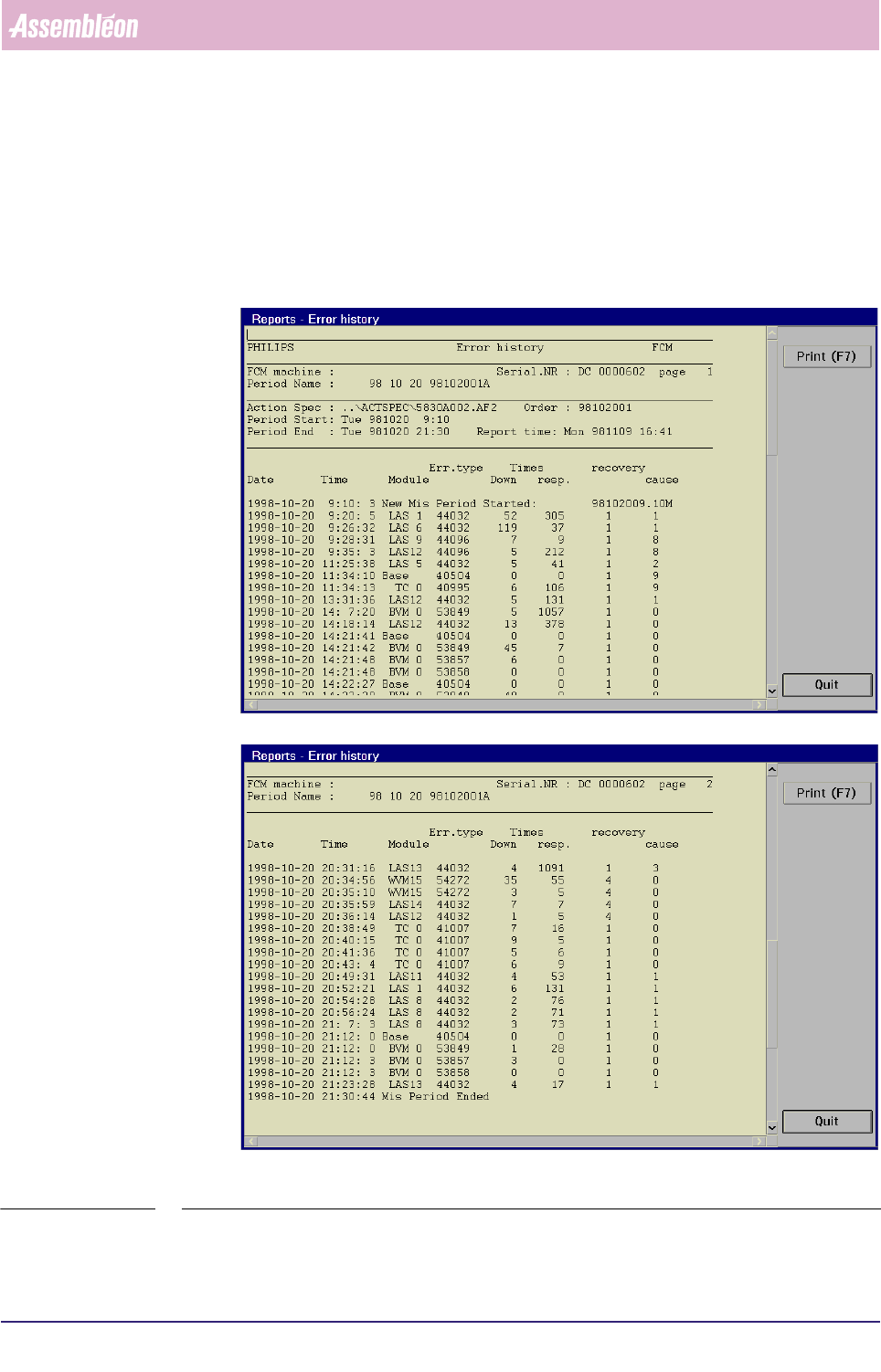
The [Error history...] report gives a chronological log of all machine errors and
process errors.
Report text explanation
fcm0558a/0559a.tif
SCREEN 5-52 [Error history...] screen examples (page 1 and page 2)