FCM_User Reference Manual.pdf.pdf - 第164页
MIS User Re ference Manual 4022 5 91 96082 5-72 F CM Mult ifl ex 02.02 5.3.5.4 [ R eports] > [Sh o w ve r sion...] T ABL E 5-32 Qui ck Refer ence fcm05 61a.tif SCREE N 5-5 4 [Show ve rsion...] screen e xample [] ✱✱ De…
4022 591 96082 User Reference Manual
02.02 FCM Multiflex 5-71
MIS
TABLE 5-31 Error type code list
▼Controls
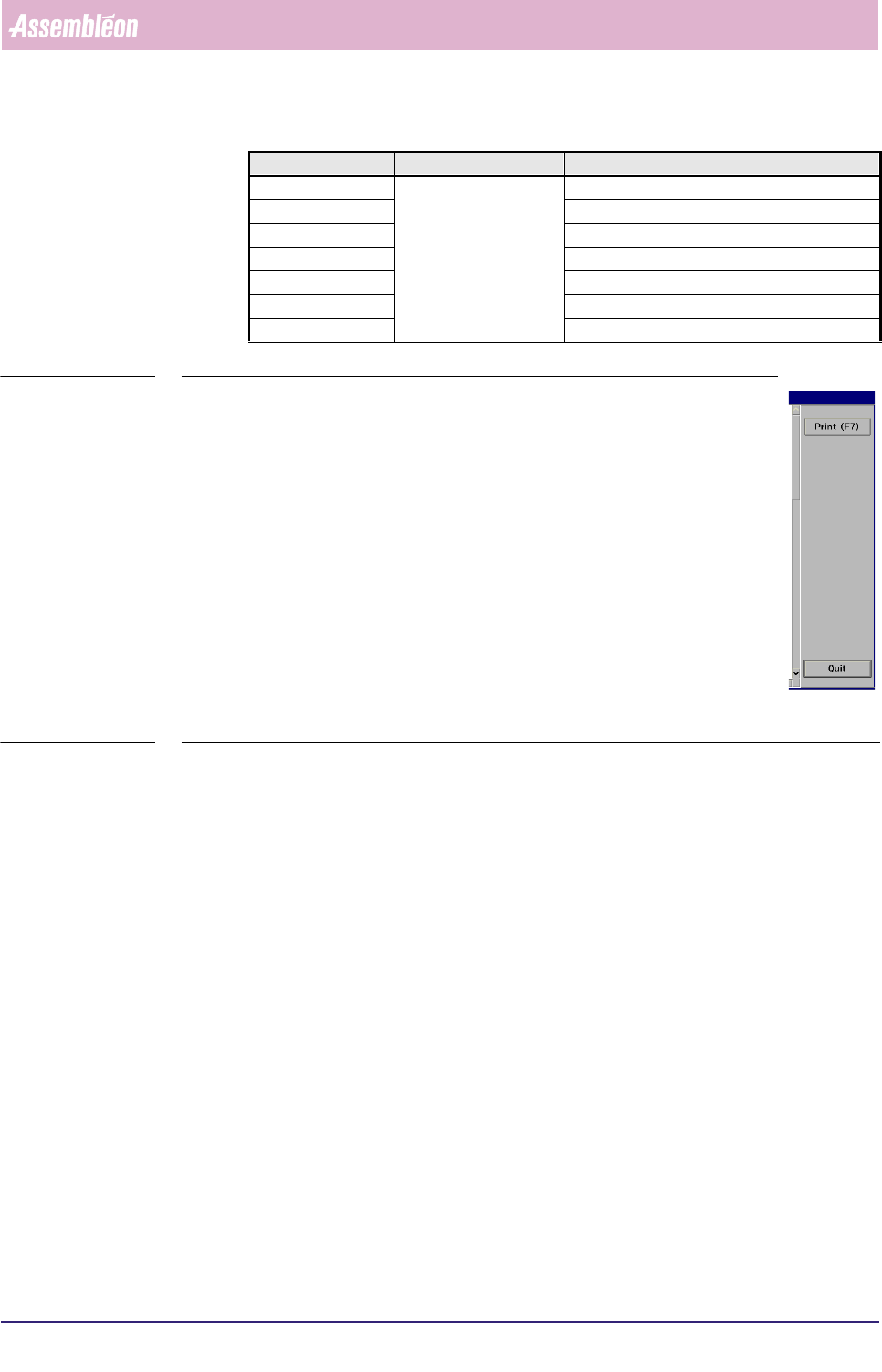
The controls on the right of the [Error history...] screen have the
following functions:
■ select
[Print (F7)] or press <F7> to print the graph
■ select [Quit] to leave the [Error history...] menu
SCREEN 5-53
Error code Subsystem Error description
55099 WVM Misalign SMD geometry error
55100 Misalign SMD error lead count NS
55101 Misalign SMD error lead count EW
55102 Misalign SMD error lead count E
55103 Misalign SMD error lead count W
55104 Misalign SMD error lead count N
55105 Misalign SMD error lead count S
MIS
User Reference Manual 4022 591 96082
5-72 FCM Multiflex 02.02
5.3.5.4 [Reports] > [Show version...]
TABLE 5-32 Quick Reference
fcm0561a.tif
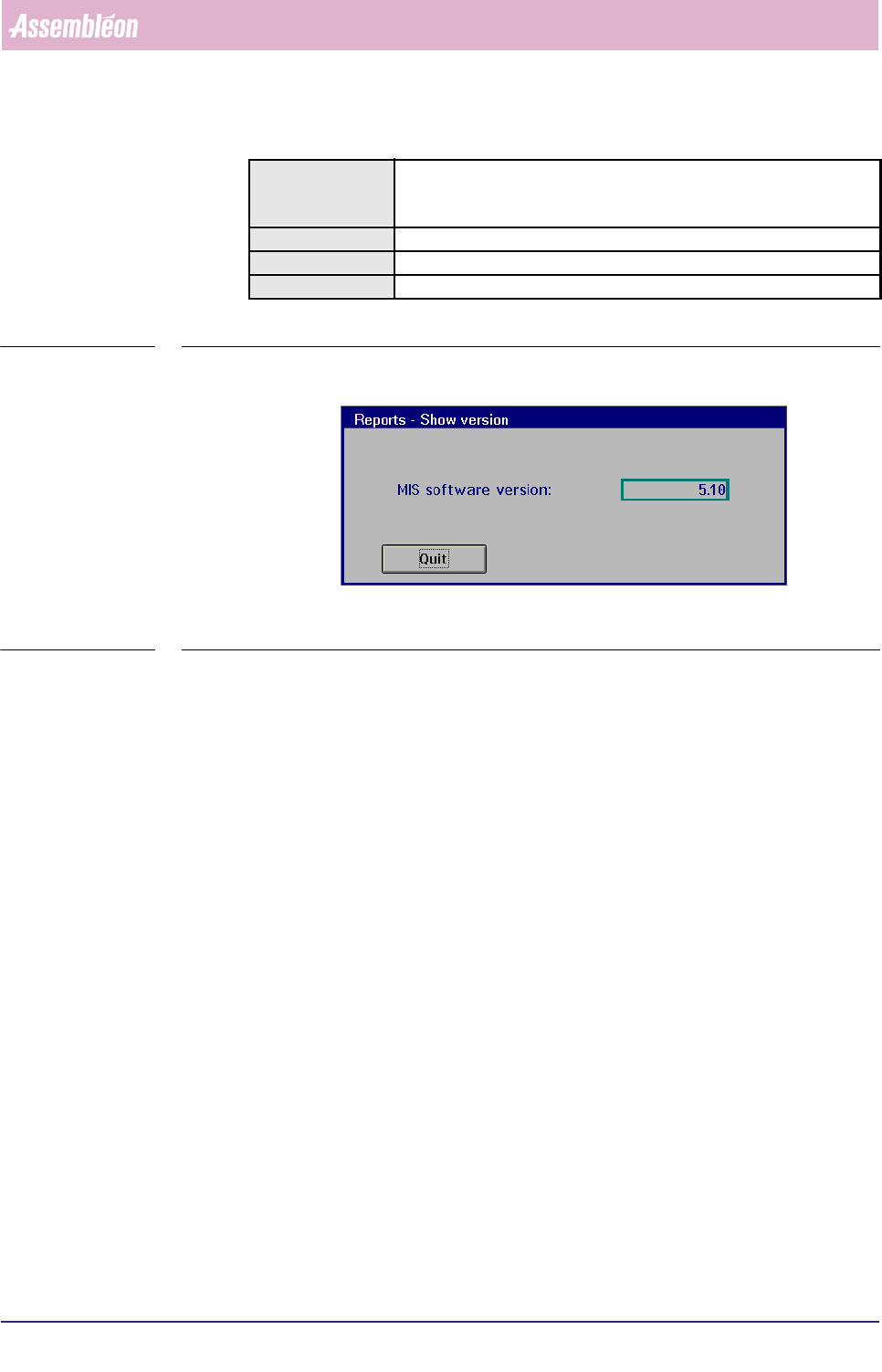
SCREEN 5-54 [Show version...] screen example []
✱✱Detailed Information
▼Controls
■ Select [Quit] or press <Esc> to leave the [Show version...] menu
Actions ■ select [Functions...] in the MIS pull-down menu
■ select [Reports]
■ select [Show version...]
Conditions ■ order active
Information MIS software version
Display Options -
4022 591 96082 User Reference Manual
02.02 FCM Multiflex 5-73
MIS
5.3.6 MIS Data Control
5.3.6.1 [Administration] > [View past period...]
TABLE 5-33 Quick Reference
fcm0562a.tif
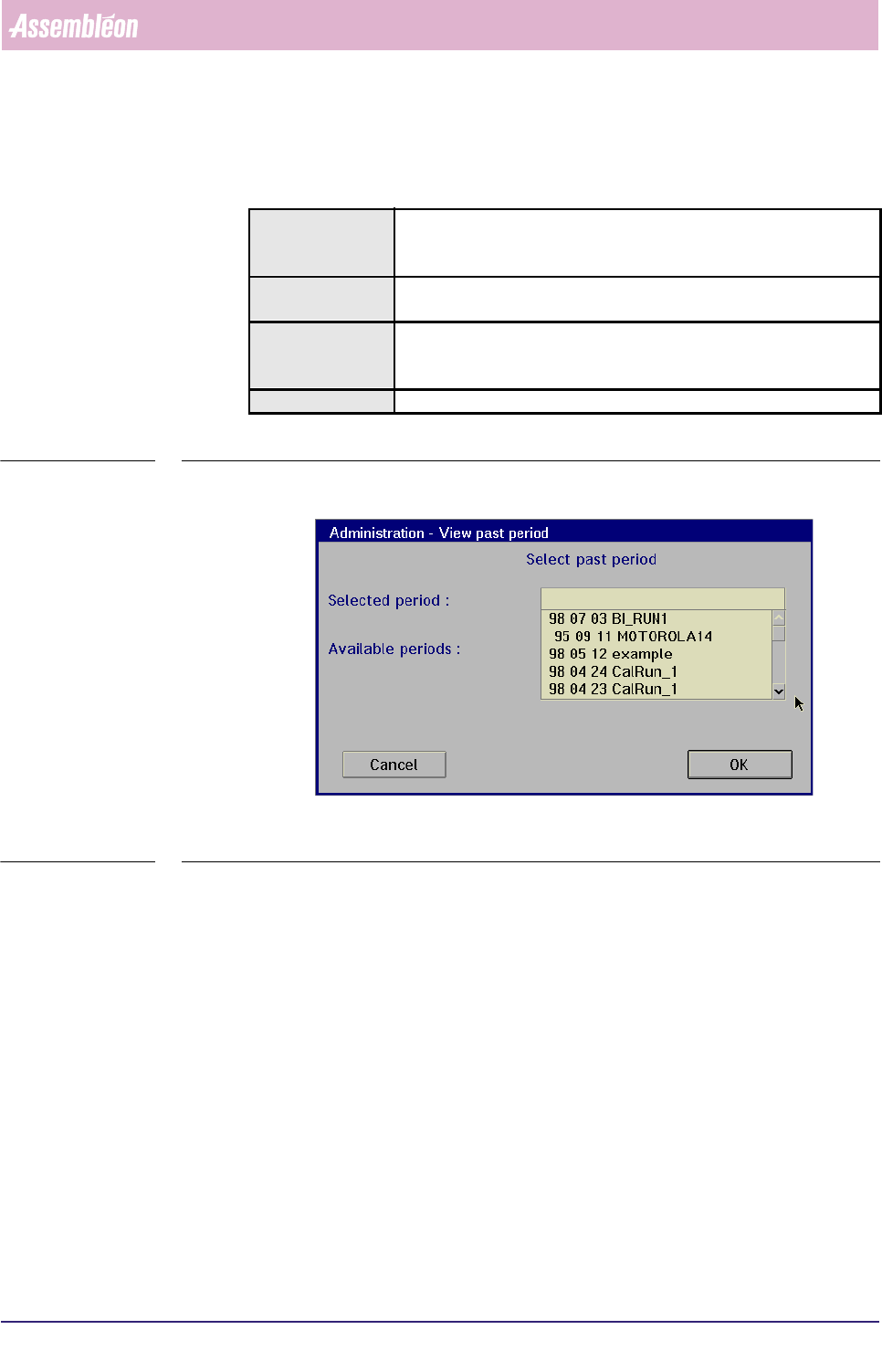
SCREEN 5-55 [View past period...] screen example
✱✱Detailed Information
▼Controls
To select one out of the past MIS periods
■ select one MIS period name from the window (SCREEN 5-39)
■ select
[OK] to activate this MIS period
All reports you may retrieve via the
[Reports] and [Print] functions will now be
based upon this selected MIS period.
■ select
[Cancel] to quit the function without alteration
Actions ■ select [Functions...] in the MIS pull-down menu
■ select [Administration]
■ select [View past period...]
Conditions ■ supervisor access level
■ order active
Information ■ by this function, you can select one out of the past MIS periods
■all information extracted via the [Reports] and [Print]
functions will now be based upon this selected MIS period
Display Options -