FCM_User Reference Manual.pdf.pdf - 第165页
4022 591 96082 User Re ference Manual 02.02 FCM Multiflex 5-73 MIS 5.3.6 MI S Data Control 5.3.6.1 [ A dministrati on] > [ Vie w past peri od...] T ABL E 5-33 Qui ck Refer ence fcm05 62a.tif SCREE N 5-5 5 [Vi ew past …
MIS
User Reference Manual 4022 591 96082
5-72 FCM Multiflex 02.02
5.3.5.4 [Reports] > [Show version...]
TABLE 5-32 Quick Reference
fcm0561a.tif
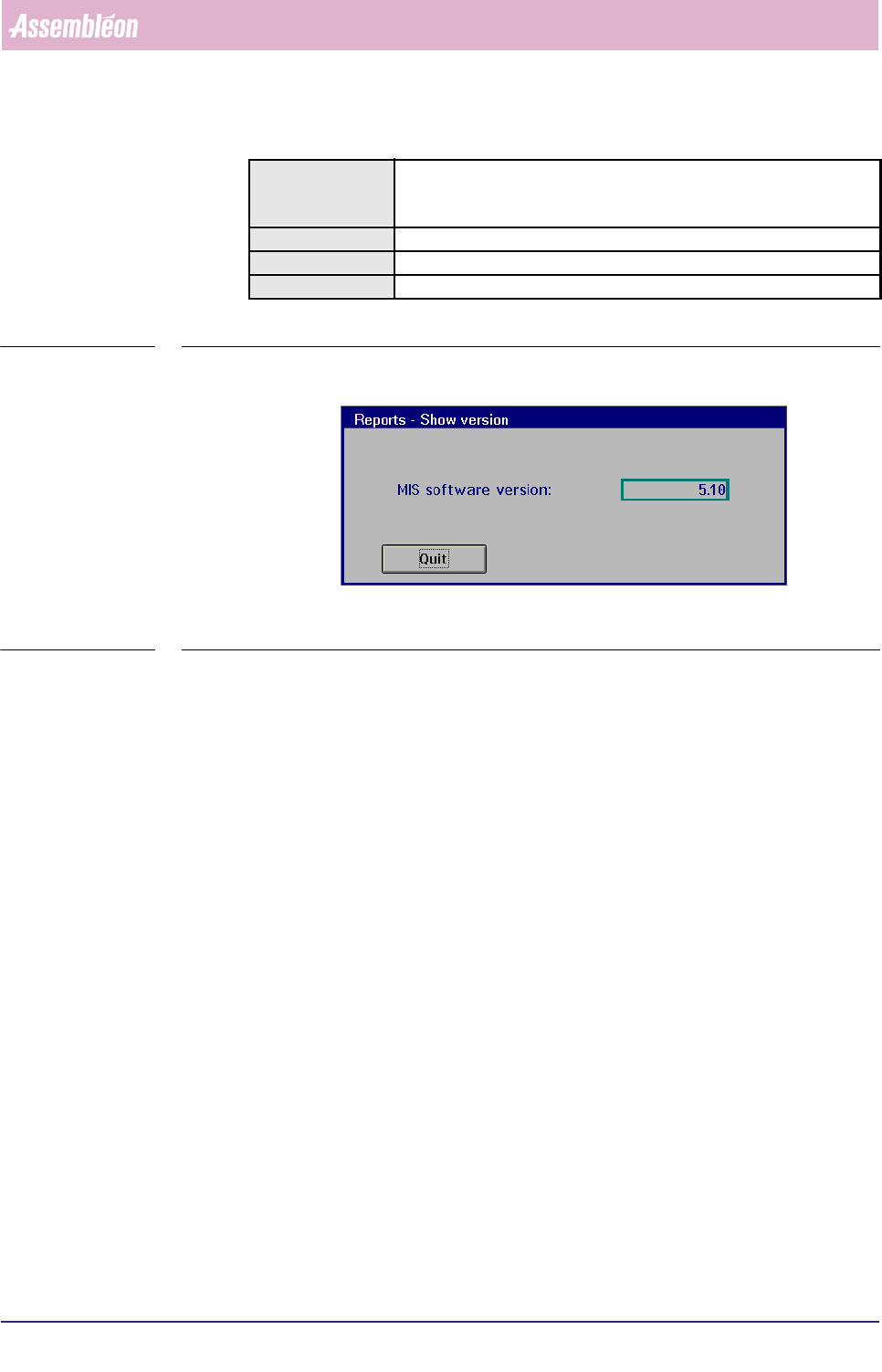
SCREEN 5-54 [Show version...] screen example []
✱✱Detailed Information
▼Controls
■ Select [Quit] or press <Esc> to leave the [Show version...] menu
Actions ■ select [Functions...] in the MIS pull-down menu
■ select [Reports]
■ select [Show version...]
Conditions ■ order active
Information MIS software version
Display Options -
4022 591 96082 User Reference Manual
02.02 FCM Multiflex 5-73
MIS
5.3.6 MIS Data Control
5.3.6.1 [Administration] > [View past period...]
TABLE 5-33 Quick Reference
fcm0562a.tif
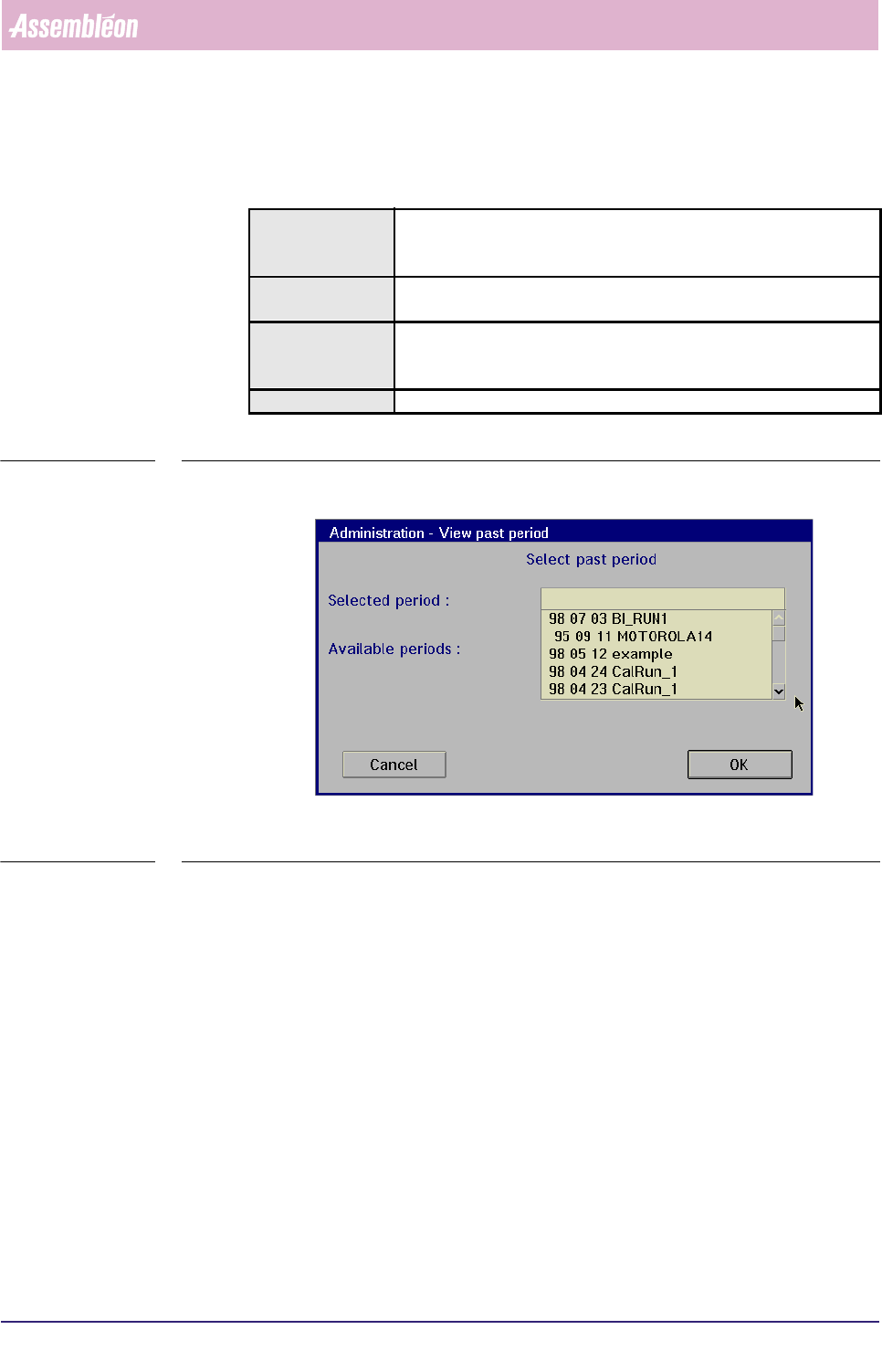
SCREEN 5-55 [View past period...] screen example
✱✱Detailed Information
▼Controls
To select one out of the past MIS periods
■ select one MIS period name from the window (SCREEN 5-39)
■ select
[OK] to activate this MIS period
All reports you may retrieve via the
[Reports] and [Print] functions will now be
based upon this selected MIS period.
■ select
[Cancel] to quit the function without alteration
Actions ■ select [Functions...] in the MIS pull-down menu
■ select [Administration]
■ select [View past period...]
Conditions ■ supervisor access level
■ order active
Information ■ by this function, you can select one out of the past MIS periods
■all information extracted via the [Reports] and [Print]
functions will now be based upon this selected MIS period
Display Options -
MIS
User Reference Manual 4022 591 96082
5-74 FCM Multiflex 02.02
5.3.6.2 [Control] > [Start temporary period...]
TABLE 5-34 Quick Reference
fcm0563a.tif
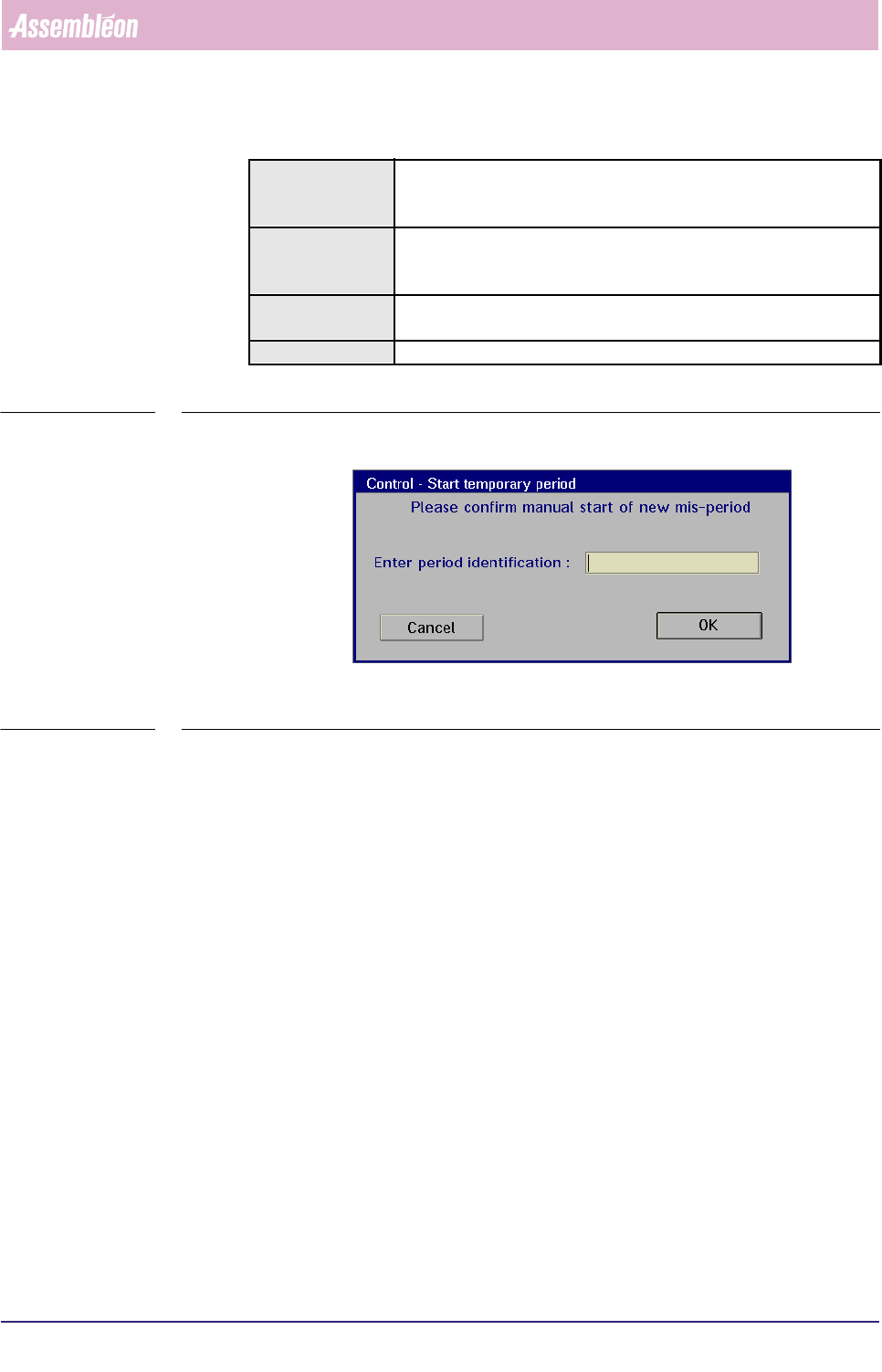
SCREEN 5-56 [Start temporary period...] screen dialogue
✱✱Detailed Information
In some cases, it may be useful to insert a temporary MIS period. For instance, after
having replaced some suspicious machine parts, such a temporary MIS period can
tell you how the system behaves now without being charged with all “old data”, as
you start with a “clean sheet”.
Start of a temporary MIS period is only possible when an order is running
(see FIGURE 5-9).
Actions ■ select [Functions...] in the MIS pull-down menu
■ select [Control]
■ select [Start temporary period...]
Conditions ■ supervisor access level
■ order active
■ production status [Running]
Information ■ by this function, you can start a temporary MIS period
■ this will end the current MIS period
Display Options -