FCM_User Reference Manual.pdf.pdf - 第233页
4022 591 960 82 Us er Reference Man ual 02.02 FC M Multif lex 6-41 Pr oduc t Ch ang e Ov er FIGURE 6-14 Area of in terest for spot-type badmark detecti on ■ T oggl e with <F5> between [Move] an d [Resize] as n eces…
Product Change Over
User Reference Manual 4022 591 96082
6-40 FCM Multiflex 02.02
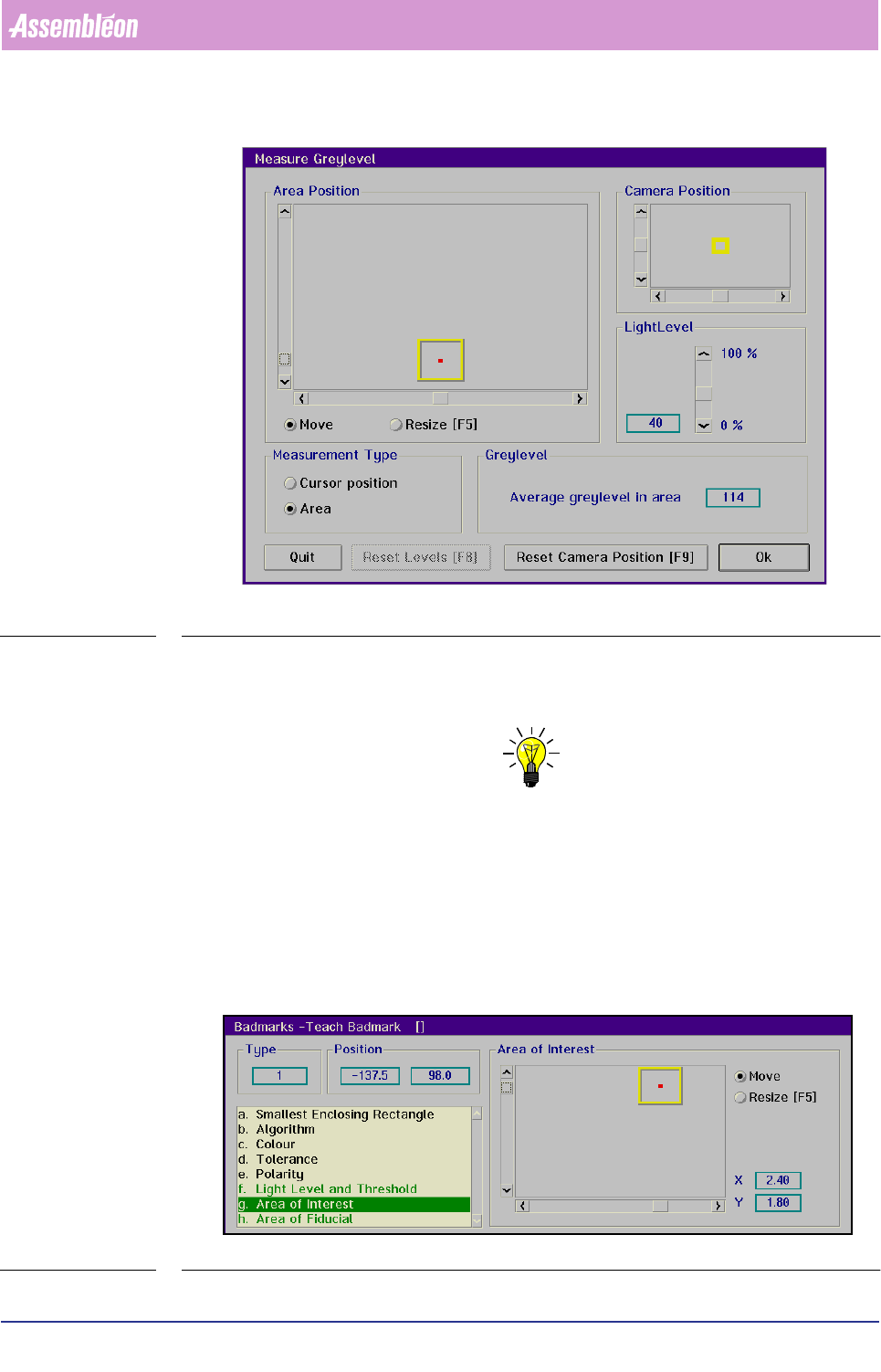
SCREEN 6-34
■ Read the [Average grey level in area] value for badmark and its background
■ Use a value in between as the
[Threshold] level to be set
NOTE: In demanding situations some try-outs may be required, e.g. reset camer-
aposition (if background is out of view), selection of another badmark etc.
Area of Interest
The [Area of Interest] determines where the system will look for the badmark. It
should cover a part of the bad mark and the background.
For spot-type badmarks:
■ Select
[Area of Interest]
SCREEN 6-35
4022 591 96082 User Reference Manual
02.02 FCM Multiflex 6-41
Product Change Over
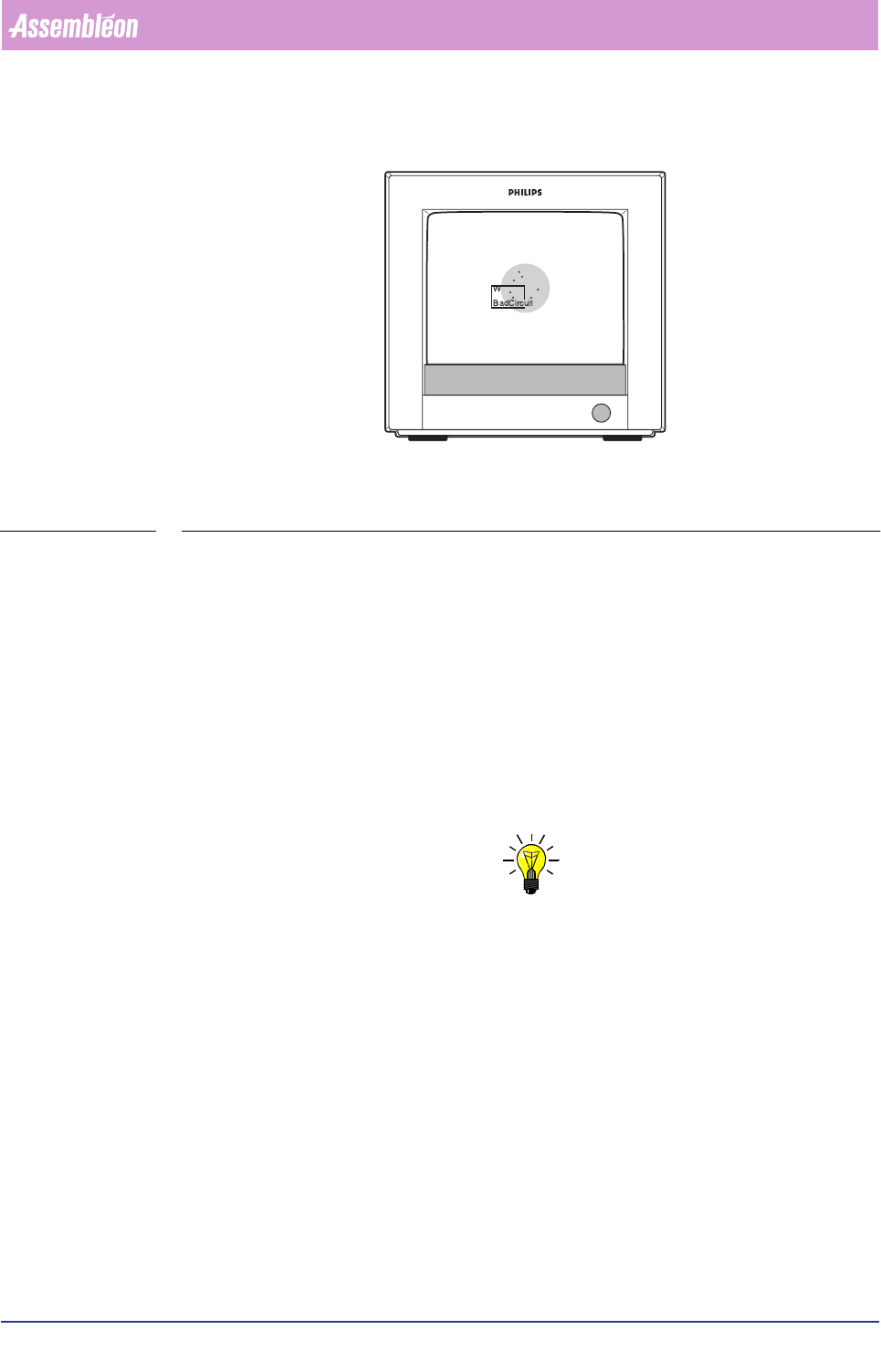
FIGURE 6-14 Area of interest for spot-type badmark detection
■ Toggle with
<F5> between [Move] and [Resize] as necessary
■ Position and resize the area of interest with the arrow keys or by means of the
tracker ball and the scroll bars
The X and Y value indicate the centre of the search area with respect to the centre
of the BVM camera.
For fiducial-type badmarks:
■ Select
[Area of Interest]
The [Area of Interest] determines where the system will look for the badmark.
In this way “confusing” elements - like certain print patterns - can be avoided.
NOTE: It is recommended to make the area of interest not larger then necessary,
for a large area of interest will increase the time required for a meas-
urement.
Product Change Over
User Reference Manual 4022 591 96082
6-42 FCM Multiflex 02.02
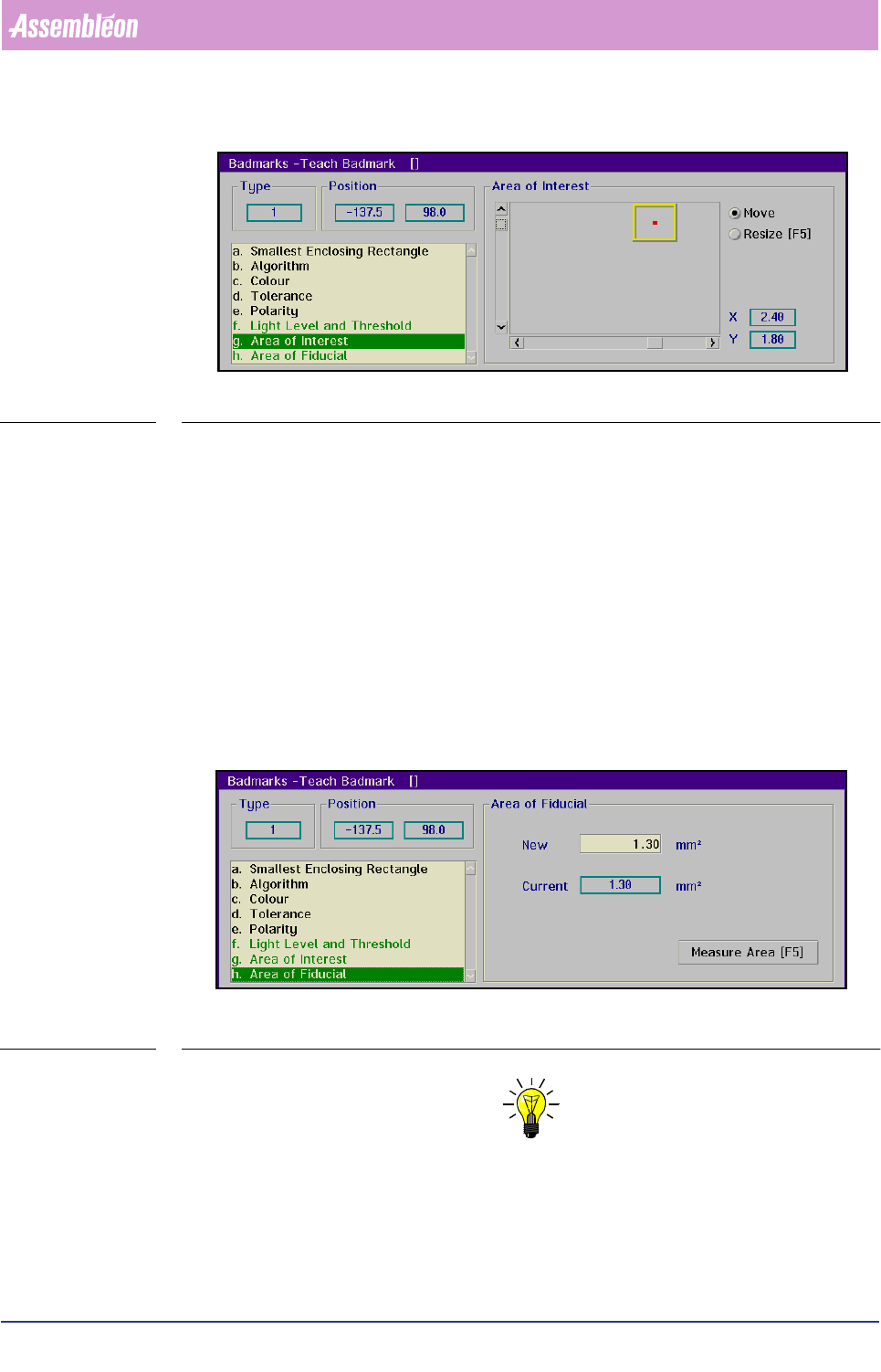
SCREEN 6-36
■ Toggle with
<F5> between [Move] and [Resize] as necessary
■ Position and resize the area of interest with the arrow keys or by means of the
tracker ball and the sliders
The X and Y value indicate the centre of the search area with respect to the centre
of the BVM camera.
Area of Fiducial
Only relevant for fiducial-type badmarks using the binary algorithm.
■ Select
[Area of Fiducial]
This menu box gives the surface area of the badmark in mm
2
.
SCREEN 6-37
NOTE: For the parameters shown green in the list box, the settings can be taught
automatically by selecting >7HDFK@. The result of the automatic teaching
can be tested by selecting >0HDVXUH@.
■ Select [Teach]
■ Select [Measure]