FCM_User Reference Manual.pdf.pdf - 第38页
Hu man Inte rfac e User Re ference Manual 4022 5 91 96082 3-22 F CM Mult ifl ex 02.02 3. 8. 2 Fid uc ial Al i gnm e nt Set ti n gs 3.8.2.1 Enabling /Disabling the Fiducial Alignmen t ( F A) ■ Select [ F iduc ial Ali g nm…
4022 591 96082 User Reference Manual
02.02 FCM Multiflex 3-21
Human Interface
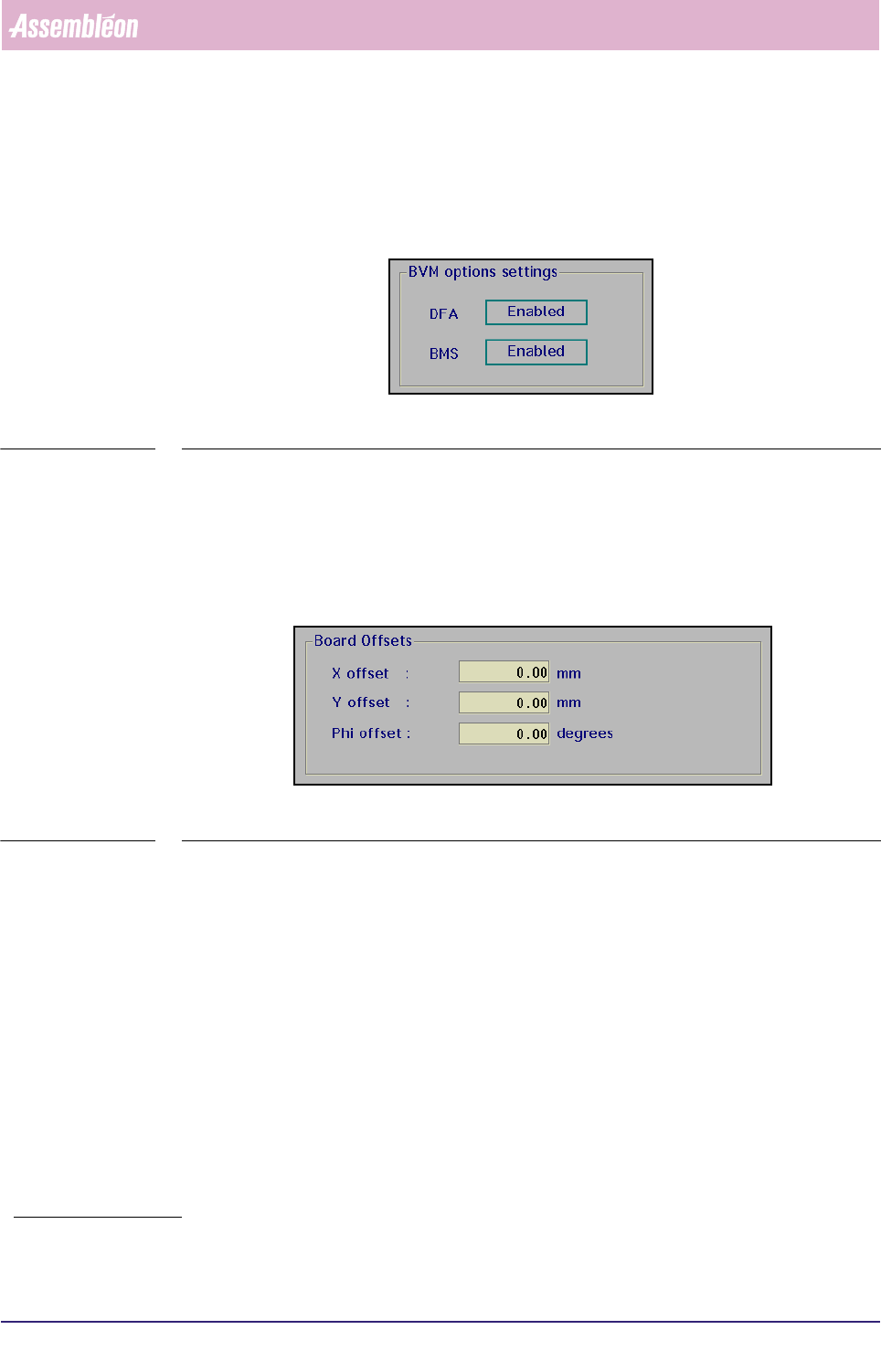
3.8.1.3 BVM Options Settings
The BVM options settings [DFA] and [BMS] appearing in the BVM dialogue box are
only indications and can not be set in this stage.
SCREEN 3-12
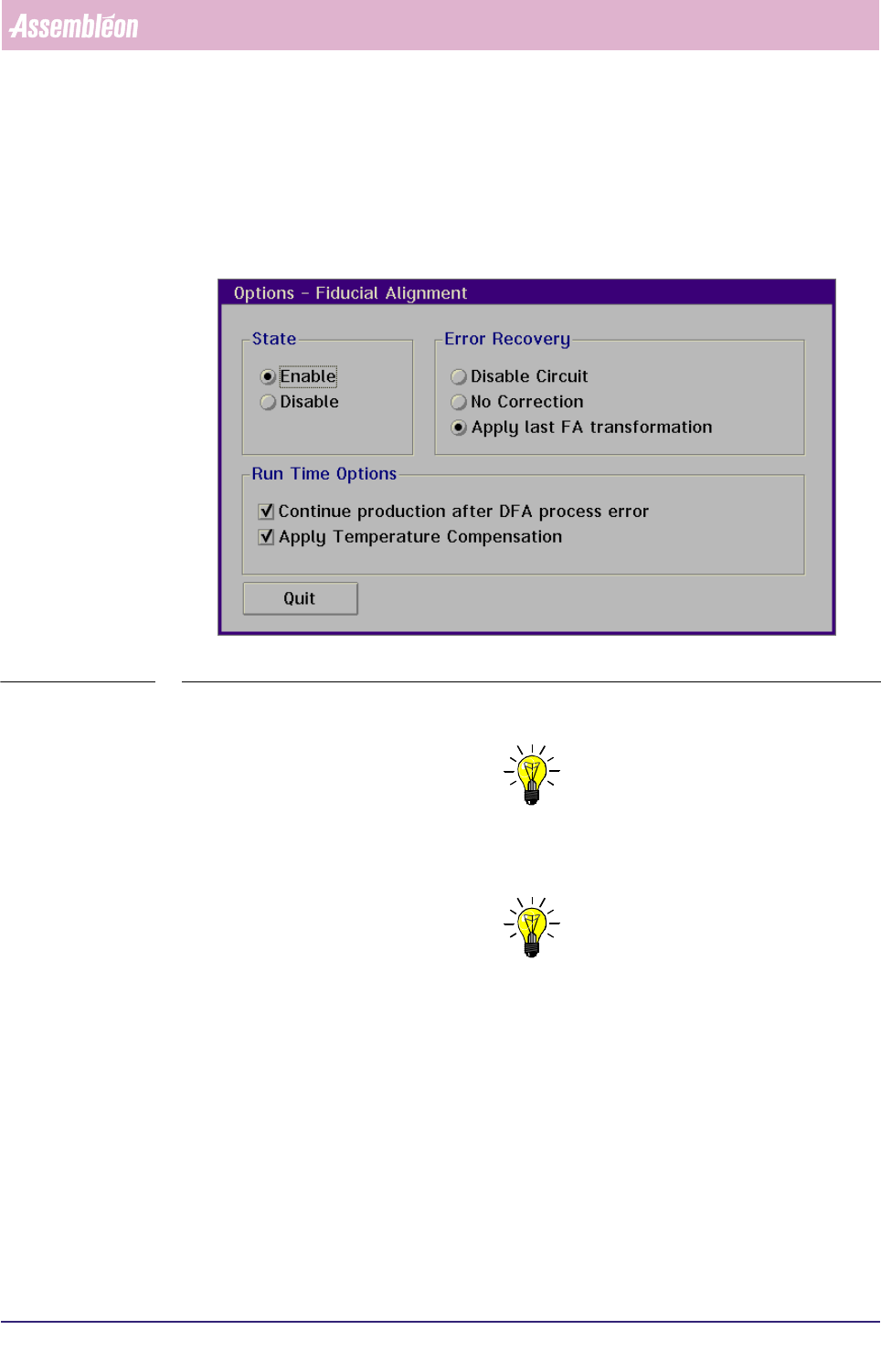
3.8.1.4 Board Offsets
When the Dynamic Fiducial Alignment (DFA) has not been selected
1
or the BVM has
been disabled, a fixed manual offset can be entered.
The maximum offset in the X- or Y-direction is ± 1 mm, in the phi-direction ± 5
degrees.
SCREEN 3-13
1. If DFA has been selected, the software will take
care of this.
Human Interface
User Reference Manual 4022 591 96082
3-22 FCM Multiflex 02.02
3.8.2 Fiducial Alignment Settings
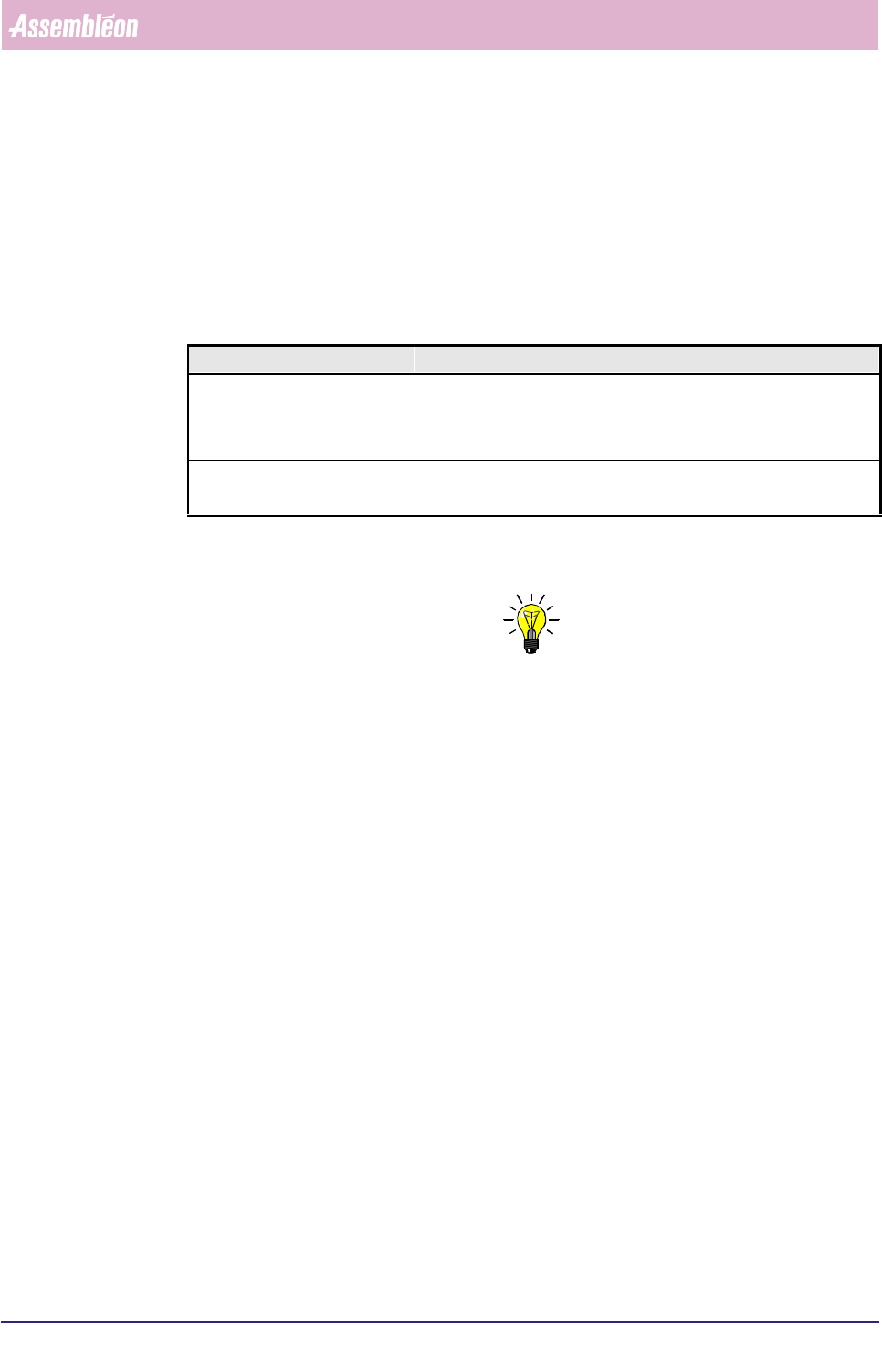
3.8.2.1 Enabling/Disabling the Fiducial Alignment (FA)
■ Select [Fiducial Alignment] via the [Options] via the [Config] menu
SCREEN 3-14
■ Select [Enable] resp. [Disable] to enable resp. disable fiducial alignment
NOTE: If the DFA (Dynamic Fiducial Alignment) option is available, it normally
will be enabled. A reason to disable DFA could be that there are no fiducials
present on the board that is being processed.
NOTE: The DFA option can only be enabled after the BVM has been enabled.
4022 591 96082 User Reference Manual
02.02 FCM Multiflex 3-23
Human Interface
3.8.2.2 Error Recovery
Error recovery will take place on either one of the following conditions:
■ Automatic recovery: when [Continue production after DFA process error] is
enabled;
■ Manual recovery: when [Skip Action] is selected.
For description of error recovery options, see listing below.
TABLE 3-2
NOTE: The options mentioned before only relate to a fiducial measurement error.
If - for instance - the error message “ Fiducial not found” appears, selecting
one of these options is not relevant. In that case a manual recovery will be
required.
3.8.2.3 Run Time Options
Continue Production after DFA Process Error
When [Continue production after DFA process error]
has been selected,
production will automatically continue after a Fiducial Alignment process error.
3.8.2.4 Fiducial Offset Check (from version FC 6.1 onwards)
This option allows the user to specify a maximum allowed offset for fiducial meas-
urements. If the measured offset is larger than specified by the user, the FCM
Multiflex stops and an error message is generated:
BVM: Measured offset of <measured_offset> mm too large for fid=<fiducial_nr>,
circ=<circuit_nr>, indx=<index_nr>, brd=<carrier_nr>, pos_x=<board_pos_x>,
pos_y=<board_pos_y>.
Example:
BVM: Measured offset of 1.456 mm too large for fid=2, circ=1, indx=3, brd=1,
pos_x=184.850, pos_y=24.950
Selected Option Result
Disable Circuit No components will be mounted on the circuit where the DFA failed
No Correction There will be no offset or rotation correction applied to the circuits
where the DFA failed
Apply last FA transformation Apply offset or rotation correction based on the last FA transforma-
tion in this batch to the circuit where the DFA failed