FCM_User Reference Manual.pdf.pdf - 第42页
Hu man Inte rfac e User Re ference Manual 4022 5 91 96082 3-26 F CM Mult ifl ex 02.02 3.8.3.3 Run Tim e Opt ions Whe n [ C ontinue produ ction after B MS proces s er ror] has been sel ec ted, pr oduc tion will aut omatic…
4022 591 96082 User Reference Manual
02.02 FCM Multiflex 3-25
Human Interface
3.8.3 Badmark Sensing Settings
3.8.3.1 Enabling/Disabling the Badmark Sensing
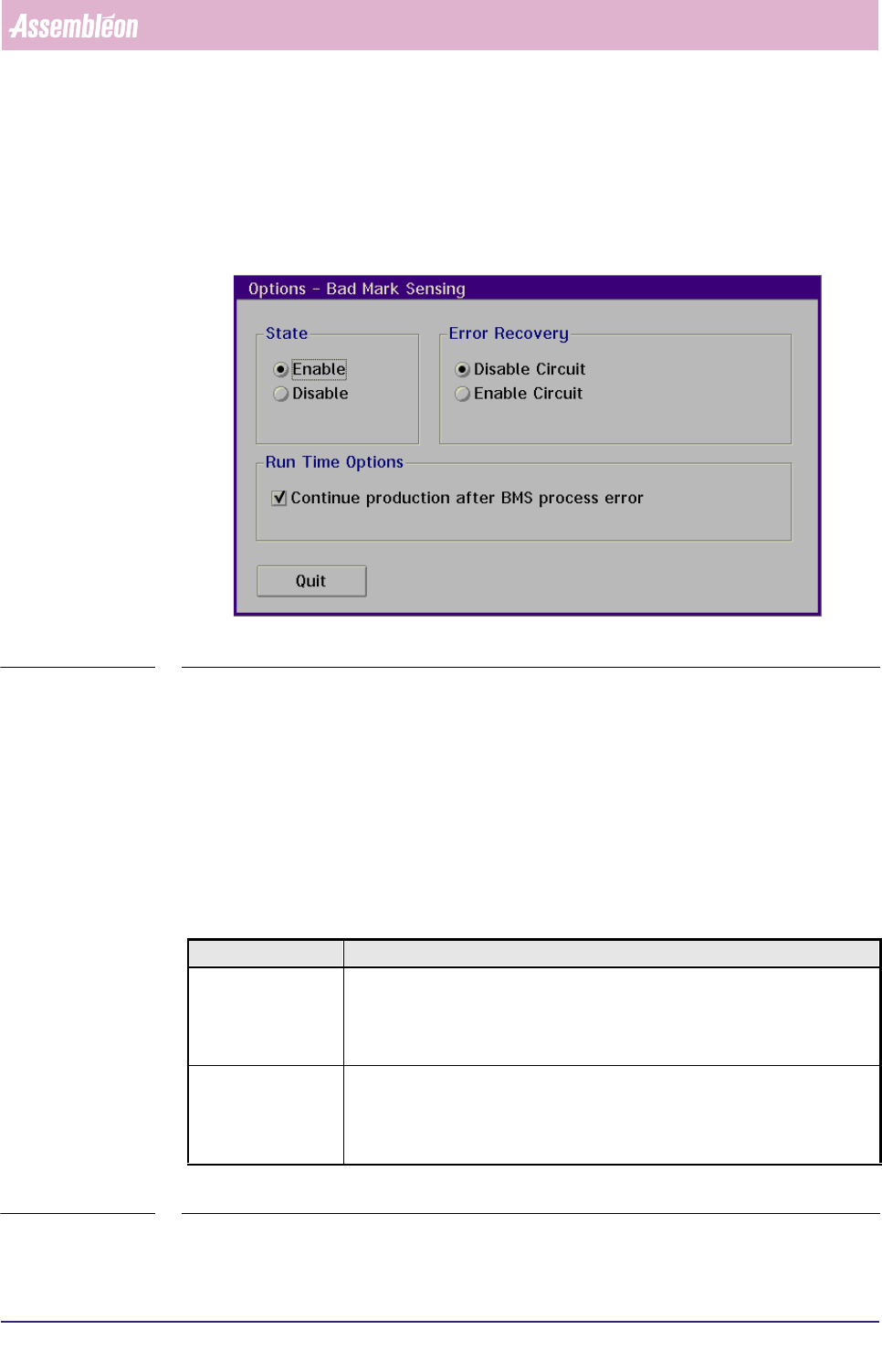
■ Select [Bad Mark Sensing] via the [Options] menu
SCREEN 3-16
■ Select [Enable] resp. [Disable] to enable resp. disable badmark sensing
3.8.3.2 Error Recovery
In case the badmark sensing measurement fails, error recovery will take place on
either one of the following conditions:
■ Automatic recovery: when [Continue production after BMS process error] is
enabled;
■ Manual recovery: when [Skip Action] is selected.
■ For description of error recovery options, see listing below.
TABLE 3-3
Selected Option Result
Disable Circuit - If measurement is related to the master badmark, the system will measure all
local badmarks
- If measurement is related to a circuit badmark, the corresponding circuit is
disabled (component placement inhibited)
Enable Circuit - If measurement is related to the master badmark, the system will measure all
local badmarks
- If measurement is related to a circuit badmark, the corresponding circuit is
enabled (component placement executed)
Human Interface
User Reference Manual 4022 591 96082
3-26 FCM Multiflex 02.02
3.8.3.3 Run Time Options
When [Continue production after BMS process error] has been selected,
production will automatically continue after a badmark sensing process error.
3.9 Configuration CLM
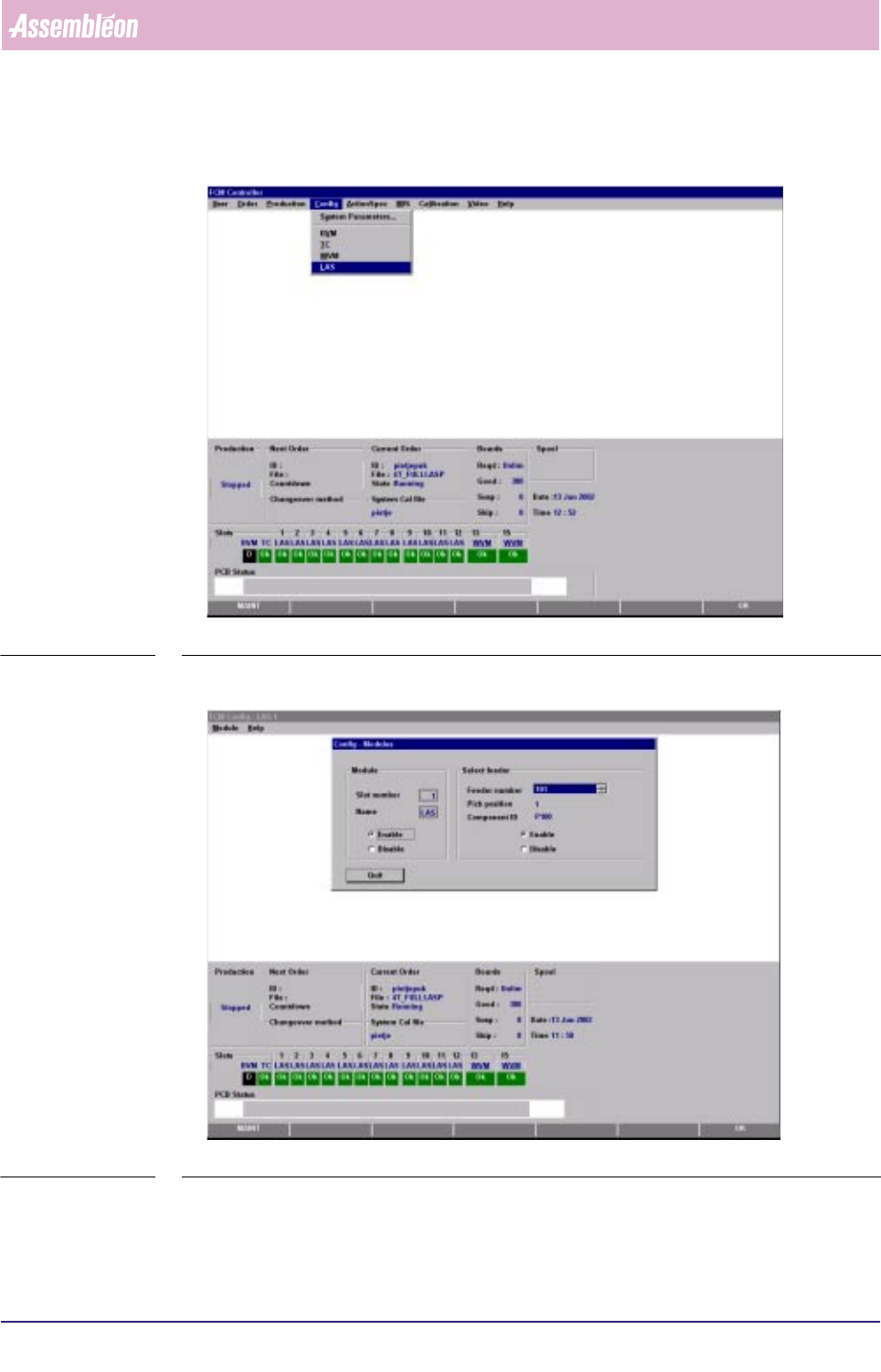
SCREEN 3-17 Main Screen
The only option for CLM configuration is enabling or disabling a CLM/feeder
position and feeder selection
4022 591 96082 User Reference Manual
02.02 FCM Multiflex 3-27
Human Interface
■ Select [LAS] via the [Config]-menu
SCREEN 3-18
■ Select the concerning module-number via the [Module]-menu
SCREEN 3-19
■ Select [Enable] or [Disable] in the “Module” part and/or
■ Select the [Feeder number] and [Enable] or [Disable] in the “Select feeder” part