00194340-01.pdf - 第42页
Retrofit Instructions & User’s Manual / Automatic Vacuum Support Pins (AVSP) Edition 04/2006 3.4 Resetting AVSP operations If in any case, the operations of AVSP are not fu nctions as described, resetting can be done…
Retrofit Instructions & User’s Manual / Automatic Vacuum Support Pins (AVSP)
Edition 04/2006
3.3 Production mode operations
By default when AVSP is turned ON, production mode is in operation. Only when the pre-
defined switch is activated, it will go into teaching mode.
In production mode, AVSP will automatically provide support on PCB during the production
of components placement by moving the pin module up and down while switching the
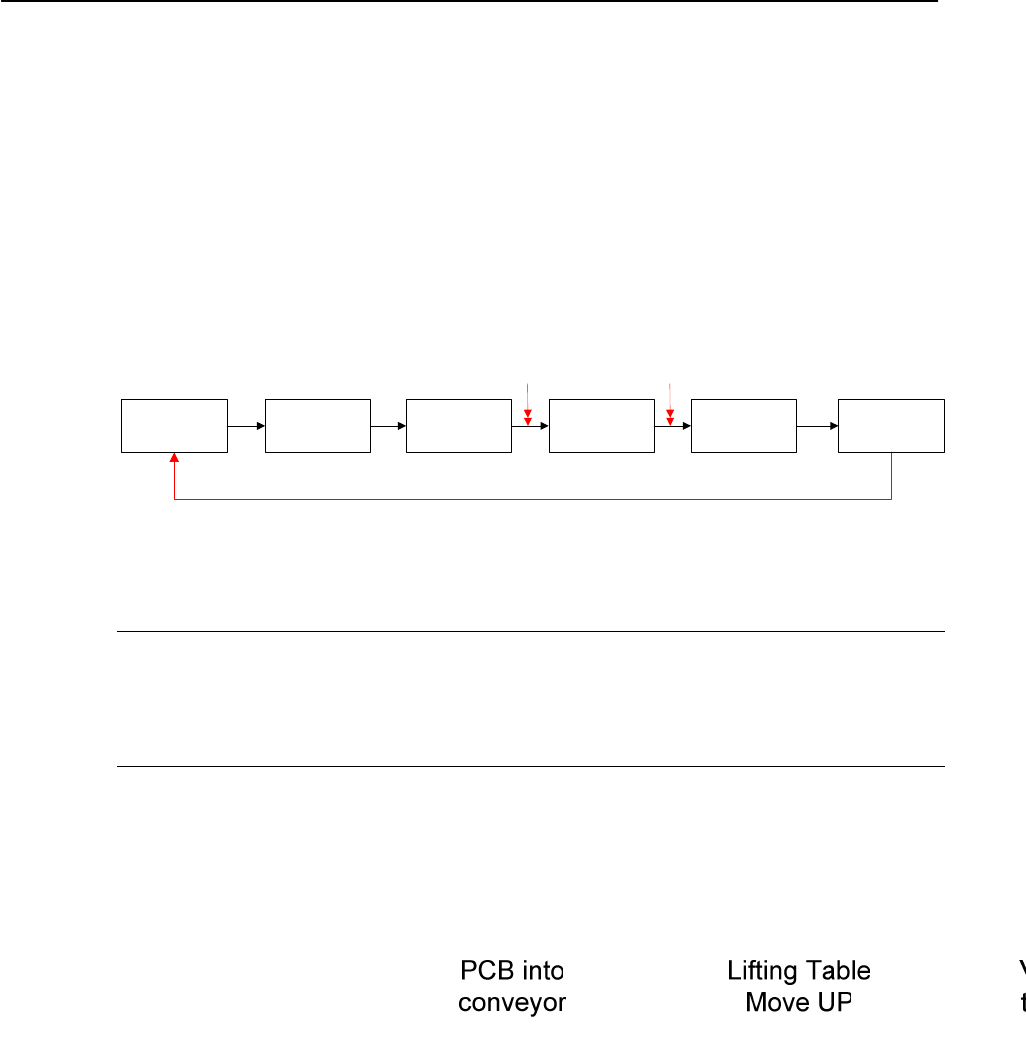
vacuum ON and OFF to maximize PCB support. Below is the process sequence:
Figure 3.3-1 Production mode sequence
NOTE
The VACUUM LED on teach pendant turns ON if the vacuum supply falls below 300 mbar.
Check for leaking along the vacuum line (especially around the interface between vacuum
cups to PCB.
3-37

Retrofit Instructions & User’s Manual / Automatic Vacuum Support Pins (AVSP)
Edition 04/2006
3.4 Resetting AVSP operations
If in any case, the operations of AVSP are not functions as described, resetting can be done
by:
→ Switch the OPTION SWITCH to DISABLE and subsequently turn it back to ENABLE.
→ Upon enabling the option, for the first 2.5 second, the status LED will blink as to show
booting up of AVSP. The option is ready when the status LED turns ON continuously.
3.5 Disabling of vacuum functions (optional)
If in any case, a vacuum function is not needed to hold the PCB, it can be disabled to reduce
air consumption for the machine by:
→ Switch the OPTION SWITCH to DISABLE and subsequently turn it back to ENABLE.
→ Upon enabling the option, for the first 2.5 second, the status LED will blink as to show
booting up of AVSP.
→ While the LED is blinking, press and hold on both the COMMON SWITCH and respective
CONVEYOR SWITCH simultaneously and the status LED will start blinking. Once the
status LED stops blinking, let go the switches.
→ AVSP goes into another PRODUCTION mode which vacuum will not be supplied during
board placement.
NOTE
Production mode without vacuum can be easily identified by checking the status LED. It
blinks once shortly compare to continuously ON for production mode with vacuum.
3-38
Retrofit Instructions & User’s Manual / Automatic Vacuum Support Pins (AVSP)
Edition 04/2006
4 Maintenance
4.1 Greasing of Pins
Once every three months of continuous usage, pins on pin module need to be greased in
order to ensure minimal contact’s force on PCB during teaching. It can be maintained
externally without affecting the machine’s operations. Follows the instructions below:
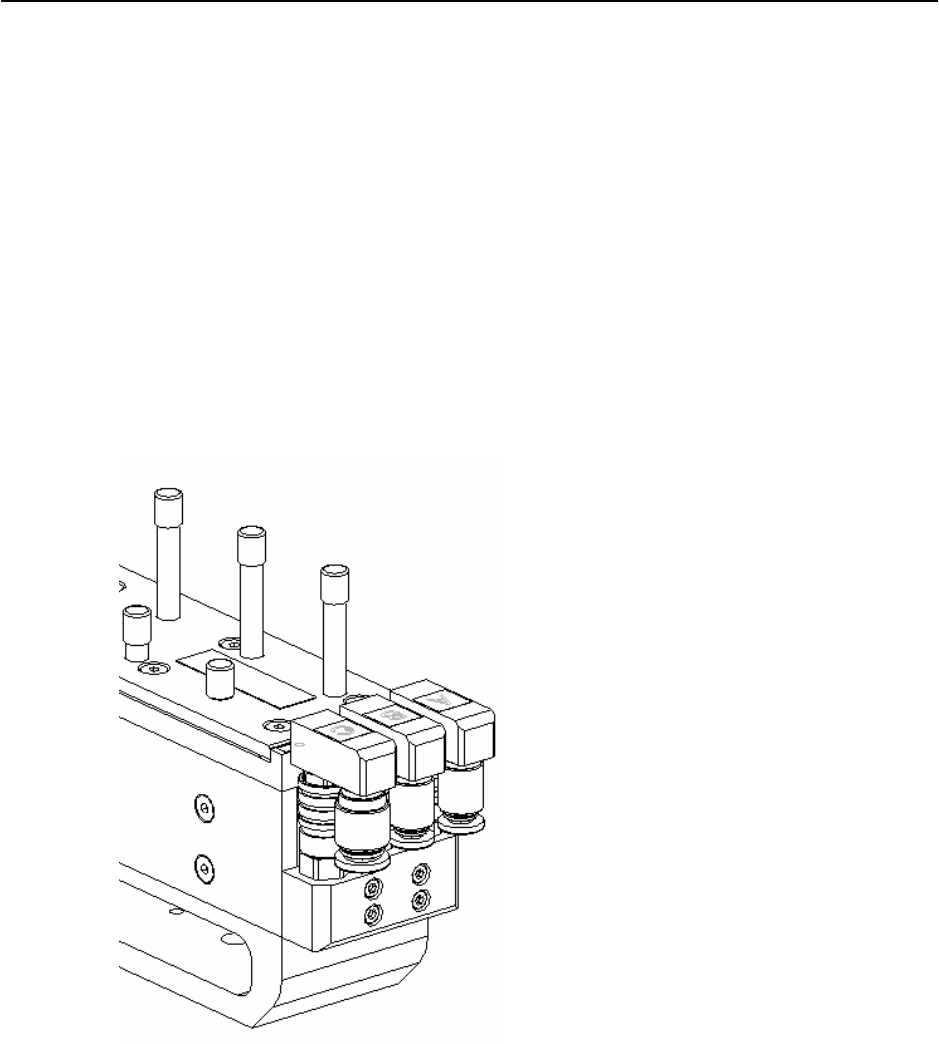
→ Supply compressed air of 5.0 bar thru port A to release clamp on all pins.
Figure 4.1-1 Air supply to release clamp
→ Clear away all foreign small particles that may be presence on the pins.
→ Apply new silicone grease (Item No.: 00310259-01 Grease Unisilikon L250L 60g) on the
body of all pins. Moves pin up and down a few cycles to grease the seal inside.
→ Finally, clean the excessive grease and shut off the air supply.
4-39