F4000N_revD.pdf - 第32页
F4000N Series Operating Manual Section 4: Programming Example Part # 562187N - 1 Rev . D Sep 2012 31 © 20 12 Fisnar Inc. 4. Changin g the Program Numb er The program number is selecte d by the p rog ram number selection …
F4000N Series Operating Manual
Section 4: Programming Example
Part # 562187N-1
Rev. D Sep 2012
30
© 2012 Fisnar Inc.
3. Editing a Program
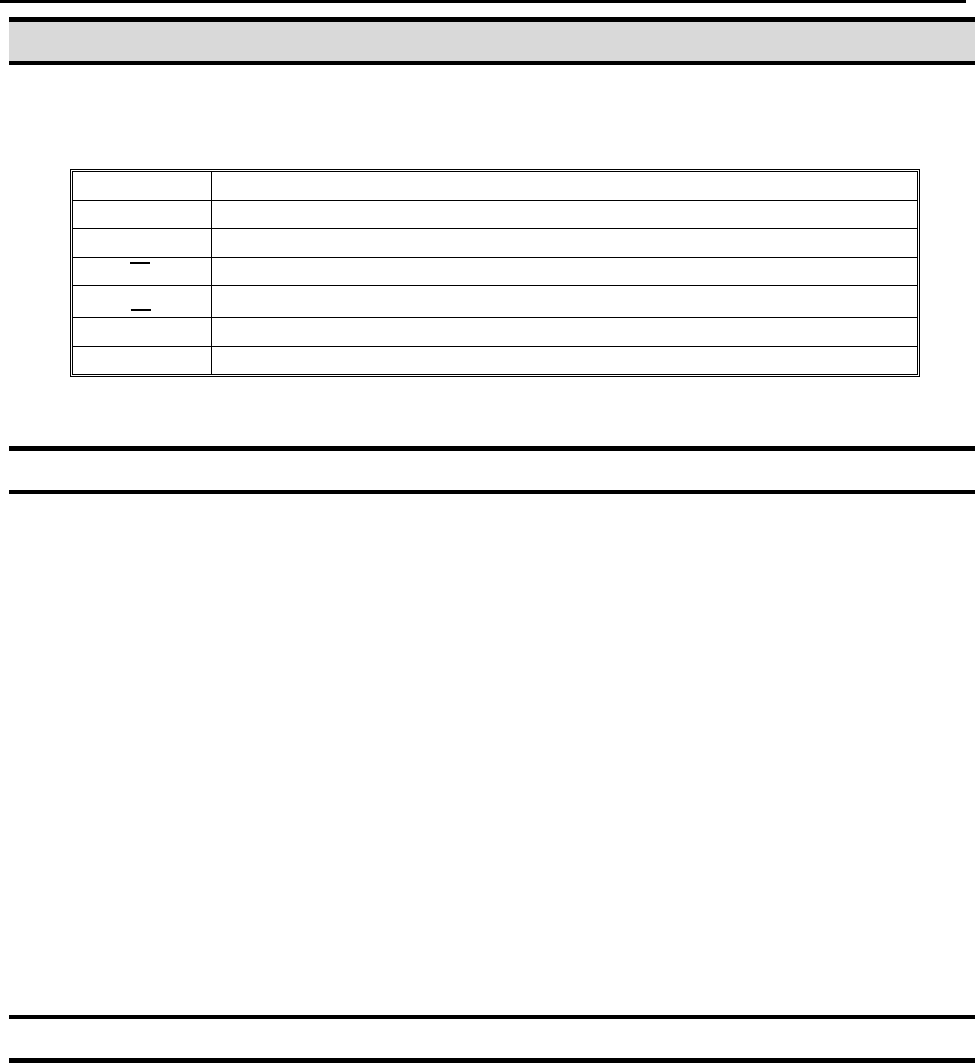
You can move through the instructions in an existing program by using the following keys:
Key
Function
▲
Moves forward (1) memory address
▼
Moves backward (1) memory address
▲
Moves to the first memory address in the program
▼
Moves to the last programmed memory address in the program
MOVE
Moves the tip to the XYZ point location of the selected point
JUMP
Jumps to display the specified memory address
3.1 Changing a Point’s XYZ location
To change the XYZ location of a point, press the ▲ or ▼ key until the point you want to
change is shown in the display.
You can confirm that the correct point is in the display by pressing the MOVE key. This will
cause the tip to move to the XYZ position shown in the display.
Now use the jog keys X, X, Y and Y and the Z / Z keys to jog the tip to the new
location.
Once the location is correct, simply re-register the point as you did when it was first
taught, by pressing the F1/ENTER key and selecting the point type. The point will be re-
registered at the new location.
3.2 Insert / Delete an Instruction
To insert an instruction, press the INS key. The point currently shown in the display
will be moved forward one memory address. A new, empty memory address will be
inserted at the current memory address.
To delete the instruction currently shown in the display, press the DEL key, and
then press the F1 (Yes) key.
F4000N Series Operating Manual
Section 4: Programming Example
Part # 562187N-1
Rev. D Sep 2012
31
© 2012 Fisnar Inc.
4. Changing the Program Number
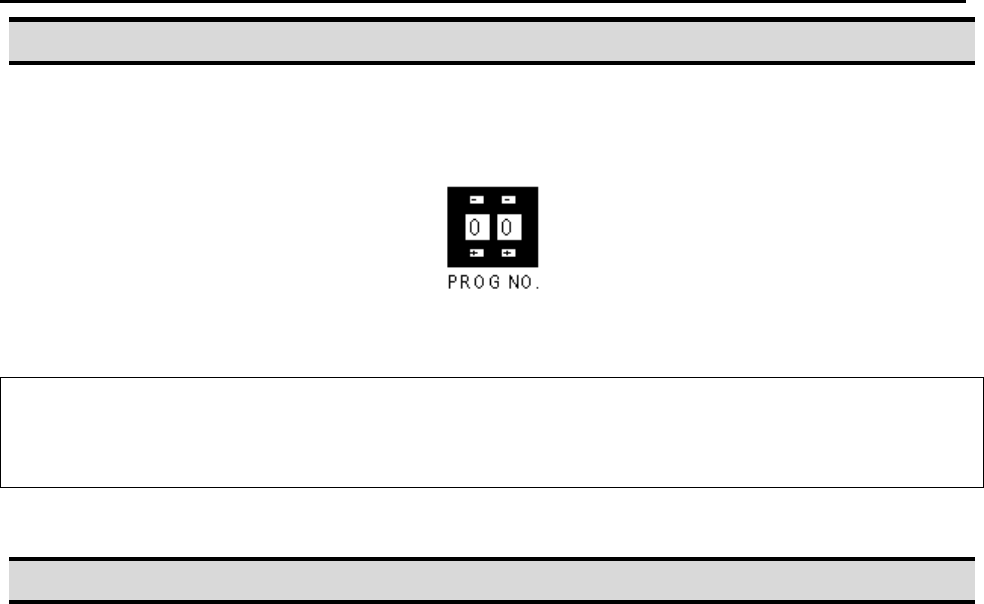
The program number is selected by the program number selection switches on the main
unit‟s control panel.
Press the + and – buttons to select the program number.
Note: Program 99 is designed for “autorun” on Run mode. When starting the robot with
this program, the robot starts automatically without pressing the Start/Home key for
initialization.
5. Changing from Teach Mode to Run Mode
To change from Teach mode to Run mode, change the position of the mode switch on the
main unit‟s control panel.
When the machine is in Run mode, the teaching box (teach pendant) is not required.
Programs can be selected and run using the switches on the front control panel of the
main unit.

F4000N Series Operating Manual
Section 5: Point Type & Function Reference
Part # 562187N-1
Rev. D Sep 2012
32
© 2012 Fisnar Inc.
SECTION 5: Point Type & Function
Reference