F4000N_revD.pdf - 第39页
F4000N Series Operating Manual Section 5: Point T ype & Function Reference Part # 562187N - 1 Rev . D Sep 201 2 38 © 20 12 Fisnar Inc. The program would consist of the following eight instructions: Address Instructio…
F4000N Series Operating Manual
Section 5: Point Type & Function Reference
Part # 562187N-1
Rev. D Sep 2012
37
© 2012 Fisnar Inc.
1.9 GOTO Address
The GOTO Address function causes the program to jump to a specified memory address.
1.10 Step & Repeat X
Step & Repeat X allows a group of instructions to be run repeatedly, stepping a given
distance in the X-axis or Y-axis between each cycle.
Step & Repeat X is useful when a fixture is mounted on the robot, which holds many
identical work pieces aligned in rows and columns. The user needs only to create a
program for the first work piece in the fixture, and then use the Step & Repeat function to
dispense to the other work pieces.
The Step & Repeat function will allow the user to define the number of rows, the number
of columns, the X Offset between each part, and the Y Offset between each part.
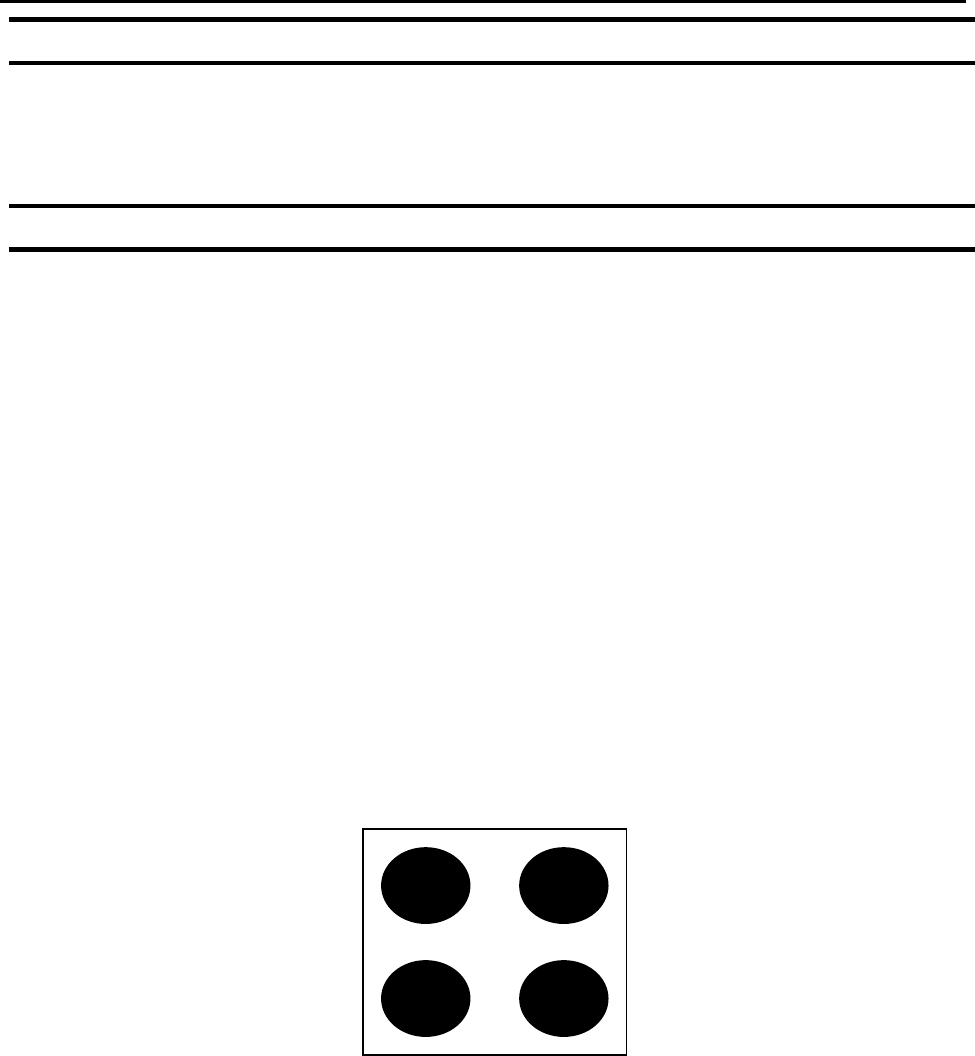
If, for example, we have a program (number 20) which dispenses four dots of material on
a work piece:
F4000N Series Operating Manual
Section 5: Point Type & Function Reference
Part # 562187N-1
Rev. D Sep 2012
38
© 2012 Fisnar Inc.
The program would consist of the following eight instructions:
Address
Instruction
1
Dispense End Setup:
H.Speed = 100 mm/s, L.Speed = 15 mm/s, L.Length = 5mm
2
Z Clearance:
Relative 10 mm
3
Point Dispense Setup:
Disp.Time = 0.25 s Tail Time = 0.10 s
4
Dispense Point
5
Dispense Point
6
Dispense Point
7
Dispense Point
8
End Program
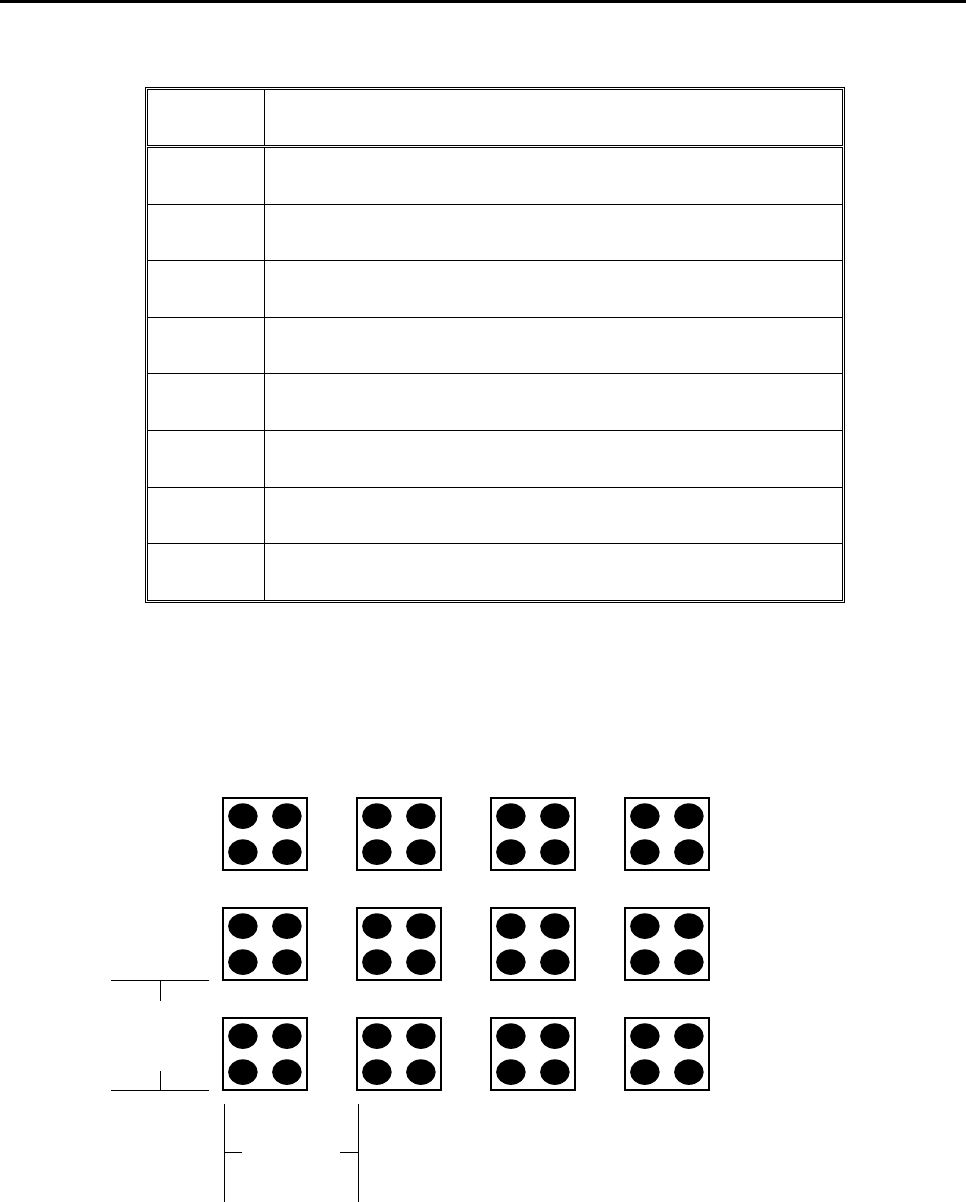
If a fixture is made which holds (12) work pieces, in four columns by three rows:
A Step & Repeat X instruction can be used to repeat the program at the additional (11)
locations.
Y Offset
25 mm
X Offset
30 mm

F4000N Series Operating Manual
Section 5: Point Type & Function Reference
Part # 562187N-1
Rev. D Sep 2012
39
© 2012 Fisnar Inc.
The instruction at memory address 8 should be changed from End Program to Step &
Repeat X. To register a Step & Repeat X instruction at memory address 8, do the
following:
Instruction
Display Shows
1
Press the ▲ or ▼ keys until memory address 8
is shown in the display
ADDR: 8 PROG: 20
End Program
2
Press the F1/ENTER key, and then press the
X key to change to page 2. Select Step &
Repeat by pressing the key 3.
Step & Repeat
Address, 8
---------------------
1.X 2.Y,
Start Address,
Columns (X):
Rows (Y):
3
Type 1 to select X direction, and then press
ENTER.
Step & Repeat
Address, 8
---------------------
1.X 2.Y, 1
Start Address,
Columns (X):
Rows (Y):
[F1] Address [F2]Label
4
The display will prompt you for the Start Addr:
The start address is the memory address of the
first instruction, which is part of this Step &
Repeat group.
In our example, we want to repeat all instructions
starting with memory address number 4.
Type 4 to specify memory address 4, and then
press ENTER.
Step & Repeat
Address, 8
---------------------
1.X 2.Y, 1
Start Address, 4
Columns (X):
Rows (Y):
5
Type 4 to specify four columns, and then press
ENTER.
Step & Repeat
Address, 8
---------------------
1.X 2.Y, 1
Start Address, 4
Columns (X): 4
Rows (Y):