VI User Manual.pdf - 第34页
Getting started 1 - 14 Vision2007 4.10 User Manu al Rev 01 .tst edition tools ba r Execution tools bar View tools bar Save Save the .tst file. Test component s Display all tested components. Test pads Display all tested …
Getting started
Vision 2007 4.10 User Manual Rev 01 1 - 13
1.4.2.1 Tools bars and palette description
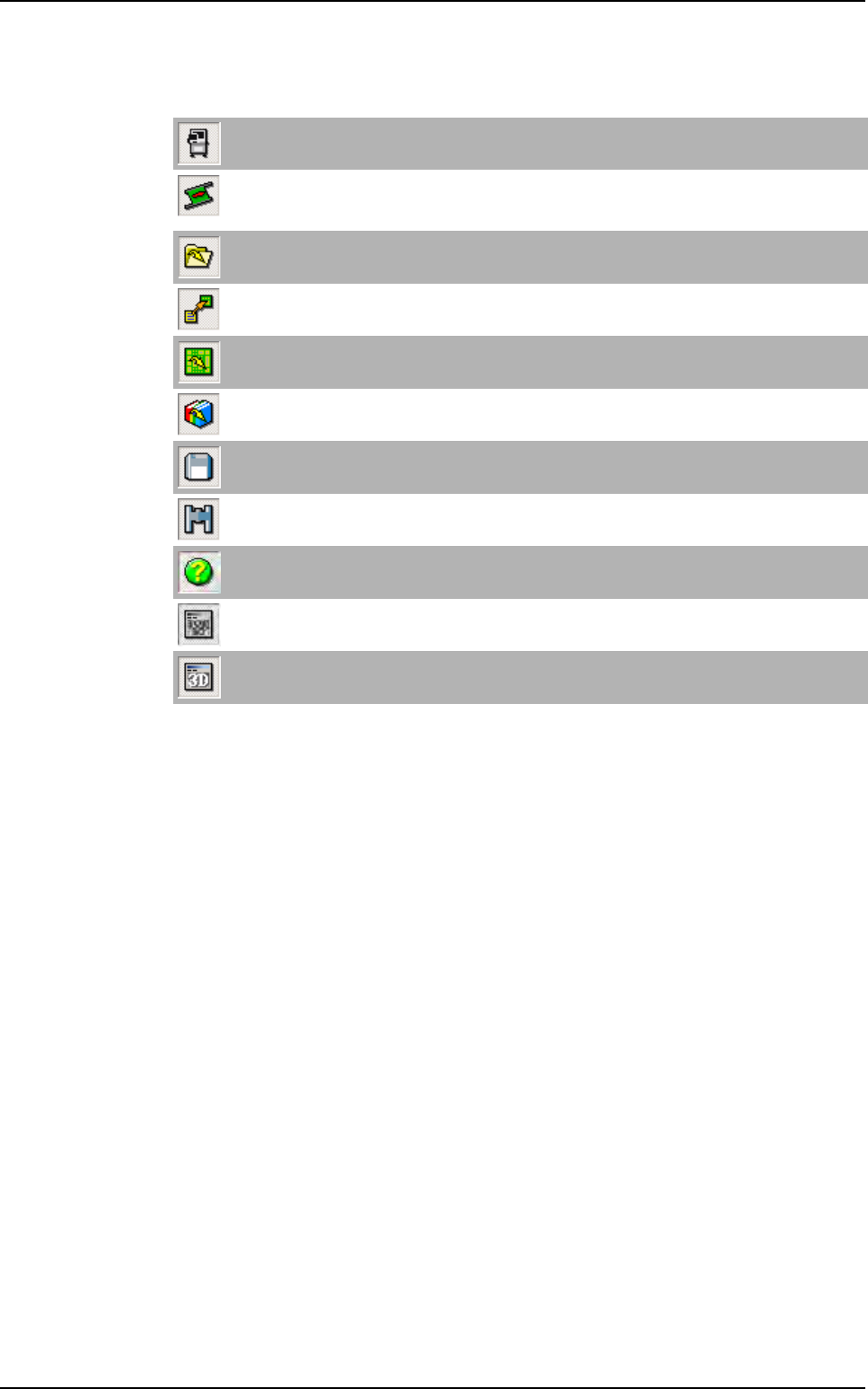
Main tools bar
Motion with keyboard
Open the Axis commands window to adjust the axis position and the conveyor.
Load board
Load a waiting board, on the upstream equipment, in the AOI system or unload a board from the AOI
sytem to the downstream equipment.
Open .vis file
Open .vis files (CAD files). It can also open any ASCII file.
Construct .tst file
Convert a .vis file to a .tst file.
Open .tst file
Open .tst files.
Open library
Open .bm files (components library).
Save
Save all file type (.bm, .tst, .vis ...)
Find
Open the Find window in order to locate components, texts, fiducials, skips.
Help
Open the Vision 2007 4.
10 User Manual .pdf file.
Show / Hide video
Display a direct image of the camera in the cognex console.
Show / Hide 3D video
Not available.
Vision 2007 overview
Getting started
1 - 14 Vision2007 4.10 User Manual Rev 01
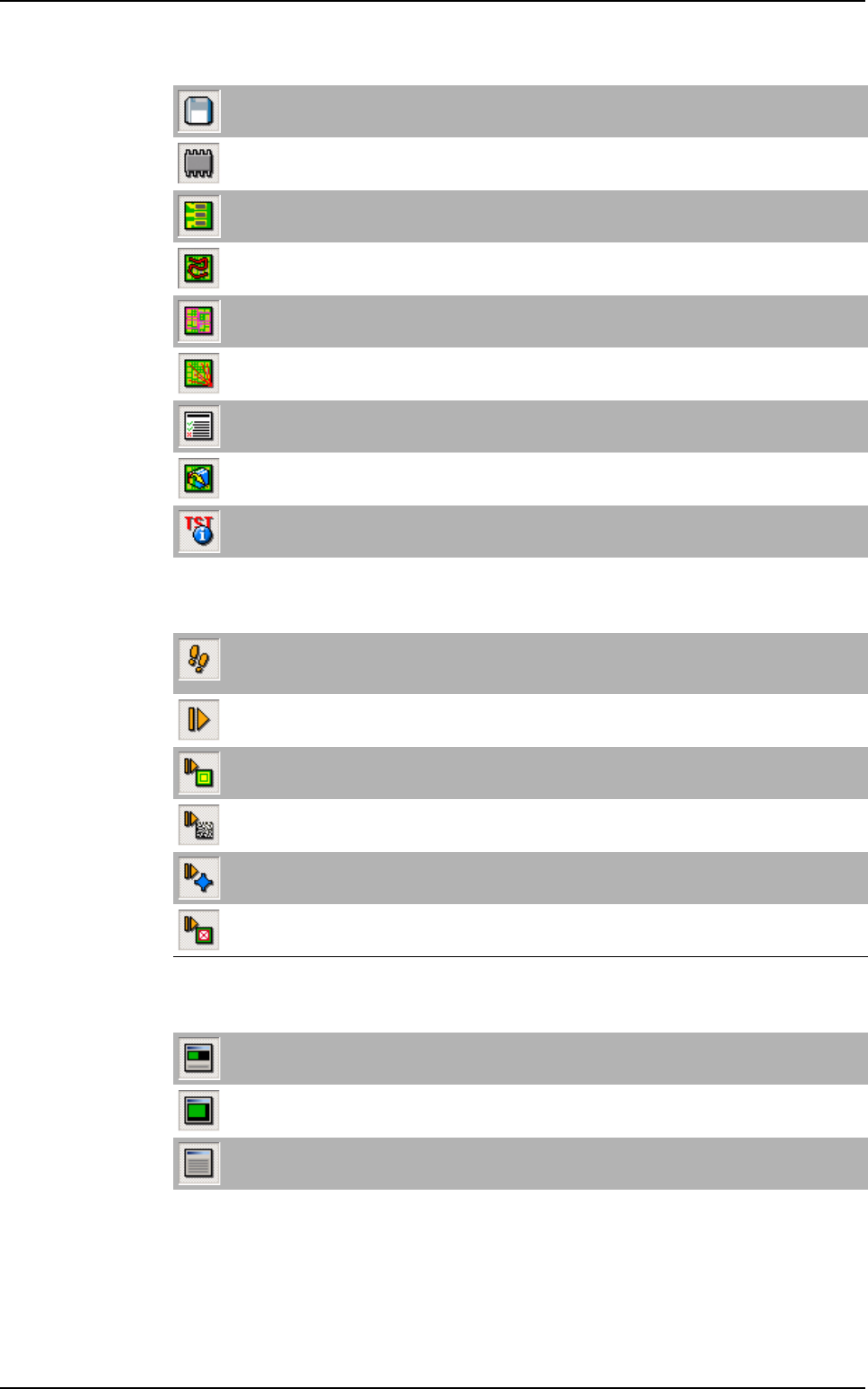
.tst edition tools bar
Execution tools bar
View tools bar
Save
Save the .tst file.
Test components
Display all tested components.
Test pads
Display all tested pads.
Show inspection travel
Display the camera travel.
Display zones
Display all acquisition zones.
Unattached components
Display all unattached components to zones.
Generate the test coverage report
Display the test coverage report.
Open associated bib
Open the library associated to the tst file.
.tst configuration
Open the Test file configuration window.
Step by step
Execute the test of the .tst file element by element (components, paste pads, fiducials, data matrix,
text, skips ...). Press this icon and select a run icon.
Run
Execute the test of the .tst file.
Run fiducials
Execute only the fiducials of the .tst file.
Execute internal data matrix
Execute only the ID code defined in the .tst file (using the internal camera).
3D reference (only for Vi-3KD
3
100 % solder paste inspection)
Execute only the 3D references test of the .tst file.
Run skips
Execute only skips test of the .tst file.
Global view
Display the CAD view and results view (by default).
CAD view
Display the CAD view only.
Result view
Display the results view only.
Vision 2007 overview
Getting started
Vision 2007 4.10 User Manual Rev 01 1 - 15
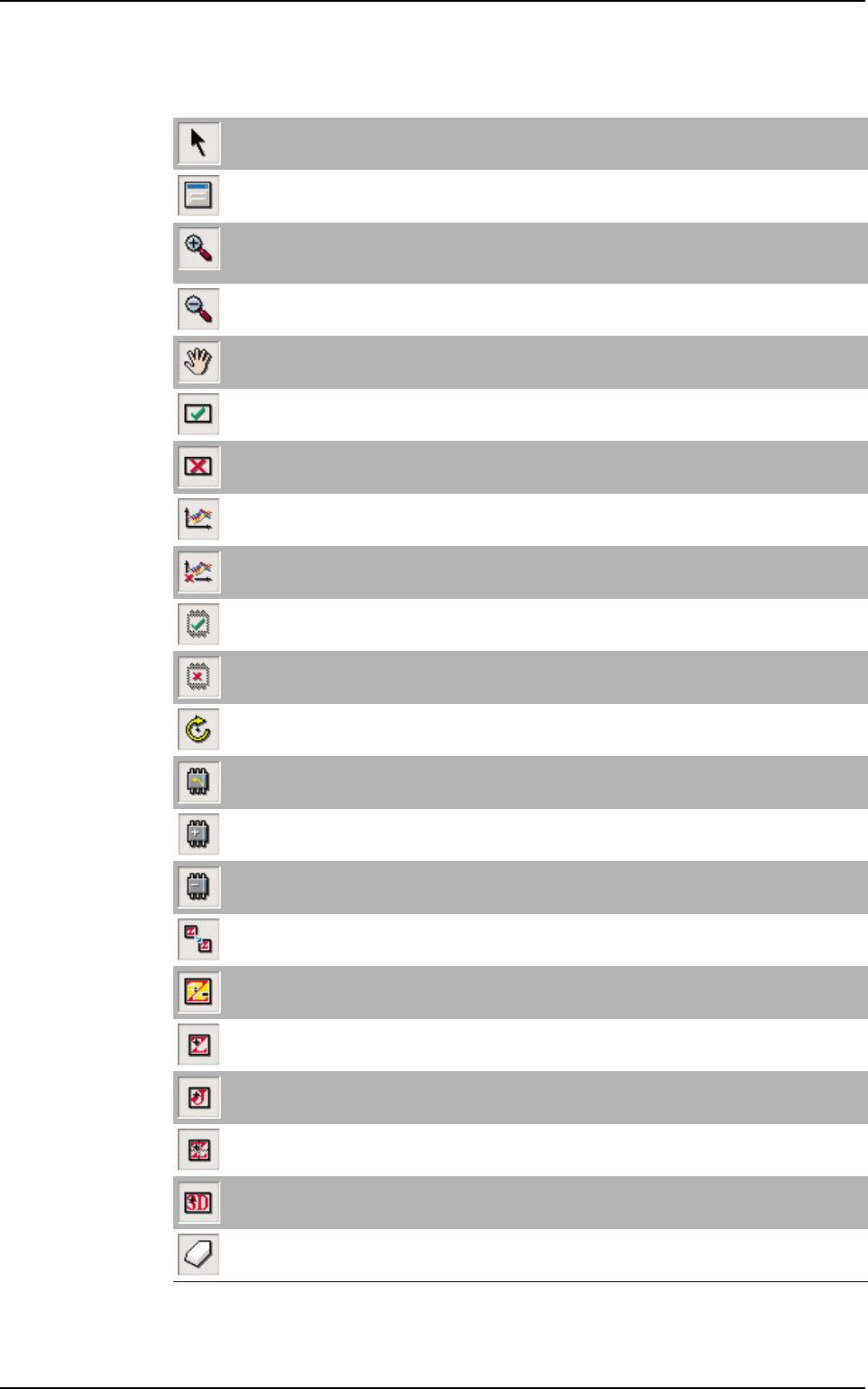
Tools palette
The tools with * are on child palettes. Maintain the
>
icon pressed to display the child icons.
Selection
Select the different elements (component, paste pad, text, fiducial, skip, data matrix, bar code).
Edit
Open the edition window of the selected element.
Zoom +
Use Zoom + to enlarge the CAD view scale or click + on the numeric pad or use the mouse scroll.
It is also possible to draw a rectangle to define an area to zoom in.
Zoom - *
Use Zoom - to reduce the CAD view scale or click - on the numeric pad.
Move
Move the CAD view in the .tst file window. Press the space bar to change any icon to this one.
Test
Put the selected element in test.
No test *
Remove the selected element from test.
Set statistical flag
Put the selected element in statistical monitoring.
Clear statistical flag *
Remove the selected element from statistical monitoring.
Set missing flag *
Put the selected element in Test absent.
Clear missing flag *
Remove the selected element in Test absent.
Rotate component
Rotate the selected component through 90°.
Rotate polarity
Rotate the polarity of the selected component through 90°.
Add polarity*
Add polarity on the selected component.
Remove polarity *
Remove polarity on the selected component.
Move zone
Move the selected zone.
Show components in zone*
Show components and paste pads of the selected zone.
Add zone
Add zone at the pointed location of the CAD view.
Add joker zone *
Add joker zone centered around the pointed component of the CAD view.
Add centered zone *
Add centered zone and attach it to the pointed element.
Add 3D scan zone (only for Vi-3KD
3
100 % solder paste inspection) *
Add 3D scan zone.
Erase
Erase selected element (component, paste pad, zone, text, ID code ...).
Vision 2007 overview