VI User Manual.pdf - 第341页
Optimization Vision 2007 4.10 User Manua l Rev 01 12 - 23 Tick All model treatment to set all model treatments. Tick Choose treatment to manage to sele ct model tre atments to se t. Click on Next button. 12.4.2.4 Treatme…
Optimization
12 - 22 Vision 2007 4.10 User Manual Rev 01
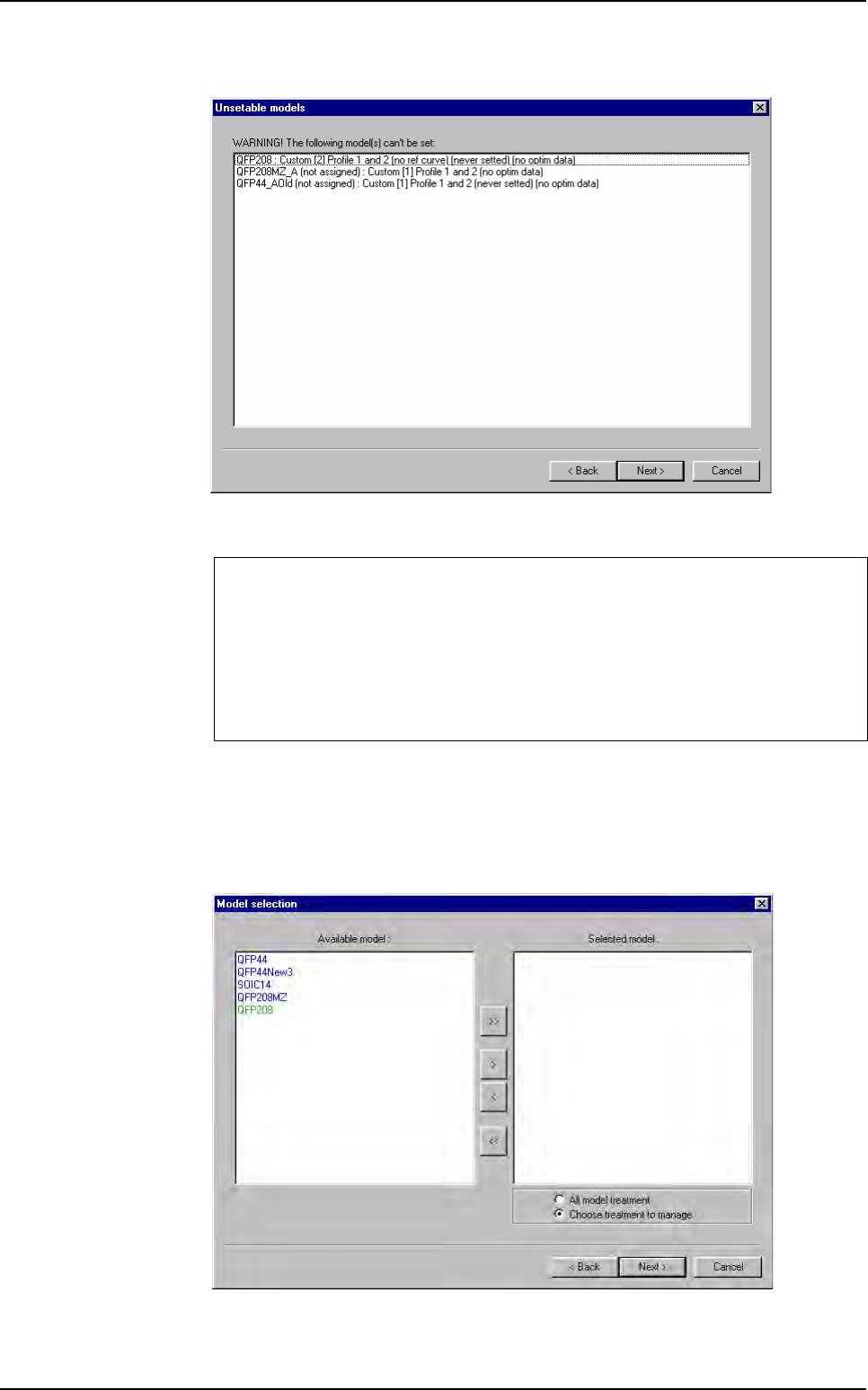
12.4.2.2 Unsetable models
In the window above, the unstable models list appears with the reasons showed be-
tween brackets.
Click on
Next > button.
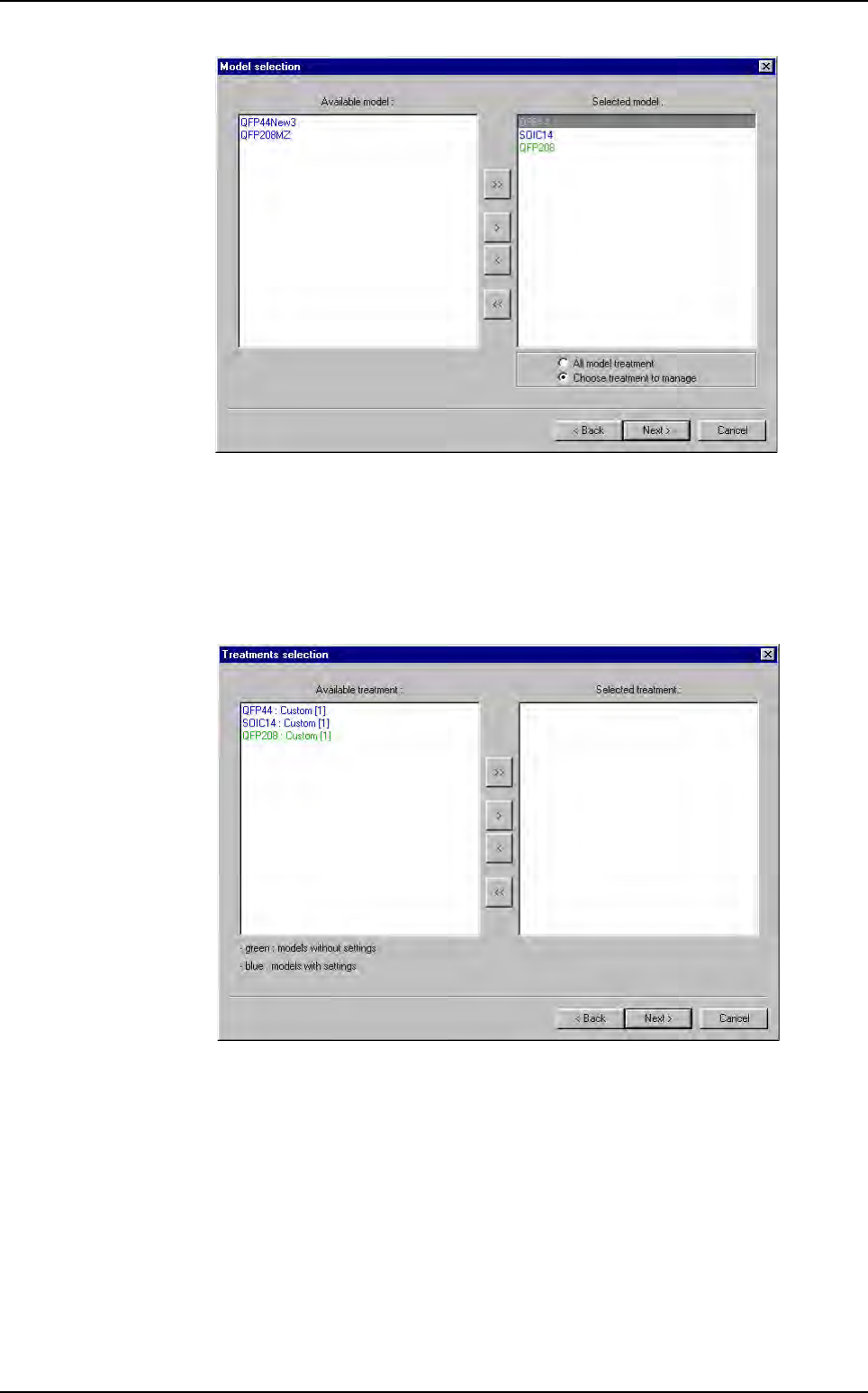
12.4.2.3 Model selection
Choose the model to autoset.
Use
>, >> and <, << buttons to select or unselect model to set.
Model you can set:
Model who contain 1 or several custom
Custom must have the 2 Profiler™ programmed
Profiler™ must have a reference curve
Each Profiler™ must be uniform (propagate setting to all leads)
Profiler
™
Automatic Setting
Optimization
Vision 2007 4.10 User Manual Rev 01 12 - 23
Tick All model treatment to set all model treatments.
Tick
Choose treatment to manage to select model treatments to set.
Click on
Next button.
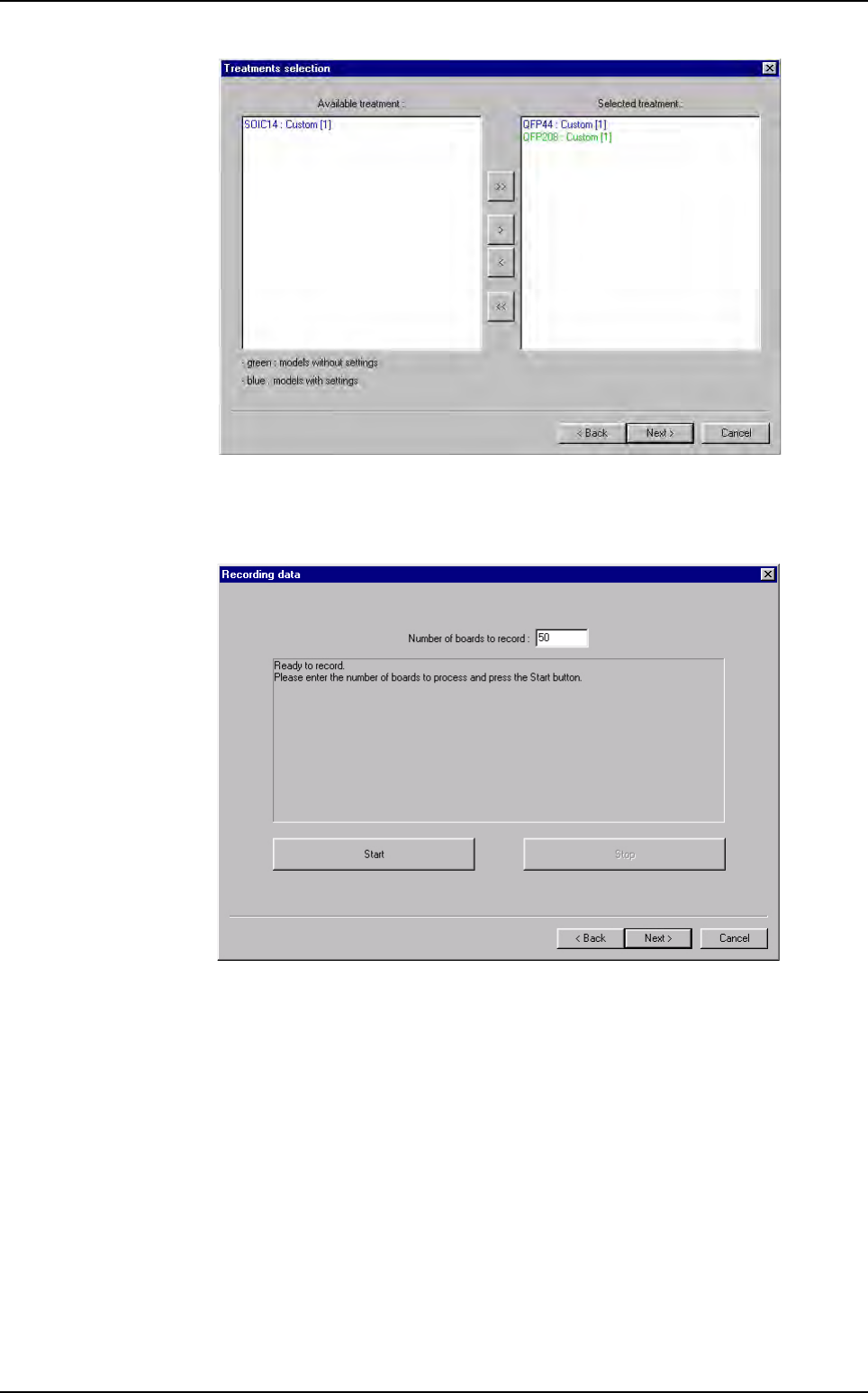
12.4.2.4 Treatments selection
For each selected model, choose the treatments to set.
Use
>, >> and <, << buttons to select or unselect model treatments to set.
Profiler
™
Automatic Setting
Optimization
12 - 24 Vision 2007 4.10 User Manual Rev 01
12.4.2.5 Recording data
Define the number of board to put.
Click on
Start button. To stop the auto setting before the end, click on Stop button.
The result of auto setting is also calculated on board saved pass.
At the end, click on
Next > button.
Profiler
™
Automatic Setting