VI User Manual.pdf - 第353页
Vision 2007 4.10 User Manua l Rev 01 14 - 1 Chapter 14 Reparation 14.1 Overview The repair station is where the in spection faults from the AOI systems are r eported and attended to . From the repair statio n you can: …

Superviseur
13 - 8 Vision 2007 4.10 User Manual Rev 01
Vision 2007 4.10 User Manual Rev 01 14 - 1
Chapter 14
Reparation
14.1 Overview
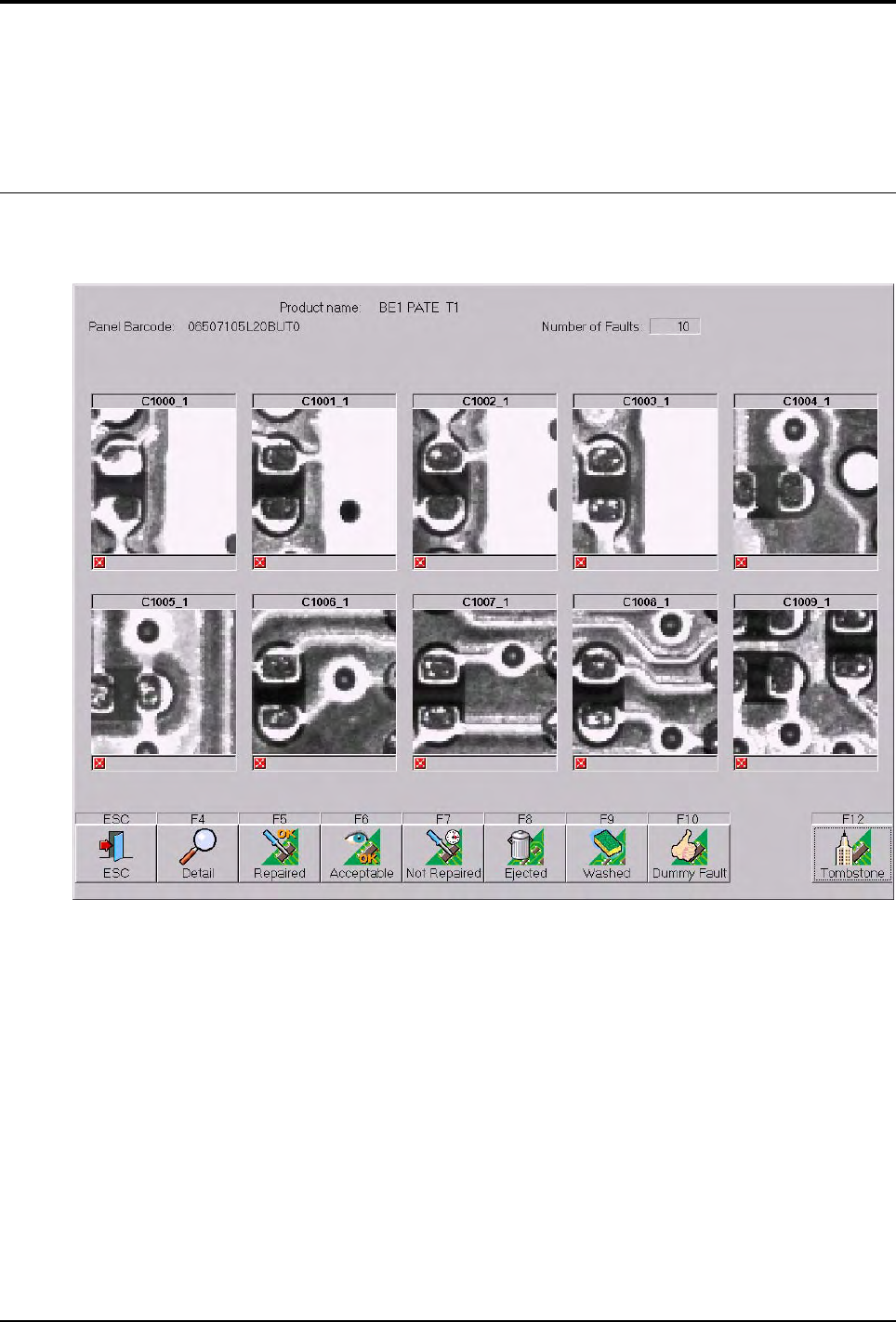
The repair station is where the inspection faults from the AOI systems are reported and attended to.
From the repair station you can:
View the CAD representation of the board.
Display the exact position of the fault to be repaired on the board.
View the actual photo of the fault as taken by the AOI system.
Decide to repair, accept, ignore or notify of a false fault.

Reparation
14 - 2 Vision 2007 4.10 User Manual Rev 01
We can use the repair station in on-line or off-line configuration. The on-line and off-line repair sta-
tions are operated in almost the same manner. The major differences are as follows.
14.1.1 On-line
Faults reported by the AOI system are stored in the supervisor database and automatically
forwarded to the repair station after the board has left the AOI system. Both machines are
linked by a SMEMA connection. Boards repaired on the on-line repair station are immediate-
ly released back to the production line.
14.1.2 Off-line
Faults reported by the vision system are stored in the supervisor database and only forward-
ed and displayed on the repair station upon request. The operator requests board informa-
tion by means of a scanner to read the bar code information or by using the keyboard.
14.1.3 Off-line FIFO (First In First Out)
After selecting the product to repair, the software display automatically the first board to re-
pair. This mode is useful to repair boards without code identity. The off-line repair station, or
off-line rework allows buffering of faulty boards to be attended to in non-real time.
Overview