PSV5000_OwnersManual.pdf - 第31页
■ Software □ CH700 Applica tion PSV5000 O wner ’s M anual - 27 - on our web s ite under the SUP PORT tab . Fo r more in form ation, see TaskL ink onl ine He lp or Job R unner /Job Cr eator onli ne Help. CH70 0 Applic ati…
Introduction ■ Software
- 26 - Data I/O ■ 096-0465-001C
Job Creation Software for FlashCORE
TaskLink™ for Windows
®
is Data I/O’s versatile application for creating
jobs to run on the PSV5000 System with FlashCORE programmers.
TaskLink resides on the Handler Computer.
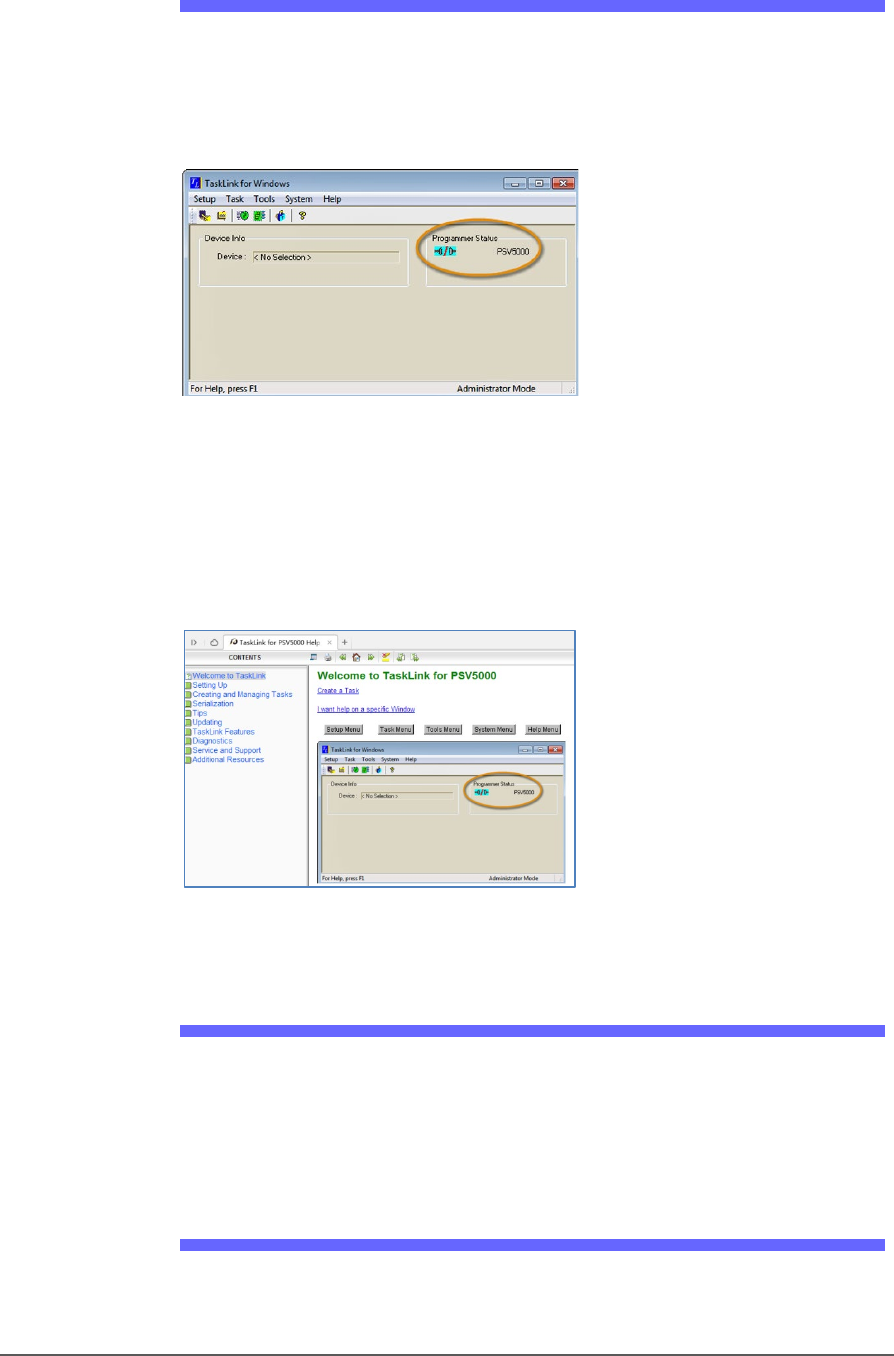
Figure 12: TaskLink’s main window displays the selected
programming system. Jobs created or edited will be for this
system.
TaskLink online Help is available by clicking Help > Help Topics. It offers
procedural steps as well as general information.
Figure 13: TaskLink online Help. It includes update instructions.
Job Creation Software for LumenX
Job Runner and Job Creator are Data I/O’s latest applications for
creating and managing jobs to run on the PSV5000 with LumenX
programmers. The software resides on the Handler Computer.
Updates and Algorithm Support
Updates, includes algorithm updates, are generally acquired through
our APS Agreement (Annual Programmer Support). See APS Agreement
■ Software □ CH700 Application
PSV5000 Owner’s Manual - 27 -
on our website under the SUPPORT tab. For more information, see
TaskLink online Help or Job Runner/Job Creator online Help.
CH700 Application
Data I/O’s Automated Handler software is a Microsoft
®
Windows
®
-based
application for setting up and programming integrated circuits (devices)
on PSV5000 Systems. It offers a selection of many PSV5000 System
options such as input/output configurations, labeling options, and
statistical feedback methods. The CH700 application software resides in
the Handler Computer.
For updates to CH700 Software see Software and Firmware
on our web
site under the SUPPORT tab. Then look for PSV5000 under Download
the Latest Firmware.
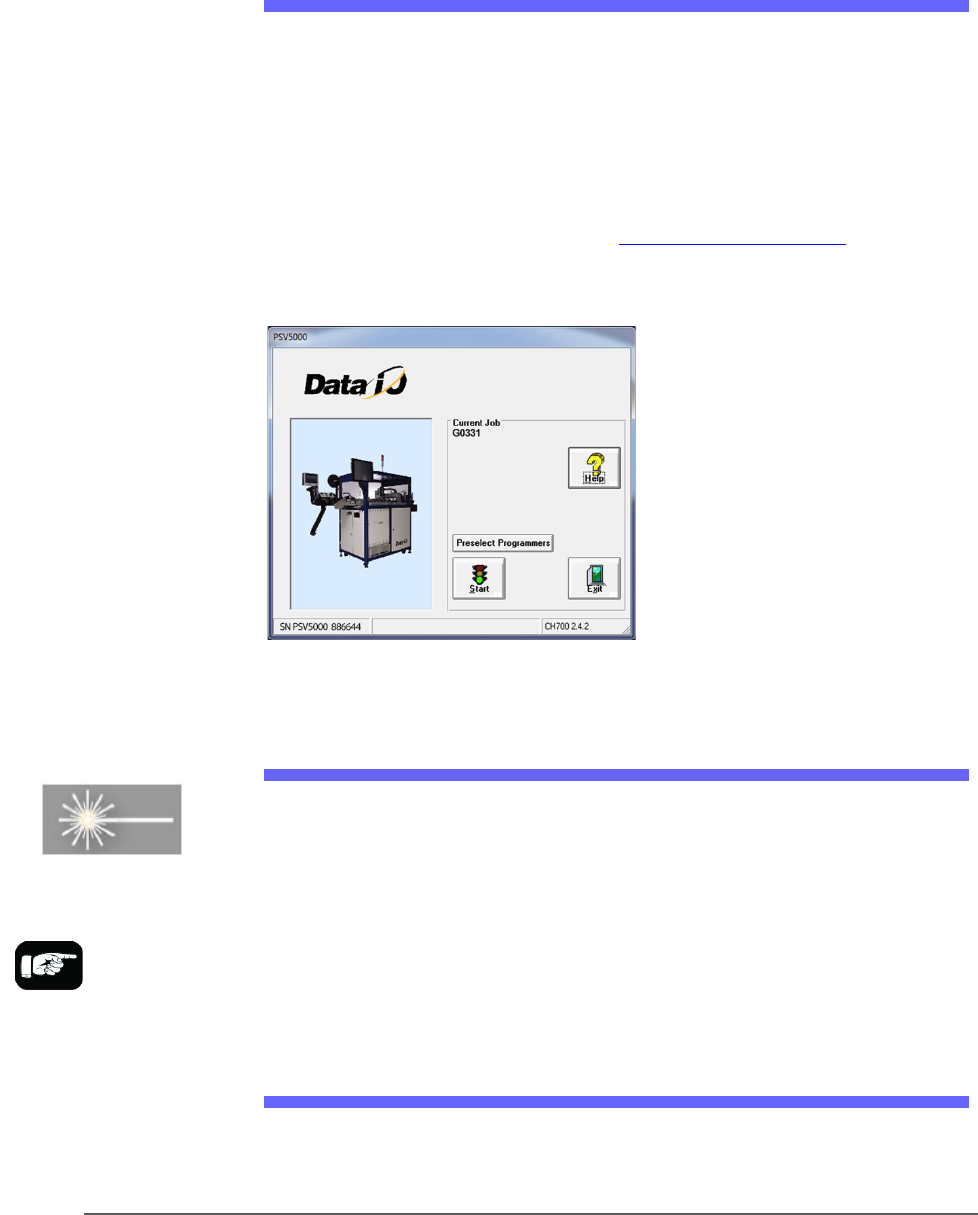
Figure 14: CH700 Start-up window for PSV5000.
Laser Software
The Laser software is a Windows-based application that allows creating
parameters required for laser marking jobs as well as initiating laser
marking. This MarkingMate software is on the Handler computer.
When the Laser Marking System is set up and initialized, it receives
commands from the CH700 which starts the marking sequence.
For more information please refer to the MarkingMate software help.
Laser Safety
The PSV5000 Laser option is designed in accordance with the following
safety guidelines:
For more information
about the Laser System,
see Setting Up the Laser
Marking Module on page
55 and (Optional)
Creating a Laser Marking
File on page 81.
Introduction ■ Software
- 28 - Data I/O ■ 096-0465-001C
• A fume extractor traps marking fumes and other by-products of the
laser marking operation.
• The system designed to comply with Complies with ANSI, IEC, and
CDRH guarding standards.
• Refer to and follow laser and safety precautions in ANSI Z136.1 -
2007, American National Standard for the Safe Use of Lasers.
Procedures listed under the Standard include: appointment of a
Laser Safety Officer, operation of the product in an area of limited
access by trained personnel, servicing of the equipment only by
trained and authorized personnel, and posting of signs warning of
potential hazards.
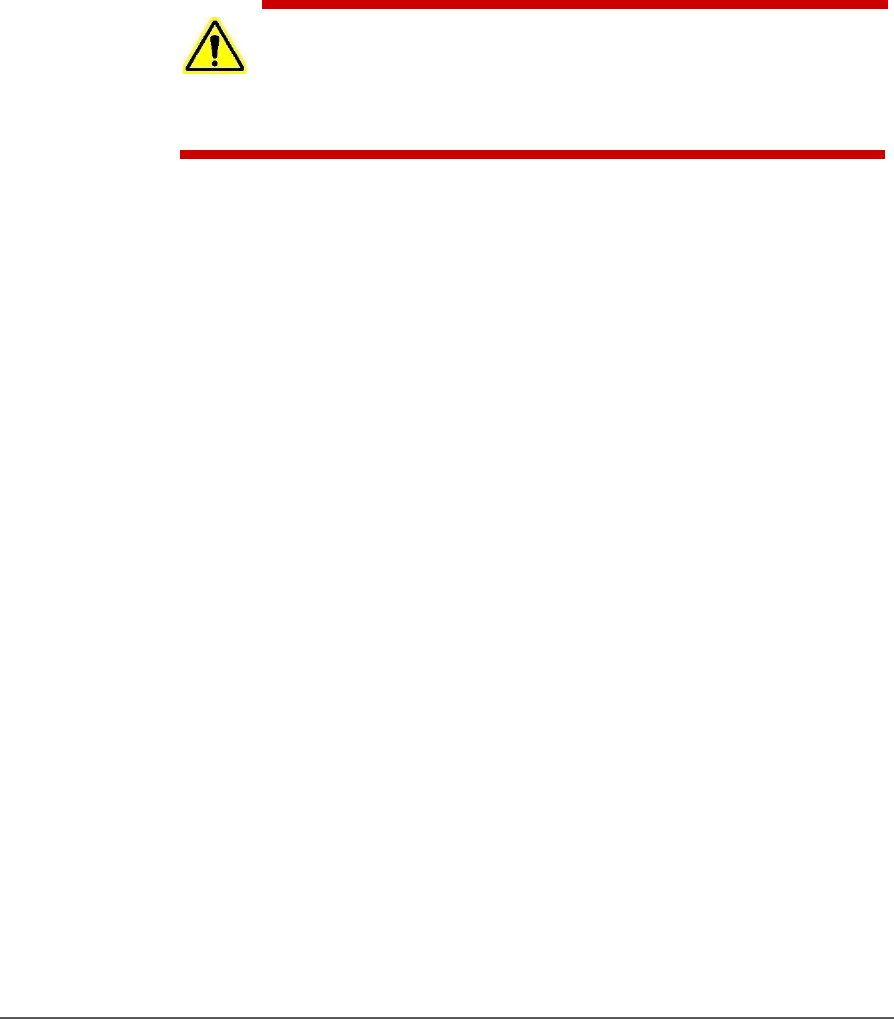
WARNING: Possible eye and skin injury! The laser will fire even
when safety doors are open. If equipped with Laser Marking, do
NOT interfere with, or work on, the Laser Module while the Laser PC
key-switch is ON.