PSV5000_OwnersManual.pdf - 第83页
Maximiz ing Programming Yields ≡ P roces s Errors PSV5000 O wner ’s M anual - 79 - Selecting unintende d programming pr ocesses in TaskLin k /Job Creator (sector pro tection, s ecu rity op tions, ve rify o ptio ns, c…

Administrative Functions ■ Maximizing Programming Yields
- 78 - Data I/O ■ 096-0465-001C
Socket life is generally
rated by the
manufacturer as the
number of insertions per
socket after which yields
may drop significantly.
buildup, damage from mis-inserted devices (perhaps due to poor
calibration of the placement system), and general wear and tear.
Socket conditions that cause varying yields include the following:
Debris of any type can prevent sockets from closing completely.
Debris may not be visible. Simple actuation may clear debris, or it
may be necessary to clean sockets with low pressure, clean dry air.
Blow out sockets every day. Refer to Inspecting the Socket Adapters
on page 98. Actuate the socket to blow out debris from beneath the
contacts. More frequent cleaning is recommended in a dirty
environment.
Bent or distorted contact pins can cause intermittent socket
failures.
System Maintenance that Affects Yield
PSV5000 machine maintenance is critical to maintaining high yields.
Periodic cleaning, adjustment and replacement of worn elements ensure
the best possible performance. These periodic procedures are outlined in
Maintenance Schedule on page 4-2 and should be followed closely.
Part of regular maintenance is ensuring that the system hardware is in
good working order, and that settings are accurate.
To check programmer hardware see FlashCORE Programmer Diagnostics
on page 119.
For accurate placement, ensure that workspace locations (also known as
a Package File) are taught correctly.
If throughput is down, perform Get Movetimes again: see Optimize
Movetimes on page 70.
Process Errors
Finally, some process errors can result in reduced yield. While an
automated approach eliminates most human error during production,
errors in setup or maintenance can result in reduced yield:
Using old algorithms may affect programming yields. PSV5000
System algorithms are updated weekly at
http://www.dataio.com/algorithms/ and are available depending
on your maintenance plan. Algorithms are updated via TaskLink or
Job Creator. See the apropos online Help for more information.
Selecting the wrong device part number for the job in TaskLink/Job
Creator, and therefore the wrong algorithm.

Maximizing Programming Yields ≡ Process Errors
PSV5000 Owner’s Manual - 79 -
Selecting unintended programming processes in TaskLink/Job
Creator (sector protection, security options, verify options,
continuity testing, blank checking).
Measuring yields too infrequently, so that a drop in yield rates is not
detected until a large number of devices have failed.
Using the wrong data file (selected in TaskLink/Job Creator).
Socket abuse, such as digging failed devices out with sharp
instruments.
Changing to a questionable vendor source. Lower quality devices
tend to produce lower yields.
Administrative Functions ■ (Optional) Creating a Data File from a Master Device
- 80 - Data I/O ■ 096-0465-001C
(Optional) Creating a Data File
from a Master Device
The PSV5000 System can read data from a master device and create a
data file (also called a PC File) that can then be used in programming
jobs.
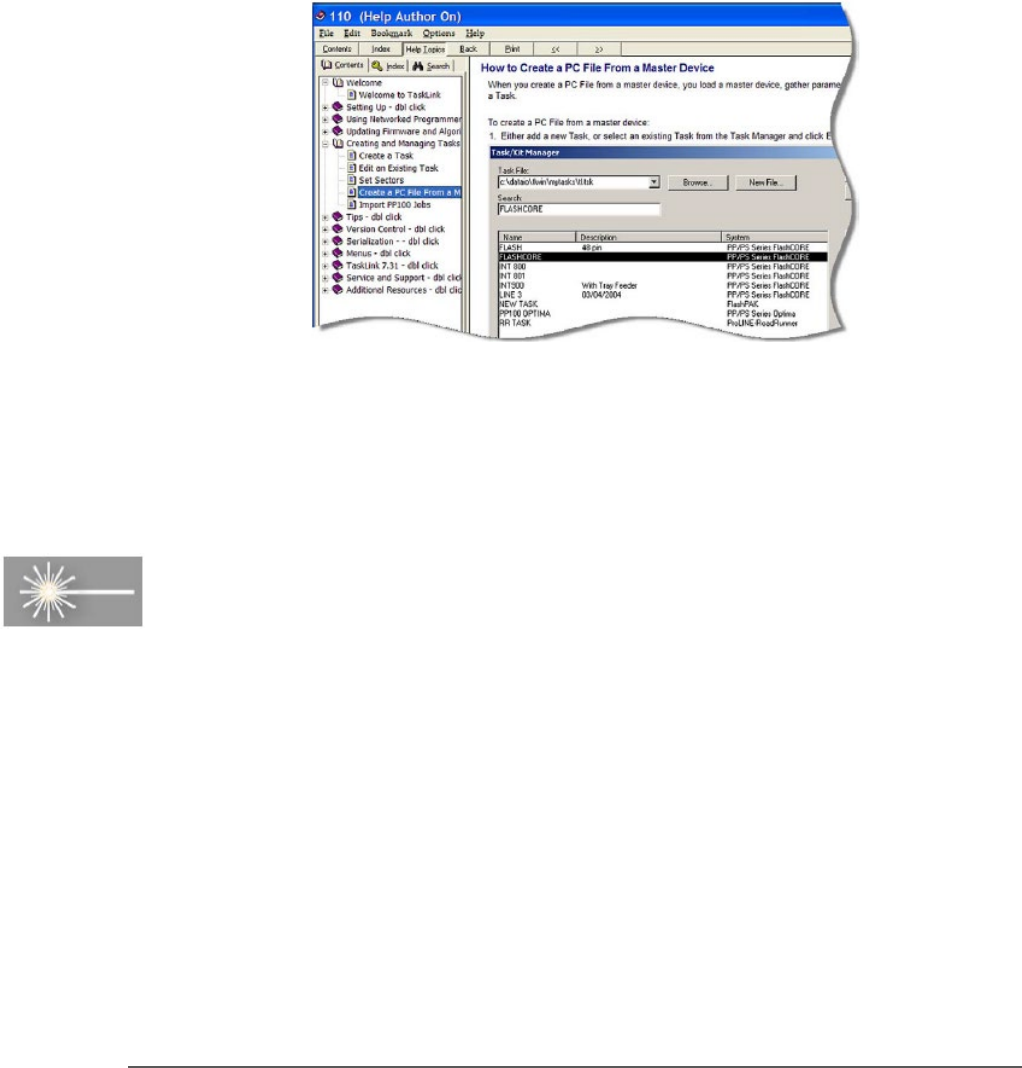
For complete instructions on creating a data file from a master device, see
TaskLink (FlashCORE) or Job Creator (LumenX) online Help.
Figure 43: TaskLink’s online Help includes steps for creating a
computer file from a master device.
Marking Option
A Laser Module is an option which marks the surface of the devices. It
has a separate Operation Manual which came you're your PSV5000
System if it has the option.