PSV5000_OwnersManual.pdf - 第85页
Marking Option ≡ Install ing th e Laser Shutt le Mod ule PSV5000 O wner ’s M anual - 81 - Figure 44: Manu al s for t he laser de vice marker and Fume E xtractor. Figure 45: Lase r marking u ses a la ser shuttle ex cept…
Administrative Functions ■ (Optional) Creating a Data File from a Master Device
- 80 - Data I/O ■ 096-0465-001C
(Optional) Creating a Data File
from a Master Device
The PSV5000 System can read data from a master device and create a
data file (also called a PC File) that can then be used in programming
jobs.
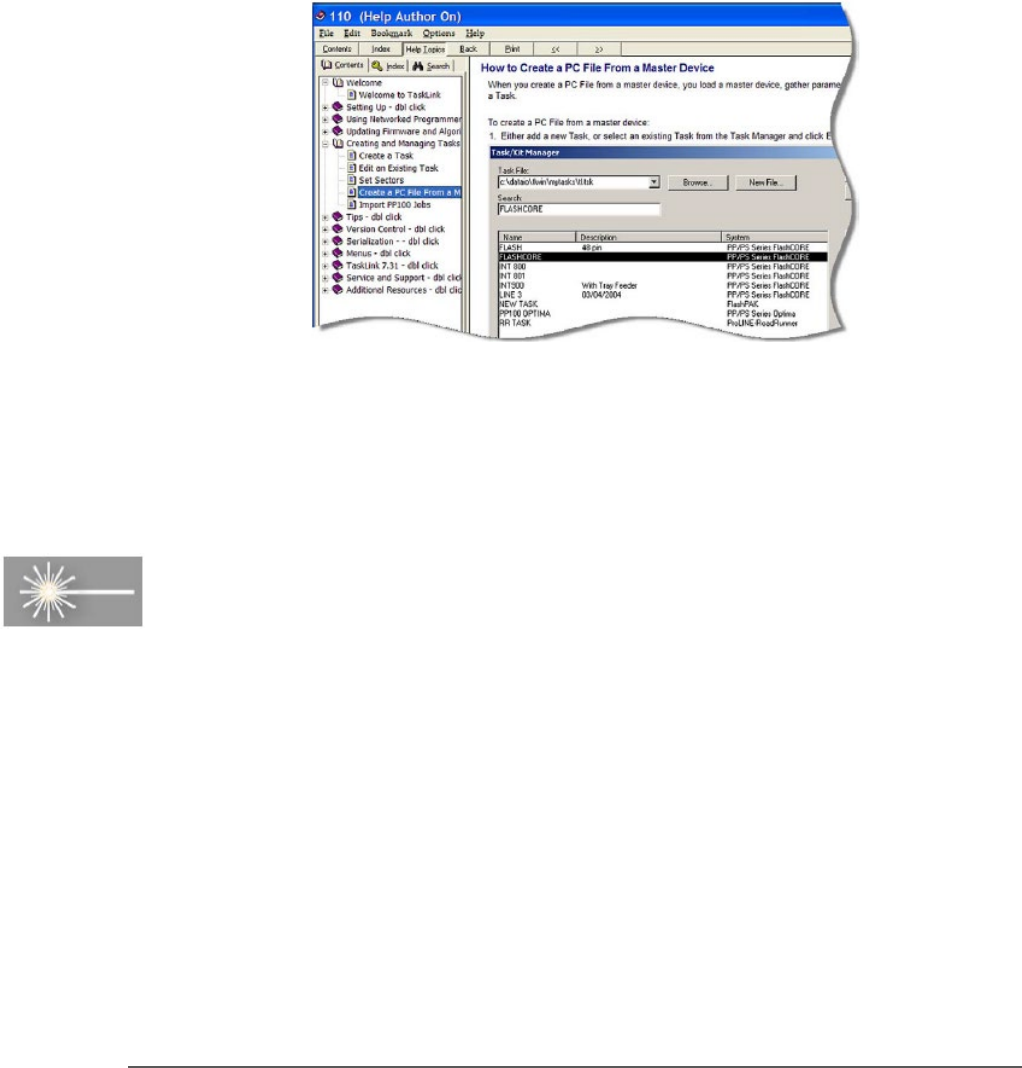
For complete instructions on creating a data file from a master device, see
TaskLink (FlashCORE) or Job Creator (LumenX) online Help.
Figure 43: TaskLink’s online Help includes steps for creating a
computer file from a master device.
Marking Option
A Laser Module is an option which marks the surface of the devices. It
has a separate Operation Manual which came you're your PSV5000
System if it has the option.
Marking Option ≡ Installing the Laser Shuttle Module
PSV5000 Owner’s Manual - 81 -
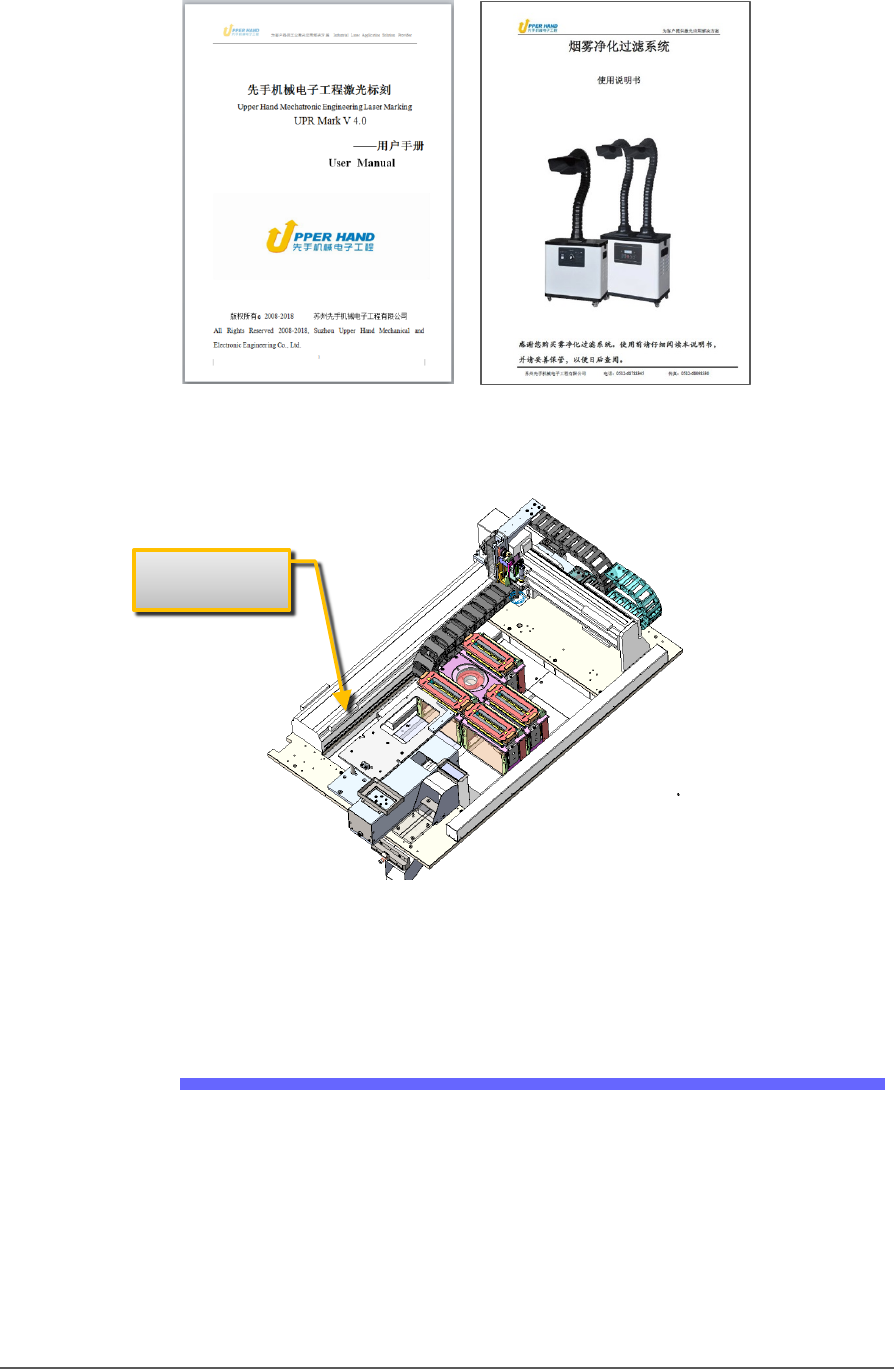
Figure 44: Manuals for the laser device marker and Fume Extractor.
Figure 45: Laser marking uses a laser shuttle except when using
Tape-Output. The shuttle is installed at the factory to transport
devices to the laser beam.
Installing the Laser Shuttle Module
TOOLS REQUIRED
Metric Hex Key set
To install the Laser Shuttle Module:
1. On the left side of the machine prepare the small clear safety covers
for receiving the Laser Shuttle Module.
Laser Shuttle
Administrative Functions ■ Marking Option
- 82 - Data I/O ■ 096-0465-001C
a. Loosen the screw on the lower left of a rectangular safety
shield shown in Figure 47: (4 mm hex key).
b. Unscrew the top screw (4 mm hex key).
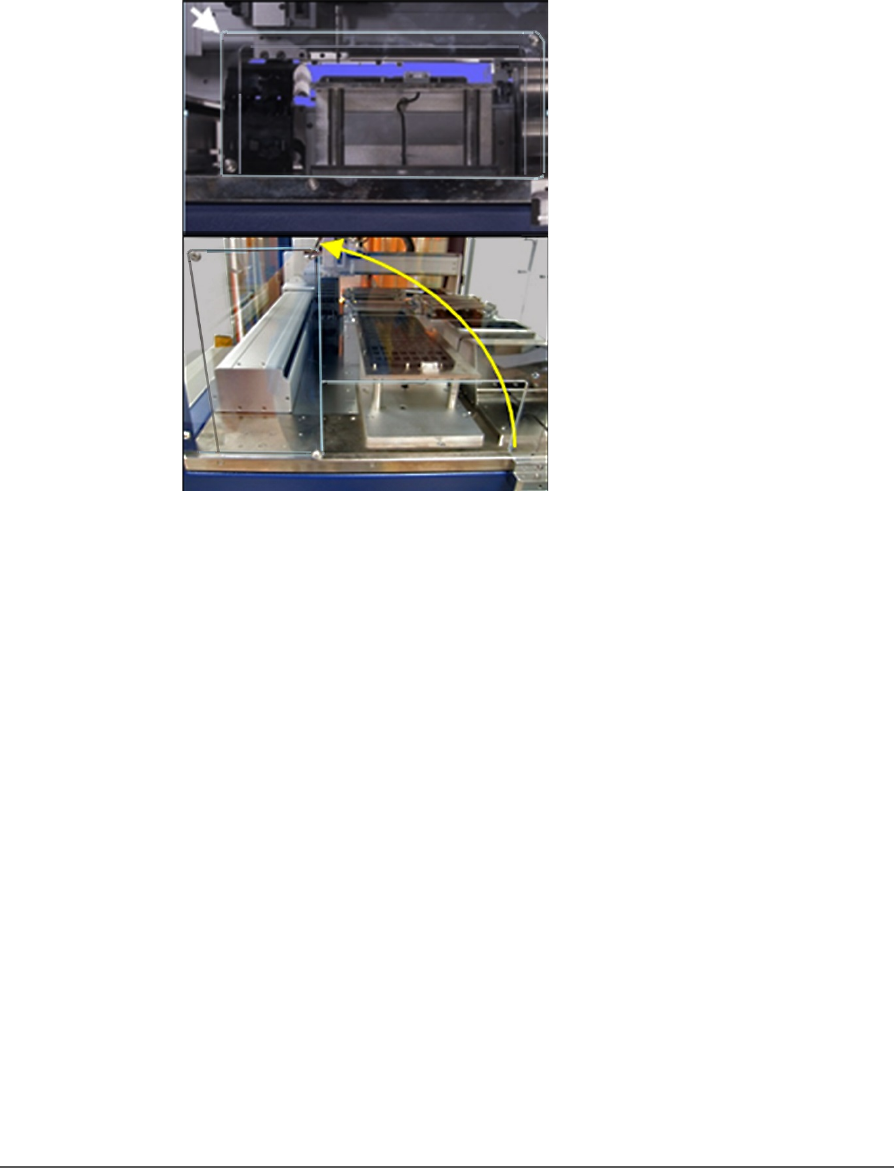
c. Rotate the rectangular shield counterclockwise 90°to the
‘storage’ position and screw it to the fixed safety shield with
the screw you just removed. Refer to the figure below.
Figure 46: To install the Laser Shuttle Module, rotate the shield
counterclockwise 90°.
2. Unscrew the five screws that secure large fixed safety shield
(4 mm
hex key).
3. Install the Laser Shuttle Module onto the plate in the PSV5000
workspace and screw it down with two screws (5 mm hex key) from
the underside of the plate . See the figure below.