00191369-02.pdf - 第263页
User Manual HS-50 6 Vision functions Software Version S R.501.xx 12/99 Issue US 6.6 Test Comp onent 263 t I I t 6.6.4.4 Measure Component Option NOTE 6 This option can onl y be activ ated if you ha ve alr eady loa ded a …
6 Vision functions User Manual HS-50
6.6 Test Component Software Version SR.501.xx 12/99 Issue US
262
t IIt
6
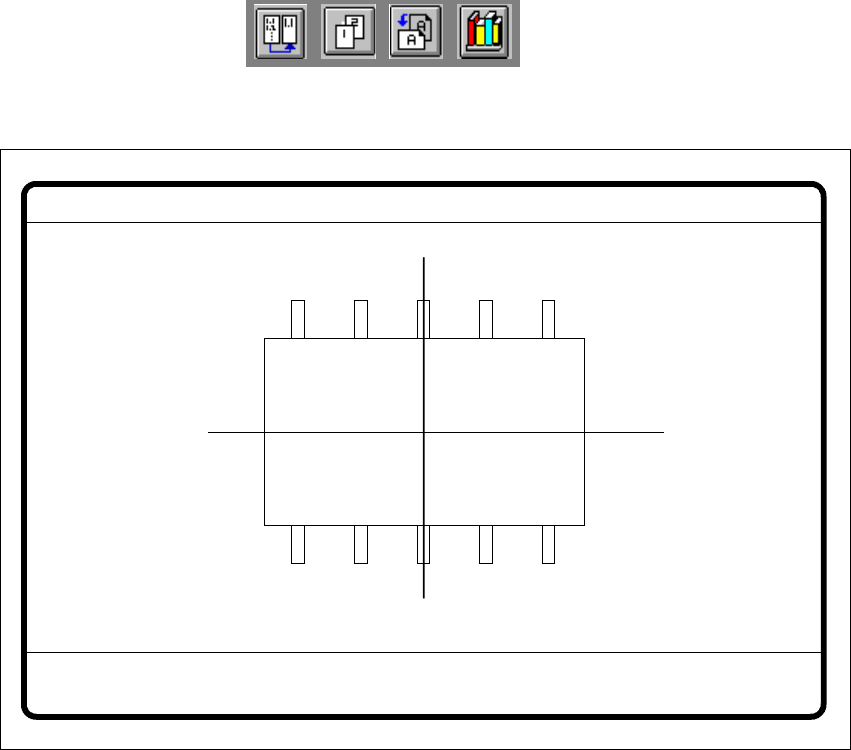
Fig. 6.6 - 19 Test component menu, Test component video image
Å With the Return key you can call all defined individual steps in the measurement procedure
one after the other. Each time you press the Return key another measurement step is carried
out and the results shown on the screen.
Å Use Esc to quit the option. The video image closes and the Test component menu reappears.
GF no. = 5Test component
RET: Test component
User Manual HS-50 6 Vision functions
Software Version SR.501.xx 12/99 Issue US 6.6 Test Component
263
t IIt
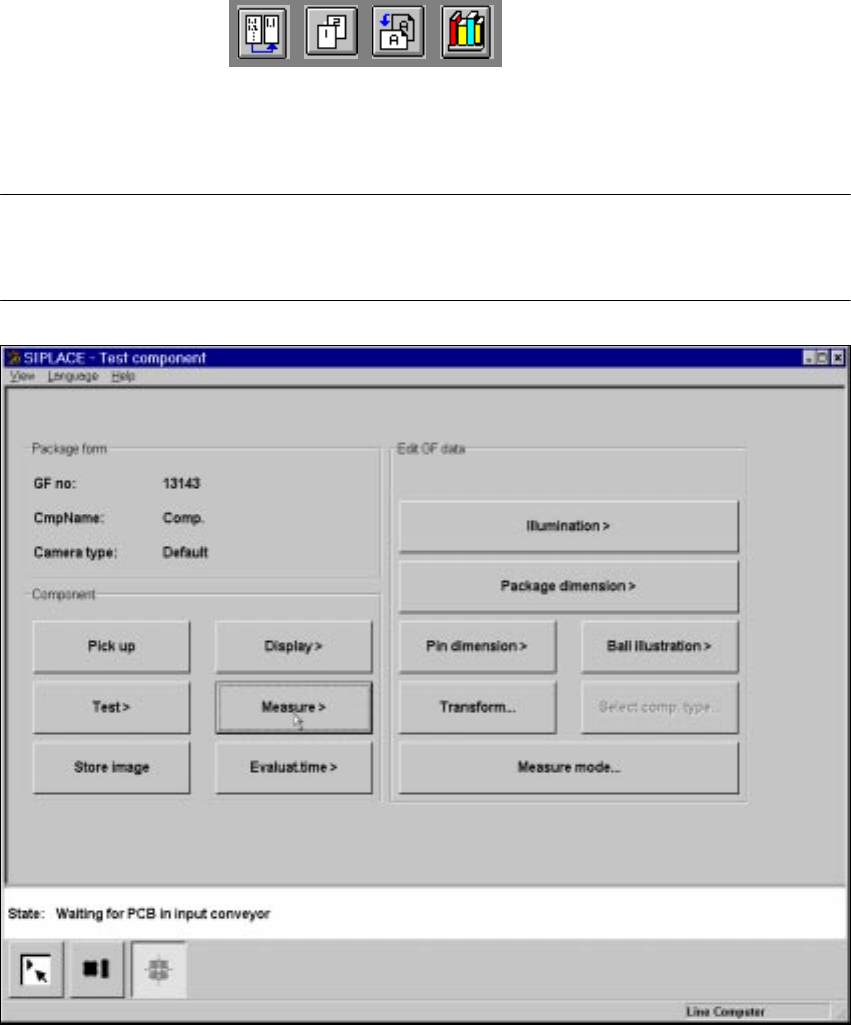
6.6.4.4 Measure Component Option
NOTE 6
This option can only be activated if you have already loaded a package form number and a com-
ponent has been picked up.
6
Fig. 6.6 - 20 Test component menu, Measure component option
When this option is activated the following actions are started: 6
– The video image appears on the screen.
– The measurement command is given, using the predefined parameters.
– The MVS performs each component-specific measurement step in turn.
– The measurement values are displayed in the video image.
6 Vision functions User Manual HS-50
6.6 Test Component Software Version SR.501.xx 12/99 Issue US
264
t IIt
6
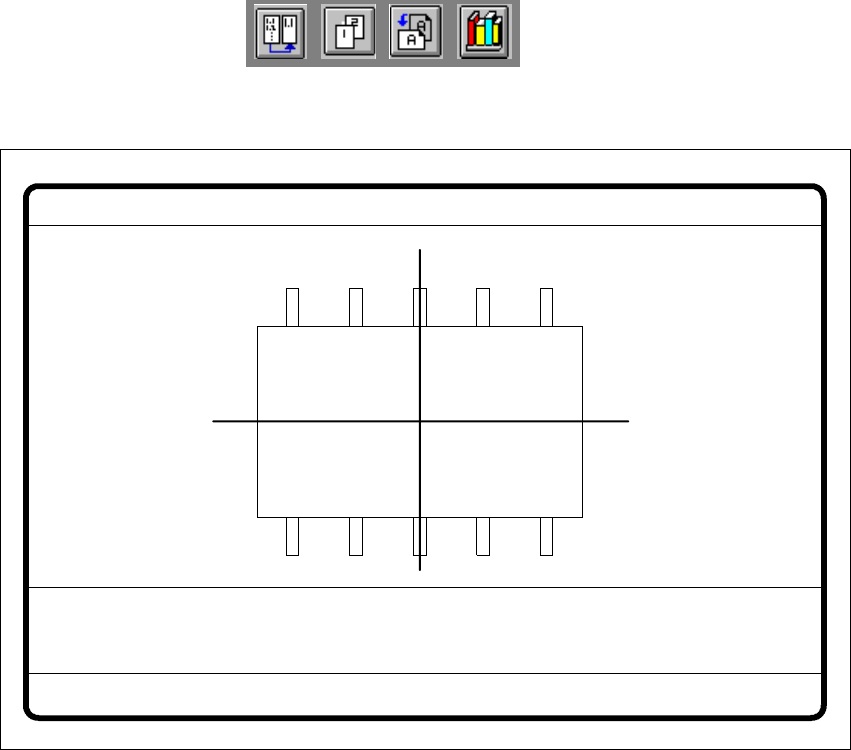
Fig. 6.6 - 21 Test component menu, Measure component video image
Optical surveying of conventional components with lead connections 6
The crosshairs indicate the component’s center. The component outlines are emphasized in color. 6
The measured values represent the geometric component parameters such as 6
– Lead skew
The value for lead skew will be indicated if you have selected the lead or ball measurement
mode.
–Pitch
The value for pitch will be indicated if the corner measurement mode is active as the last mea-
surement step.
– Number of leads
– X / Y offset
– Orthogonality
– Dimensions of the component
–Skew and
– Factor for the quality of measurement.
Measure component GF No. = 5
X offset = ... Y offset = ... Phi = ...
Orthogon = ...
No. of pins = ...
Quality fact. = ...
Length[mm] = ...
Width[mm] = ...
Spacing[mm] =
RET: Measure component
P.dev.[mm] =