00195397-01_Installation Manual Setup Center 2.3.pdf - 第61页
Installation Setup Center Software Installation Installation Manual SIPLACE Setup Center 2.3 61 X If this checkbox is selected, the PCB barcode ca n be entered manua lly, in case that it was not accepted from a barcod e …
Installation
Software Installation Setup Center
60 Installation Manual SIPLACE Setup Center 2.3
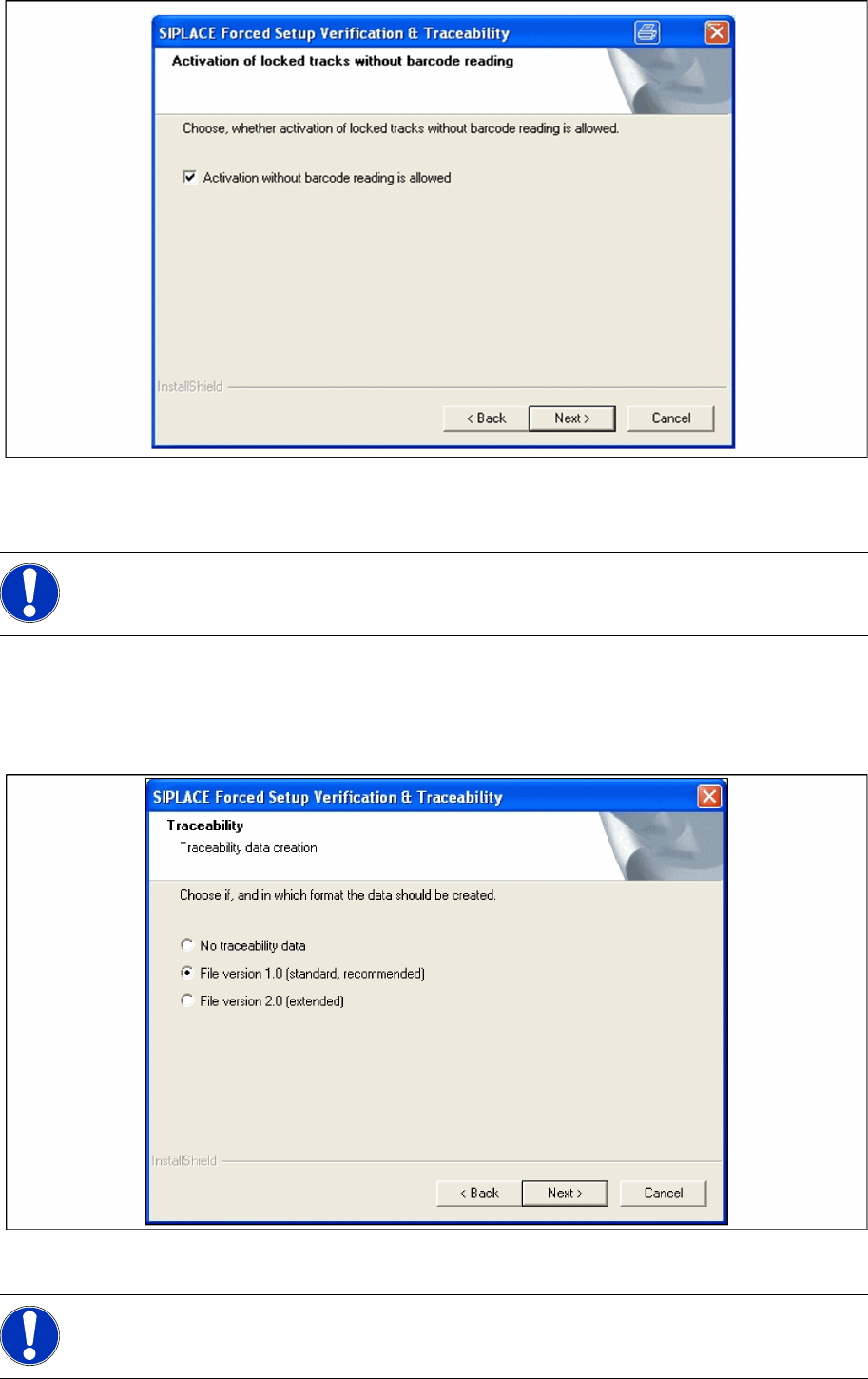
X Click Next to continue.
Step 6 Traceability
X Here you can choose whether the Traceability Data should be created.
X Furthermore you can select the File version 1.0 for standard TRC file or the File version 2.0 for
extended TRC file.
X Click Next to continue. Wait until the next dialog box appears. It can be take a few minutes.
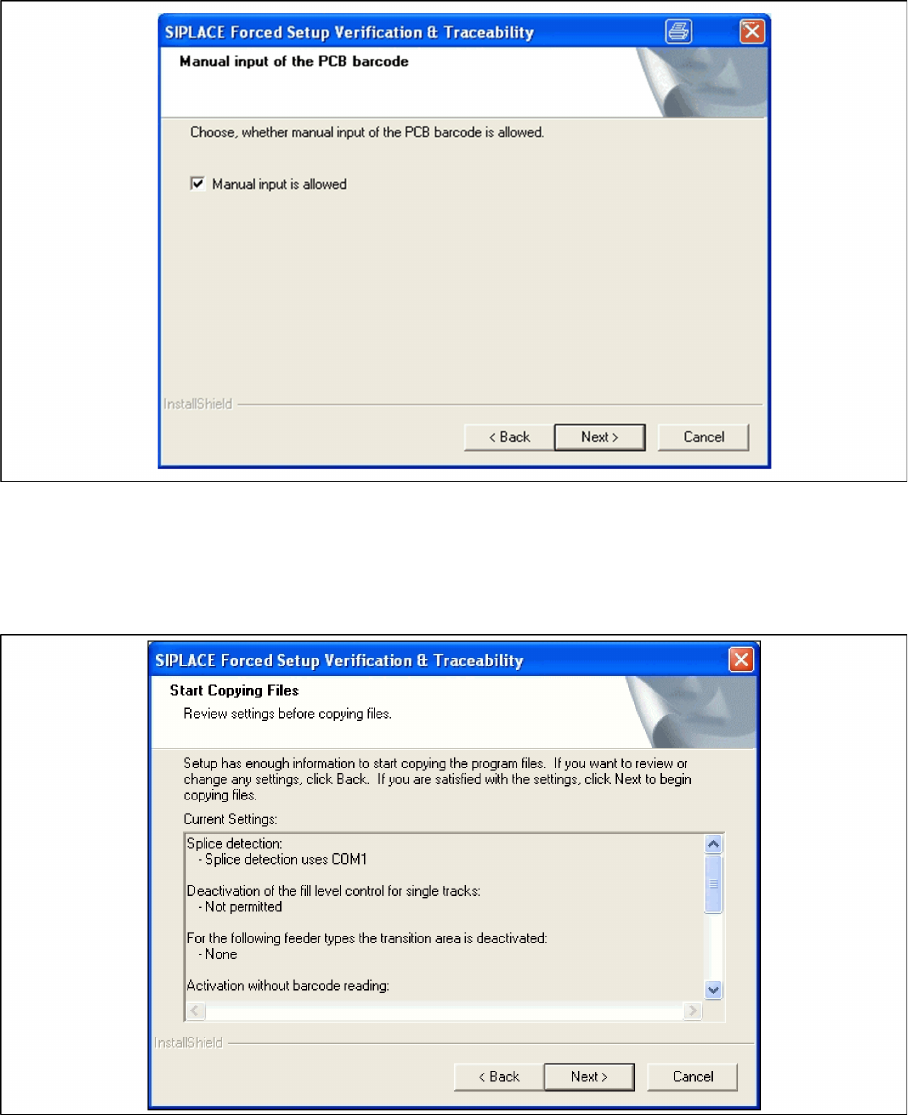
Step 7 Manual input of the PCB barcode
NOTE:
Traceability settings can only be changed, if the Tractability Option is installed at the station.
NOTE:
Traceability settings can only be changed, if the Tractability Option at the station is installed.
Installation
Setup Center Software Installation
Installation Manual SIPLACE Setup Center 2.3
61
X If this checkbox is selected, the PCB barcode can be entered manually, in case that it was not
accepted from a barcode reader.
X Click Next to continue.
Step 8 Overview of the settings
X Here you will see the overview of the settings.
X Click Back to review or change the settings.
X Click Next to continue the installation.
Step 9 Finishing the installation
X Click Finish to end the installation.
Installation
Software Installation Setup Center
62 Installation Manual SIPLACE Setup Center 2.3
Installing "Mobilink Patch"
When installing the Forced Setup Verification for placement stations which are supported via the SMV
interface, it is necessary to install a patch for the
mobilink.exe
.
To install the SMV interface version 1.3 (Mobilink Patch SMV 1.3) you need the following station software
versions:
407.04 SP2 or higher
505.04 or higher
Insert the CD "Mobi Patch SMV 1.3". The installation starts automatically.
The dialog boxes shown below will be displayed during the installation procedure.
Start Installation
X Log on as administrator to the station PC.
X Place the Patch CD in your CD-ROM drive.
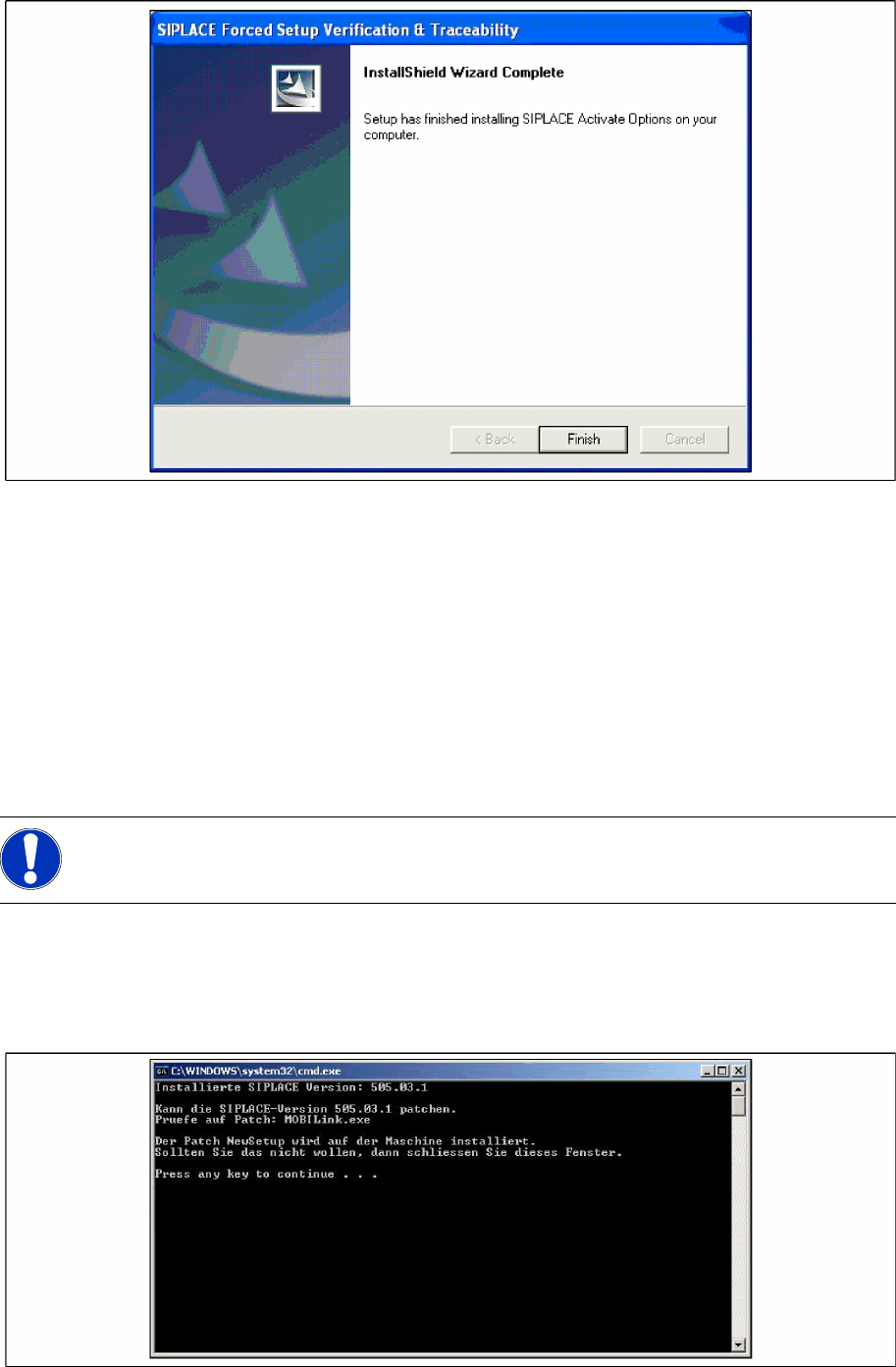
X The following command window will appear.
X Press any key to start the installation or close the window if you don’t want that.
NOTE:
You are required to have administrator rights for the installation procedure!