00191174-01.pdf - 第30页
2 Functions for the A djustment of the Machine User’s Manual Test Program S ITEST 2.1 Axis Functions Software Version 10.xx Edition 03/98 2 - 2 CAUTION ∆ ! ∆ ! Prior to tr aversin g the x and y-a xes make s ure that t he…
User’s Manual Test Program SITEST 2 Functions for the Adjustment of the Machine
Software Version 10.xx Edition 03/98 2.1 Axis Functions
2 - 1
2 Functions for the Adjustment of the
Machine
WARNING
∆
!
∆
!
Some of the functions described in this section are performed with the gantries moving.
Prior to the execution of these functions make sure that neither any part of your body nor any objects are
within the traversing range of the gantries. DANGER OF INJURY.
The inactive gantry must be in the park position.
2.1 Axis Functions
The axis functions are required for the adjustment of the dynamic behavior of the axes. As a rule, the
"Continuous run" function is used for these adjustment procedures. With some adjustments it is necessary to
change the speed during the adjustment procedure using the function "Modify speed".
NOTE
Prior
to the start of the adjustment operations a reference run must be performed for all axes.
This reference run is started by selecting the "RV-Head ref. run" or "IC-head refer. run" function from the
"Head reference run" menu and thereafter the "Gantry refer. run" function from the SITEST main menu.
●
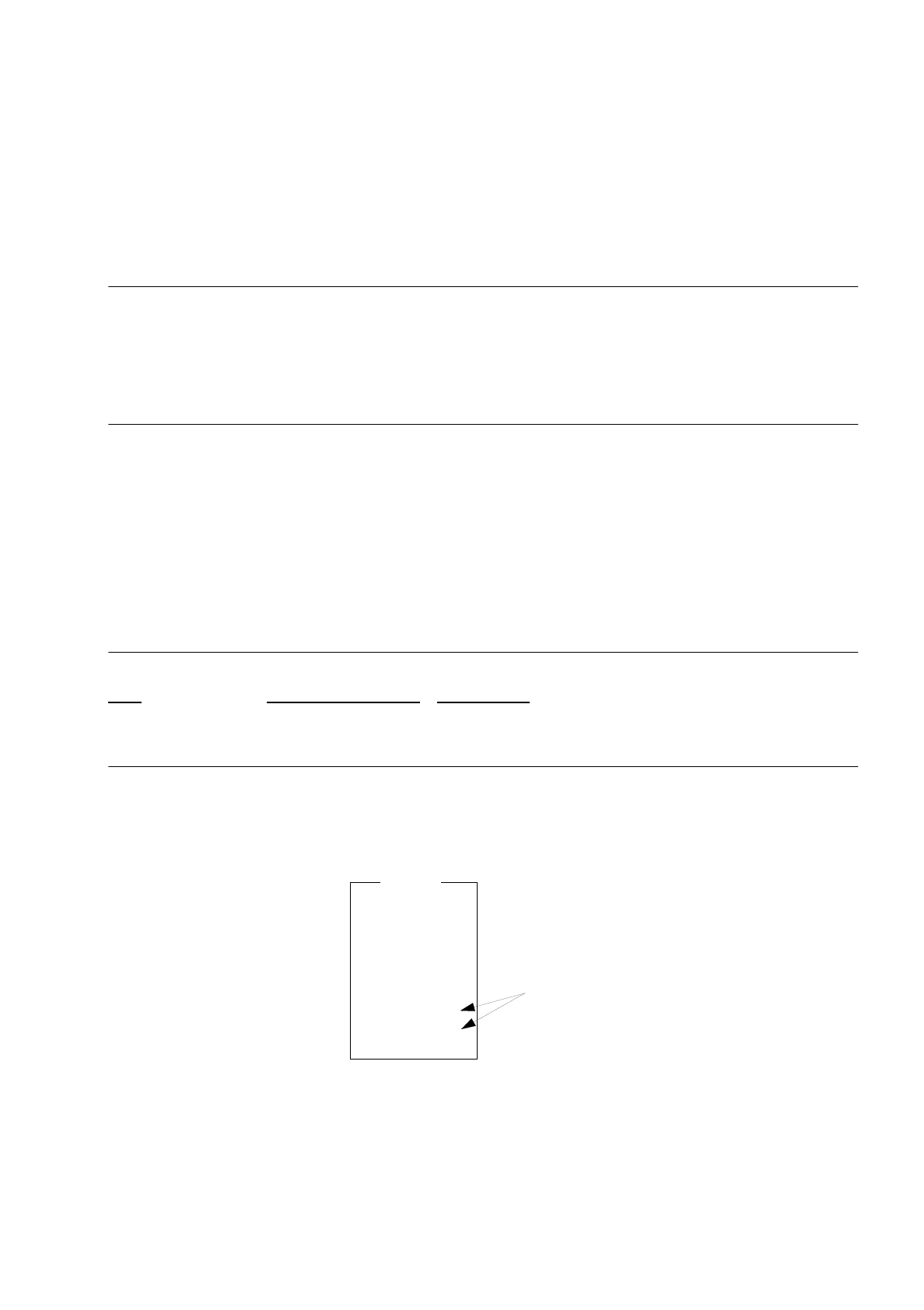
From the SITEST main menu select the Axes option and press the RETURN key.
The "Axes" menu is displayed on the screen.
●
From this menu select the axis to be adjusted and press the RETURN key.
The menu of the selected axis is displayed on the screen.
Axes
x axis
y axis
z axis
star axis
dp1 axis
dp2 axis
z IC axis
d IC axis
only available at
type SIPLACE 80F
2 Functions for the Adjustment of the Machine User’s Manual Test Program SITEST
2.1 Axis Functions Software Version 10.xx Edition 03/98
2 - 2
CAUTION
∆
!
∆
!
Prior to traversing the x and y-axes make sure that the sleeves are in the raised position.
Overview of the Functions:
-
Run axis reference reference run of the selected axis
-
Position axis to traverse the axis to the target position entered
-
Modify axis data to change the axis data in the respective input menus
-
Continuous run to move the axis in the continuous run mode between the positions entered
-
Modify speed to change the traversing speed in stages from 1 to 10
-
Display axis error to display the axis errors (in the lower left corner of the screen)
-
Adjust dynamics Menu for the dynamic adjustment of the axes
-
Contin. run forward to operate the star axis in the continuous run mode until the ESC key is pressed
-
Range x/y-axes to approach the minimum and maximum positions of the x and y-axes and to locate
the minimum and maximum limit switch positions
To perform the individual functions, proceed as follows:
●
Select the
Run axis reference
function if the axis has not been referenced yet and press the RETURN
key.
The reference run is now performed for the selected axis.
●
To move the axis to a given position in one operation, select the
Position axis
menu item and press the
RETURN key.
The "Position axis" menu opens.
●
Select the
Target position
menu item to enter the desired target position.
The input menu opens.
●
Enter the target position and confirm your entry by pressing the RETURN key
.
●
Exit from the input menu by pressing the ESC key.
●
Select the
Move to target pos.
function and press the RETURN key
as well as the START button, if re-qui-
red. The axis approaches the target position entered.
●
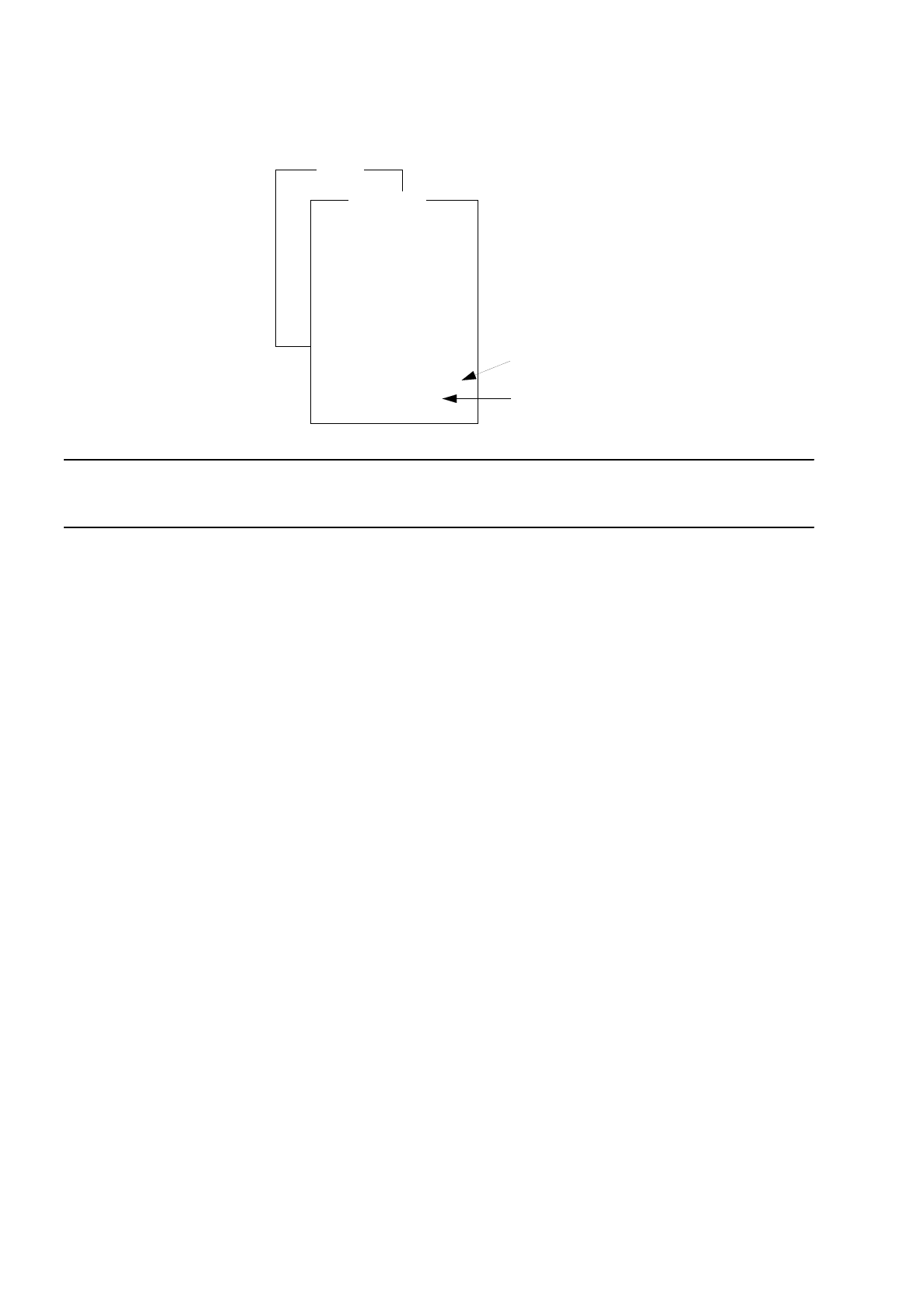
Exit from the menu by pressing the ESC key. The "*Axis" menu is redisplayed on the screen.
Axes
x axis
y axis
z axis
s axis
dp1 axis
z IC axis
d IC axis
dp2 axis
* axis
Cont. run forward
Range x/y-axes
Run axis reference
Move axis
Modify axis data
Continuous run
Modify speed
Display axis error
only at selection of
the x axis or y axis
only at selection
of the s axis
Adjust dynamics
User’s Manual Test Program SITEST 2 Functions for the Adjustment of the Machine
Software Version 10.xx Edition 03/98 2.1 Axis Functions
2 - 3
●
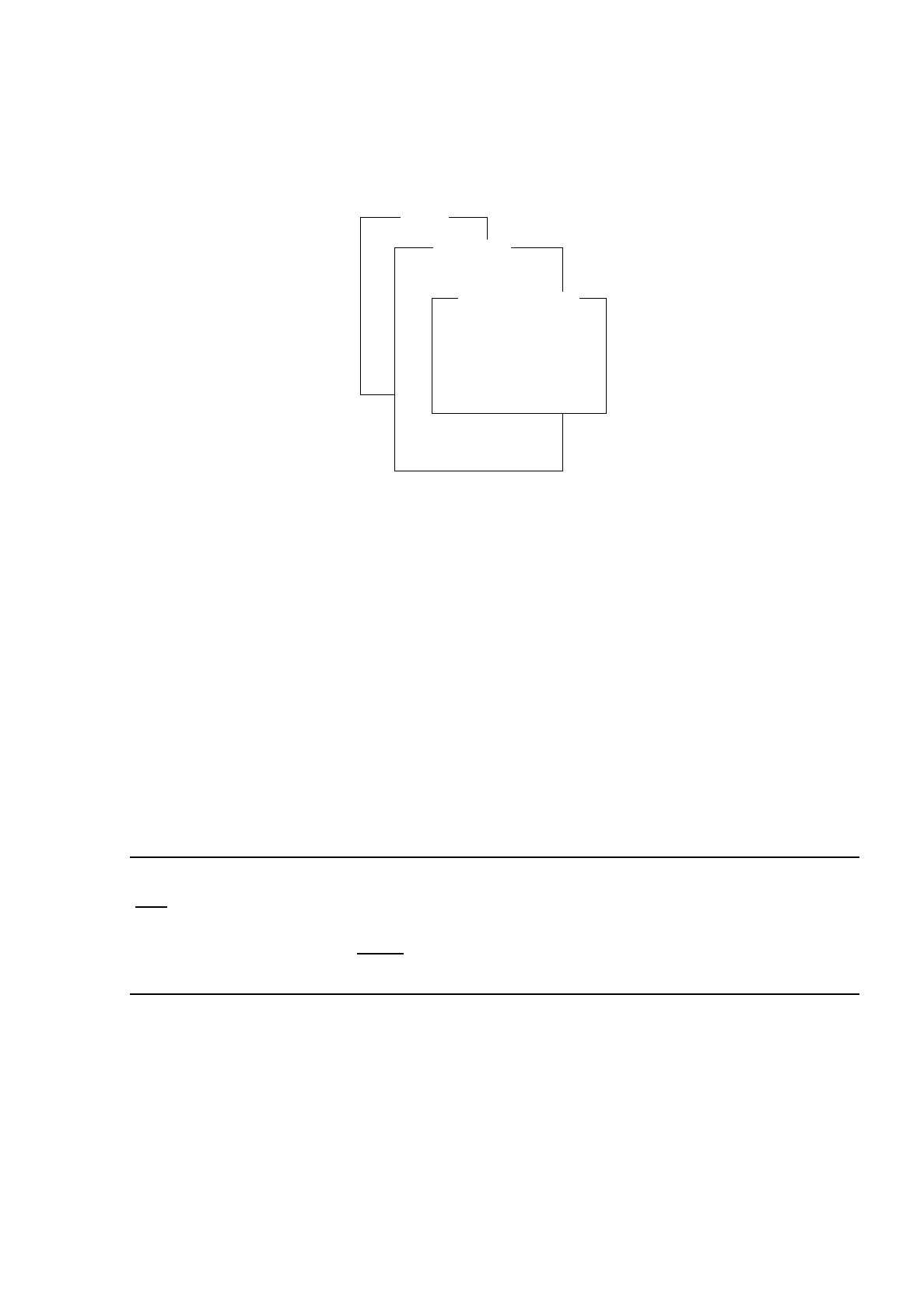
If you wish to change position data for your work, select the
Modify axis data
menu item and press the
RETURN key. The "Modify axis data" menu opens.
Overview of the Functions:
-
Positions Menu for entering the values for zero point correction and the maximum and
minimum positions
-
Run parameters Menu for entering the traversing data for adjustment activities
-
Round-up factors Menu for entering the round factors for adjustment activities
-
Axis factors I Menu for entering axis values I for adjustment activities
-
Axis factors II Menu for entering axis values II for adjustment activities
-
Axis parameters Menu for entering the axis parameters for adjustment activities
-
Mode Menu for entering the mode for adjustment activities
●
Select the
Positions
menu item. The input menu for "Positions" opens.
●
Change the values as required and confirm your entries by pressing the RETURN key
.
●
Press the ESC key to return to the "*Axis" menu.
NOTE
Only
the values for "Zero point cor. value", "Minimal position" and "Maximal position" that were modified in
the "Positions" input menu can be saved with the aid of the main menu option
File Manager
-->
Store MA-
file
. All other modified axis data cannot
be saved. They will be reset to the original values upon exiting
from the SITEST program
.
●
If the selected axis is to be positioned in the continuous run mode, select the
Continuous run
menu item
and press the RETURN key. The "Continuous run" menu opens.
●
To determine the start and target positions between which the axis is to move, select the
Enter positions
menu item and press the RETURN key
.
The input menu opens.
●
Enter the start and target positions as well as the waiting time in the input menu and confirm your entries
by pressing the RETURN key
.
●
Exit from the input menu by pressing the ESC key.
Axes
x axis
y axis
z axis
s axis
dp1 axis
z IC axis
d IC axis
dp2 axis
* axis
Cont. run forward
Range x/y-axes
Run axis reference
Move axis
Modify axis data
Continuous run
Modify speed
Display axis error
Adjust dynamics
Modify axis data
Positions
Run parameters
Round-up factors
Axis factors I
Axis factors II
Mode