00191174-01.pdf - 第65页
User’s Manual Test Program S ITEST 3 Calibration Functions Software Version 10.xx Edition 03/98 3.9 Calibration of the Flip-Chip Camera (SIPLACE 80F) 3 - 17 3.9 Calibration of the Flip-Chip Camera (SIPLACE 80F) ● Carry o…
3 Calibration Functions User’s Manual Test Program SITEST
3.8 Calibration of the IC-Camera (SIPLACE 80F) Software Version 10.xx Edition 03/98
3 - 16
3.8.2 Measuring the Offset From IC-Head to Component Camera and
IC-Camera Position
NOTE
Verify that the calibration data for the PCB camera, IC-camera and PCB/component camera offset have
already been determined.
●
Carry out the preparatory steps proceeding as described in section 3.1 and section 3.1.1.
●
From the "Vision system" menu select the
IC-camera
option and press the RETURN key. The "IC-camera"
menu is displayed on the screen.
●
From the "IC-camera" menu select the
IC-ca.pos & offset
function and press the
RETURN key. The "IC-ca.pos & offset" menu is displayed on the screen.
Overview of the Functions:
-
Camera position to display or enter the x and y-position of the IC-camera
-
IC-Camera Offset to display or enter the x and y-offset of IC-head to component camera
-
Measure to determine the offset between IC-head and component camera in x and
y-directions and to determine the IC-camera position
●
From the "IC-ca.pos & offset" menu select the
Measure
function and press the RETURN key.
The offset between IC-head and component camera and the position of the IC-camera is measured.
NOTE
Following the completion of the measuring operation the values determined can be displayed on the
screen using the
IC-Camera offset
function.
●
Press the ESC key to return to the SITEST main menu.
Pos.calibration tool
Adopt current pos.
Teach position
PCB-camera
Component camera
IC-camera
Flip-chip-camera
Vision system
IC-camera
Move to by pcb-cam.
Move to by IC-head
IC-ca.pos & offset
Calibrate IC-camera
Illumination test
Illumination for GF
Meas.focus camera
Illumination values
Calibration factors
Camera number
IC-ca.pos & offset
Camera position
IC-Camera offset
Measure

User’s Manual Test Program SITEST 3 Calibration Functions
Software Version 10.xx Edition 03/98 3.9 Calibration of the Flip-Chip Camera (SIPLACE 80F)
3 - 17
3.9 Calibration of the Flip-Chip Camera (SIPLACE 80F)
●
Carry out the preparatory steps proceeding as described in section 3.1 and section 3.1.1.
●
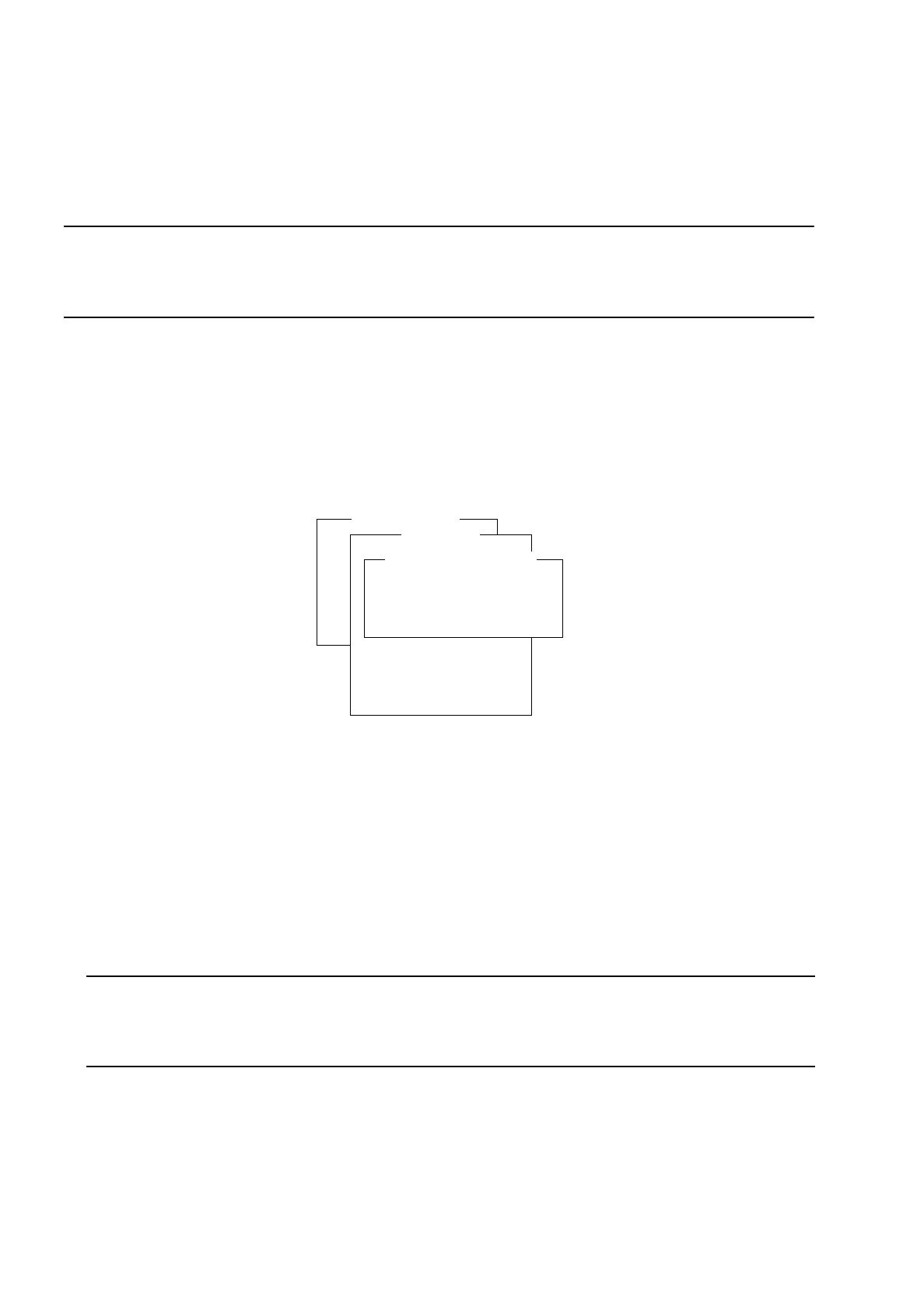
From the "Vision system" menu select the Flip-chip-camera option and press the RETURN key.
The "Flip-chip-camera" menu is displayed on the screen.
Overview of the Functions:
-
Camera position Menu for entering or determining the Flip-Chip camera position
-
Calibrate camera to calibrate the Flip-Chip camera
-
Meas.focus camera Menu for measuring the focus position of the Flip-Chip camera
-
Calibration factors to display the Flip-Chip camera values determined
-
Camera number to open the input field for the camera number
●
From the "Flip-chip-camera" menu select the Meas.focus camera option.
The "Meas.focus camera" menu is displayed on the screen.
Overview of the Functions:
-
Pick up cal. tool to pick up the calibration piece with the IC-head
-
Return cal. tool to deposit the calibration piece in the calibration piece pocket
-
Measure focus to measure the focus position
-
Measure z-Delta to determine the z-delta
(from conveyor top edge to focus position of Flip-Chip camera)
-
Focus pos. to display the focus position measured
-
z step size (digit) to enter or modify the z step size for the focus adjustment
Pos.calibration tool
Adopt current pos.
Teach position
PCB-camera
Component camera
IC-camera
Flip-chip-camera
Vision system
Flip-chip camera
Camera position
Calibrate camera
Meas.focus camera
Calibration factors
Camera number
Pos.calibration tool
Adopt current pos.
Teach position
PCB-camera
Component camera
IC-camera
Flip-chip-camera
Vision system
Flip-chip camera
Camera position
Calibrate camera
Meas.focus camera
Calibration factors
Camera number
Meas.focus camera
Pick up cal. tool
Return cal. tool
Measure focus
Measure z-Delta
Focus pos. (digit)
z step size (digit)

3 Calibration Functions User’s Manual Test Program SITEST
3.9 Calibration of the Flip-Chip Camera (SIPLACE 80F) Software Version 10.xx Edition 03/98
3 - 18
●
From the "Meas.focus camera" menu select the
Pick up cal. tool
function and press the
RETURN key.
The IC-head with its nozzle picks up the calibration piece and moves over the Flip-Chip camera.
●
Select the
Measure focus
function and press the RETURN key.
●
Using the cursor keys
↑↓
adjust the calibration piece until its sharply defined image is displayed on the
screen.
●
Actuate the cursor key
↑
repeatly until the calibration piece appears blurred. Note down the current z-axis
position (SIPLACE axis tester, axis 6, see "Service manual SIPLACE).
●
Actuate the cursor key
↓
repeatly until the calibration piece appears blurred. Note down the current z-axis
position (SIPLACE axis tester, axis 6, see "Service manual SIPLACE).
●
Determinate the mean value of these two z-axis positions.
●
Using the cursor keys
↑↓
position the axis to the mean value position. The calibration piece must appear
on the screen sharply defined.
●
Press the ESC key to return to the "IC camera" menu. Switch the monitor back to the normal program
mode.
●
Select the
Measure z-Delta
function and press the RETURN key.
The value thus determined is displayed on the screen.
●
Select the
Return cal. tool
function and press the RETURN key.
The IC-head deposits the calibration piece in the calibration piece pocket.
●
Press the ESC key to return to the "Flip-chip-camera" menu.
●
Select the
Calibrate camera
function and press the RETURN key.
The calibration operation is performed on the Flip-Chip camera.
●
If you wish to view the values thus determined after the calibration procedure has been completed, select
the
Calibration factors
menu function and press the RETURN key.
The values determined are displayed.
●
If you wish to determine the position of the Flip-Chip camera, select the
Camera position
menu option
from the "Flip-Chip-Camera" menu and press the RETURN key.
The "Camera position" menu is displayed on the screen.
Overview of the Functions:
-
Camera position to display or enter the x and y-positions of the Flip-Chip camera
-
Measure to determine the camera position in x and y-directions
●
From the "Camera position" menu select the
Measure
function and press the RETURN key. The IC-head
together with the Flip-Chip camera moves over the calibration piece.
●
If you wish to view the values determined, select the
Camera position
menu function and press the
RETURN key. The values determined are displayed.
●
Press the ESC key three times to return to the SITEST main menu.
Pos.calibration tool
Adopt current pos.
Teach position
PCB-camera
Component camera
IC-camera
Flip-chip-camera
Vision system
Flip-chip camera
Camera position
Calibrate camera
Meas.focus camera
Calibration factors
Camera number
Camera position
Camera position
Measure