00900002-01_UM_ASM-ProcessLens_EN.pdf - 第7页
1 Introduction 1.1 Machine overview Instruction Guide ASM ProcessLens 02/2017 7 1 Introduction This Instructor Guide contains basic information that must be observed when setting up, operating and maintaining the ASM Pro…

1 Introduction
1.1 Machine overview
Instruction Guide ASM ProcessLens 02/2017 7
1 Introduction
This Instructor Guide contains basic information that must be observed when setting up, operating
and maintaining the ASM ProcessLens® solder paste inspection machine. This Instructor Guide
contains notes that must be observed to guarantee your personal safety and to avoid damage to
equipment.
This document is the original Instructor Guide.
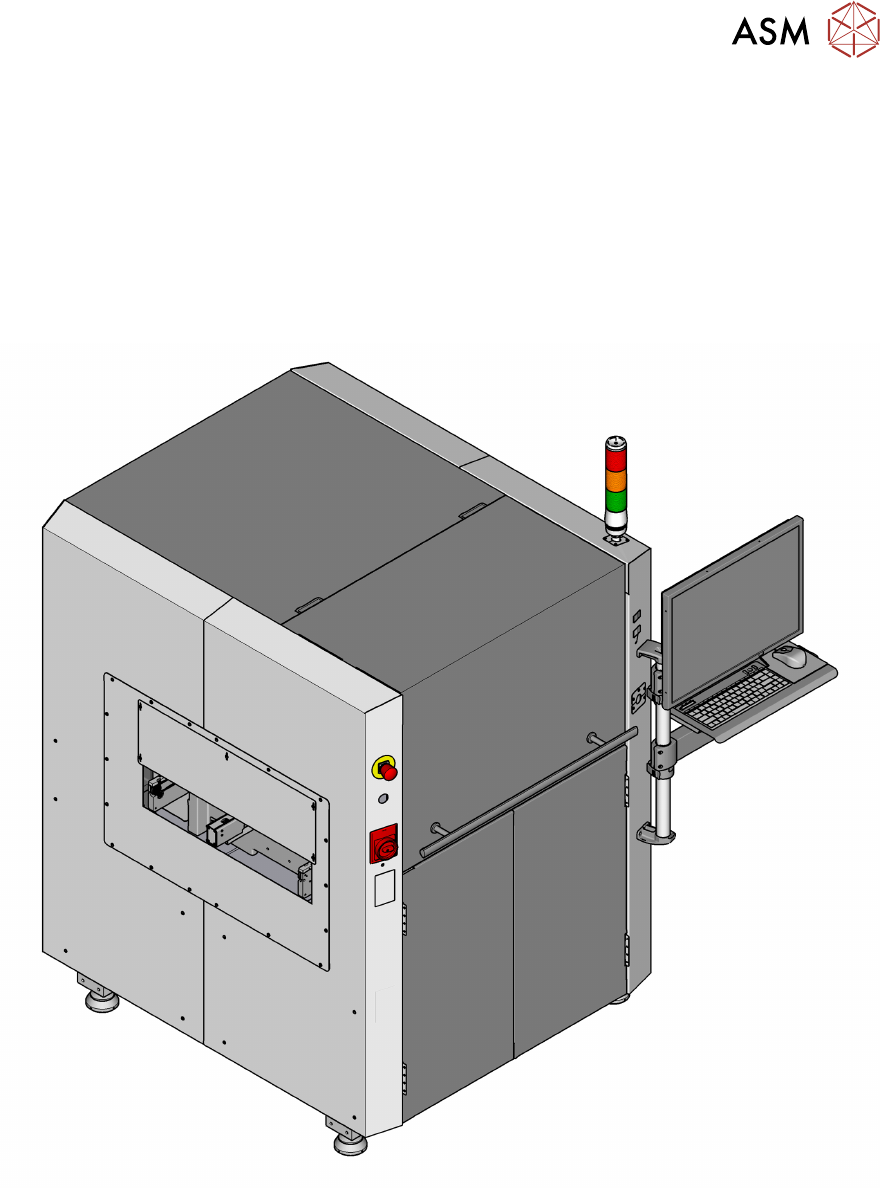
1.1 Machine overview
Fig.1: ASM ProcessLens solder paste inspection machine
1 Introduction
1.1 Machine overview
8 Instruction Guide ASM ProcessLens 02/2017
1.1.1 Machine description
The ASM ProcessLens is an inline solder paste inspection machine which visually measures 100%
of paste deposits on any given product in 3D and 2D and compares them to their expected volume,
X and Y position, area, mean height and shape.
It also checks for bridging between adjacent pads and coplanarity failures for a group of pads be-
longing to the same component.
This visual control is based on the stencil's Gerber data which contains all the apertures, their
shape, size, orientation and position as well as the stencil thickness.
ASM ProcessLens measures the warpage of each PCB during the inspection and uses this data to
keep the images in optimum focus by adjusting the height of the Z-axis accordingly. The evolution
and history of the printing process can be visualized through the SPC (Statistical Process Control)
package delivered with the machine.
ASM ProcessLens together with ASM ProcessEngine pre-placement is a product called ASM
ProcessExpert which is a process tool to analyze stencil layouts and automatically stabilize, char-
acterize, proactively control and improve the printing process.
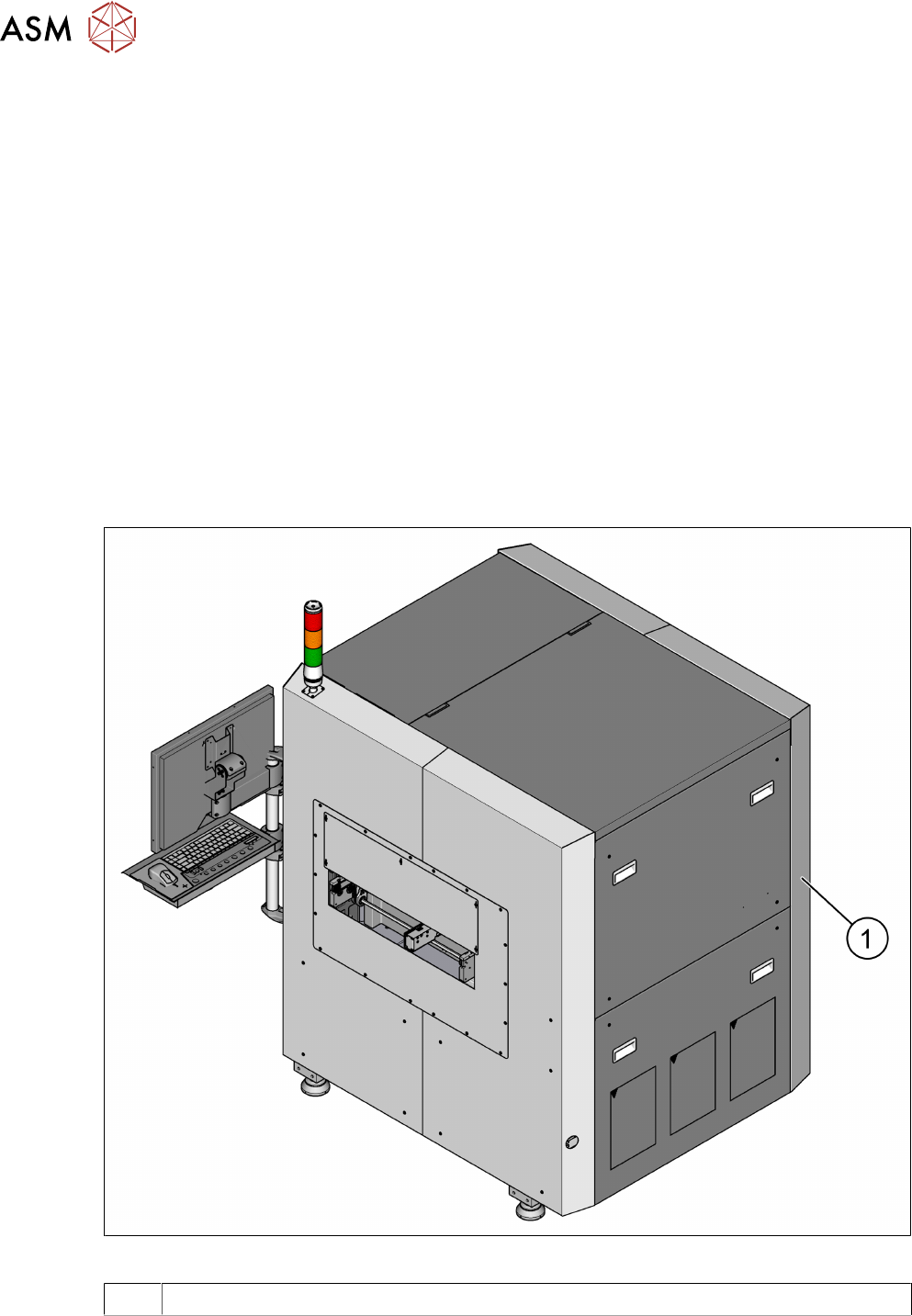
1.1.2 Serial number of the machine
The serial number of the machine can be found on the backside of the machine.
Fig.2: Position of type plate with serial number
1 Type plate