1OM-1086-002.pdf - 第160页
Section 3 Model Change Operation 021 1-005 Chapter 2 3 - 1 Tg0582-PM-D1 This section describes the procedure of model change operation for the initial model.

0211-005 Chapter 2 2-8 Tg0582-PM-D1
2.12 FDD (Floppy Disk Drive)
This function is used to save various kinds of information and the data
for performance analysis of the machine on a floppy disk.
Refer to "2.1.4 FD Backup/Restore" in "Section 2 of Chapter 1" (Vol. 2)
for details.

Section 3
Model Change Operation
0211-005 Chapter 2 3-1 Tg0582-PM-D1
This section describes the procedure of model change
operation for the initial model.
1. Scope
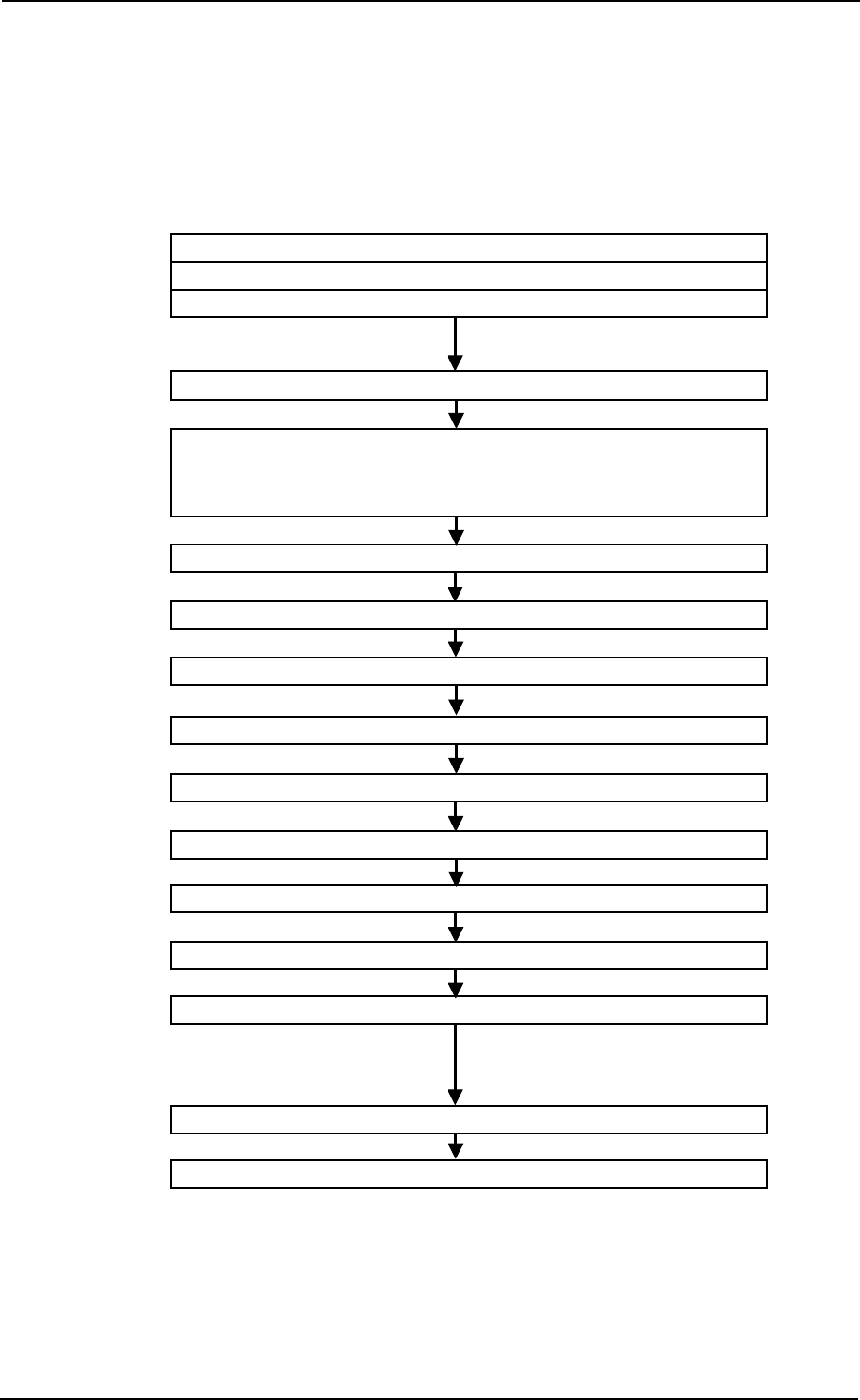
A model change operation must be performed through the following
steps.
Refer to "2. Model Change Operation" for details.
••
••
• Preparation for Model Change Operation
Step 1 Making a P.C.B. Backup Jig or a Holding Jig
Step 2 Preparation for a Screen
Step 3 Creating a Pattern Program
••
••
• Model Change Operation
Step 1 Program Change Operation
Step 2 Product Change Operation
(1) Adjustment of Magnet Support Pins and Attachment of
P.C.B. Backup Jig or Holding Jig
Step 3 P.E.C. Test
Step 4 Dual Camera Automatic Calibration
Step 5 Attachment of Squeegees
Step 6 Attachment of Screen
Step 7 Screen Recognition Test
Step 8 Screen Recognition
Step 9 Settings for Inaccurate Position Correction
Step 10 Solder Paste Supply Operation
Step 11 Paste Kneading Operation
••
••
• Test Printing
Automatic Operation
Step 1 Test Printing
Step 2 Automatic Operation
Fig. 2C1
1. Scope
0211-005 Chapter 2 3-2 Tg0582-PM-D1