1OM-1086-002.pdf - 第243页
9. "PRODUCT CHANGE" Submenu This window can be used to perform various setup operations. • Window Layout When the [PRODUCT CHG.] button is pressed in the "AUTO OP- ERA TION" submenu bar , the followin…
*3 [Screen Recog.] Button
Use this button to determine whether the settings of the screen
recognition should be changed or not.
*4 Backup Plate Chg.Pos.
Select one of the option buttons to determine whether the vacuum
pick-up jig and the support pins should be replaced with the table
chute conveyor being opened (Chute Open) or not (Chute Close).
Turn on the desired option button. A dot appears inside
the circle, indicating that the function is selected.
When the option button is blank, press it to make a dot
appear inside the circle.
*5 Clearance
The specified parameters are used to allow slight leeway to the
actual conveyor and chute widths, compared with the widths in the
pattern program data.
The actual widths become "P.C.B. Size Y + Clearance".
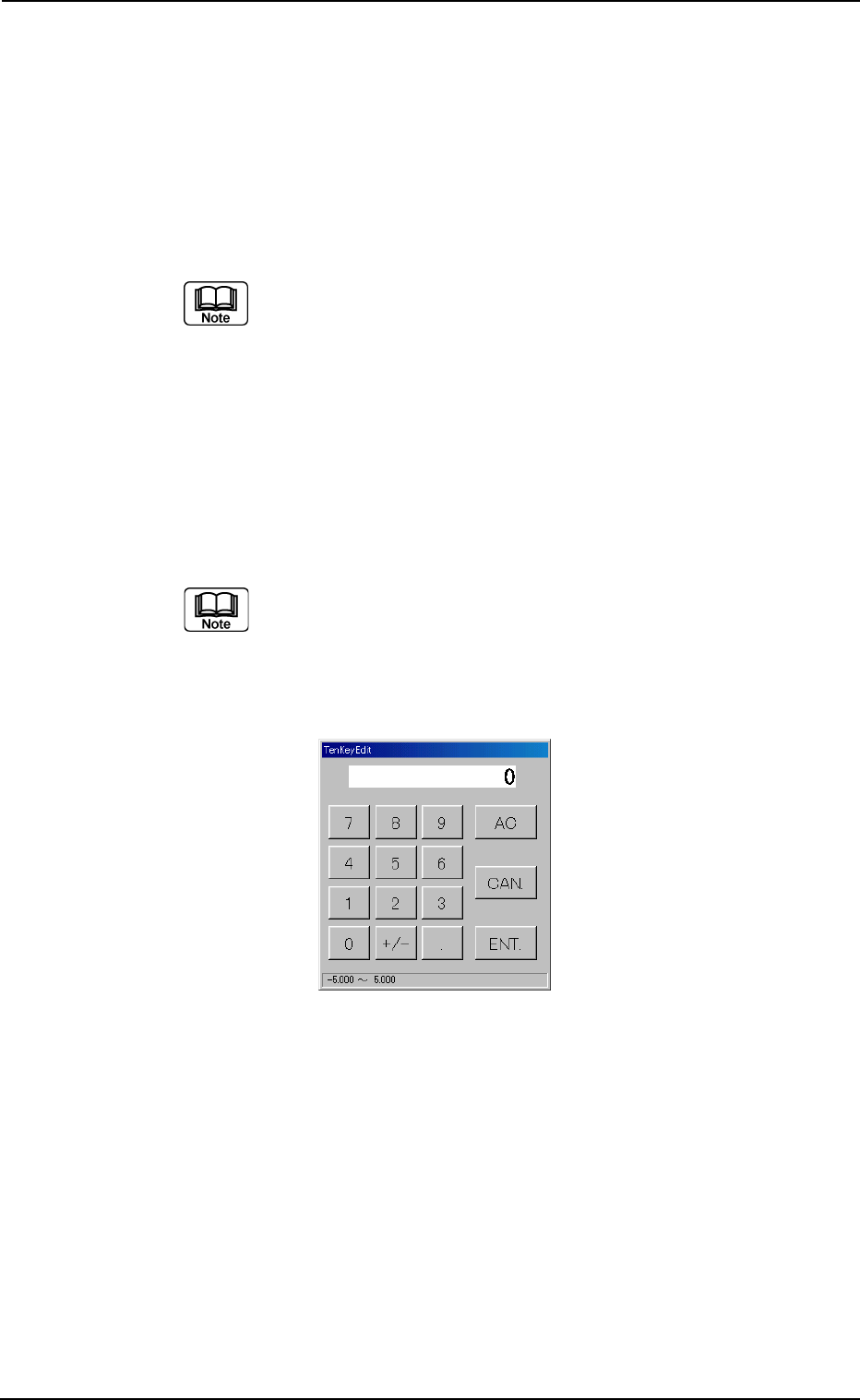
When the "Conveyor Wd." or the "Chute Width" text box
is pressed, a ten-key window opens.
Enter a dimension, using the ten-key window and press
the [ENT.] button.
Refer to "2. Basic Operations in Section 4" for details.
Fig. 2E24
*6 Message
Messages are issued in this pane, giving the summary of opera-
tion instructions and precautionary items when the button *1, *2, or
*3 is pressed.
*7 Machine Operating State
Displayed in this pane is how the devices are working according to
the settings with the buttons *1, *2, and *3.
8. "ALL PRODUCT CHANGE" Submenu
0211-005 Chapter 2 5-35 Tg0582-PM-D1
9. "PRODUCT CHANGE" Submenu
This window can be used to perform various setup operations.
• Window Layout
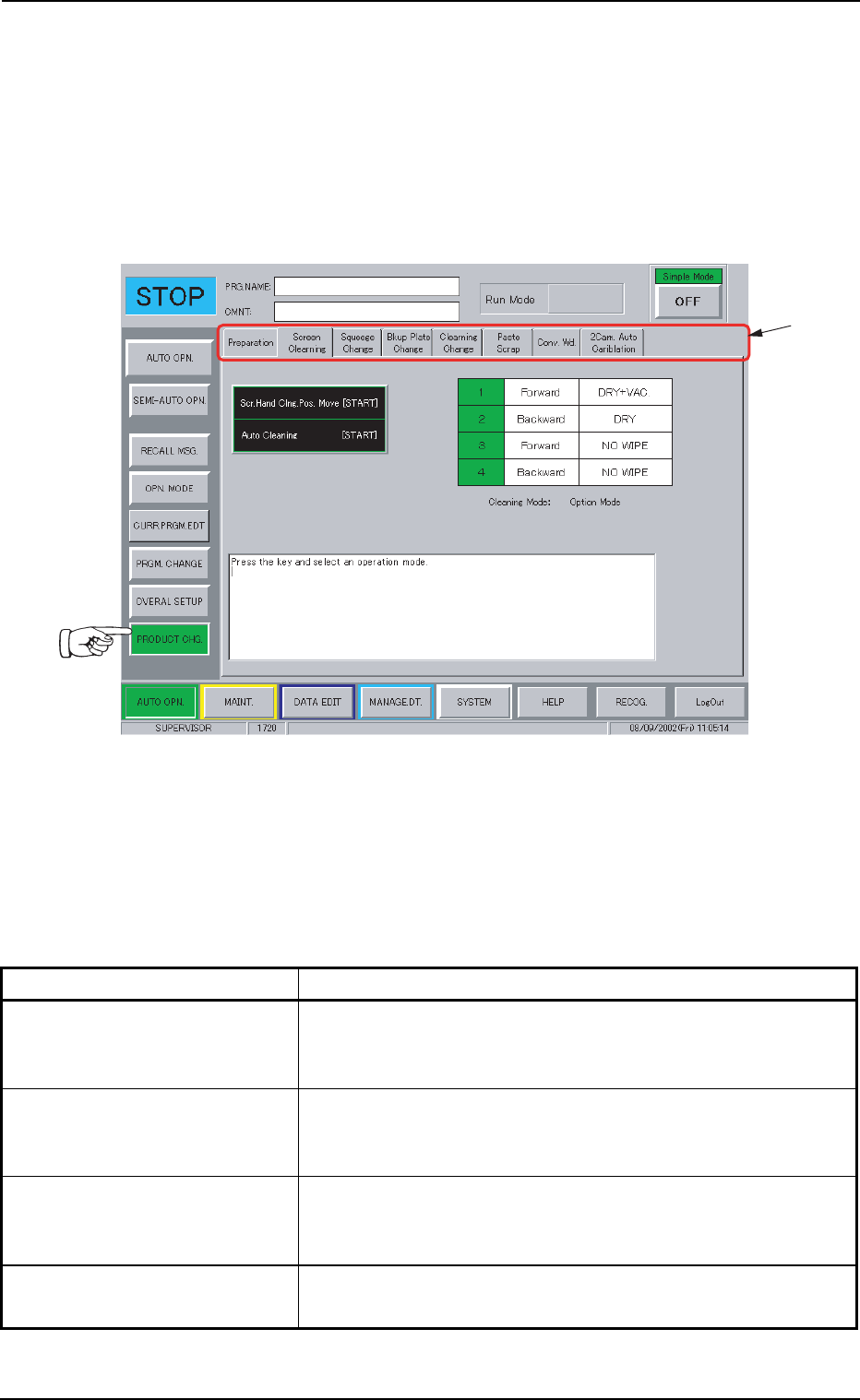
When the [PRODUCT CHG.] button is pressed in the "AUTO OP-
ERATION" submenu bar, the following window opens.
Fig. 2E25 "PRODUCT CHANGE" Window (Submenu)
• Window Composition
*1 Tabs
The "PRODUCT CHANGE" window is provided with 8 tab sheets.
When a tab is pressed, the corresponding tab sheet appears.
Table 2E4
Tabs Description
Screen Cleaning This tab sheet enables the operator to move the screen frame
and the squeegees for manual cleaning or perform the start
operation for automatic cleaning.
Squeegee Change This tab sheet enables the operator to move the squeegees
and the screen for squeegee cleaning or replacement and
perform the paste removal operation.
Bkup Plate Change This tab sheet enables the operator to move each unit for
detachment/attachment of the backup jig, move each unit to
the printing position, and set a jig replacement mode.
Cleaning Change This tab sheet enables the operator to move each unit for
replacement of the cleaning paper and holder.
9. "PRODUCT CHANGE" Submenu
*1
0211-005 Chapter 2 5-36 Tg0582-PM-D1

Table 2E5
Tabs Description
Paste Scrap This tab sheet enables the operator to perform paste knead-
ing operation and move each unit to the printing position.
Conv. Wd. This tab sheet enables the operator to change the conveyor
width to the target value and perform the inching operation.
2Cam. Auto Calibration This tab sheet enables the operator to perform the dual cam-
era automatic calibration.
9. "PRODUCT CHANGE" Submenu
0211-005 Chapter 2 5-37 Tg0582-PM-D1