1OM-1086-002.pdf - 第87页
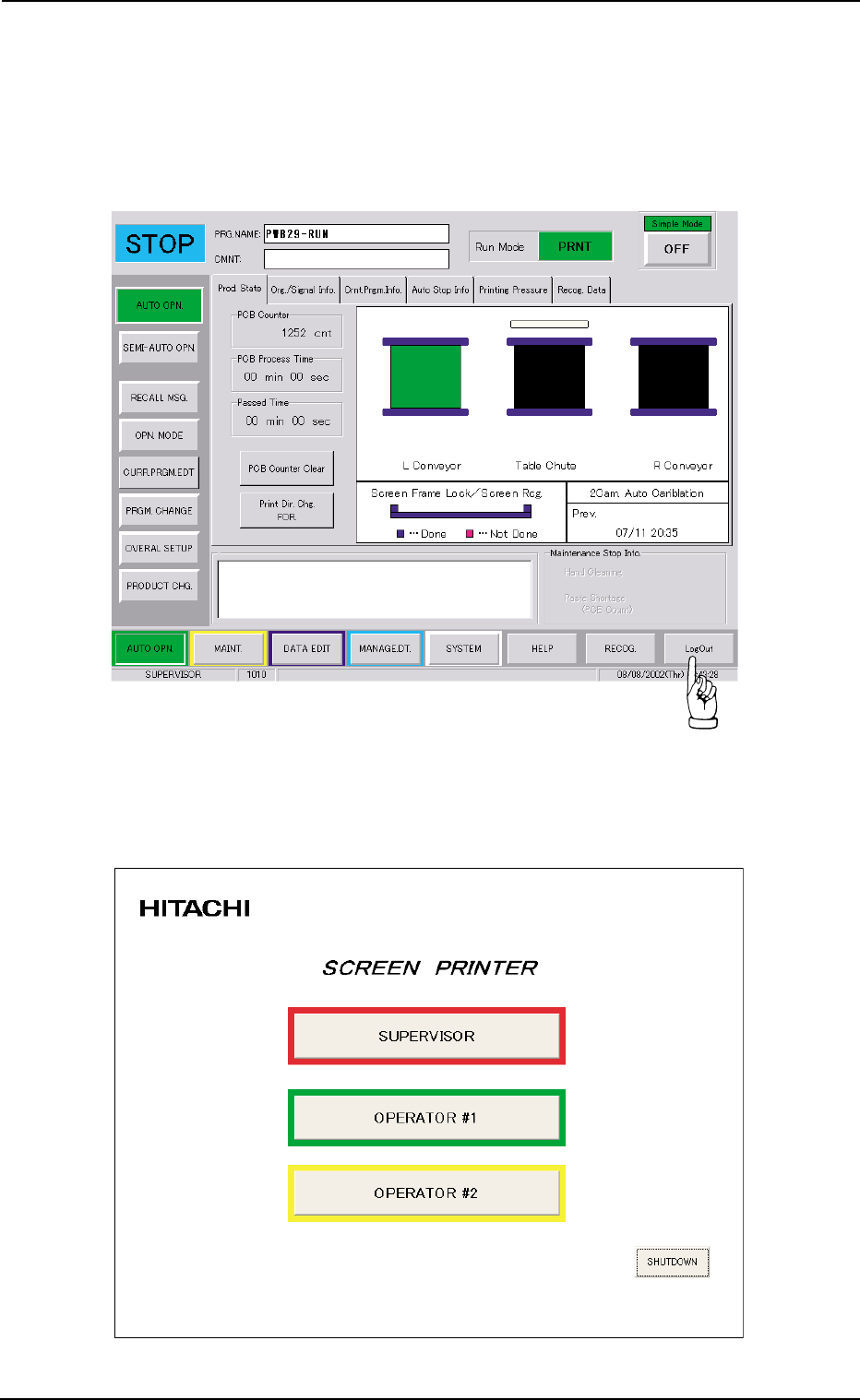
1.3 Exiting from Operation Window (1) T o exit from an operation window ("AUTO OPERA TION" or "MAIN- TENANCE" window), press the [LogOut] button located at the bot- tom right of the window . Fig. 1B4 …
• Window Structure
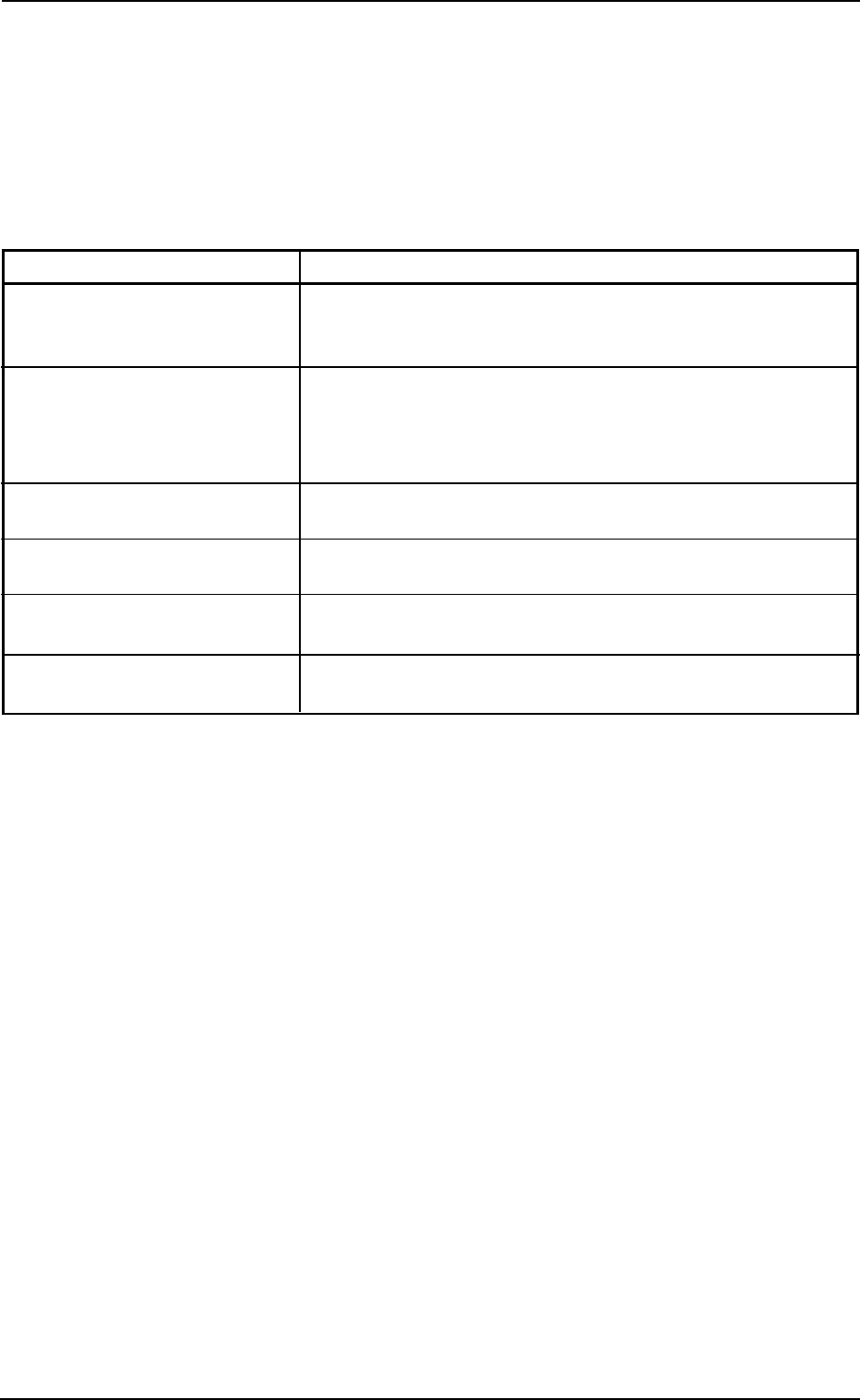
*1 Tabs
The "AUTO OPERATION" window (submenus) is provided with 6
tabs. When the tab is pressed, the corresponding tab sheet appears
inside the window.
Table 1B1
Tabs Description
Prod. State Displays the production condition at real time.
Refer to "2.1 "Prod. State" Tab in Section 5 of Chapter 2" for
details.
Org./Signal Info. Green marks are displayed before the zeroed devices in the
"Origin Monitor" field.
Refer to "2.2 "Org./Signal Info." Tab in Section 5 of Chapter 2"
for details.
Crnt.Prgm.Info. Refer to "2.3 "Crnt.Prgm.Info." Tab in Section 5 of Chapter 2"
for details.
Auto Stop Info. Refer to "2.4 "Auto Stop Information" Tab in Section 5 of Chapter
2" for details.
Printing Pressure Refer to "2.5 "Printing Pressure" Tab in Section 5 of Chapter
2" for details.
Recog. Data Refer to "2.6 "Recognition Data" Tab in Section 5 of Chapter
2" for details.
*2 Tab Sheet
Displayed in this field are the contents related to the selected tab.
0211-005
Chapter 1 2-6 Tg0582-PM-D1
1.2 "AUTO OPERATION" Window (Main Menus)
1.3 Exiting from Operation Window
(1) To exit from an operation window ("AUTO OPERATION" or "MAIN-
TENANCE" window), press the [LogOut] button located at the bot-
tom right of the window.
Fig. 1B4
(2) The window for "Log In" type selection opens.
Fig. 1B5
1.3 Exiting from Operation Window
0509-006 Chapter 1 2-7 Tg0582-PM-D1
0509-006 Chapter 1 2-8 Tg0582-PM-D1
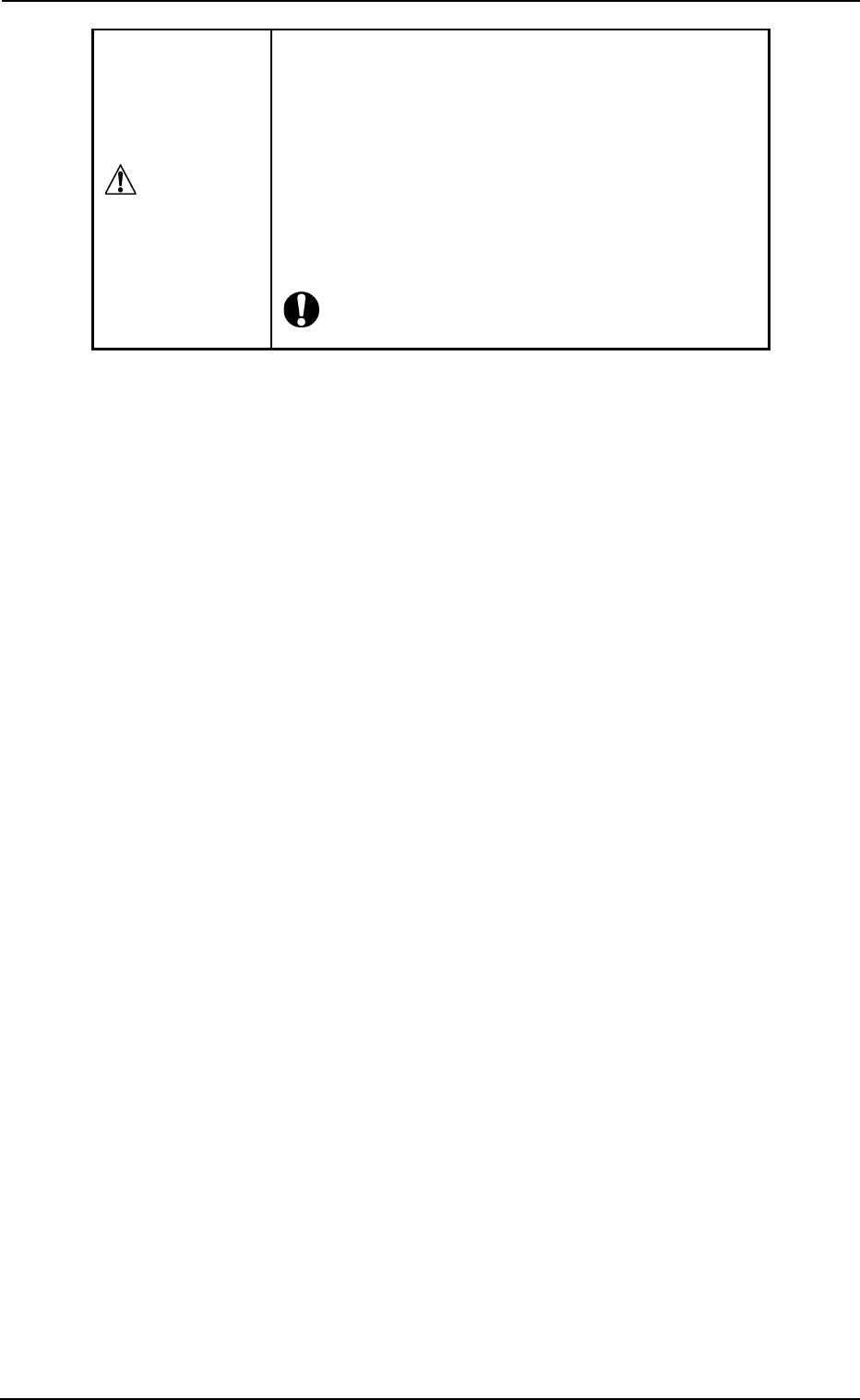
After the end of operations, be sure to open the "Login
Type Selection
" window.
If you keep the currently active window open for a long
period of time without opening the
"Login Type Selec-
tion
" window, the password’s security function becomes
meaningless.
Especially when the system is logged on to by a highly
authorized personnel such as
"Supervisor", be sure to
return to the
"Login Type Selection" window.
WARNING
1.3 Exiting from Operation Window