88192278-01-19 Installation Master.pdf - 第204页
FOREIGN MACHINE INTERFAC E MULTI-INTERFACE UNIT 7.6 Installation Manual Chapter Issue 7. May 20 Part Numbers and Settings Protocol MIU Setting Cable Part Number Upline SW2 Downline SW3 Upline Downl ine SMEMA 2 2 88131343…
FOREIGN MACHINE INTERFACE
MULTI-INTERFACE UNIT
Chapter Issue 7. May 20 Installation Manual 7.5
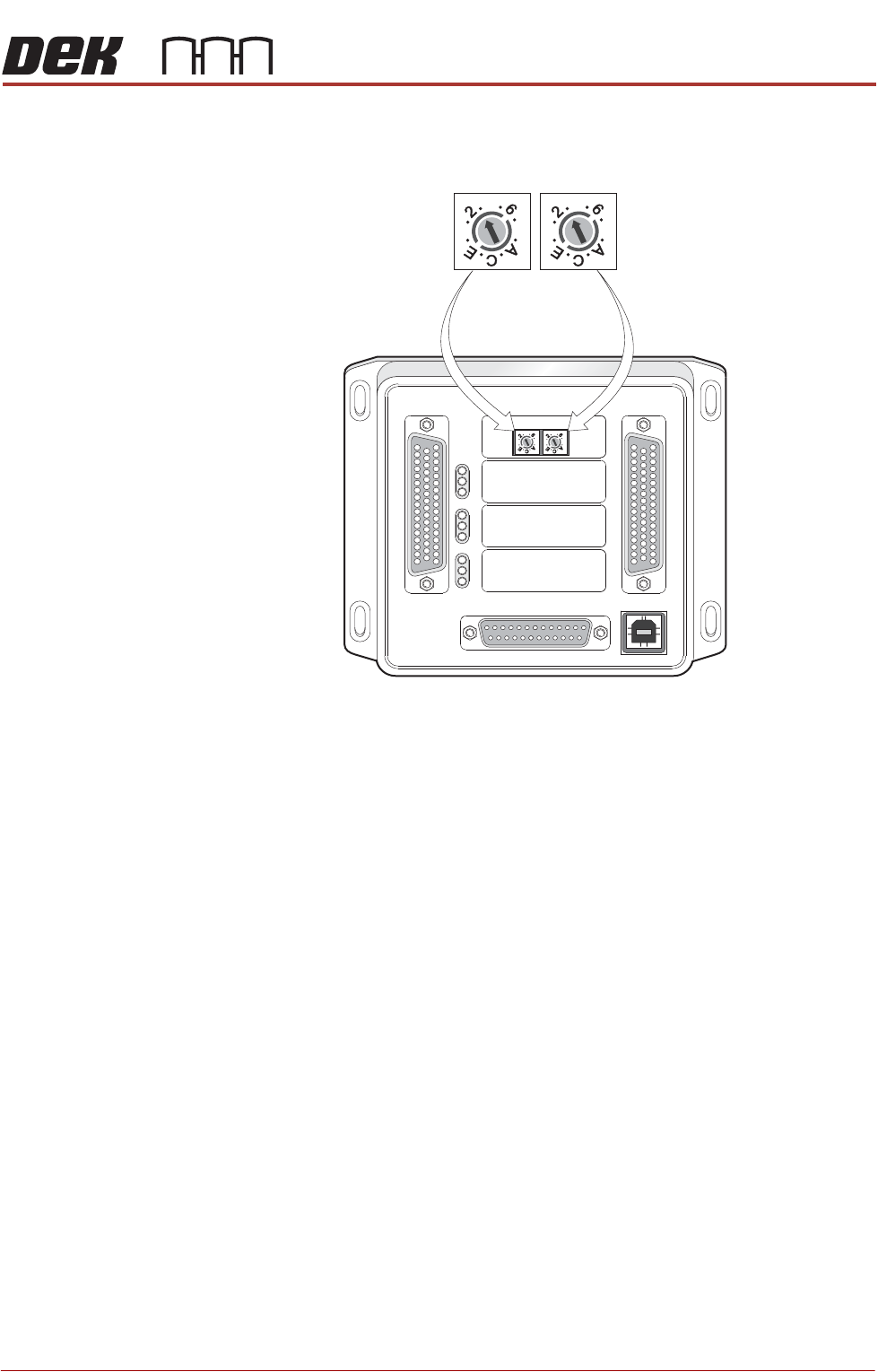
Protocol Selection
Figure 7-2 Interface Selector Switches
M1SK1
UPLINE
M1SK2
DOWNLINE
M1PL3
DEK M/C
M1SK4
DEK USB
+12V
+24V
+24V SW
SEND UPLINE
SEND DOWNLINE
CONTROLIN
UPLINE READY
DOWNLINE READY
CONTROL OUT
POWER
I/P'S
O/P'S
PROTOCOL SELECTION
UP
LINE
DOWN
LINE
MIU 191114
4
80
4
80
4
80
4
80
Upline Interface
Selector Switch (SW2)
Downline Interface
Selector Switch (SW3)
FOREIGN MACHINE INTERFACE
MULTI-INTERFACE UNIT
7.6 Installation Manual Chapter Issue 7. May 20
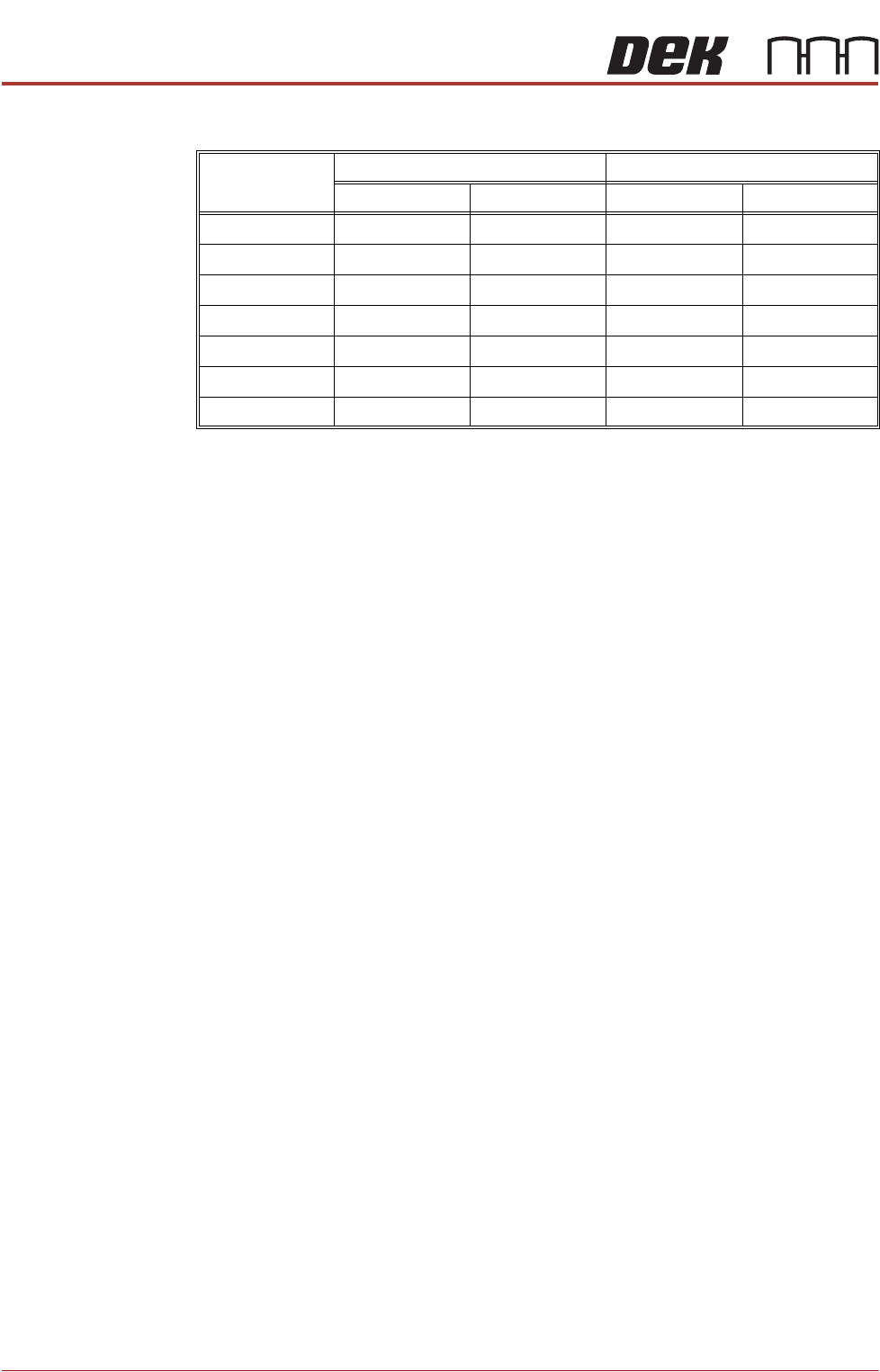
Part Numbers and Settings
Protocol
MIU Setting Cable Part Number
Upline SW2 Downline SW3 Upline Downline
SMEMA 2 2 88131343-01 88131345-01
Siemens 3 3 88131335-01 88131337-01
SMPI 4 4 88131331-01 88131333-01
TDK 5 5 88131323-01 88131325-01
Fuji 7 7 88126757-01 88126758-01
Panasonic 7 7 88131339-01 88131341-01
Sanyo 8 8 88146120-01 88146119-01

FOREIGN MACHINE INTERFACE
PROCEDURE
Chapter Issue 7. May 20 Installation Manual 7.7
PROCEDURE Ensure the MIU is configured with the correct protocols for upline and downline
machines as detailed earlier.
With the cables supplied, connect the upline and downline machines to the MIU
box or FMI Pod. Cables should be routed down behind the rear access panel.
1. Select Maintenance.
2. Select Machine Setup.
3. Select Basics.
4. Select Upline Protocol.
5. Select MIU.
6. Select Accept.
7. Select Downline Protocol.
8. Select MIU.
9. Select Accept.
10. Select Printer Mode.
11. Select Print.
12. Select Accept.
13. Select Back.
14. Select Back.
15. Select Back.
16. Ensure that the Upline and Downline Machines are connected and are
powered up.
17. Select Print.
The printer requests a board from the upline machine and passes it through
the machine. The board stops at the sensor on the conveyor. On request
from the downline machine the board passes onto the external conveyor.
When the sensor is clear the screen printer requests another board from the
upline machine and the sequence repeats.
This shows that the interface is working between the printer and the external
machines.