88192278-01-19 Installation Master.pdf - 第211页
MACHINE PERFORMANCE MACHINE CAPABILITY Chapter Issue 8, May 20 Installation Manual 8.3 within the specification. Select Next to view the further dimensions.
MACHINE PERFORMANCE
MACHINE CAPABILITY
8.2 Installation Manual Chapter Issue 8, May 20
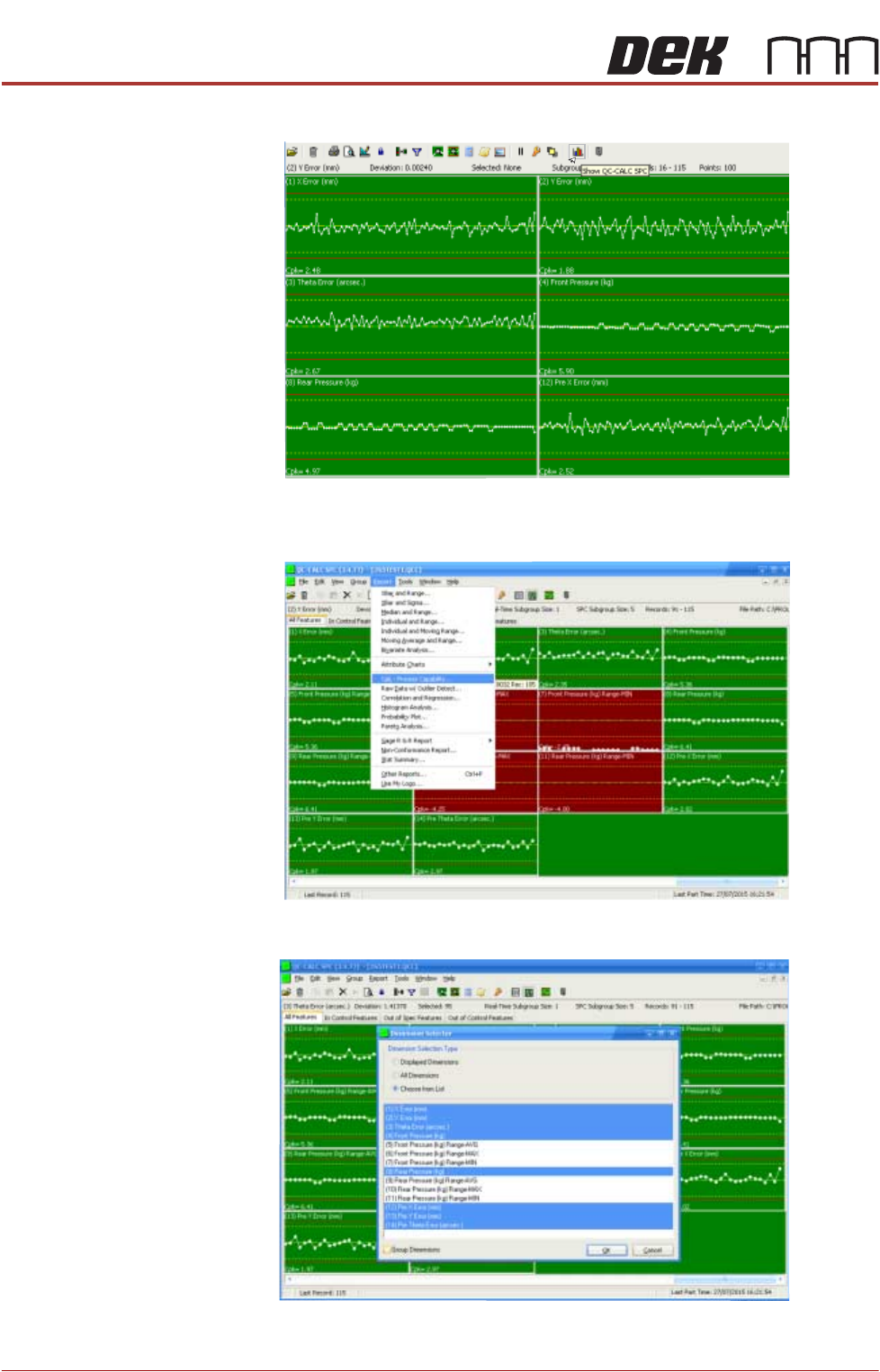
2. Select Show QC Calc SPC.
3. Select Report.
4. Select Cpk - Process Capability.
5. Highlight the required dimensions to output and select OK.
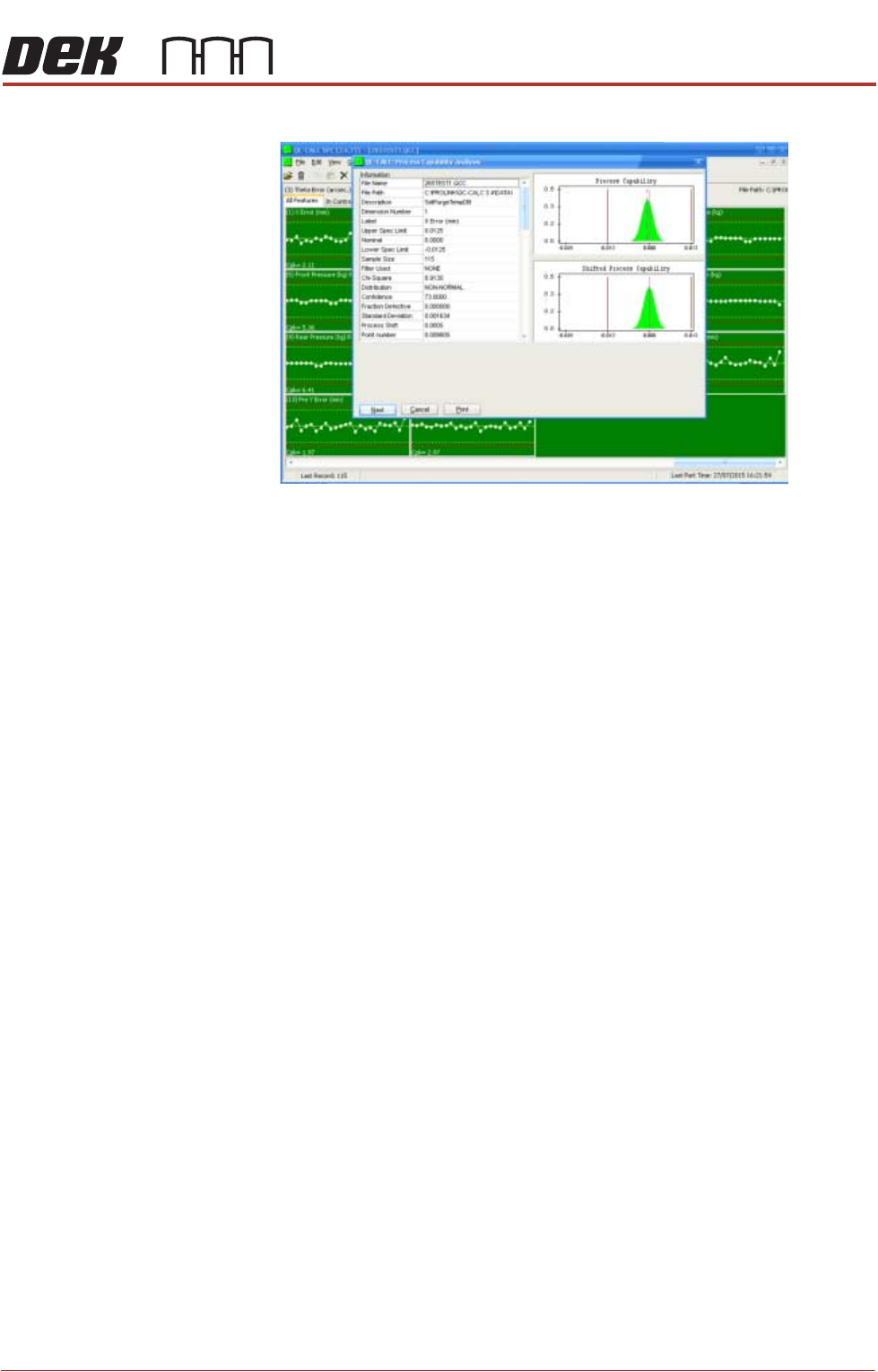
6. View the Cp/Cpk values for the dimension illustrated ensuring the values are
MACHINE PERFORMANCE
MACHINE CAPABILITY
Chapter Issue 8, May 20 Installation Manual 8.3
within the specification. Select Next to view the further dimensions.

MACHINE PERFORMANCE
MACHINE CAPABILITY
8.4 Installation Manual Chapter Issue 8, May 20
7. Record the results of the following in Section 21 of the Installation Checklist:
NOTE
On occasions no Cp/Cpk values are displayed for pressure and speeds due to
the small size of the error. Pressure is not recorded for ProFlow only machines.
Machine
Performance
Upgrades (MPU’s)
On completion of QC-Calc, fit and test all the MPU’s supplied with the machine.
Detail Specification
X Alignment
Refer to the Machine Performance
Document supplied with the machine
for the values of machine and pro-
cess alignment capability.
Y Alignment
θ Alignment
Pressure (See Note)
Print Speed (See Note)