88192278-01-19 Installation Master.pdf - 第213页
INSTALLATION DOCUMENTATION GENERAL Chapter Issue 6, Nov 19 Installation Manual 9.1 CHAPTER 9 INST ALLA TION DOCUMENT A TION GENERAL This chapter has been designed to document the installation of a machine at a customer s…

MACHINE PERFORMANCE
MACHINE CAPABILITY
8.4 Installation Manual Chapter Issue 8, May 20
7. Record the results of the following in Section 21 of the Installation Checklist:
NOTE
On occasions no Cp/Cpk values are displayed for pressure and speeds due to
the small size of the error. Pressure is not recorded for ProFlow only machines.
Machine
Performance
Upgrades (MPU’s)
On completion of QC-Calc, fit and test all the MPU’s supplied with the machine.
Detail Specification
X Alignment
Refer to the Machine Performance
Document supplied with the machine
for the values of machine and pro-
cess alignment capability.
Y Alignment
θ Alignment
Pressure (See Note)
Print Speed (See Note)

INSTALLATION DOCUMENTATION
GENERAL
Chapter Issue 6, Nov 19 Installation Manual 9.1
CHAPTER 9 INSTALLATION DOCUMENTATION
GENERAL
This chapter has been designed to document the installation of a machine at a
customer site. The chapter is divided into three parts:
• Installation Checklist
• Training At Installation
• Installation Report
Installation
Checklist
The Installation Checklist is a guide to the installing engineer and documents
the installation procedure. The checklist is sequential and each stage of the
procedure should be ticked once completed.
Training at
Installation
The Training at Installation documentation provides the installing engineer with
a schedule for training the customer on the newly installed DEK machine.
Installation Report The Installation Report provides documentary evidence to ASM Assembly
Systems that the printer delivered meets the ordered specification and was
installed, and that customer personnel have been instructed on the operational
safety of the printer.
Acceptance
Certificate
The Acceptance Certificate provides documentary evidence to ASM Assembly
Systems that the customer has received a satisfactory product. The document
also enables the Customer Support Group to provide support to the customer
by having machine details close to hand in the event of a query.
Copies When the installation procedure has been completed, and the customer has
signed the Installation Report and Acceptance Certificate, the customer should
take a photocopy of the Installation Checklist, Installation Report and
Acceptance Certificate and give the photocopies to the installation engineer.
The installation engineer should follow their local process/procedure for han-
dling the completed forms and ensure they are uploaded to the CSG Database.
INSTALLATION DOCUMENTATION
INSTALLATION CHECKLIST
9.2 Installation Manual Chapter Issue 6, Nov 19
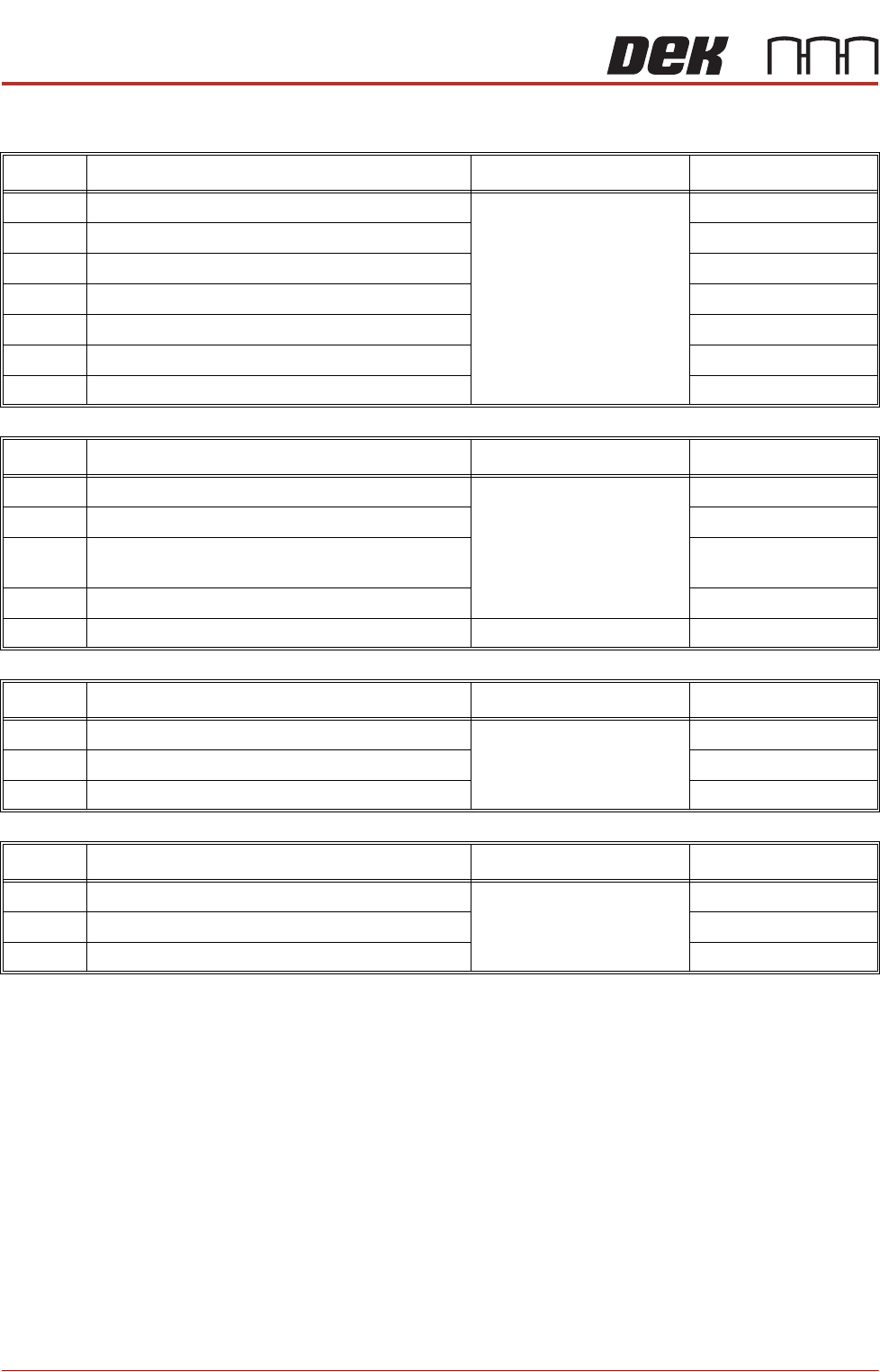
INSTALLATION CHECKLIST
No. Machine Preparation Reference Completed
1 Check Machine for Transit Damage Chapter 4
2 Check Accessories are Correct to the Packing list
3 Transport to Final Destination
4 Remove Transit Brackets
5 Set Machine Height and Level
6 Fit Machine Components
7 Carry out Pre Power Up Checks
No. Power Up Sequence Reference Completed
8 Measure Customer Factory Electrical Supply Chapter 5
9 Set Time and Date
10 Check Correct Operation of E Stop Loop compo-
nents
11 Carry out Paste Dispenser Function Check
12 Carry out Stencil Clean Function Check
No. High Throughput Conveyor (HTC) Reference Completed
13 HTC Setup Chapter 6
14 Check the HTC is Correctly Configured
15 Check Operation of the Conveyors
No. FMI Reference Completed
16 Check the MIU is Correctly Configured Chapter 7
17 Check that MIU is Selected
18 Check Operation of Interface