88192278-01-19 Installation Master.pdf - 第216页
INSTALLATION DOCUMENTATION INSTALLATION CHECKLIST 9.4 Installation Manual Chapter Issue 6, Nov 19 NOTE On style 1, 2, 3 and 5 printe rs, the model number and serial number can be found on the label at the re ar of the ma…
INSTALLATION DOCUMENTATION
INSTALLATION CHECKLIST
Chapter Issue 6, Nov 19 Installation Manual 9.3
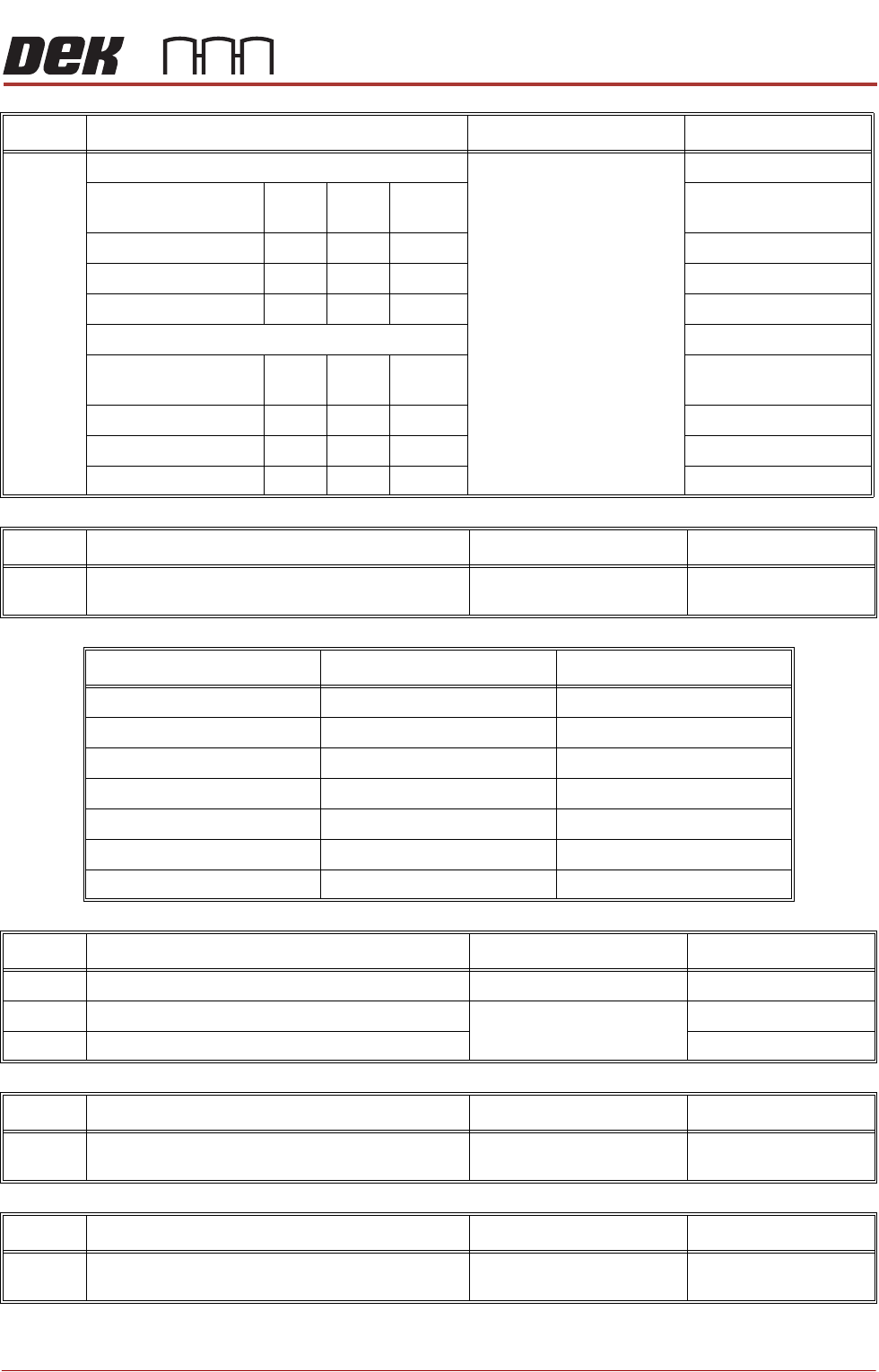
No. Machine Performance Reference Completed
19 Machine Alignment Capability: Chapter 8
Cp Cpk No
Change
X Alignment
Y Alignment
θ Alignment
Process Alignment Capability
Cp Cpk No
Change
X Alignment
Y Alignment
θ Alignment
No. Machine Performance Upgrades (MPU’s) Reference Completed
20 Fit all MPU’s and Record in the Table Below
(Record N/A for MPU’s not supplied)
N/A
MPU Number Description Fitted
602315*1 250mm Board Clamps
602316*1 Foil-less Board Clamps
602317*1 Vacuum Cup Tooling
602323*1 300mm Under Stencil Cleaner
602324*1 520mm Under Stencil Cleaner
602325*1 10sec Cycle Time
602327*1 Advanced SPC
No. Documentation Reference Completed
21 Service Report
22 Acceptance Document Chapter 9
23 Merlin Installation Report
No. Service Due Reference Completed
24 Check the Next Service Due label has been filled in
(located on the rear panel)
N/A
No. 5th Leg Reference Completed
25 Check the fifth leg has been wound up (see warning
label located on the rear panel)
N/A
INSTALLATION DOCUMENTATION
INSTALLATION CHECKLIST
9.4 Installation Manual Chapter Issue 6, Nov 19
NOTE
On style 1, 2, 3 and 5 printers, the model number and serial number can be
found on the label at the rear of the machine. On style 4 machines, the model
number and serial number can be found on the label positioned left or right hand
side of the printer.
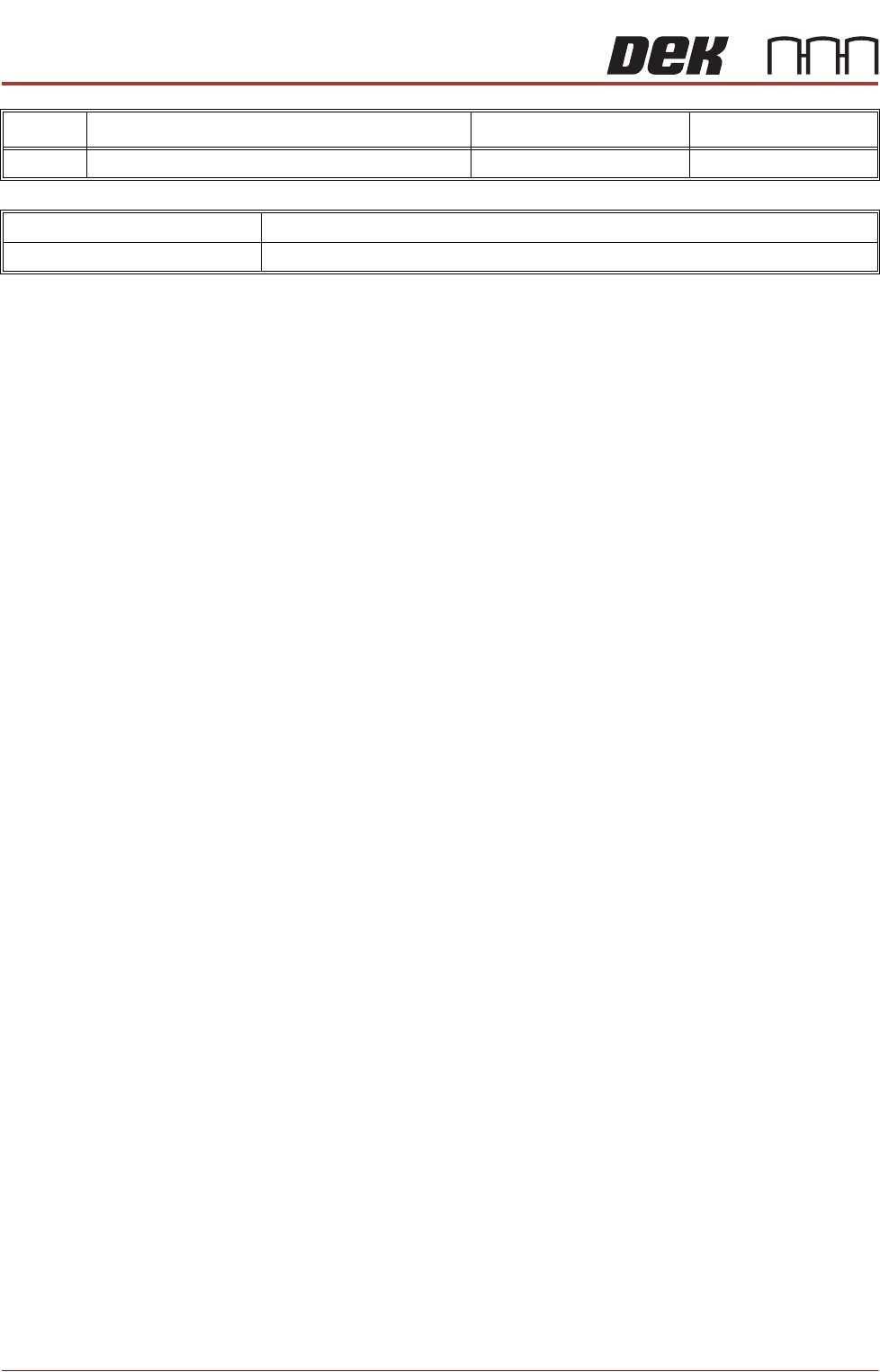
No. On Site Training Reference Completed
26 Training at Installation Chapter 6
MACHINE MODEL
MACHINE SERIAL NUMBER

INSTALLATION DOCUMENTATION
TRAINING AT INSTALLATION
Chapter Issue 6, Nov 19 Installation Manual 9.5
TRAINING AT INSTALLATION
If on-site training is required, use the following procedure:
1. If required, photocopy from the Installation manual or print from the cd the
Training at Installation - Machine Familiarization and Operation page,
ensuring one copy per trainee.
2. If required, photocopy from the Installation manual or print from the cd the
Training at Installation - Programming and Preventive Maintenance page,
ensuring one copy per trainee.
3. Ensure that all objectives are completed and signed by the trainee. In the
event of an objective not being relevant to the machine, ensure that N/A is
entered in the trainee signature box.
4. Once the training course is complete, the instructor is to collect all the
completed forms and sign them.
5. Ensure that the completed forms are left with the appropriate person on
site ie production manager, training manager or personnel manager.