JANETS_INM.pdf - 第22页
JaNets Instr ucti on Man ual 1. Overview 1-9 1.4.2 Data Manager PC The specif ications of a PC on which Data Manag er o perates ar e sho wn below (note that you have to use a keyboar d/mo use/print er support ed by t he …
JaNets Instruction Manual
1. Overview
1-8
System Configuration
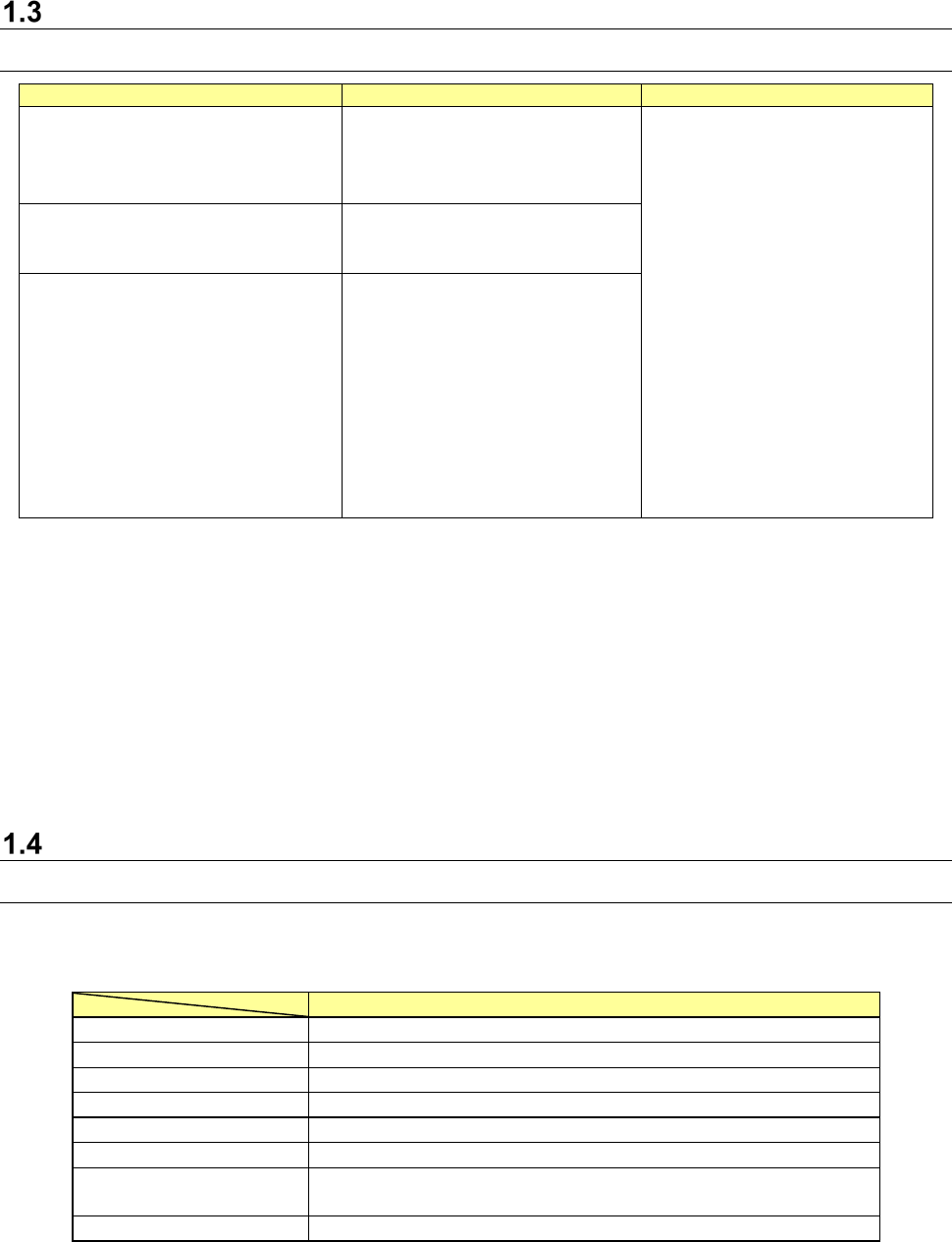
1.3.1 Supported machine models
Item
Specifications
Supported machine models
Maximum number of machines that
can be connected to one production
line
10
RS-1/RS-1R *5
RX-7/RX-7R *5
RX-6(RX-6B*1)/RX-6R *5
KE-3010A/3020VA/3020VRA
KE-3010/3020V/3020VR
KE-3020/3020R
KE-2070/2080/2080R
KE-2050R/2055R/2060R
KE-2050/2060
FX-3/RX-3R/FX-3RA
KD-2077
JX-350 *2
RV-1 *3
RV-2 *3
RV-2-3D *3
RP-1 *3
JM-10 *4
JM-20 *4
JM-100 *4 *5
Maximum number of machines that
can be created
50
200 when Data Manager is used
Maximum number of lines that can be
connected
15
*1 Treat RX-6B as RX-6.
*2 A JX-350 is supported in EPU mode only.
*3 The Equipment Manager license is required for a printer and an inspection machine
respectively.
*4 You cannot create any production line that connects a mounter, an adhesive dispenser and an
inserting machine.
You can create a production line configured of a printer, an inspection machine and an
inserting machine.
*5 Machine models supporting TraceMonitor.
Specifications of a used PC
1.4.1 JaNets PC
Specifications of a PC on which the JaNets operates are shown below (note that you have
to use a keyboard/mouse/printer supported with the Operating System (OS)).
Recommended specifications
CPU
Intel Core i3 3.0GHz or higher
Memory
8 GB or more
HDD capacity
500 GB or more
Available hard-disk space
50 GB or more
CD-ROM drive
1 or more
Screen resolution
FWXGA 1366×768 pixel or higher
Interface
1000BASE-T LAN connector (RJ-45) × 1
USB 2.0/3.0 × 1
OS
Microsoft Windows 10 Pro (64bit)
*1 A “DPI setting” for screen supports “normal size (96 DPI)” only.
* Intel and Core i3 are trademarks of Intel Corporation in the U.S.A. and other countries.
* Microsoft and Windows10 are trademarks of US Microsoft Corporation in the U.S.A. and other
countries.
JaNets Instruction Manual
1. Overview
1-9
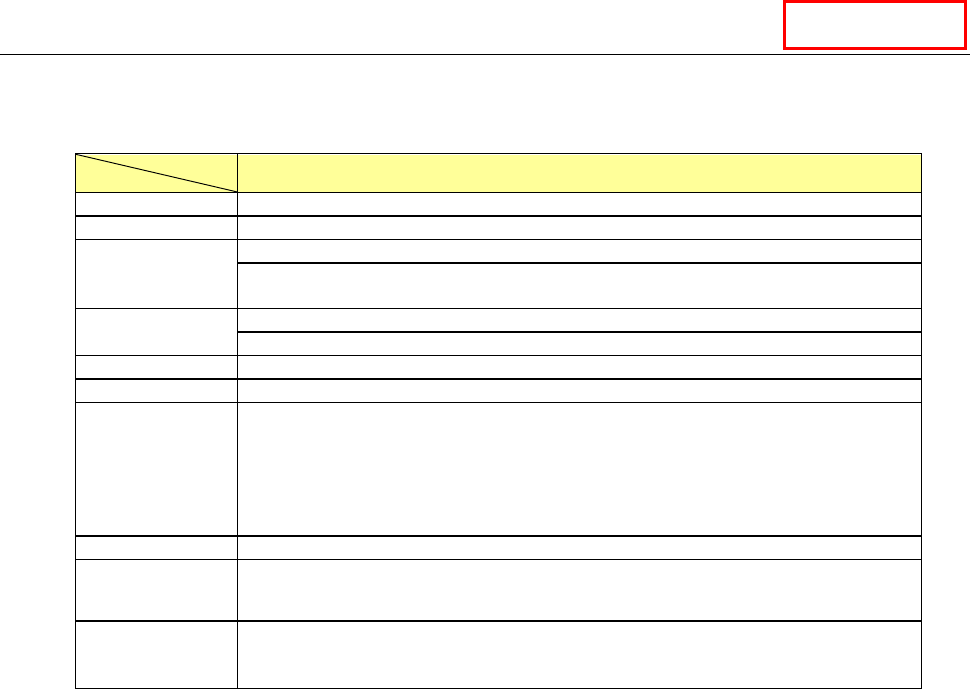
1.4.2 Data Manager PC
The specifications of a PC on which Data Manager operates are shown below (note that you have
to use a keyboard/mouse/printer supported by the OS).
Specifications of a PC on which Data Manager operates
CPU
Intel Xeon CPU (3.00 GHz) or higher
Memory
8 GB or more
HDD capacity
1 TB or more
It is recommended to create the drives C and D and use the drive D as the data
storage area.
HDD unoccupied
space capacity
250 GB or more
RAID is required for mirroring.
DVD
1 or more
Screen resolution
XGA (1024 × 768) or higher
Interface
Keyboard (USB 2.0/3.0 or mini DIN 6-pin) × 1
Mouse (USB 2.0/3.0 or mini DIN 6-pin) × 1
1000BASE-T LAN connector (RJ-45) × 1
* When a UPS is used, an I/F port compatible with the UPS is required separately.
* When a printer is used, an I/F port compatible with the printer is required
separately.
Back-up device
LTO-5 1.5 TB (when not compressed)/3.0 TB (when compressed)
OS
Microsoft Windows Server 2012 R2 Standard Edition (64bit)
Microsoft Windows Server 2016 Standard Edition (64bit)
Uninterruptible
power supply
system (UPS)
Approximately 100 minutes at 100 VA/70 W
(APC Smart-UPS 1000 or equivalent)
* Intel and Xeon are trademarks of Intel Corporation in the U.S.A. and other countries.
* Microsoft and Windows Server are trademarks of US Microsoft Corporation in the U.S.A. and
other countries.
Data Manager
JaNets Instruction Manual
1. Overview
1-10
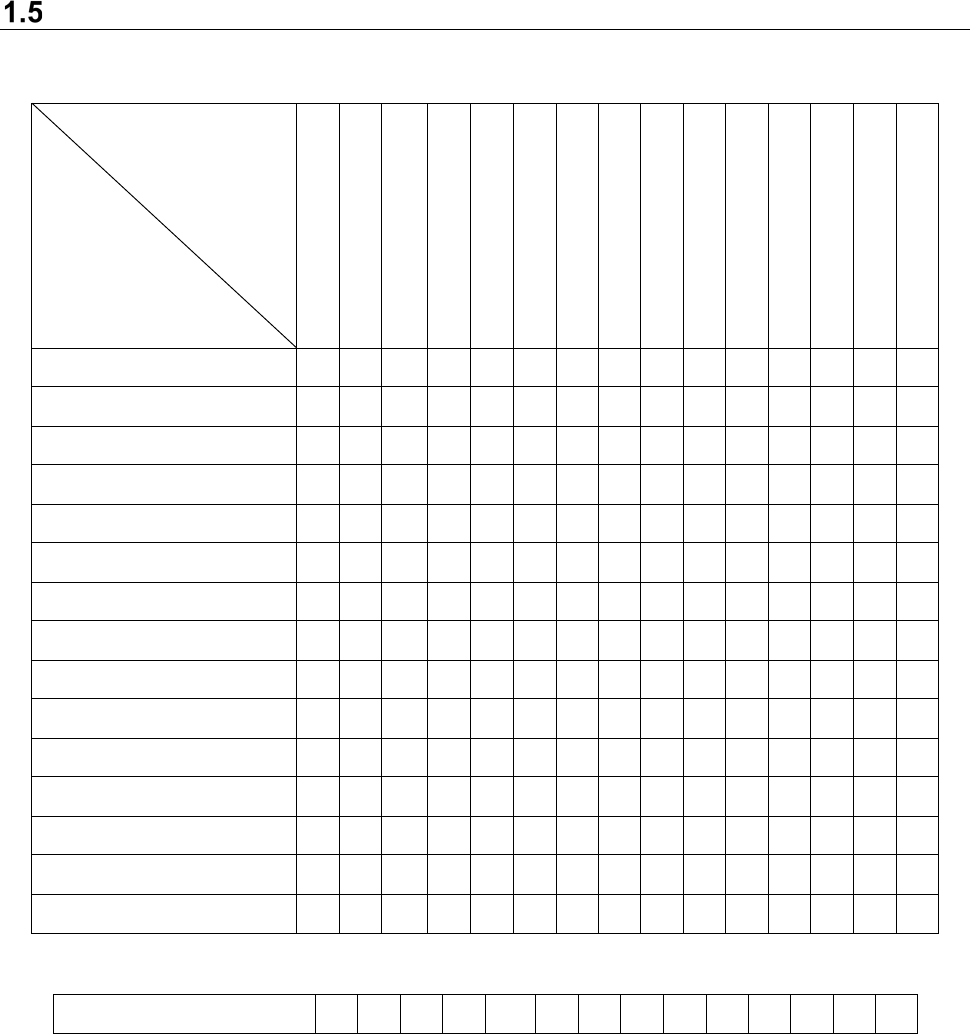
Simultaneous Start-up of Application Programs
The correlation of applications that can start up at the same time on the PC is shown below.
User Management
Shopfloor Setup
Component Database *1
Language Changer
Program Editor
Job optimizer
Tact simulation
Feeder Set Database
Mark Database
FlexlineCAD
Machine Program Relator
Program Downloader
Nozzle data viewer
Snapshot Tool
Log Management Tool
User Management
× ○ ○ ○ ○ ○ ○ ○ ○ ○ ○ ○
○
○ ○
Shopfloor Setup
○ × ○ ○ × × × ○ ○ ○ × ×
×
○ ○
Component Database *1
○ ○ × ○ ○ ○ ○ ○ ○ ○ ○ ○
○
○ ○
Language Changer
○ ○ ○ × ○ ○ ○ ○ ○ ○ ○ ○
○
○ ○
Program Editor
○ × ○ ○ × ○ ○ ○ ○ ○ ○ ○
○
○ ○
Job optimizer
○ × ○ ○ ○ × ○ ○ ○ ○ ○ ○
○
○ ○
Tact simulation
○ ○ ○ ○ ○ ○ × ○ ○ ○ ○ ○
○
○ ○
Feeder Set Database
○ ○ ○ ○ ○ ○ ○ × ○ ○ ○ ○
○
○ ○
Mark Database
○ ○ ○ ○ ○ ○ ○ ○ × ○ ○ ○
○
○ ○
Flexline CAD
○ ○ ○ ○ ○ ○ ○ ○ ○ × ○ ○
○
○ ○
Machine Program Relater
○ × ○ ○ ○ ○ ○ ○ ○ ○ × ○
○
○ ○
Program Downloader
○ × ○ ○ ○ ○ ○ ○ ○ ○ ○ ×
○
○ ○
Nozzle data viewer
○ × ○ ○ ○ ○ ○ ○ ○ ○ ○ ○ × ○ ○
Snapshot Tool
○ ○ ○ ○ ○ ○ ○ ○ ○ ○ ○ ○
○
× ○
Log Management Tool
○ ○ ○ ○ ○ ○ ○ ○ ○ ○ ○ ○
○
○ ×
(○: Can start up, ×: Cannot start up)
Component Database ○ ○ ○ ○ ○ ○ ○ ○ ○ ○ ○ ○ ○ ○
(Function cooperating with the main unit)
*1 Simultaneous start-up is enabled when a Data Manager option is added to the system. This
is an application program other than Component Database described as the function
associated with JaNets in this Manual.
* You cannot start up two or more same application programs at the same time.
* Since the “Shopfloor Setup” is a function for changing the production line information, you
cannot start up any application that browses the production line information at the same time.
* When you use a Data Manager option, you cannot simultaneously start up “Shopfloor Setup”
and “User Control” with two or more JaNets systems connected to Data Manager.