JANETS_INM.pdf - 第452页
J aN et s Instr ucti on M anua l 9. Tact S imul at ion 9- 10 <M achi ne condit ion: Exam ple of FX - 3 seri es> Figur e 9.3 -9 Ma ch ine c on dit ion ( FX - 3) Exam pl e of t he p ri n ted t ext w hen yo u s elect …
JaNets Instruction Manual 9. Tact Simulation
9-9
9.3.3.1 Print
Header of the print data 9.3.3.1.1
The following items are output in the header section of each print item.
Production Program Name: = program.iss 2007/04/01 00:00 Line Name: = line1
PWB ID: = Exampl Pwb Data
Figure 9.3-7 Header of the print data
Example of the printed text when you select “Total (Line)” 9.3.3.1.2
Figure 9.3-8 Printed text when you select “Total (Line)” (KE-2000 series)
JaNets Instruction Manual 9. Tact Simulation
9-10
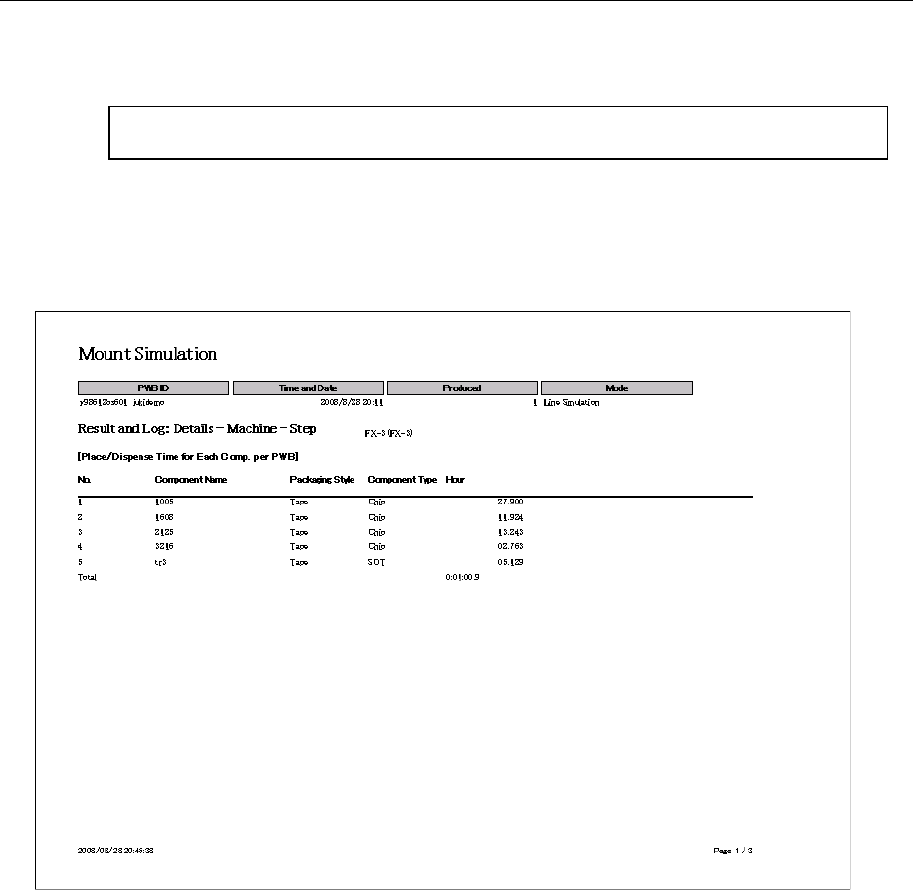
<Machine condition: Example of FX-3 series>
Figure 9.3-9 Machine condition (FX-3)
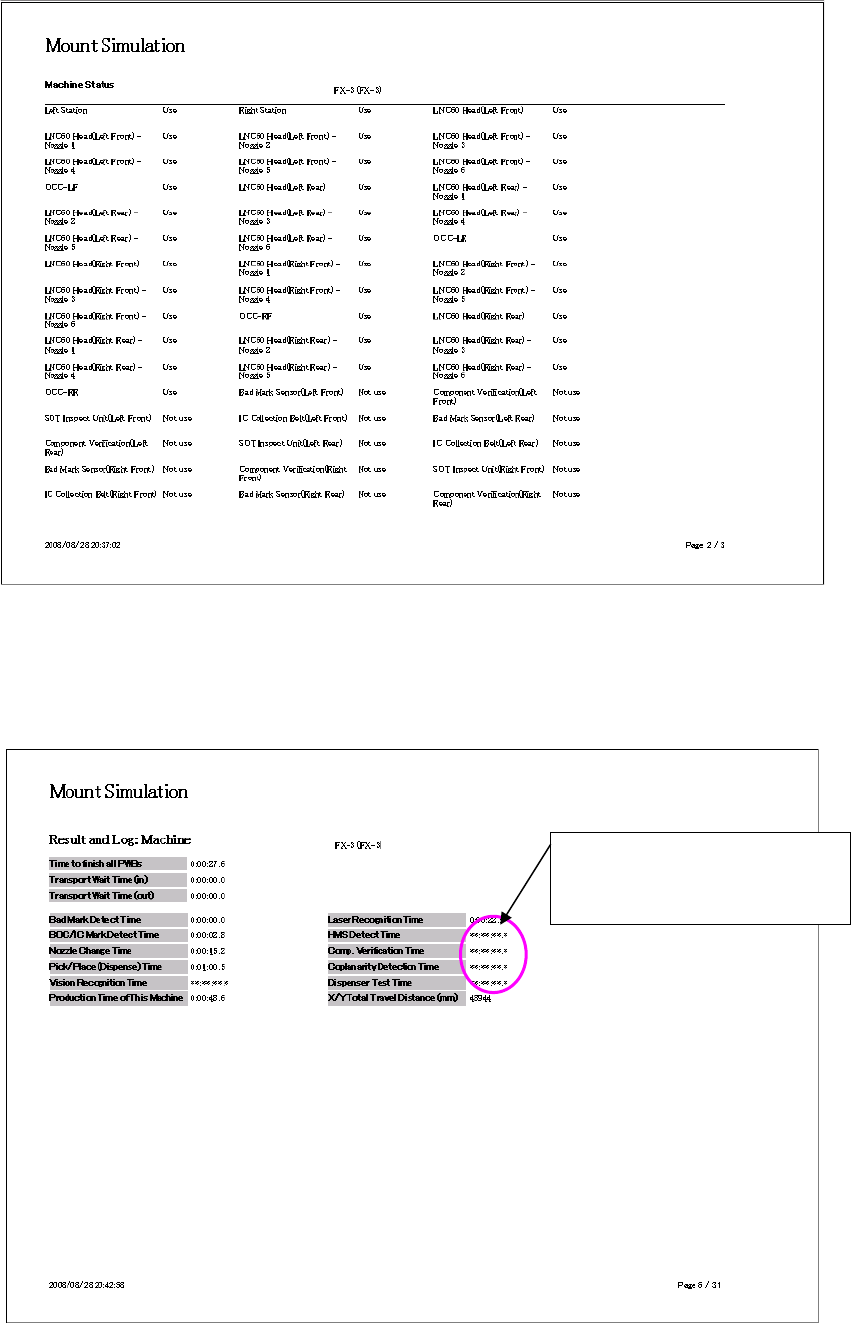
Example of the printed text when you select “Total (Each Machine)” 9.3.3.1.3
Figure 9.3-10 Printed text when you select “Total (Each Machine)”
Time of a machine that does not
have any function for outputting
data: **:**:**:*
JaNets Instruction Manual 9. Tact Simulation
9-11
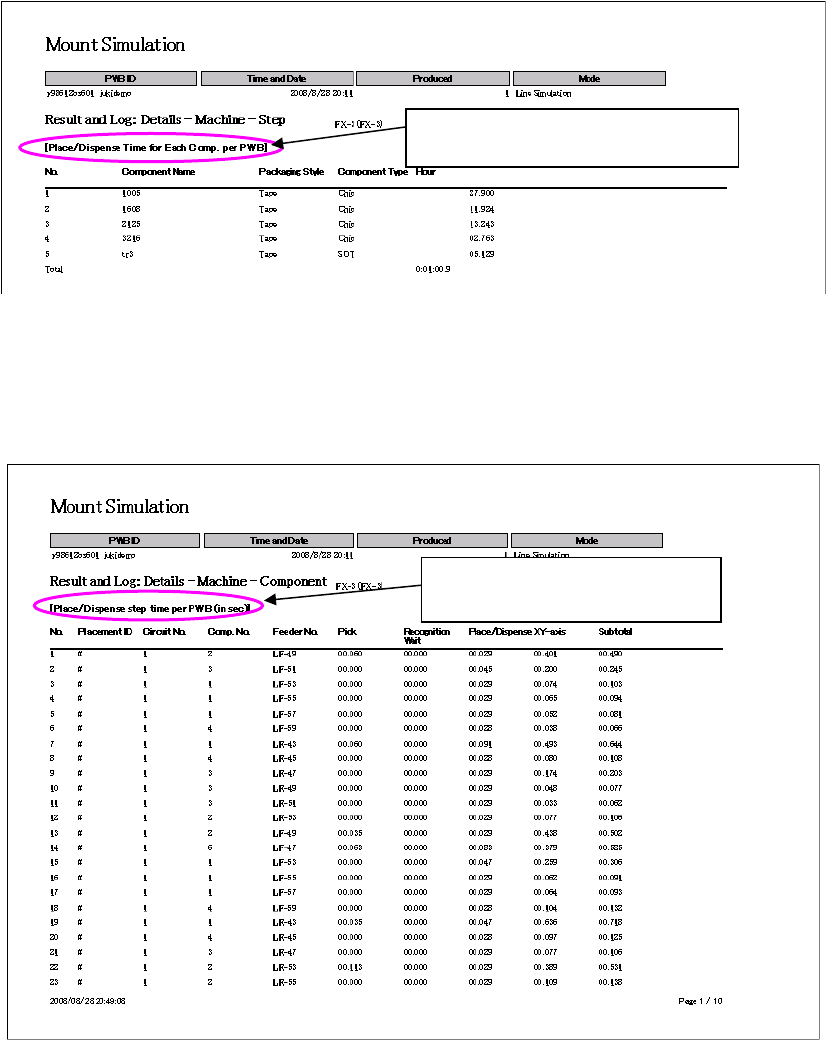
Example of the printed text when you select “Details (Each Machine)” and 9.3.3.1.4
“Each Component”
Figure 9.3-11 Printed text when you select “Details (Each Machine)” and “Each Component”
Example of the printed text when you select “Details (Each Machine)” and 9.3.3.1.5
“Each Step”
Figure 9.3-12 Printed text when you select “Details (Each Machine)” and “Each Step”
Data on each component used on one
PWB is output for each machine.
Data on each step of one PWB is
output for each machine.