JANETS_INM.pdf - 第695页
JaNets In structio n Manual 18 . N ozzle Dat a V iewer 18 -3 Displaying Nozz le Data Nozzle data is d isplayed o n the scr een. Ta b l e 18 -2-1 Items d isplayed b y the Viewer Name of an item di splayed by the Viewer De…
JaNets Instruction Manual 18. Nozzle Data Viewer
18-2
18-1-1 Warnings and errors at start-up
A warning or an error occurs at start-up in the following cases:
① While the “Shopfloor Setup” is starting up -> Quit the “Shopfloor Setup.”
② If any nozzle data cannot be obtained at start-up, the message “Nozzle data acquisition was failed.”
appears on the screen, and the Viewer starts up without data.
18-1-2 Menu items
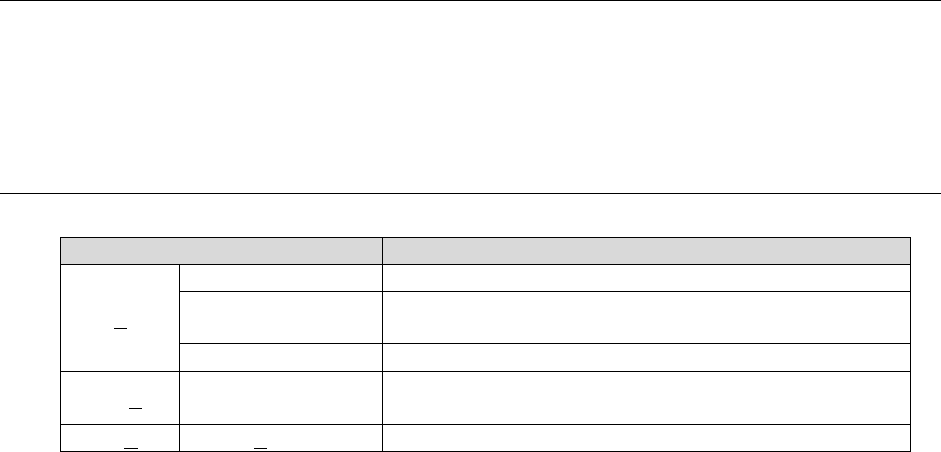
Table 18-1-1 Table of items displayed on the menu bar
Menu item
Description
File (F)
Data Reacquisition
Reacquires nozzle data.
CSV File Output
Outputs nozzle data displayed with the Viewer as a CSV
file.
Read extraction rule
Loads the extraction rule.
Tools (T) Extraction rule
Displays the “Extraction rule” screen for creating an
extraction rule.
Help (H)
About (A)
Displays the version information.
JaNets Instruction Manual 18. Nozzle Data Viewer
18-3
Displaying Nozzle Data
Nozzle data is displayed on the screen.
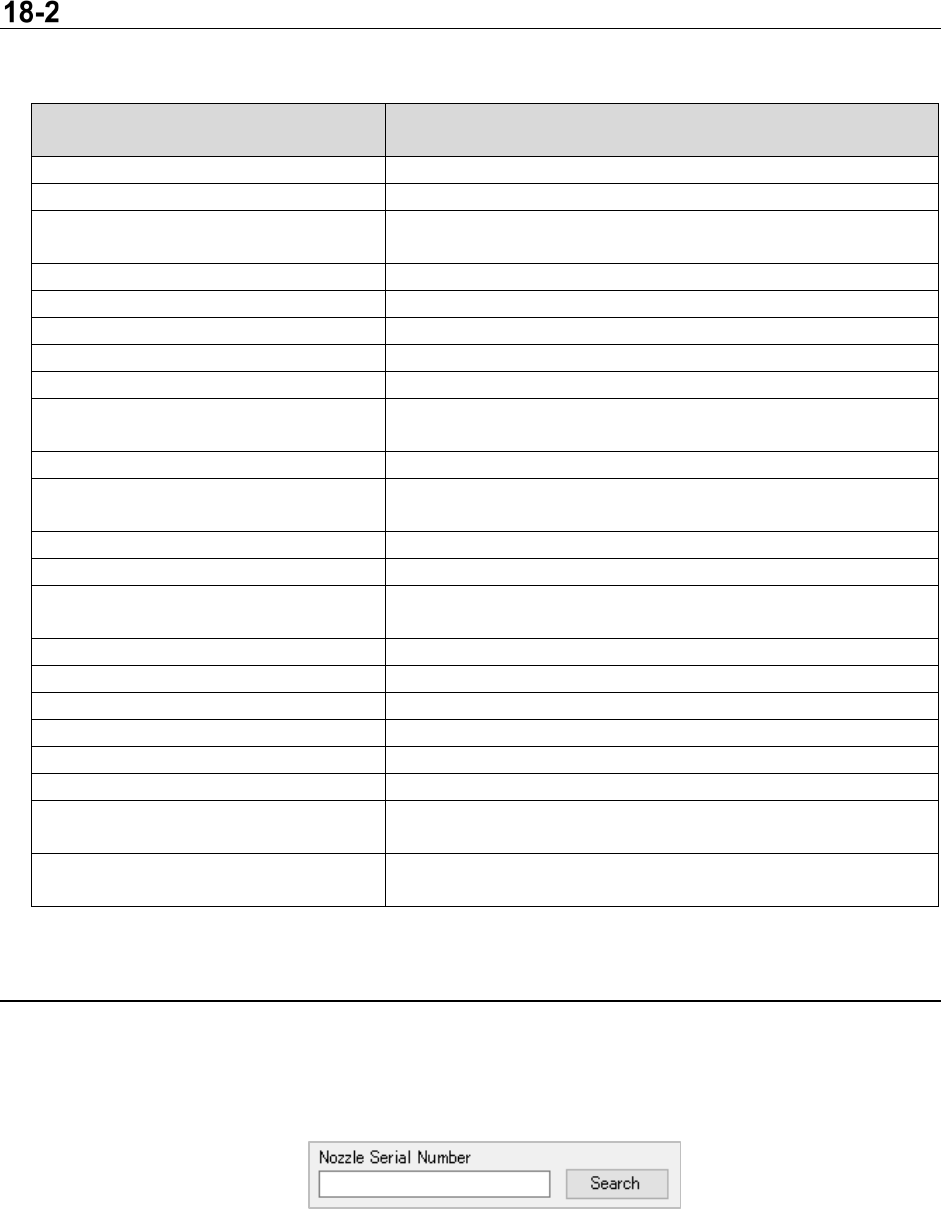
Table 18-2-1 Items displayed by the Viewer
Name of an item displayed by the
Viewer
Description
Nozzle Serial Number
Serial number for identifying a nozzle
Nozzle No.
Nozzle number
Allocated Position Information
Information on the position to which a nozzle is allocated
“Machine name – Station ID – ATC ID – ATC hole number”
Components picked
Number of times a component was picked
Components placed
Number of times a component was placed on a board
Nozzle Replacement
Number of times a nozzle was replaced with another one
Nozzle Replacement Mistake
Number of times a nozzle replacement error occurred
Pick miss
Number of times a component pick-up error occurred
Retry
Number of times a component pick-up retry over error
occurred
Laser
Number of times a laser recognition error occurred
Tombstone
Number of times a defective standing of a component
occurred
Dimension
Number of times a component dimension error occurred
Attitude Check
Number of times a component posture check error occurred
Check of Parts Existence/
non-Existence before Mounting
Number of times a component existence check error
occurred before a component was placed on a board
Vision
Number of times an image recognition error occurred
Poor Sliding
Number of times a nozzle sliding failure occurred
LSC Recognition Errors
Number of times an LSC recognition error occurred
Verification Errors
Number of times a verification error occurred
Coplanarity Errors
Number of times a coplanarity error occurred
Number of EPV Image Taking Times
Number of times an EPV shooting error occurred
Number of Front/
Back Determination Error Times
Number of times a front/rear determination error occurred
Number of Mounting Determination
Error Times
Number of times a component placement determination
error occurred
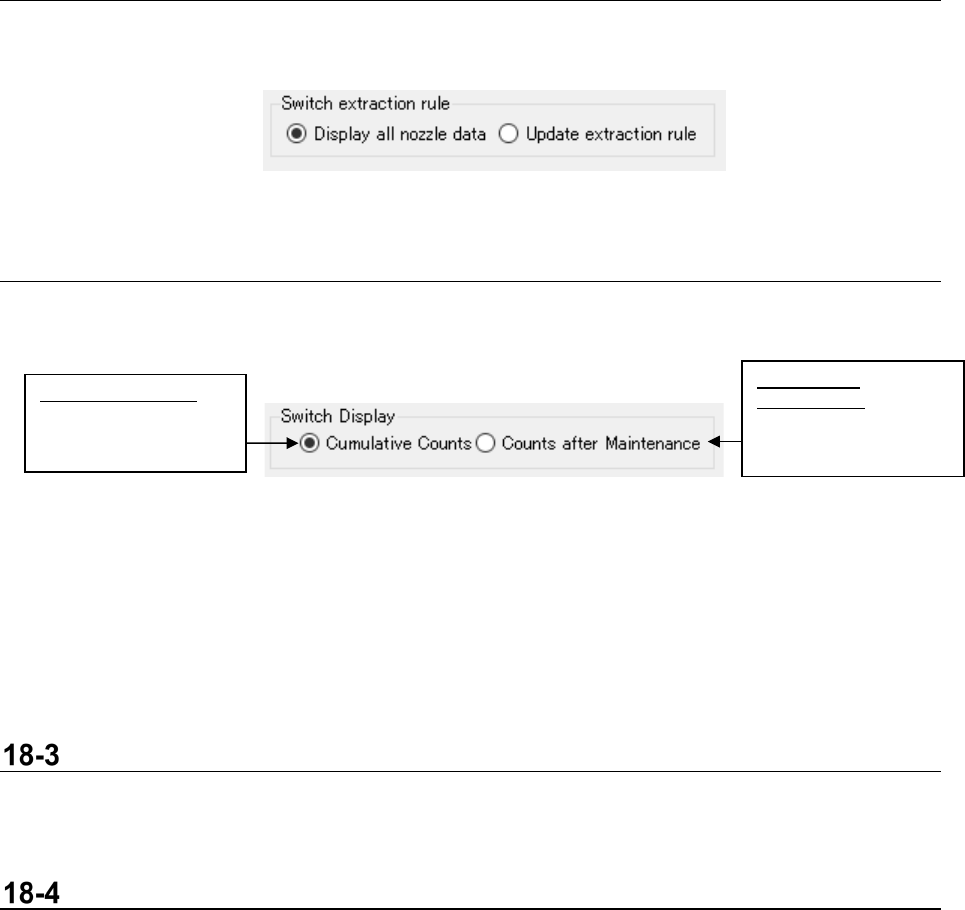
18-2-1 Search
The viewer allows you to search a nozzle serial number.
After the Viewer searches for the specified nozzle serial number, the cursor jumps to the line of
characters searched for by the Viewer.
Figur 18-2-1 Search
JaNets Instruction Manual 18. Nozzle Data Viewer
18-4
18-2-2 Reflecting the extraction rule
This menu item allows you to switch reflection of an extraction rule to be applied to the Viewer.
Figur 18-2-2 Reflection of an extraction rule
18-2-3 Normal counting/Counting after maintenance
This menu item switches the counting operation between the “Cumulative count” and the “Count after
maintenance” for nozzle data to be displayed with the Viewer.
Figur 18-2-3 Switching the counting operation between “normal counting”
and “counting after maintenance”
<<Counts after Maintenance>>
By registering maintenance data of nozzle data, the Viewer can subtract the number counted until
maintenance data was registered from the accumulated number to display the result. See Section
18-5 “Updating Maintenance Information” for how to register maintenance data.
Reacquiring Data
When you select the menu command [Reacquiring Data] from the “File” menu, the Viewer obtains
nozzle data again, and then updates the displayed contents.
Output a CSV File
When you select the menu command [Output a CSV File] form the “File” menu, the data displayed on
the Viewer is saved as a CSV file.
Counts after
Maintenance:
Number of times a
nozzle was used after
maintenance
Cumulative Counts:
Accumulated number
of times a nozzle was
used