JANETS_INM.pdf - 第696页
JaNets In structio n Manual 18 . N ozzle Dat a V iewer 18 -4 18 -2-2 Reflecting t he ext ract ion ru le This menu it em allows y ou to sw itch reflect ion of an extraction ru le to be appl ied to t he View er . Figur 18 …
JaNets Instruction Manual 18. Nozzle Data Viewer
18-3
Displaying Nozzle Data
Nozzle data is displayed on the screen.
Table 18-2-1 Items displayed by the Viewer
Name of an item displayed by the
Viewer
Description
Nozzle Serial Number
Serial number for identifying a nozzle
Nozzle No.
Nozzle number
Allocated Position Information
Information on the position to which a nozzle is allocated
“Machine name – Station ID – ATC ID – ATC hole number”
Components picked
Number of times a component was picked
Components placed
Number of times a component was placed on a board
Nozzle Replacement
Number of times a nozzle was replaced with another one
Nozzle Replacement Mistake
Number of times a nozzle replacement error occurred
Pick miss
Number of times a component pick-up error occurred
Retry
Number of times a component pick-up retry over error
occurred
Laser
Number of times a laser recognition error occurred
Tombstone
Number of times a defective standing of a component
occurred
Dimension
Number of times a component dimension error occurred
Attitude Check
Number of times a component posture check error occurred
Check of Parts Existence/
non-Existence before Mounting
Number of times a component existence check error
occurred before a component was placed on a board
Vision
Number of times an image recognition error occurred
Poor Sliding
Number of times a nozzle sliding failure occurred
LSC Recognition Errors
Number of times an LSC recognition error occurred
Verification Errors
Number of times a verification error occurred
Coplanarity Errors
Number of times a coplanarity error occurred
Number of EPV Image Taking Times
Number of times an EPV shooting error occurred
Number of Front/
Back Determination Error Times
Number of times a front/rear determination error occurred
Number of Mounting Determination
Error Times
Number of times a component placement determination
error occurred
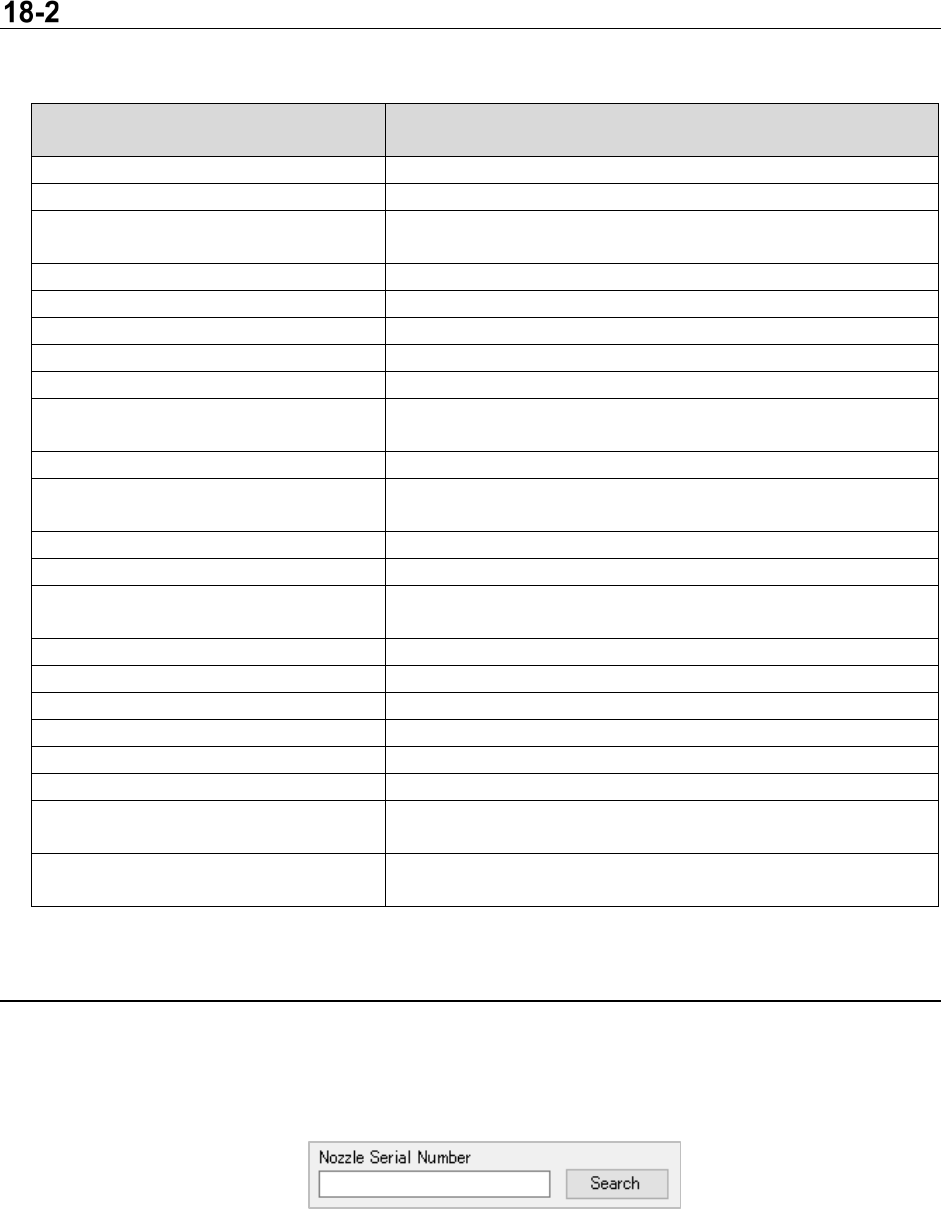
18-2-1 Search
The viewer allows you to search a nozzle serial number.
After the Viewer searches for the specified nozzle serial number, the cursor jumps to the line of
characters searched for by the Viewer.
Figur 18-2-1 Search
JaNets Instruction Manual 18. Nozzle Data Viewer
18-4
18-2-2 Reflecting the extraction rule
This menu item allows you to switch reflection of an extraction rule to be applied to the Viewer.
Figur 18-2-2 Reflection of an extraction rule
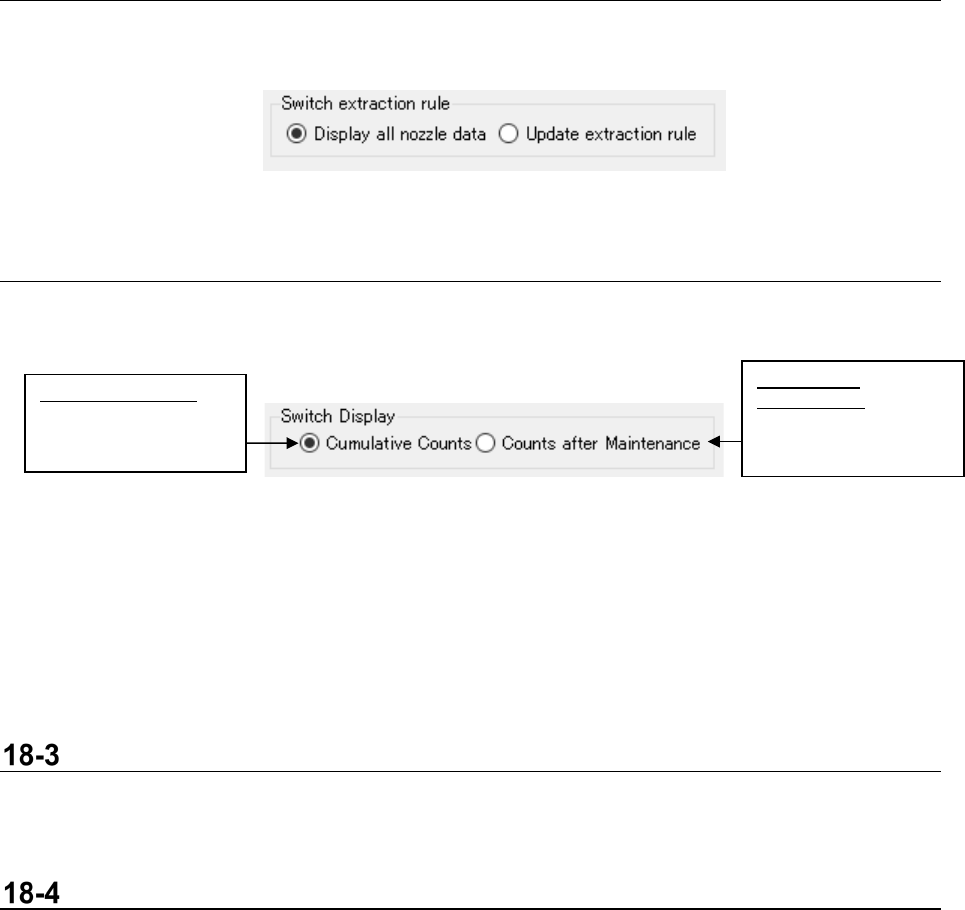
18-2-3 Normal counting/Counting after maintenance
This menu item switches the counting operation between the “Cumulative count” and the “Count after
maintenance” for nozzle data to be displayed with the Viewer.
Figur 18-2-3 Switching the counting operation between “normal counting”
and “counting after maintenance”
<<Counts after Maintenance>>
By registering maintenance data of nozzle data, the Viewer can subtract the number counted until
maintenance data was registered from the accumulated number to display the result. See Section
18-5 “Updating Maintenance Information” for how to register maintenance data.
Reacquiring Data
When you select the menu command [Reacquiring Data] from the “File” menu, the Viewer obtains
nozzle data again, and then updates the displayed contents.
Output a CSV File
When you select the menu command [Output a CSV File] form the “File” menu, the data displayed on
the Viewer is saved as a CSV file.
Counts after
Maintenance:
Number of times a
nozzle was used after
maintenance
Cumulative Counts:
Accumulated number
of times a nozzle was
used
JaNets Instruction Manual 18. Nozzle Data Viewer
18-5
Updating Maintenance Information
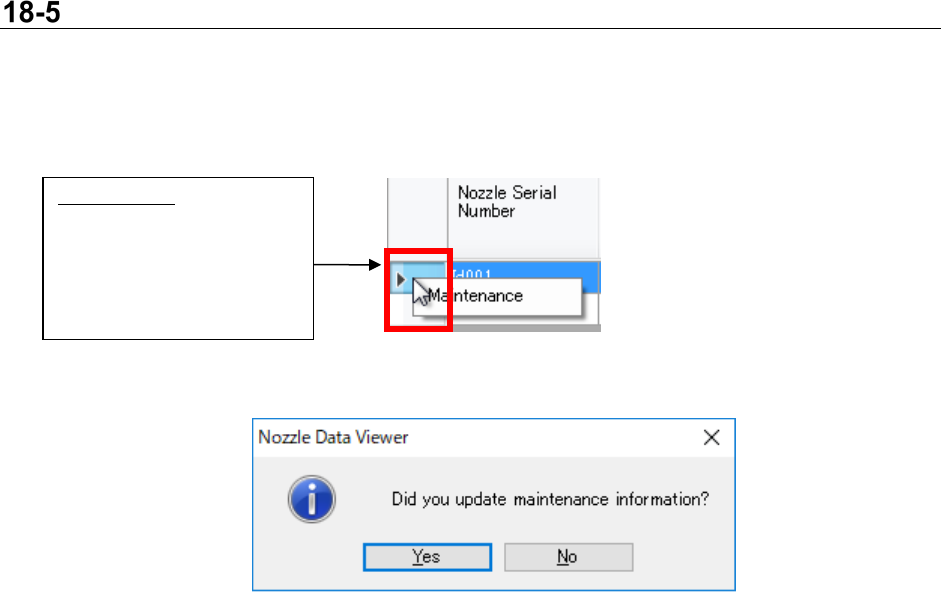
The specified nozzle maintenance data can be registered or updated.
Select a line of the Viewer, and then display the maintenance information updating dialog box from
the context menu.
Figur 18-5-1 Maintenance
Figur 18-5-2 Updating maintenance information
Maintenance:
Select a nozzle whose
maintenance data you want
to update, and then click the
right button of the mouse.
The context menu appears
on the screen.