JANETS_INM.pdf - 第96页
JaNets Instr ucti on Man ual 3. Launcher 3-1 3. Launch er Star ting Up th e La unche r Double - cl ick the “ JaNet s Launc her ” ico n on the d esktop scr een. The Launcher starts up.
JaNets Instruction Manual 2. Installation
2-67
2.6.6 If the serial number is different between the protect module and the added
license file
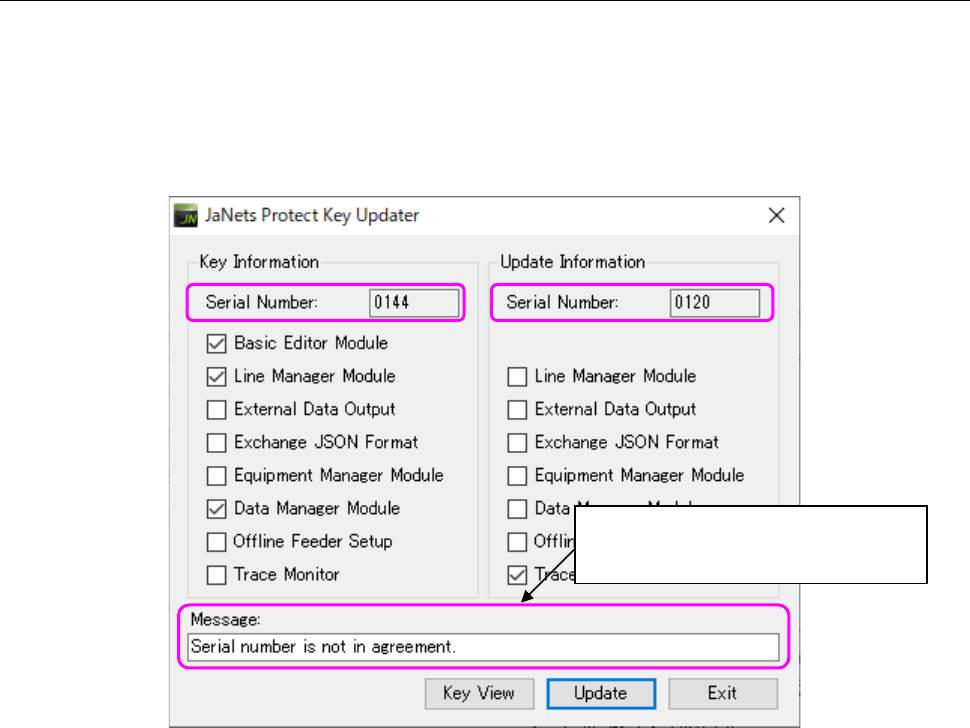
When you press the <Update> button if the serial number of the protect module is different from
that of the added license file, the corresponding message is displayed in the “Message” text box,
and the system cannot update the protect module.
Check to see if the protect module to be updated is correct.
The message “Serial number is not in agreement!” is displayed here.
Figure 2.6-7 If the serial number is different
The message “Serial number is not
in agreement!” is displayed here.
JaNets Instruction Manual 3. Launcher
3-1
3. Launcher
Starting Up the Launcher
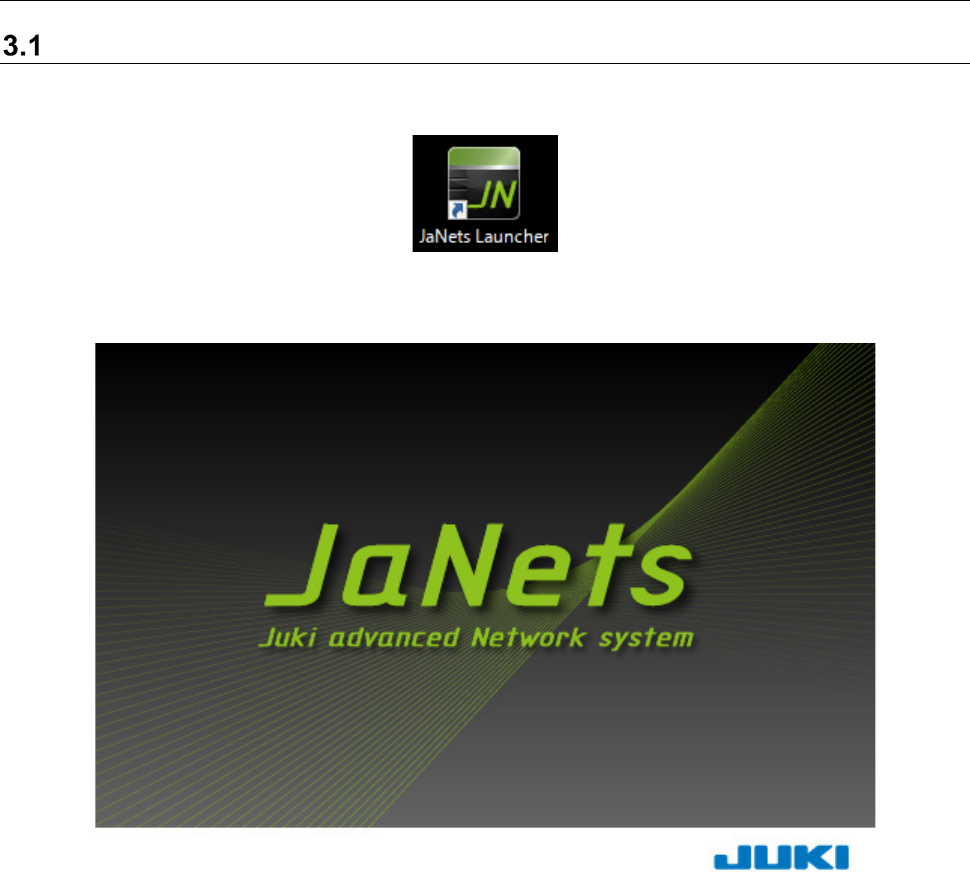
Double-click the “JaNets Launcher” icon on the desktop screen.
The Launcher starts up.
JaNets Instruction Manual 3. Launcher
3-2
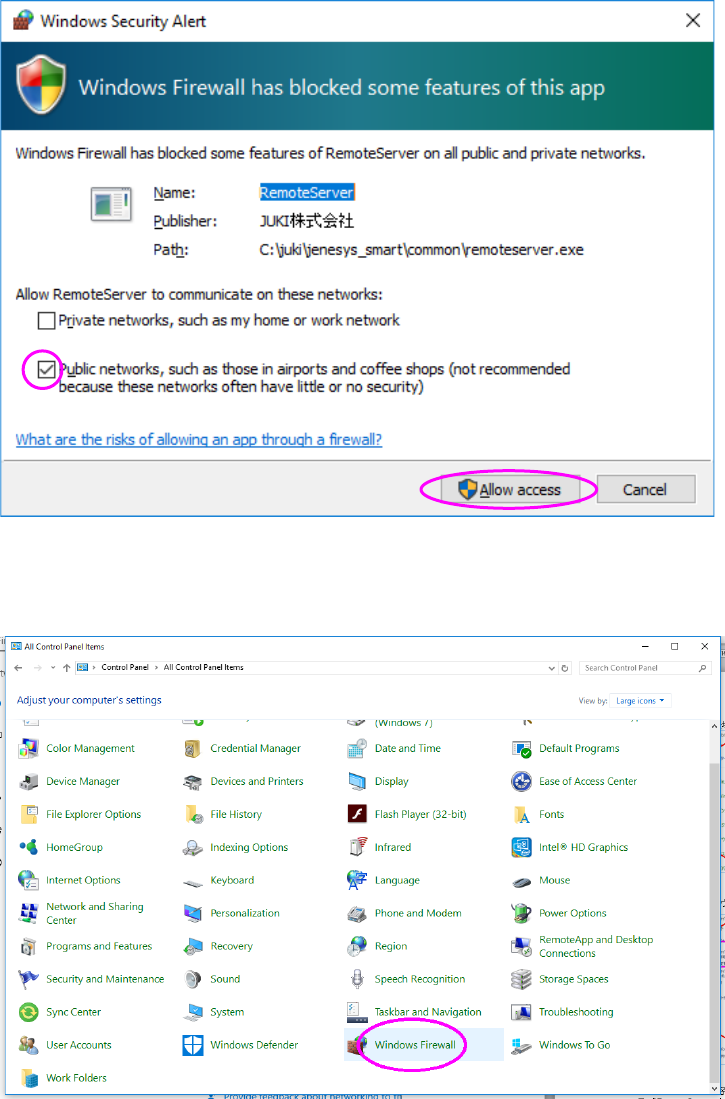
* When Windows firewall is made effective
A security warning dialog is displayed when the launcher is started. At this time, make sure
that “Public network” is checked off and then press the “Allow access” button.
If any setting other than the above is performed, open “Windows firewall” from “Control panel.”