CP40 service manual.pdf - 第180页
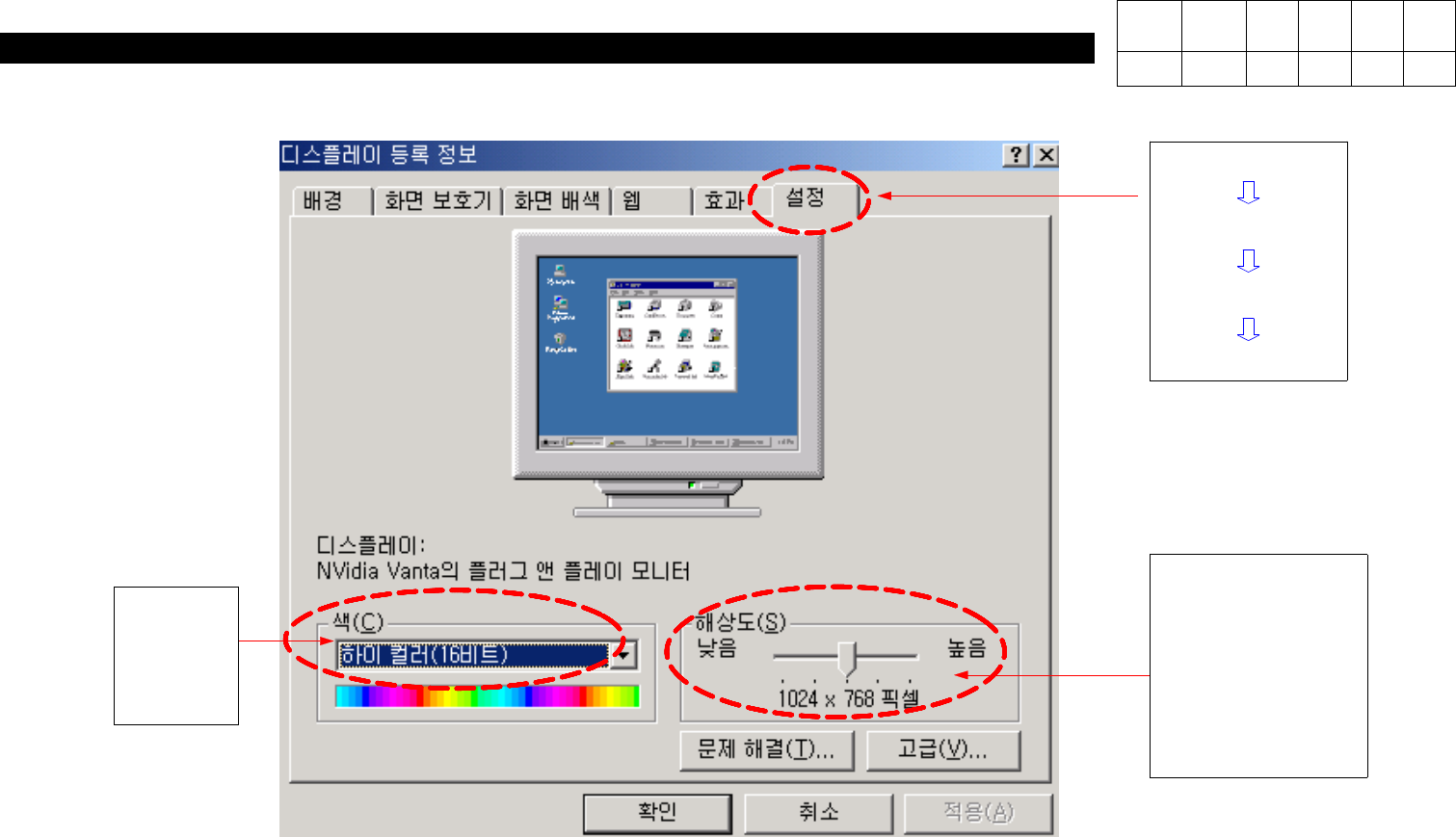
6. Computer (CP-40) Start Control Panel Display Setup <Resolution> CP-20/40/50 800 * 600 pixel CP-45 1024 * 768 pixel <Color> High Color (16 Bit ) Version Date WA QA CA Note 00 Nov04 O O O

6. Computer
(CP-40)
Material Graphic card , User's Manual(Chapter 3. Drive Installation)
S/W Driver CD(for Installation)
Tool
4. Preparation
<Working Procedures>
1. Remove the Old Graphic Card from Mother Board and Install NVIDIA GEFORCE2 MX200 32MB(AGP) Graphic Card.
2. Insert CD for Installation into CD-ROM and Execute "Setup" File in the below Path.
Path : CD-ROMDRIVE:\MX200-400\Win9X
3. After Completing Driver Installation, Restart System then Newly Installed Driver will be Applied.
4. After Restarting System, Set Color and Resolution in Display Registration Information.
- Color : High Color(16 Bit) - Resolution : CP-20/40/50 ==> 800 * 600 pixel
CP-45 ==> 1024 * 768 pixel
Version Date WA QA CA Note
00 Nov04 O O O
6. Computer
(CP-40)
Start
Control Panel
Display
Setup
<Resolution>
CP-20/40/50
800 * 600 pixel
CP-45
1024 * 768 pixel
<Color>
High
Color
(16 Bit)
Version Date WA QA CA Note
00 Nov04 O O O
7. Rack Ass'y
(CP-40)
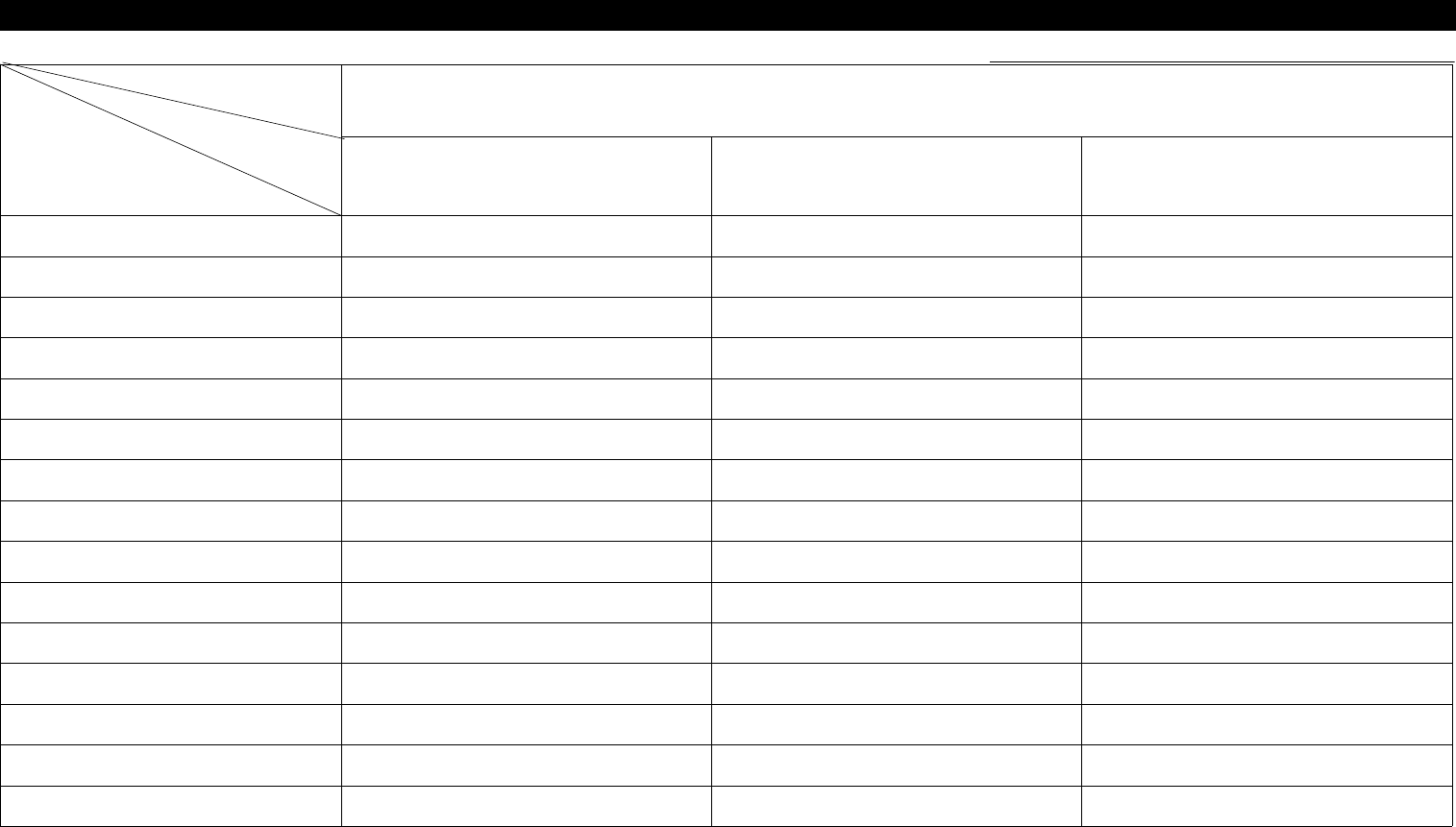
7-1. Trouble Diagnosis Guide Table
Malfunction
Control Board VME Board Vision Board
VMEBoardDIPSWSetting 4
Connector Contact Check 1 1 1
VME Board Battery Contact Check 2
VME Board Battery Replacement 5
VME Board ROM Replacement 6
VME Board Re-insertion 3
Back Plane Replacement 4
I/O DPRAM Board Re-insertion 2
I/O DPRAM Board Replacement 3
ADDA Board Re-insertion 2
ADDA Board Replacement 4
DSP Board Re-insertion 3
DSP Board Replacement 5
Parts
Symptom
Check and Action
# Number Indicates Priority of Check Items.