Instrucciones de uso_HF3_14_es.pdf - 第316页
2. Clique en para cerrar el cuadro de diálogo. Descripción de funciones | 6 Ersa GmbH Instrucciones de uso_HF3_14_es | 30/10/2014 316 / 0
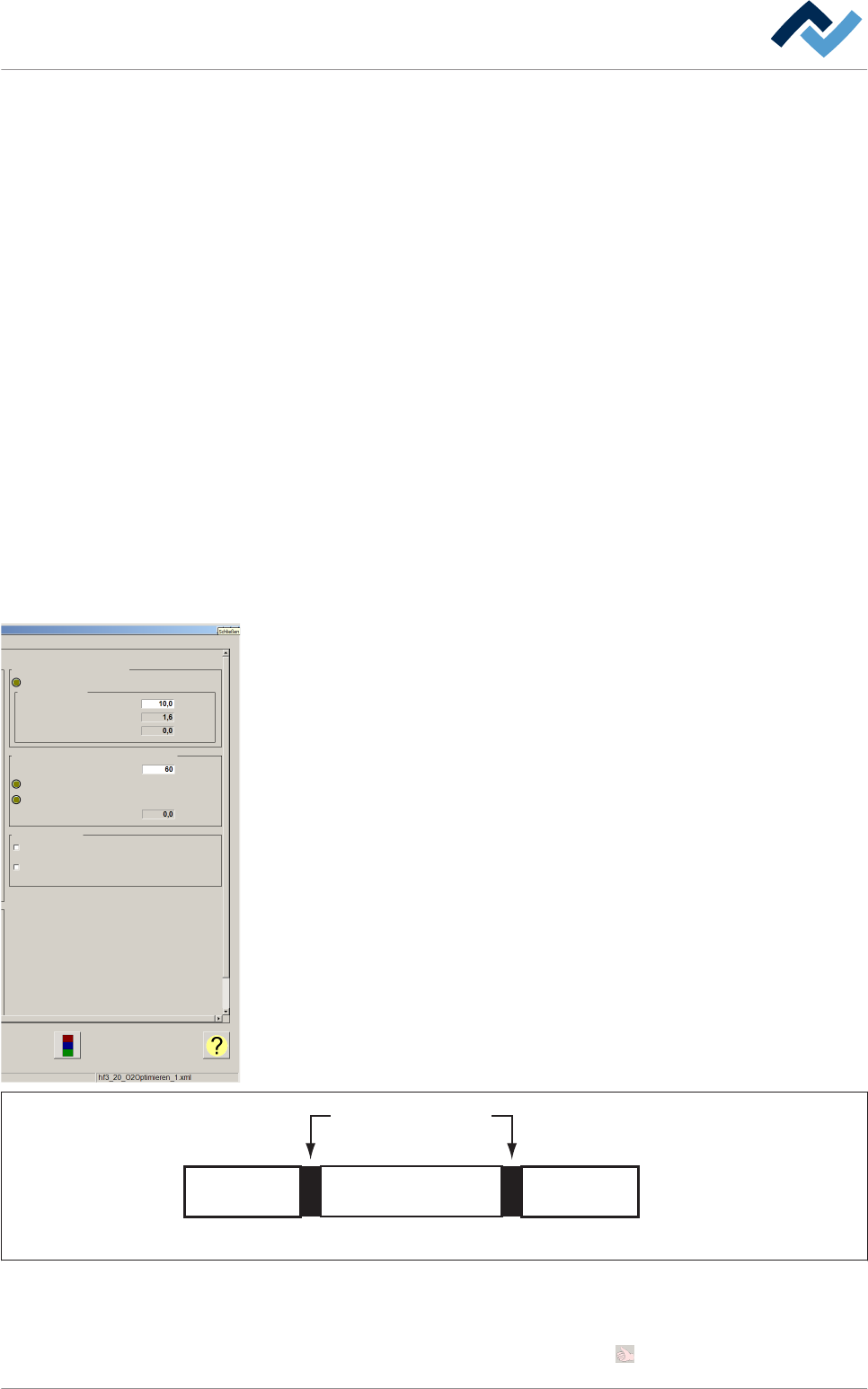
▪ Step [Current step]
▪ Hardware signals: Send from conveyor ['Not busy' send to N-1]
▪ Hardware signals: Send from conveyor ['Fault cascade error free' send to N-1]
Estado de la señal del transportador en el recuadro [Conveyor 1]
▪ [Conveyor active]
▪ [Conveyor track is ready]
▪ [Outfeed ready]
Estado del aislamiento del material para la soldadura en el recuadro
[Separation]
▪ [Separation active]
▪ Board separation time [Edit value]
▪ Board separation time [Set value]
▪ Board separation time [Actual value]
▪ Board separation distance [Edit value]
▪ Board separation distance [Set value]
▪ Board separation distance [Actual value]
Recuadro [Board reliable in machine]
▪ [Board reliable in machine active]
▪ Waiting time [Edit value]
▪ Waiting time [Set value]
▪ Waiting time [Actual value]
Recuadro [Error inline interface in infeed]
▪ [Time till error INLINE infeed]
▪ [Error active]
▪ [Monitoring time for error active]
▪ [Time actual value]
Recuadro [release]
▪ [release of N - 1 only in automatic]
▪ [User needs to release infeed after change to automatic mode]
Observe la figura siguiente:
Dispositivo
de soldadura
Dispositivo
anterior
Siguiente
dispositivo
Interfaz
SMEMA / WMW
n + 1n - 1 n
Abb. 118: Representación esquemática de las instalaciones y de las interfaces
ü Aceptar la configuración, cerrar el diálogo
1. Para aceptar la configuración clique el botón .
Board reliable in machine
Board reliable in machine active
Waiting time
Edit value
Set value
Actual value
Error inline interface in infeed
Error active
Monitoring time for error active
Time actual value
release
release of N - 1 only in automatic
User needs to release infeed after change to automatic mode
mm
s
s
s
s
Time till error INLINE infeed
Descripción de funciones | 6
Ersa GmbH Instrucciones de uso_HF3_14_es | 30/10/2014 315 / 0
2. Clique en para cerrar el cuadro de diálogo.
Descripción de funciones | 6
Ersa GmbH Instrucciones de uso_HF3_14_es | 30/10/2014 316 / 0
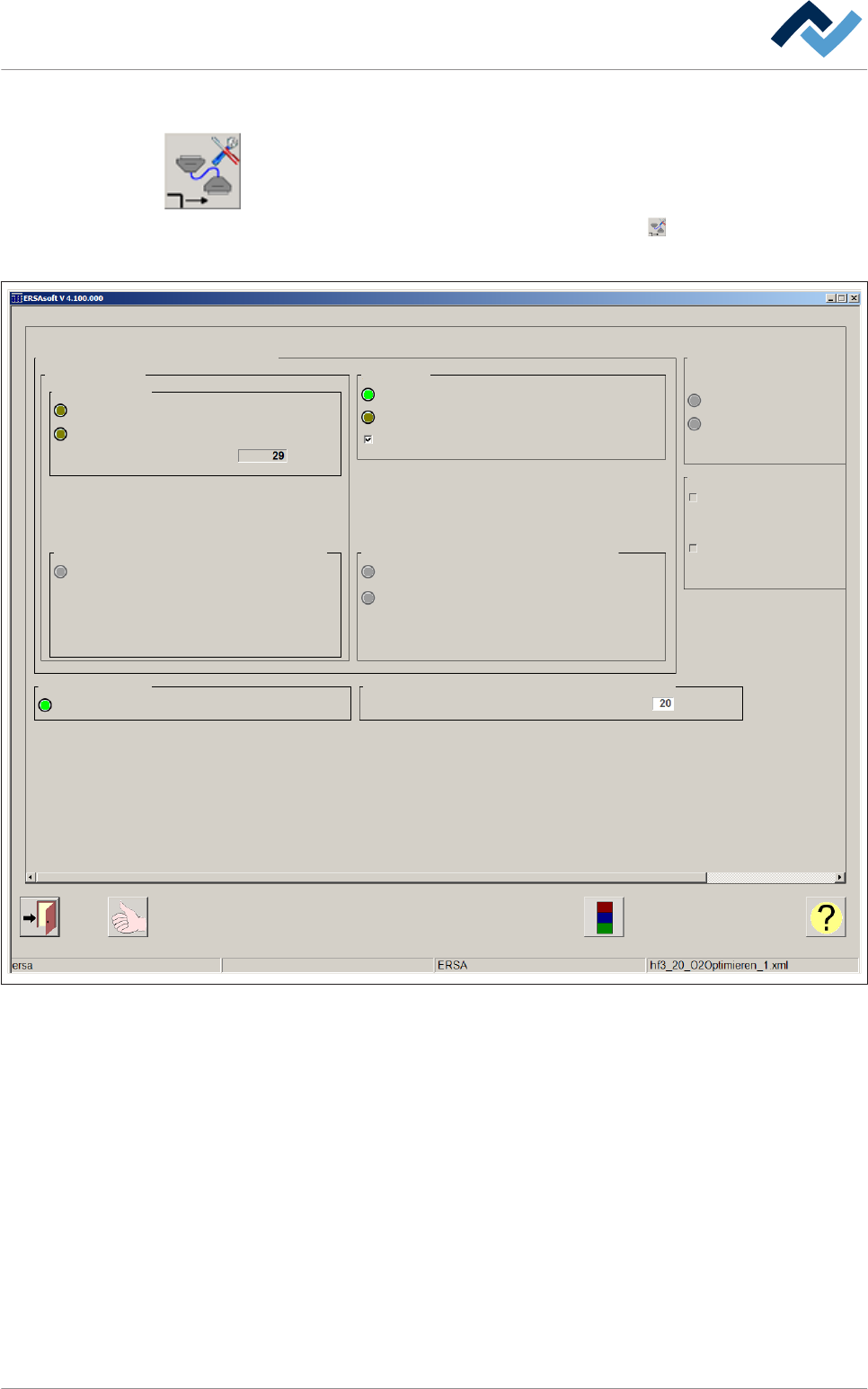
Inline interface outfeed SMEMA
ü Para abrir la ventana de diálogo de las configuraciones [Inline interface outfeed
SMEMA]:
1. Abra la ventana de introducción [Conveyor]
2. En el recuadro [Conveyor 1] haga clic en el botón .
ð Se abre la ventana de las configuraciones:
Inline interface outfeed SMEMA Conveyor 1 Settings
Maintenance mode
Signals of inline interface SMEMA
Inside machine
ISAL sensor
Sensor ISAL hardware signal
Sensor ISAL software signal
Number of boards
Hardware signals: Send from conveyor
'Board available' send to N+1
Conveyor 1
Conveyor active
Active
Interface configured
Interface active
ignore N + 1
Hardware signals: Send to conveyor
'Not busy' received from N+1
'Fault cascade error free' received from N+1
Signal delay
Signal delay of release from N + 1
s
Error inline interface in outfeed
Error active
Monitoring time for error active
Time till error INLINE exit
Congestion monitoring with inline interface signal "Error n+1"
Create warning on congestion
Create alarm on congestion
Time until creation of warning
Time until creation of alarm
Time actual value
Abb. 119: Ventana de diálogo de las configuraciones [Inline interface outfeed SMEMA]
Estado de la señal de las Inline interface en el recuadro [Signals of inline
interface SMEMA]
En el recuadro [Inside machine]:
▪ ISAL sensor [Sensor ISAL hardware signal]
▪ ISAL sensor [Sensor ISAL software signal]
▪ ISAL sensor [Number of boards]
▪ Hardware signals: Send from conveyor ['Board available' send to N+1]
En el recuadro [Active]:
▪ [Interface configured]
▪ [Interface active]
▪ [ignore N + 1]
Descripción de funciones | 6
Ersa GmbH Instrucciones de uso_HF3_14_es | 30/10/2014 317 / 0